
1. Продукт бүтүп калдыview
The DAYTECH WiFi Smart Fridge Freezer Thermometer provides real-time temperature and humidity monitoring for refrigerators, freezers, and other environments. It features app alerts, a clear digital display, and remote monitoring capabilities via a 2.4GHz Wi-Fi connection. This device helps ensure optimal storage conditions and prevents spoilage due to temperature fluctuations.

Image: The main unit of the DAYTECH WiFi Smart Fridge Freezer Thermometer with its external probe. The unit displays temperature and humidity, and the probe is designed for internal appliance monitoring.
2. Пакеттин мазмуну
- DAYTECH WiFi Smart Fridge Freezer Thermometer Main Unit
- Тышкы температура зонду
- 3 AAA батарейка (алдын ала орнотулган же өзүнчө кошулган)
- Suction Cup for Probe Installation
- Magnetic Sticker for Main Unit Installation
- Колдонуучунун Колдонмосу (бул документ)
3. Орнотуу жана орнотуу
3.1 Батареяны орнотуу
The device requires 3 AAA batteries. If not pre-installed, open the battery compartment on the back of the main unit and insert the batteries, observing the correct polarity. The device will power on automatically.

Image: Illustration of the battery compartment with three AAA batteries inserted, highlighting the 12-month battery life and low battery reminder feature.
3.2 Физикалык жайгаштыруу
- Негизги блок: Place the main unit outside the refrigerator or freezer. It can be rested on top of the appliance or attached to its side using the provided magnetic sticker. Ensure it is within range of your 2.4GHz Wi-Fi network.
- Температура зонду: Secure the probe inside your refrigerator or freezer using the included suction cup. The probe cable is thin enough to run along the door gasket without affecting the seal. Ensure the probe tip is positioned to accurately measure the internal temperature.

Image: The main unit of the thermometer positioned on top of a refrigerator, displaying temperature and humidity. The external probe is shown installed inside the refrigerator with a suction cup.

Сүрөт: жакын план view of the temperature probe secured inside a refrigerator using a suction cup, demonstrating proper installation.
3.3 App Connection (Smart Life App)
- Колдонмону жүктөп алуу: Download and install the "Smart Life" app from your smartphone's app store (iOS or Android).
- Bluetooth иштетүү: Телефонуңузда Bluetooth иштетилгенин текшериңиз.
- Түзмөк кошуу: Open the Smart Life app, tap the "+" icon to add a new device.
- Жупташтыруу режимине кирүү: On the thermometer main unit, press and hold the top button (often labeled "Set Key" or similar) until the Wi-Fi icon on the display blinks.
- Wi-Fi'га туташуу: In the app, select the device type (usually "Temperature Sensor" or "Hygrometer"). Enter your 2.4GHz Wi-Fi network name and password. Note: The device only supports 2.4GHz Wi-Fi networks.
- Байланышты ырастоо: Follow the on-screen prompts in the app to complete the connection. Once successful, the Wi-Fi icon on the thermometer's display will stop blinking and remain solid.

Image: A visual guide illustrating the six steps to connect the DAYTECH thermometer to the Smart Life mobile application, including enabling Bluetooth, adding the device, and entering Wi-Fi credentials.
4. Иштөө нускамалары
4.1 Маалыматты көрсөтүү
The LCD display on the main unit shows the current room temperature, probe temperature, and humidity. The Wi-Fi status and battery level are also indicated.
4.2 Которуу температурасынын бирдиктери (°C/°F)
To switch between Celsius (°C) and Fahrenheit (°F) on the device display, quickly press the "reset button" (often the same as the "Set Key" used for pairing) two times.

Image: A hand pressing the button on the thermometer, with text explaining that two quick presses switch the temperature unit between Celsius and Fahrenheit.
4.3 Алыстан мониторинг жана эскертүүлөр
Once connected to the Smart Life app, you can:
- View Реалдуу убакыттагы маалыматтар: Check current room temperature, probe temperature, and humidity from anywhere via the app.
- Set Temperature Ranges: Configure custom high and low temperature thresholds for both the room and probe sensors.
- Тез эскертүүлөрдү алыңыз: The app will send push notifications to your phone if the temperature or humidity goes outside the preset ranges. This feature does not require a subscription.
- Access Data History: The app automatically records temperature and humidity data, allowing you to view trends and export up to one year of historical data.
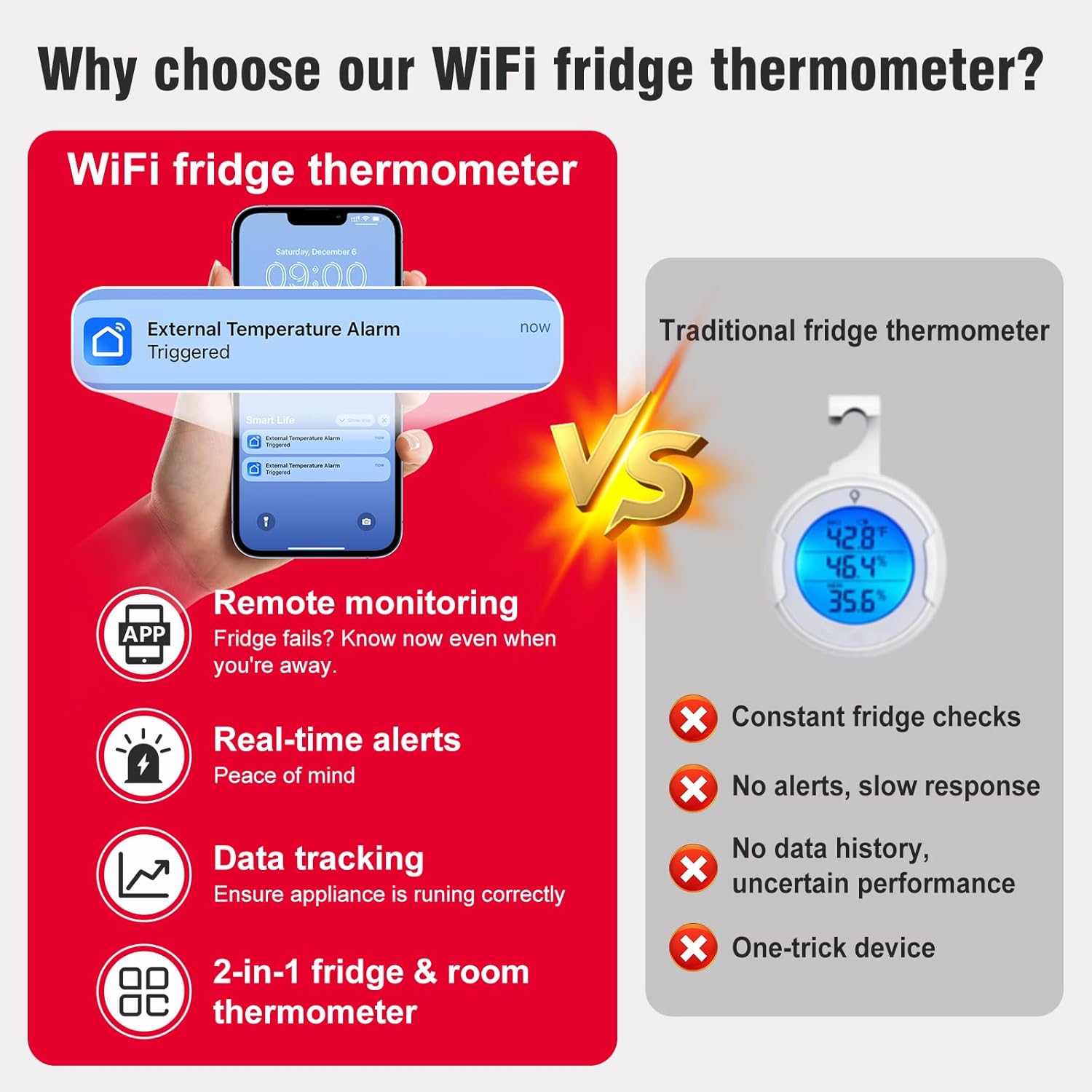
Image: A smartphone screen showing a "Smart Life" app notification for an "External Temperature Alarm Triggered," demonstrating the real-time alert feature.

Image: The Smart Life app interface displaying temperature alert settings with adjustable upper and lower limits, alongside a graph showing historical probe temperature data over several days.

Image: A person sitting at a desk, viewing temperature data on both a computer spreadsheet and a smartphone app, illustrating the data tracking and export capabilities.
5. Техникалык тейлөө
5.1 Батареяны алмаштыруу
The device has a battery life of approximately 12 months. The app will provide low-power reminders. When the battery icon on the display or in the app indicates low power, replace the 3 AAA batteries. Refer to section 3.1 for battery installation instructions.
5.2 Тазалоо
Wipe the main unit and probe with a soft, dry cloth. Do not use abrasive cleaners or immerse the main unit in water. The probe can be gently cleaned with a damp зарыл болсо, кездеме.
6. Кыйынчылыктарды
- Түзмөк Wi-Fi'га туташпай жатат:
- Wi-Fi тармагыңыз 2.4 ГГц экенин текшериңиз. Түзмөк 5 ГГц тармактарды колдобойт.
- Wi-Fi сырсөзүнүн колдонмого туура киргизилгендигин текшериңиз.
- Түзмөк Wi-Fi роутериңиздин жеткиликтүүлүк диапазонунда экенин текшериңиз.
- Restart the device by removing and reinserting the batteries, then try the pairing process again.
- Температуранын так эмес көрсөткүчтөрү:
- Ensure the probe is properly positioned and not obstructed.
- Allow sufficient time (e.g., 30 minutes) for the probe to stabilize to the ambient temperature of the appliance.
- Калибрлөө: If you suspect consistent inaccuracy, the probe temperature can be calibrated via the Smart Life app.
- In the app, tap the list icon in the upper-right corner of the device page, then select "Setting".
- Find "Probe Temp Calibration" and adjust the value as needed.
- Өзгөртүүлөрдү ырастаңыз.

Image: A five-step visual guide demonstrating how to access the settings in the Smart Life app to calibrate the probe temperature.
- Колдонмо эскертмелери жок:
- Check if temperature alert ranges are correctly set in the app.
- Ensure your phone's notification settings allow alerts from the Smart Life app.
- Verify the device is connected to Wi-Fi and reporting data.
- Limited Account Access: The device can typically be added to one primary Smart Life account. Sharing access with other family members may require specific app features or workarounds, which can vary by app version.
7. Техникалык шарттар
| Өзгөчөлүк | Спецификация |
|---|---|
| Модель номери | TY-TH02-1PC |
| Түзмөктүн өлчөмдөрү | 2.2 x 2.2 x 0.9 дюйм (5.6 x 5.6 x 2.3 см) |
| Зонд кабелинин узундугу | 39.37 дюйм (100 см) |
| Зонддун температура диапазону | -40°F – 248°F (-40°C – 120°C) |
| Температуранын тактыгы | ±0.9°F / 0.5°C |
| Нымдуулуктун тактыгы | ±5% RH |
| Жаңыртуу жыштыгы | 2 секунд |
| Байланыш | 2.4 ГГц Wi-Fi (IEEE 802.11 b/g/n) |
| Power Source | 3 x AAA Батареялар (кошулган) |
| Батареянын иштөө мөөнөтү | Болжол менен 12 ай |
| Дисплей түрү | LCD экран |
| Материал | Акрилонитрил бутадиен стирол (ABS) |
| Ички/тышкы колдонуу | Indoor |
8. Кепилдик жана колдоо
DAYTECH provides customer support for any questions or issues encountered during the use or connection of the thermometer. If you experience any problems, please contact DAYTECH customer service via Amazon email for assistance. They aim to provide a satisfactory reply to all inquiries.
For specific warranty details, please refer to the product packaging or contact DAYTECH directly.