
Introduction
This user manual is designed to help you confidently and easily master your new Xiaomi Redmi Note 14 or 14 Pro (5G) smartphone. It provides clear, step-by-step instructions with illustrative images and straightforward explanations to guide you through setting up your device, customizing its features, and utilizing all essential daily functions.
Whether you are new to smartphones or simply seeking a modern and comprehensive guide, this book will gently lead you through all fundamental and advanced settings within HyperOS. It explains useful system functions and demonstrates how to use your device efficiently, securely, and conveniently.
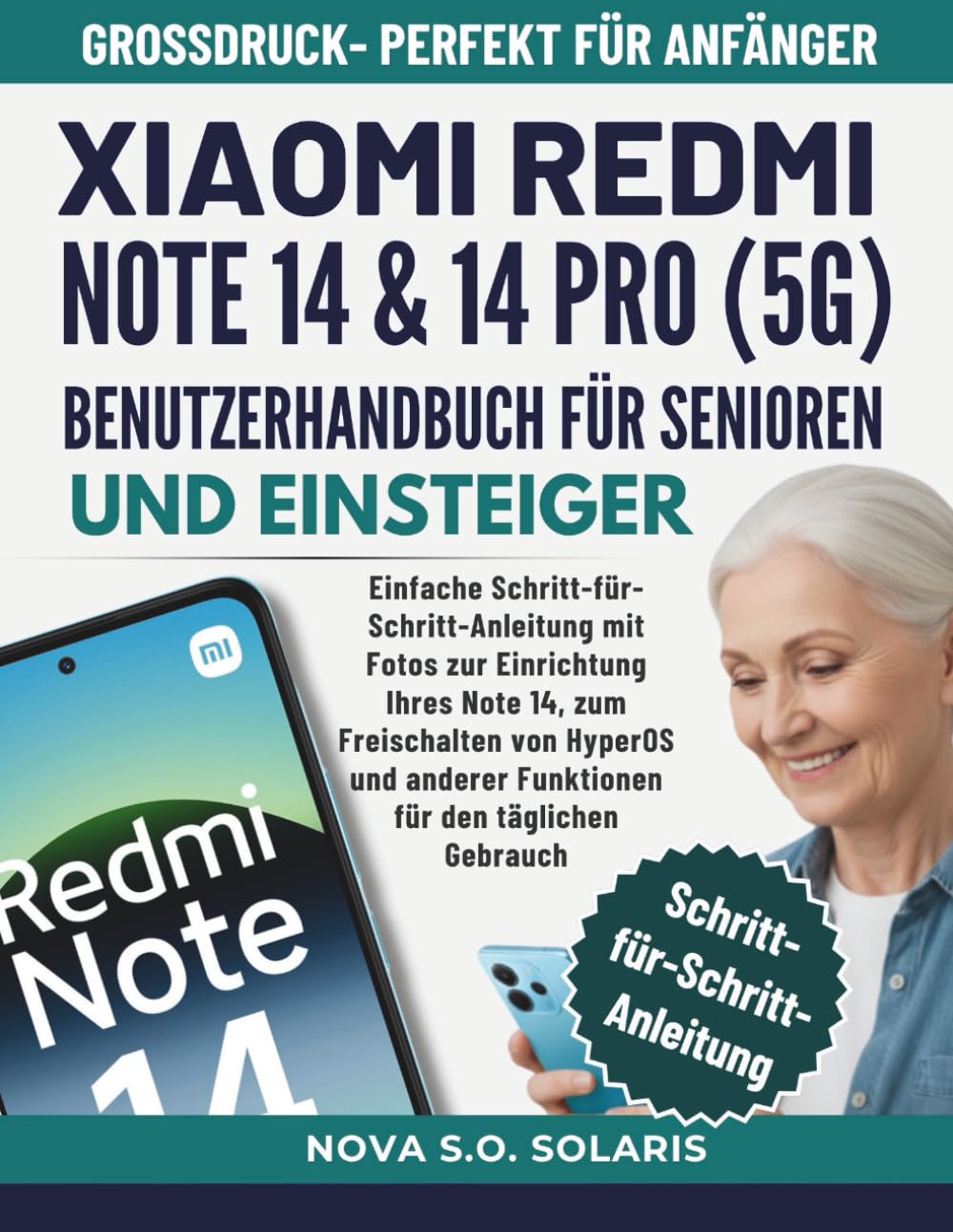
Figure 1: Front cover of the Xiaomi Redmi Note 14 & 14 Pro (5G) User Manual.
Баштапкы орнотуу
This section details the process of setting up your Xiaomi Redmi Note 14 or 14 Pro (5G) for the first time. Follow these steps to ensure a smooth start with your new device.
- Күйгүзүү: Xiaomi логотиби пайда болгонго чейин кубат баскычын басып, кармап туруңуз.
- Тил тандоо: Тизмеден каалаган тилиңизди тандаңыз.
- Аймакты тандоо: Өлкөңүздү же регионуңузду тандаңыз.
- Wi-Fi'га туташуу: Select your Wi-Fi network and enter the password. This is crucial for downloading updates and setting up your Google account.
- Шарттар жана жоболор: Read and accept the user agreement and privacy policy.
- Google Каттоо эсебин орнотуу: Учурдагы Google аккаунтуңуз менен кириңиз же жаңысын түзүңүз. Бул Google Play Дүкөнүнө жана башка Google кызматтарына кирүү үчүн керек.
- Маалыматтарды өткөрүү (кошумча): If you are upgrading from an old device, you may have the option to transfer data. Follow the on-screen prompts.
- Коопсуздук жөндөөлөрү: Set up a screen lock (PIN, pattern, password, fingerprint, or face unlock) to protect your device.
- Кошумча орнотуулар: Configure other settings like location services, diagnostics, and app permissions as prompted.
- Толук орнотуу: Once all steps are completed, your device will be ready for use.
Түзмөгүңүздү иштетүү
This section covers the fundamental operations and customization options available on your Xiaomi Redmi Note 14 / 14 Pro (5G) running HyperOS.
Негизги функциялар
- Чалууларды жасоо: ачыңыз Телефон колдонмосун ачып, номерди киргизип, чалуу сүрөтчөсүн таптаңыз.
- Кабарларды жөнөтүү: колдонуу Кабарлар app to compose and send SMS/MMS.
- Камераны колдонуу: ишке киргизүү Камера app to take photos and record videos. Explore different modes like Portrait, Night, and Pro.
- Интернетте серептөө: ачуу а web browser (e.g., Chrome) to access webсайттар.
- Колдонмо башкаруу: Download new applications from the Google Play Store. To uninstall, press and hold an app icon and select "Uninstall."
HyperOS Customization and Security
HyperOS offers extensive options to personalize your device and enhance its security. Navigate to the Орнотуулар app to access these features.
- Дисплейдин жөндөөлөрү: Adjust brightness, dark mode, refresh rate, and font size for optimal viewing.
- Үн жана титирөө: Customize ringtones, notification sounds, and haptic feedback.
- Wallpaper & Personalization: Change your home screen and lock screen wallpapers, themes, and icon styles.
- Коопсуздук жана Купуялык: Manage screen lock methods, app permissions, privacy dashboard, and find my device settings.
- Батареяны оптималдаштыруу: Monitor battery usage and enable power-saving modes to extend battery life.
Техникалык тейлөө
Regular maintenance helps ensure the longevity and optimal performance of your Xiaomi Redmi Note 14 / 14 Pro (5G).
- Программалык камсыздоо жаңыртуулары: Regularly check for and install system updates via Орнотуулар > Телефон жөнүндө > MIUI версиясы (or HyperOS version). Updates often include performance improvements and security patches.
- Сактагычты башкаруу: Мезгил-мезгили менен ачык-айкын керексиз files, cache data, and uninstall unused apps to free up storage space. Go to Орнотуулар > Сактагыч.
- Батареянын ден соолугу: Avoid extreme temperatures and fully draining the battery frequently. Use the original charger for optimal charging.
- Тазалоо: Аппараттын экранын жана корпусун тазалоо үчүн жумшак, түксүз чүпүрөктү колдонуңуз. Катуу химиялык заттардан алыс болуңуз.
- Маалыматтын камдык көчүрмөсү: Regularly back up important data to a cloud service or computer to prevent data loss.
Проблемаларды чечүү
This section provides solutions for common issues you might encounter with your device. If you experience problems, refer to these tips before seeking professional assistance.
- Түзмөк жооп бербейт: If your device freezes, press and hold the power button for about 10-15 seconds to force a restart.
- Батареянын бат түгөнүп калышы: Батареянын колдонулушун текшериңиз Орнотуулар > Батарея to identify power-hungry apps. Reduce screen brightness, disable unnecessary features like GPS or Bluetooth when not in use, and enable power-saving mode.
- Колдонмолор бузулуп жатат: Clear the cache and data for the problematic app via Орнотуулар > Колдонмолор > Колдонмолорду башкаруу. Эгер маселе чечилбесе, колдонмону чыгарып салып, кайра орнотуңуз.
- Тармакка туташуу маселелери:
- Wi-Fi: Restart your router and your phone. Forget the network in Wi-Fi settings and reconnect.
- Мобилдик маалыматтар: Ensure mobile data is enabled. Check your SIM card and network settings. Restart your device.
- Жай аткаруу: Free up storage space, close background apps, and restart your device regularly. Consider a factory reset as a last resort (back up your data first).
- Манжа изинин сенсору иштебей жатат: Манжаңыздын таза жана кургак экенине ынаныңыз. Манжа издериңизди кайра каттаңыз Орнотуулар > Сырсөздөр жана коопсуздук > Манжа изи менен кулпудан ачуу.

Figure 2: Back cover of the Xiaomi Redmi Note 14 & 14 Pro (5G) User Manual.
Техникалык шарттар
Below are the key specifications for the Xiaomi Redmi Note 14 & 14 Pro (5G) user manual book itself, as provided in the product information.
| Өзгөчөлүк | Деталь |
|---|---|
| ASIN | B0G2LLZKFY |
| Жарыялоочу | Көз карандысыз басылып чыккан |
| Жарыяланган датасы | 17-ноябрь, 2025-жыл |
| Тил | Немисче |
| Басып чыгаруу узундугу | 135 бет |
| ISBN-13 | 979-8274856379 |
| Элемент Салмагы | 14.7 унция |
| Өлчөмдөр | 8.5 x 0.31 x 11 дюйм |
Note: These specifications pertain to the physical book manual, not the smartphone itself.
Кепилдик жана колдоо
Information regarding the warranty for the Xiaomi Redmi Note 14 & 14 Pro (5G) smartphone, as well as official support channels, is typically provided with the device packaging or available on the official Xiaomi website. This manual focuses on operational instructions and does not contain specific warranty details or direct support contact information.
For product warranty claims, technical assistance, or service inquiries, please refer to the documentation included with your smartphone or visit the official Xiaomi support portal.