
1. Киришүү
This manual provides detailed instructions for the use and maintenance of your TAGRY H08 Hybrid Active Noise Cancelling Bluetooth Headphones. Please read this manual carefully before use to ensure optimal performance and longevity of your device.
2. Кутуда эмне бар
- TAGRY H08 Headphones
- User Manual
- AUX 3.5 мм аудио кабели
- Саякат баштыгы
- C түрүндөгү кубаттоочу кабель
3. Продукт бүтүп калдыview
The TAGRY H08 headphones feature a sleek design with intuitive controls for an enhanced audio experience.

Сүрөт: TAGRY H08 Hybrid Active Noise Cancelling Bluetooth Headphones in black. This image shows the overall design of the headphones.
Негизги өзгөчөлүктөрү:
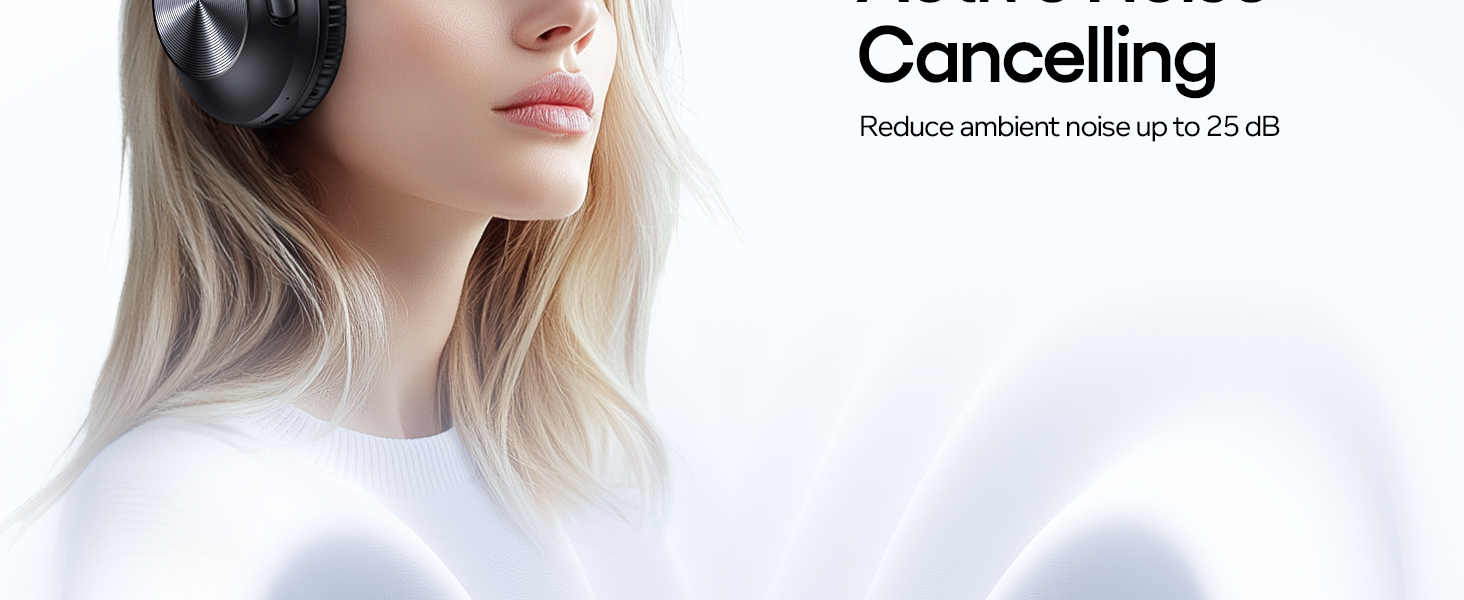
- Гибриддик активдүү ызы-чууну жокко чыгаруу (ANC): Reduces up to 95% of ambient noise.
- 100 саат ойноо убактысы: Узак угуу сессиялары үчүн батареянын иштөө мөөнөтү узартылды.
- Тез кубаттоо: 5-minute charge provides 10 hours of music.
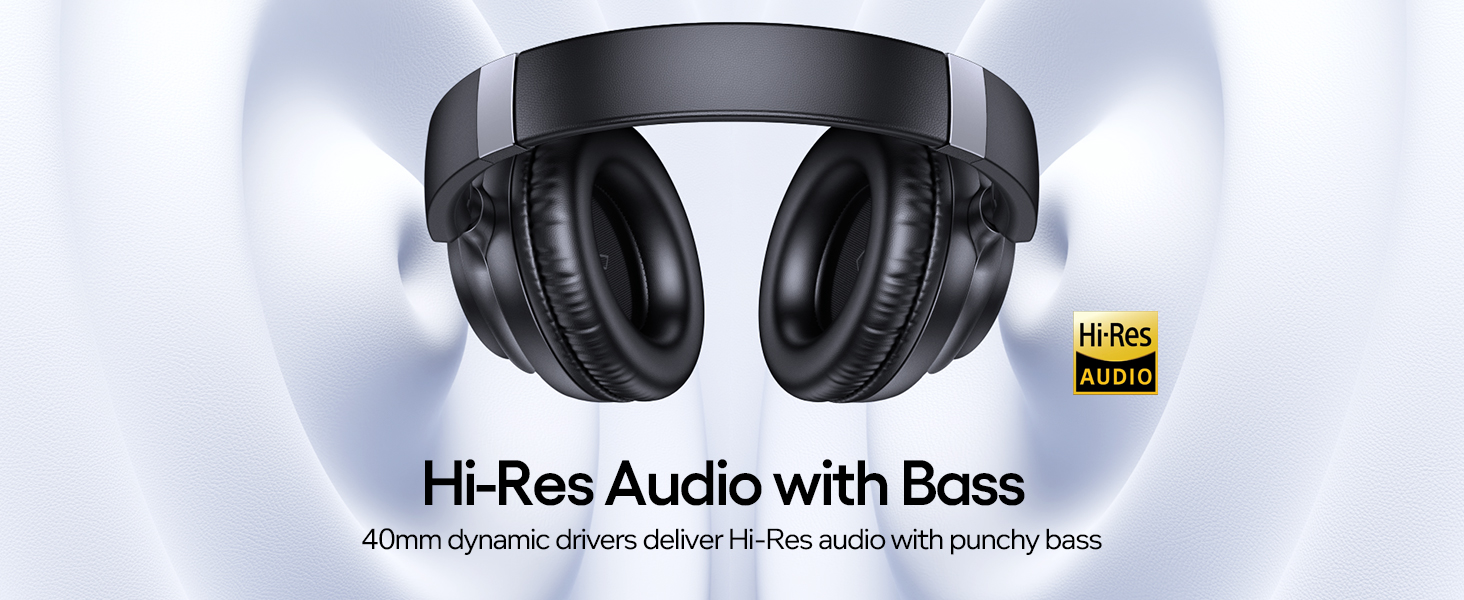
- Жогорку чечилиш аудио: Delivers clear audio with deep bass.
- Comfort Fit: Lightweight design with ultra-soft protein leather ear cups.
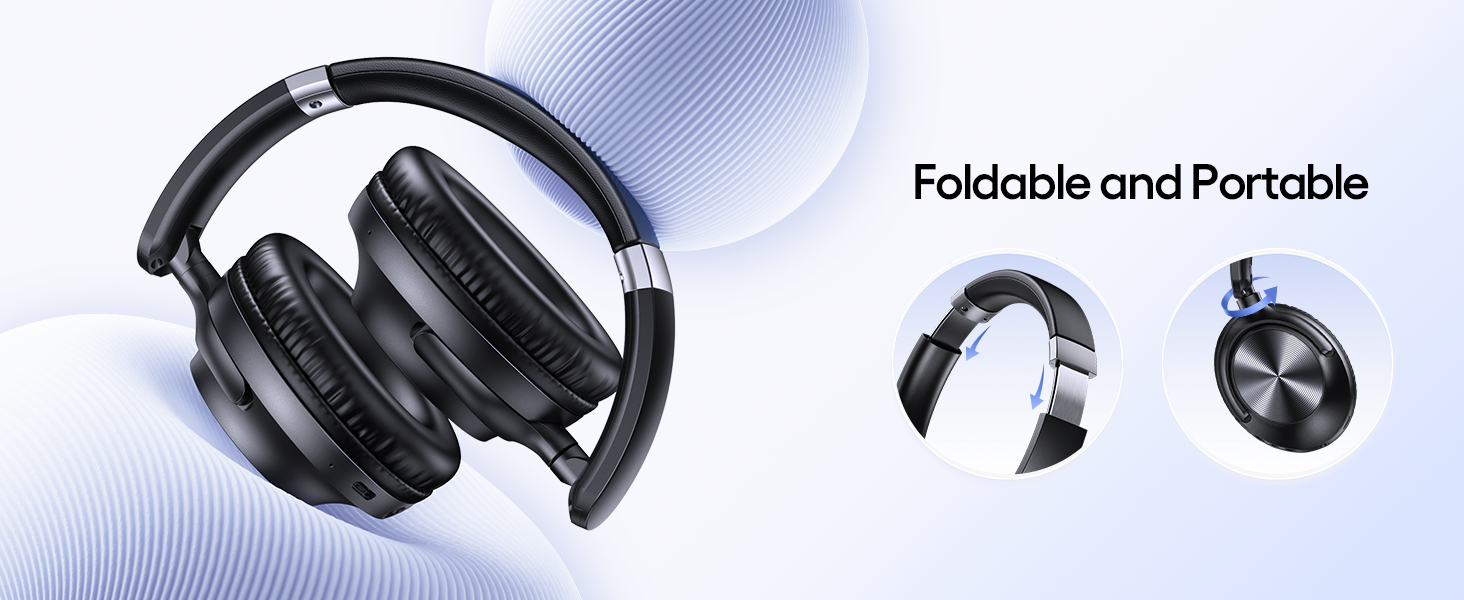
- Foldable and Adjustable: For portability and a perfect fit.
- Зымсыз жана зымдуу байланыш: Bluetooth and 3.5mm AUX cable support.
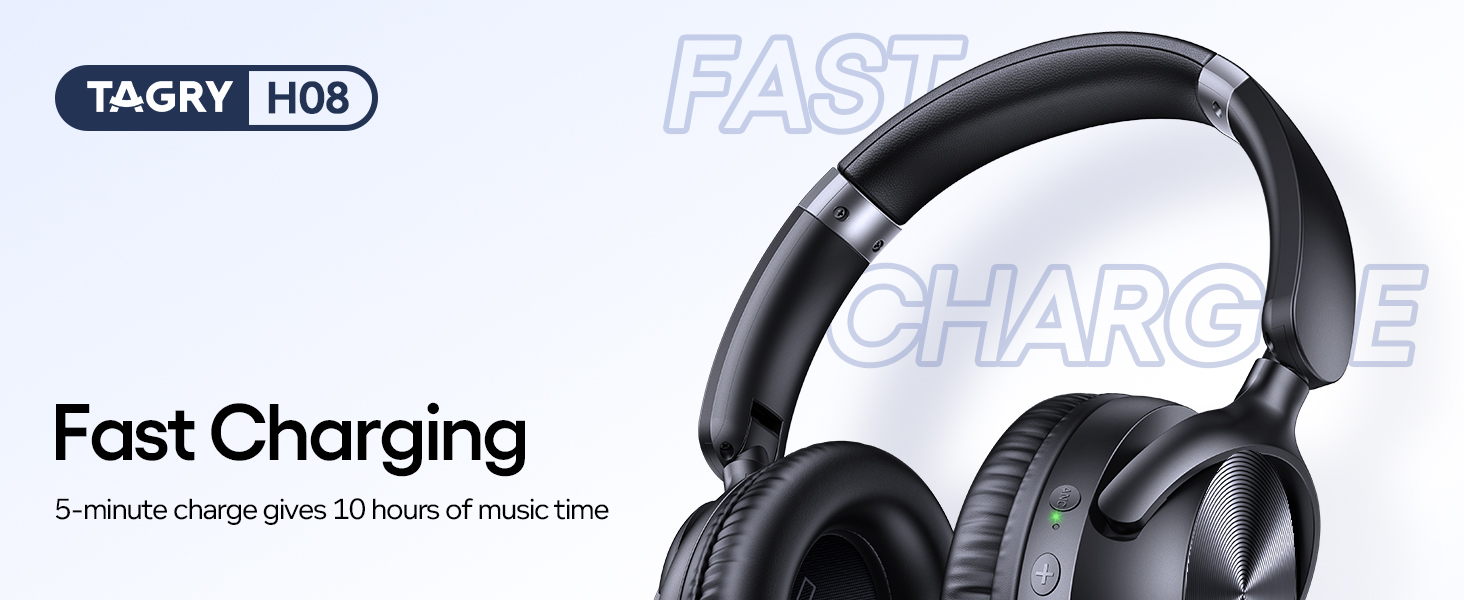
Image: Close-up of the left earcup showing the ANC button and volume controls, with sound waves illustrating noise cancellation.
Сүрөт: жарылды view of the headphone driver, highlighting the Hi-Res Audio and deep bass capabilities.
4. Орнотуу
4.1 Наушниктерди заряддоо
Before first use, ensure the headphones are fully charged. Connect the Type-C charging cable to the charging port on the headphones and a compatible USB power adapter. The indicator light will show charging status.
Сүрөт: TAGRY H08 headphones connected to a Type-C charging cable, illustrating the fast charging feature.
4.2 Pairing with Your Primary Device
- Наушниктердин өчүрүлгөнүн текшериңиз.
- Press and hold the Power button for 3 seconds to turn on the headphones. You will hear a voice prompt "Power On" and the indicator light will flash white for 5 seconds, indicating pairing mode.
- Enable Bluetooth on your device and select "H08" from the list of available devices.
- Once connected, you will hear a prompt "Connected".
4.3 Pairing with Another Device
To pair with a second device, disconnect the headphones from the first device. The headphones will automatically enter pairing mode. Then, follow the steps above to connect to the new device.
5. Иштөө нускамалары
5.1 Күйгүзүү/өчүрүү
- Күйгүзүү: Кубат баскычын 3 секунд басып, кармап туруңуз.
- Өчүрүү: Кубат баскычын 3 секунд басып, кармап туруңуз.
5.2 ANC & Transparency Mode Switching
The ANC button allows you to toggle between different listening modes.
- ANC күйүк: Press the ANC button once. Reduces ambient noise.
- Ачыктык режими: Press the ANC button again. Allows you to hear your surroundings.
- ANC өчүк: Press the ANC button a third time.
Image: Diagram illustrating the various button controls on the TAGRY H08 headphones, including power, volume, and ANC buttons.
5.3 Music/Game Mode
This headset supports switching between Game Mode and Music Mode. While the headset is powered on and connected, quickly press the ANC button 4 times to toggle between modes.
- Оюн режими: Ultra-low latency for enhanced audio-visual sync in gaming.
- Музыка режими: High-fidelity audio optimized for music and media playback.
5.4 Wired Mode & AUX Audio Support
The headphones can be used with the included 3.5mm AUX audio cable for a wired connection. Active Noise Cancellation (ANC) is not available in wired mode.
Сүрөт: TAGRY H08 headphones connected via a 3.5mm AUX cable, demonstrating wired connectivity.
6. Техникалык тейлөө боюнча көрсөтмөлөр
- Regularly clean the ear pads and headband with a soft, dry cloth.
- Store the headphones in the provided travel pouch to protect them from dust and damage.
- Наушниктерди экстремалдык температурага же нымдуулукка дуушар кылуудан алыс болуңуз.

Сүрөт: TAGRY H08 headphones folded into a compact form, highlighting their portable design.
7. Кыйынчылыктарды
7.1 Headphones Won't Turn On
Ensure the headphones are charged. Connect the headphones to the charger and wait for 5 seconds. If the LED indicator lights up, it means there is a good connection.
7.2 Headphones Won't Connect to Bluetooth Device
Ensure Bluetooth is enabled on your device. Make sure the headphones are in pairing mode (flashing white LED). If the issue persists, reset the headphones by pressing and holding the "V+" and "V-" keys simultaneously for 5 seconds.
7.3 Noise Cancellation Function Not Working
Ensure that the noise-cancelling mode is properly activated. Use the ANC button to toggle through the modes. If the issue persists, reset the headphones.
7.4 Наушник заряддалбай жатат
Ensure the charging cable is not damaged and that the charging port is free of dust and debris. Try using a different charging cable or power adapter.
7.5 Headphones Uncomfortable to Wear
Check the size of the headbands and adjust them to fit your ears comfortably.

Image: Visual guide for troubleshooting common issues like charging and pairing.
8. Техникалык шарттар
| Өзгөчөлүк | Спецификация |
|---|---|
| Модель аты | H08 |
| Бренд | TAGRY |
| Noise Control | Активдүү ызы-чууну жокко чыгаруу |
| Байланыш технологиясы | Wireless (Bluetooth 5.0) / Wired (3.5mm Jack) |
| Батареянын иштөө мөөнөтү | 100 саат |
| Тез заряддоо | 10 hours playtime with 5-minute charge |
| Frequency Response | 20000 Гц |
| Элемент Салмагы | 1.08 фунт |
| Продукциянын өлчөмдөрү | 8.11 x 7.7 x 2.36 дюйм |
| Материал | Акрилонитрил бутадиен стирол (ABS), Пластмасса |
| Сууга туруктуулук деңгээли | Суу өткөрбөйт |
9. Коопсуздук маалыматы
9.1 Батарея эскертүүсү
Do not disassemble, crush, or expose the battery to fire or high temperatures. Dispose of batteries according to local regulations.
9.2 FCC Абайлаңыз
Бул аппарат FCC эрежелеринин 15-бөлүгүнө ылайык келет. Иштетүү төмөнкү эки шартка ылайык ишке ашат: (1) Бул аппарат зыяндуу тоскоолдуктарды жаратпашы мүмкүн жана (2) Бул аппарат келген тоскоолдуктарды, анын ичинде каалабаган иштөөгө алып келиши мүмкүн болгон тоскоолдуктарды кабыл алышы керек.
10. Кепилдик жана колдоо
For customer service or product support, please refer to the contact information provided in your User Manual or visit the official TAGRY webсайт.
Видео: Расмий TAGRY H08 Hybrid Noise Cancelling Headphones overview. This video provides a brief introduction to the product's features and design.