
1. Продукт бүтүп калдыview
The Vonztek BT882BJ Wireless Headset is designed for clear communication in various environments, including remote work, meetings, and call centers. It features advanced AI noise-cancelling technology, Bluetooth V5.3 connectivity, and a flexible microphone for optimal voice capture.
Кутуда эмне бар
- Wireless Headset with Microphone x1
- USB Dongle x1
- С тибиндеги кубаттоочу кабель x1
- User Manual
- Сактоочу баштык x1
2. Орнотуу жана туташуу
2.1 Күйгүзүү/өчүрүү
Locate the power switch on the headset. Slide the switch to the "ON" position to power on the device. You will hear an audio prompt indicating "Power On" and "Pairing". To power off, slide the switch to the "OFF" position.
2.2 Bluetooth Connection Method
1. Ensure the headset is powered on and in pairing mode (indicated by a blinking blue light).
2. On your device (smartphone, tablet, laptop), go to Bluetooth settings.
3. Издөө available devices and select "BT-882" from the list.
4. Once connected, the headset will indicate "Connected".

Image: Bluetooth connection method displayed on a smartphone, showing the headset successfully paired.
2.3 USB Dongle Connection Method
1. Plug the provided USB dongle into an available USB port on your computer (PC or Mac).
2. The dongle will automatically connect to the headset. This is a plug-and-play solution, requiring no additional drivers for most operating systems.
3. Ensure your computer's audio settings are configured to use the "BT-882 Dongle" for both input and output.
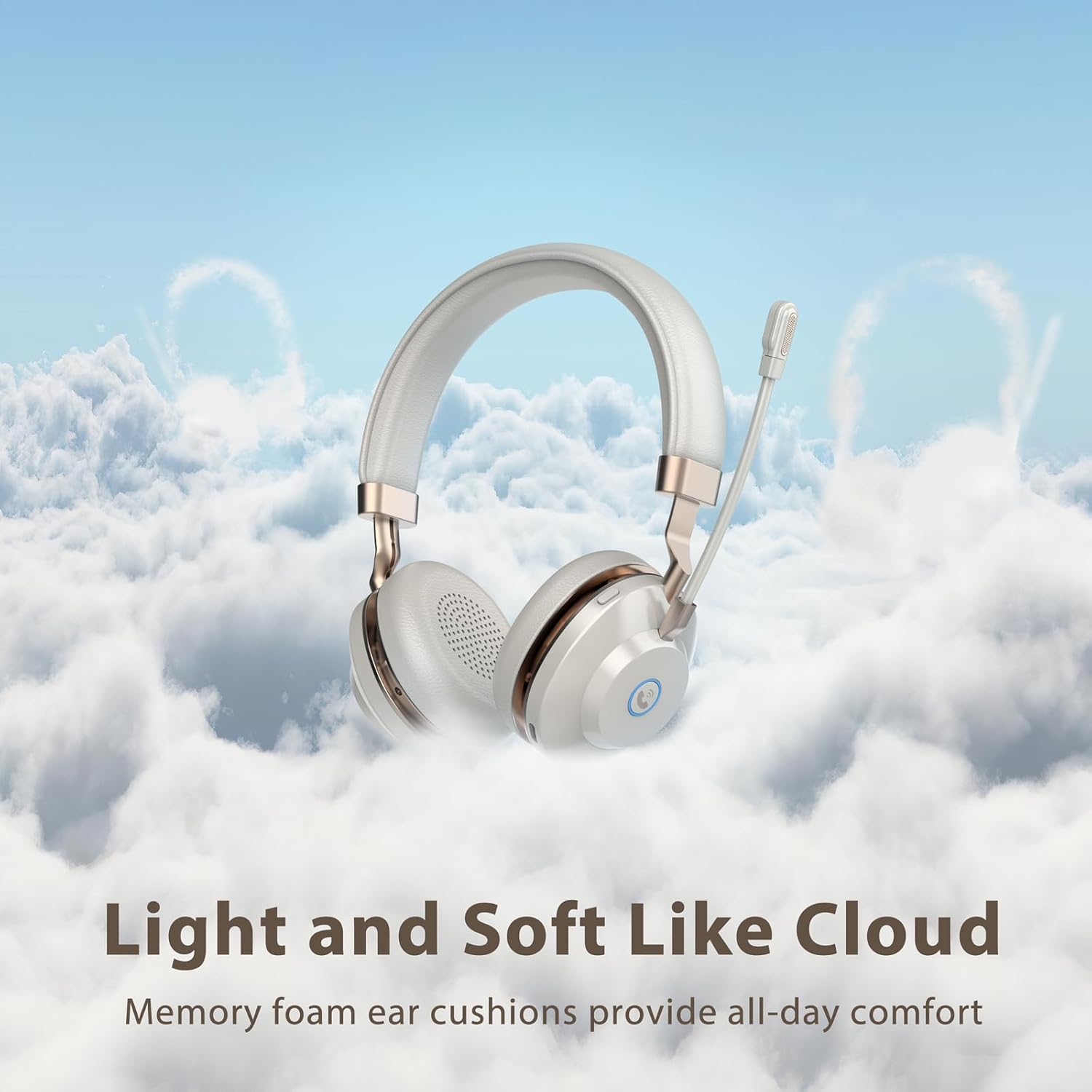
Image: USB dongle connected to a laptop, illustrating the plug-and-play connection for the headset.
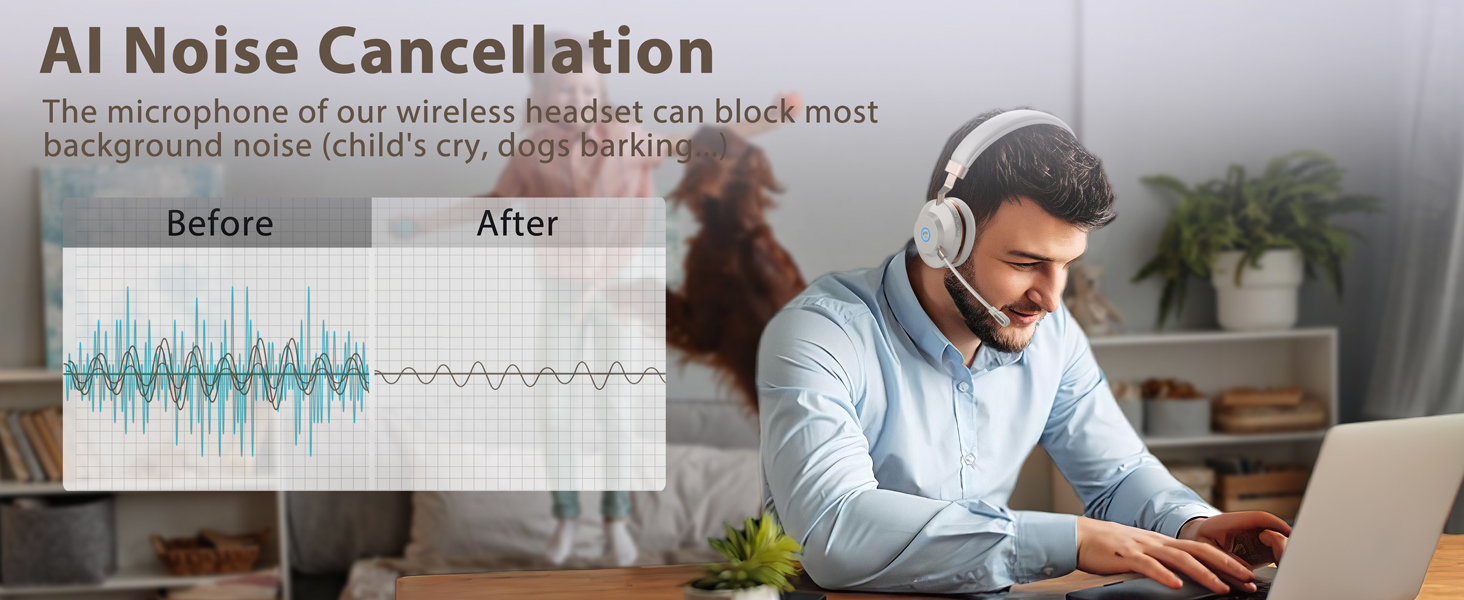
Image: A computer screen displaying sound settings, with the BT-882 Dongle selected as the primary audio input and output device.
3. Иштөө нускамалары
3.1 Башкаруу жана баскычтар
The headset features intuitive controls for managing calls and audio playback:
- Чалуу баскычы: Press to answer or end phone calls (mobile phones only).
- Үнсүз баскычы: Press to mute/unmute the microphone during calls or meetings. The headset provides audio prompts for mute on/off status. This function works with popular platforms like Zoom, Skype, and Teams.
- Көлөмдү көзөмөлдөө: Adjust volume up or down using the dedicated buttons.
- Кубат которгучу: Гарнитураны күйгүзүү же өчүрүү үчүн жылдырыңыз.
Сүрөт: жакын план view of the headset's ear cup, highlighting the mute button and call button for easy access during use.
3.2 Микрофонду колдонуу
The headset is equipped with an AI noise-cancelling bidirectional microphone, powered by a Qualcomm chip, designed to reduce up to 99.6% of surrounding noise. The microphone arm is flexible and can be rotated 270° to position it optimally for your mouth, ensuring clear voice capture. It can be worn on either side of the head.
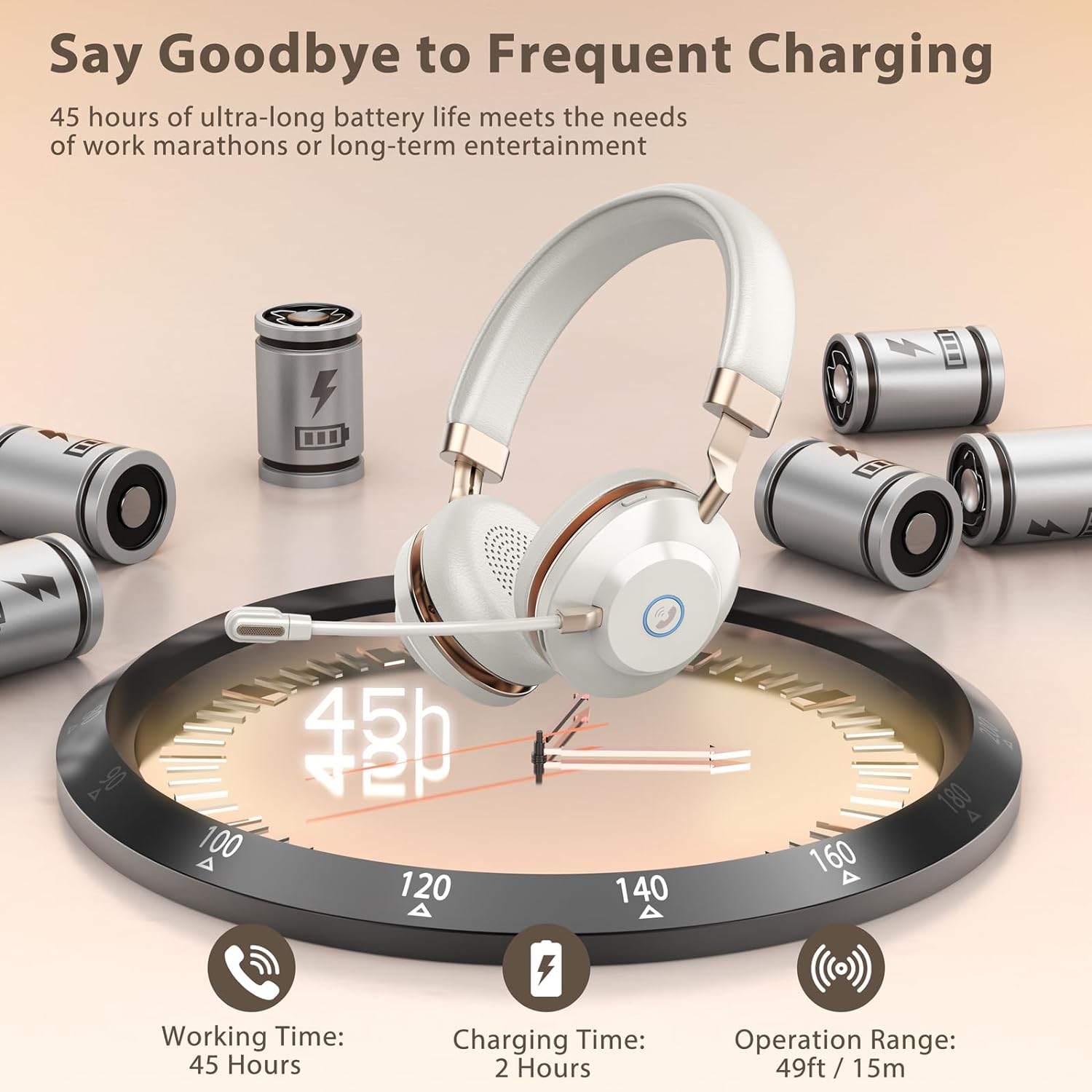
Image: A diagram showing the bidirectional microphone's voice pickup pattern, emphasizing its focus on the user's voice while minimizing ambient noise.
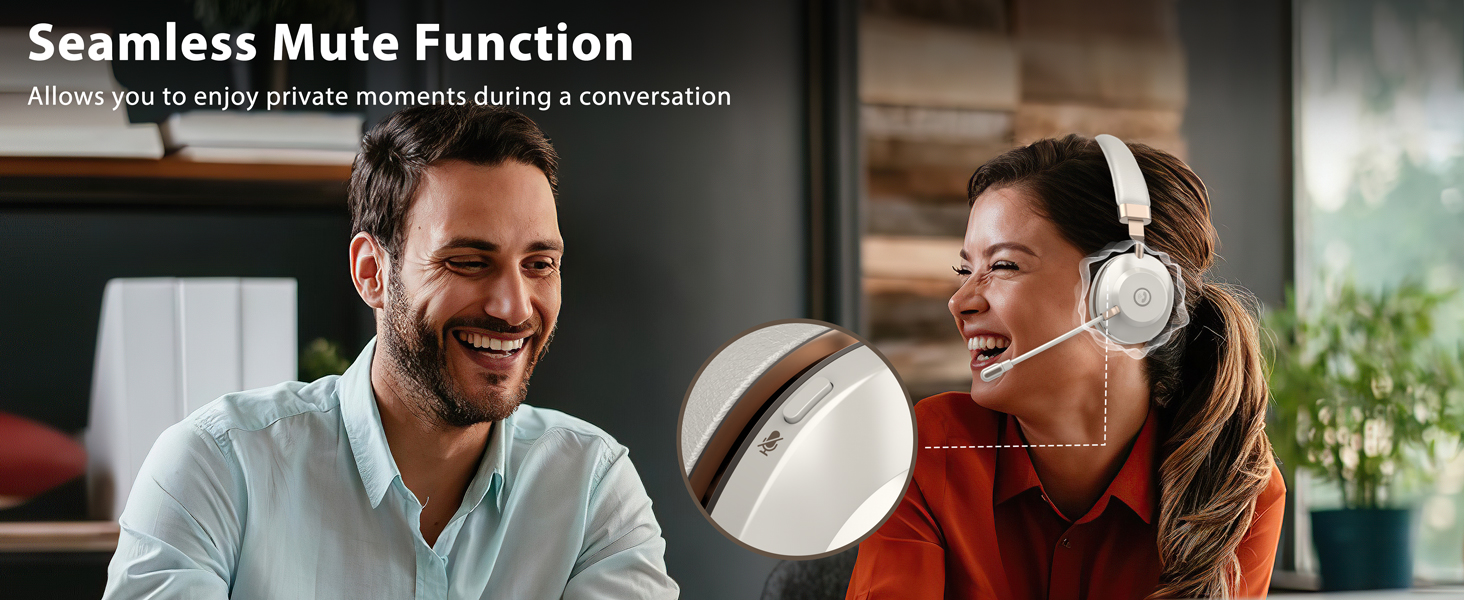
Image: An illustration detailing the 270-degree rotation of the flexible microphone and the adjustable metal headband for personalized fit.
4. Комфорт жана дизайн
The Vonztek BT882BJ headset is designed for extended wear with maximum comfort. It features ultra-soft memory foam ear cushions and an adjustable one-piece steel headband to ensure a secure yet comfortable fit for various head sizes, including those who wear glasses.
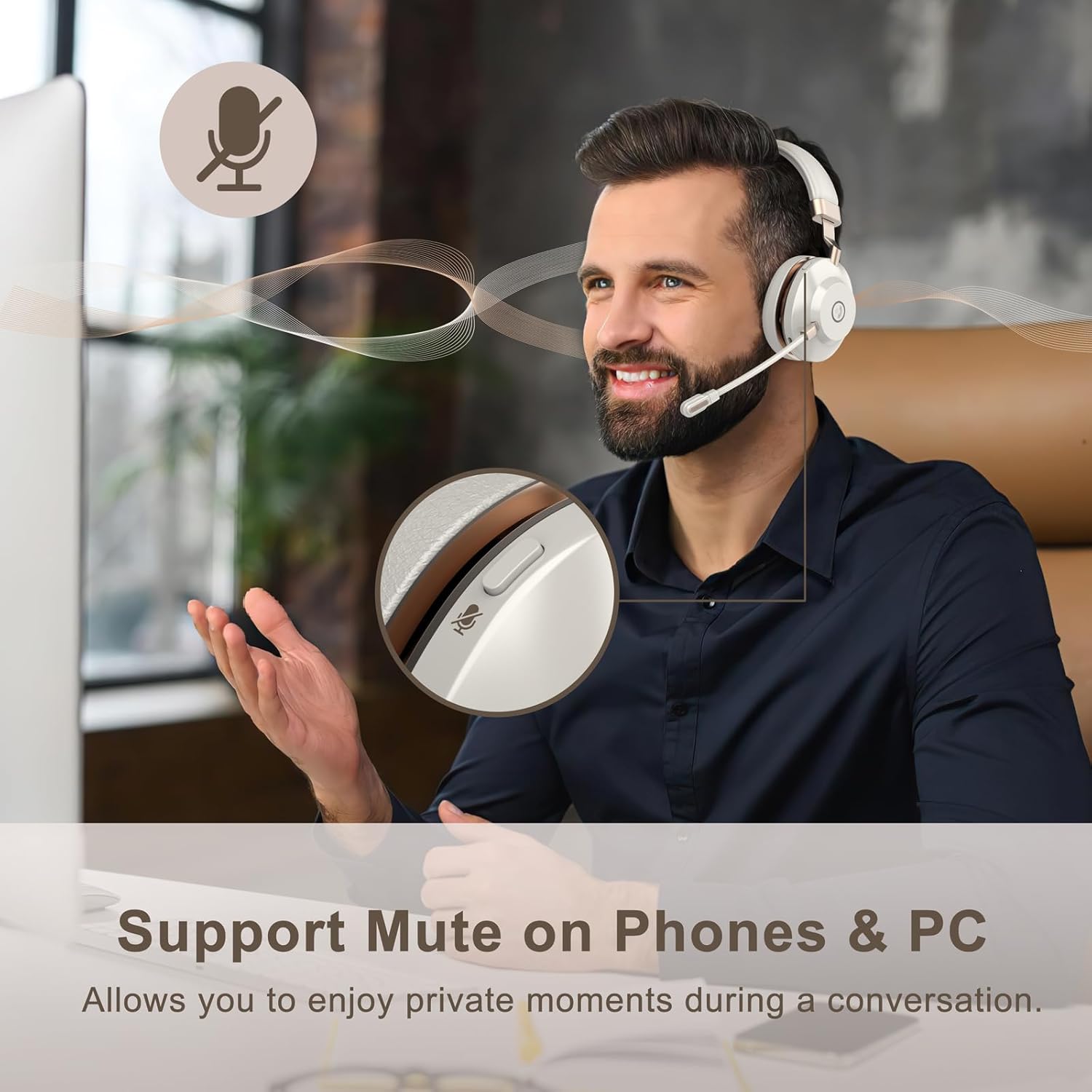
Image: The headset highlighting its soft memory foam ear cushions and adjustable headband, designed for long-lasting comfort.
5. Батареянын иштөө мөөнөтү жана заряддоо
The headset offers up to 45 hours of continuous working time and over 200 hours of standby time on a single charge. A full charge takes approximately 2 hours using the provided Type-C charging cable.

Image: An infographic detailing the headset's impressive battery life (45 hours working time, 200+ hours standby) and quick charging time (2 hours).
6. Шайкештик
The Vonztek BT882BJ headset is widely compatible with most devices and conferencing platforms, including laptops, desktops, smartphones, tablets, Zoom, Skype, Microsoft Teams, FaceTime, GoToMeeting, and Google Meet.
Image: The headset displayed alongside logos of popular communication platforms, indicating wide compatibility.
7. Техникалык шарттар
| Өзгөчөлүк | Деталь |
|---|---|
| Модель аты | XSY-BT882M-BJ-D-N1 |
| Байланыш технологиясы | Зымсыз (Bluetooth V5.3) |
| Bluetooth диапазону | 15 метр (49FT) |
| Микрофон | AI Noise-Cancelling Bidirectional Mic (Qualcomm chip) |
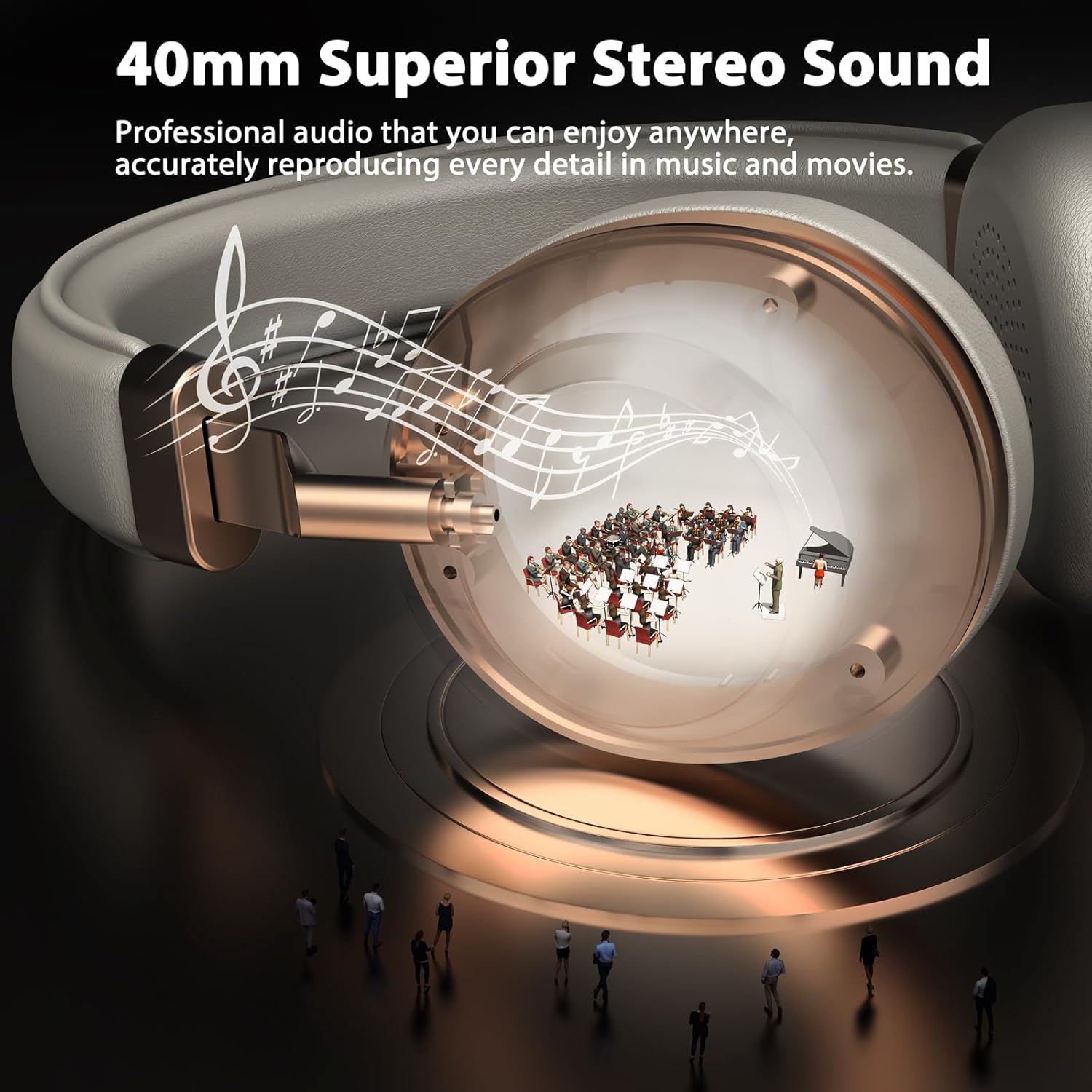
| Аудио драйверинин өлчөмү | 40 миллиметр |
| Батареянын иштөө мөөнөтү (иштөө) | 45 саатка чейин |
| Заряддоо убактысы | 2 саат |
| Башкаруу түрү | Volume Control, Mute Button, Call Button |
| Кулак жайгаштыруу | On Ear (Memory Foam Cushions) |
| Материал | Acrylonitrile Butadiene Styrene (ABS), Aluminum, Faux Leather, Plastic, Stainless Steel |
| Элемент Салмагы | 13.1 унция |
8. Техникалык тейлөө
To ensure the longevity and optimal performance of your Vonztek BT882BJ Wireless Headset, please follow these maintenance guidelines:
- Тазалоо: Гарнитураны тазалоо үчүн жумшак, кургак чүпүрөктү колдонуңуз. Катуу химиялык заттарды же абразивдүү материалдарды колдонуудан алыс болуңуз.
- Сактагыч: Store the headset in the provided storage bag when not in use to protect it from dust and scratches.
- Заряддоо: Use only the provided Type-C charging cable. Avoid overcharging the battery.
- Температура: Гарнитураны өтө жогорку температурага (ысык же суук) же жогорку нымдуулукка дуушар кылбаңыз.
- Суу каршылык: The headset is not water resistant. Avoid contact with liquids.
9. Кыйынчылыктарды
If you encounter any issues with your headset, please refer to the following common troubleshooting steps:
- Кубат жок: Гарнитура толук заряддалганын текшериңиз. Type-C кабелин колдонуп, аны кубат булагына туташтырыңыз.
- Жупташуу мүмкүн эмес:
- Make sure the headset is in pairing mode (blinking blue light).
- Түзмөгүңүздө Bluetooth иштетилгенин текшериңиз.
- Гарнитураны түзмөгүңүзгө жакыныраак жылдырыңыз.
- Bluetooth тизмеңизден түзмөктү унутуп, кайра жупташтырып көрүңүз.
- Аудио жок/Аудио сапаты начар:
- Гарнитурадагы жана туташкан түзмөгүңүздүн үнүнүн деңгээлин текшериңиз.
- Ensure the headset is selected as the audio output device in your device's sound settings.
- If using the USB dongle, confirm it's properly inserted and selected as the default audio device.
- Гарнитураны да, туташкан түзмөгүңүздү да өчүрүп күйгүзүп көрүңүз.
- Микрофон иштебейт:
- Ensure the microphone is not muted (check the mute button).
- Verify the headset microphone is selected as the input device in your device's sound settings.
- Adjust the microphone arm closer to your mouth.
10. Кепилдик жана колдоо
The Vonztek BT882BJ Wireless Headset comes with a 12-MONTH Warranty. For any questions or support, please contact our professional customer service team. More detailed information can be found in the included user manual.
For 24/7 online service, please refer to the contact information provided in your product packaging or visit the official Vonztek webсайт.
11. Продукт видеолору
Видео: Бүттүview of the BT882BJ Wireless Headset with Microphone, showcasing анын өзгөчөлүктөрү жана дизайны.
Видео: деталдуу кайраview of the BT882BJ Bluetooth Headset with Microphone, covering its functionality and user experience.
Video: A short demonstration of the BT882BJ Wireless Headset with Mic, highlighting its key features.
Video: A demonstration of the BT882BJ Wireless Headphones with Mic, focusing on audio quality and comfort.
Video: A demonstration of the BT882BJ Headset with Microphone for PC, showing its use with a computer.
Видео: Кыскача алдын ала маалыматview of the BT882BJ Wireless Headset with Mic for Work, highlighting its suitability for professional use.