
1. Киришүү
This manual provides essential information for setting up, operating, maintaining, and troubleshooting your Sharp Aquos QLED 55 Inch 4K Ultra HD Xumo Smart TV. Please read this manual thoroughly before using your television and retain it for future reference.
Сүрөт: алдыңкы view of the Sharp Aquos QLED 55 Inch 4K Ultra HD Xumo Smart TV.
2. Коопсуздук маалыматы
Always follow basic safety precautions when using this television to reduce the risk of fire, electric shock, and injury. Keep the television away from moisture, direct sunlight, and heat sources. Ensure proper ventilation and do not block any ventilation openings. Use only the power cord and accessories specified by the manufacturer. Refer to the full safety guidelines in the included printed manual.
3. Кутуда эмне бар
Your Sharp Aquos QLED 55 Inch 4K Ultra HD Xumo Smart TV package includes:
- Sharp Aquos QLED 55 Inch 4K Ultra HD Xumo Smart TV
- Үн менен алыстан башкаруу
- Телевизор (2 даана)
- Телевизордук стенд үчүн бурамалар
- Электр кабели
- Колдонуучунун Колдонмосу (бул документ)
- Quick Start Guide
4. Орнотуу
4.1 Телевизордун отургучун бекитүү
- Телевизордун экранын кылдаттык менен ылдый каратып жумшак, тегиз жерге коюңуз.
- Ар бир тирөөч бөлүгүн телевизордун түбүндөгү тиешелүү бурама тешиктери менен тегиздеңиз.
- Ар бир тирөөч бөлүгүн берилген бурамалар менен бекитиңиз. Алардын бекем тартылганын текшериңиз.
4.2 Дубалга орнотуу (кошумча)
If you choose to wall mount your TV, ensure you use a VESA-compatible wall mount kit (sold separately) that supports the 55-inch screen size and weight. Follow the instructions provided with your wall mount kit. Remove the TV stand before mounting.
4.3 Түзмөктөрдү туташтыруу
Connect your external devices (cable box, gaming console, soundbar, etc.) to the appropriate ports on the back of the TV. The Sharp Aquos QLED TV features multiple HDMI inputs for versatile connectivity.

Сүрөт: Арткы view of the Sharp Aquos QLED TV showing cable management through the stand.
4.4 Кубат туташтыруу
Plug the power cord into the TV's power input, then into a wall outlet. The TV is now ready for initial setup.
5. Иштөө нускамалары
5.1 Баштапкы орнотуу жана тармакка туташуу
Upon first power-on, the TV will guide you through the initial setup process. This includes selecting your language, connecting to your Wi-Fi network (dual-band Wi-Fi supported for reliable streaming), and agreeing to terms and conditions. Follow the on-screen prompts.
5.2 Алыстан башкаруу функциялары
The included voice remote allows for intuitive navigation. Use the directional pad to move through menus, the OK button to select, and dedicated buttons for popular streaming services. The built-in voice search feature provides hands-free control for launching apps, adjusting volume, and switching inputs.
5.3 Xumo Smart TV Platform
The Xumo Smart TV system offers fast and intuitive access to your favorite streaming applications. The clean home screen allows for easy navigation and personalized content recommendations.
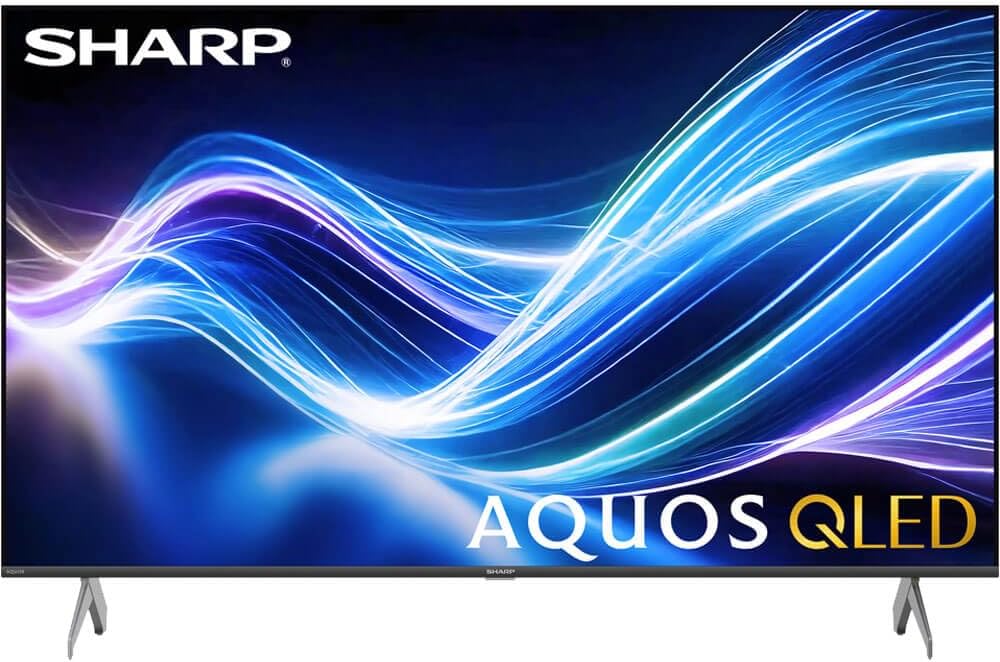
Image: The Xumo Smart TV home screen displaying various streaming apps and voice search functionality.
5.4 Сүрөт жана үн орнотуулары
Your Sharp Aquos QLED TV supports advanced picture and sound technologies:
- 4K QLED дисплей: Enjoy vibrant, lifelike images with Quantum Dot color and enhanced brightness.
- Dolby Vision жана HDR10: These premium HDR formats optimize contrast, depth, and clarity for cinematic picture quality. Access picture settings via the TV menu to fine-tune brightness, contrast, color, and sharpness.
- Иммерсивдүү аудио: The TV features optimized sound processing for clear dialogue and enhanced bass. Connect Bluetooth headphones or speakers for wireless listening. Adjust audio modes (Standard, Music, Movie, Speech, Custom) in the sound settings.
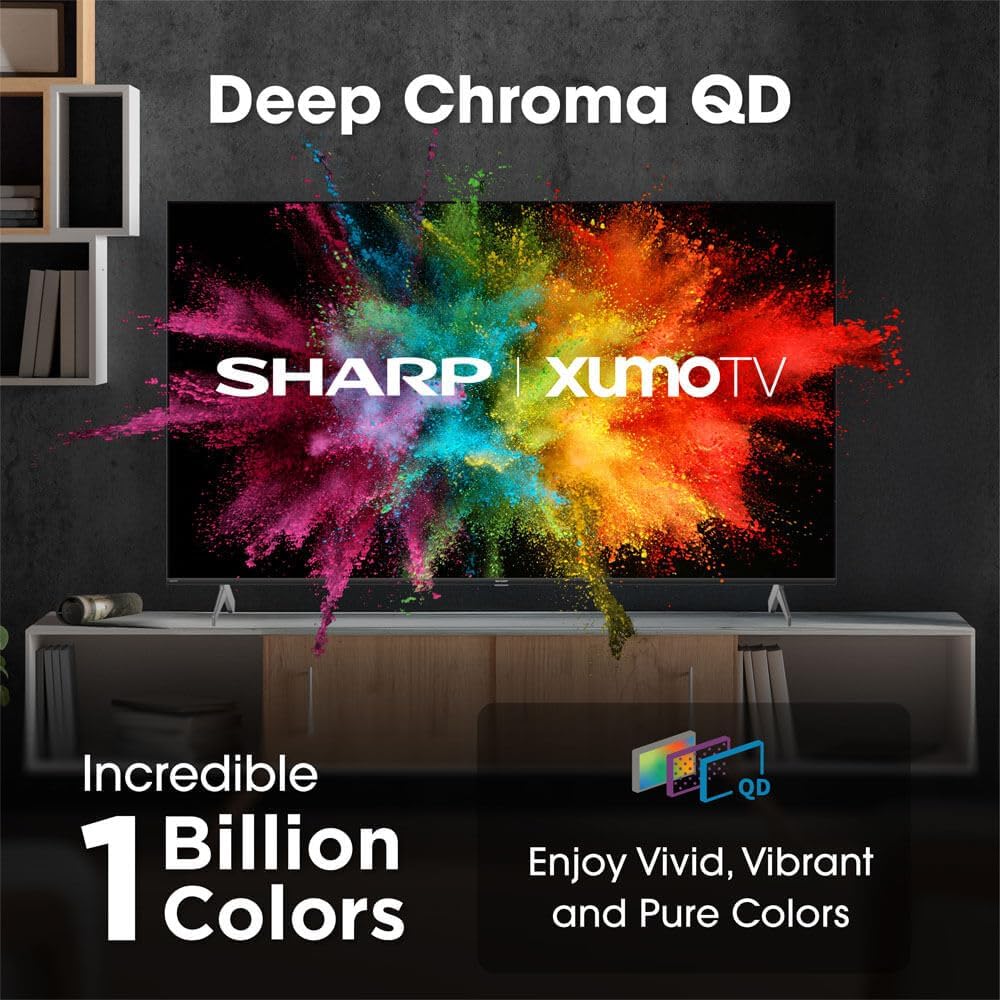
Image: Comparison of Dolby Vision enhanced picture quality against a standard display.

Image: Visual representation of Dolby Atmos creating immersive sound in a living room setting.
6. Техникалык тейлөө
6.1 Телевизорду тазалоо
Экранды тазалоо үчүн аны жумшак, түксүз чүпүрөк менен акырын сүртүңүз. өжөр белгилери үчүн, бир аз гampen the cloth with water or a screen-cleaning solution. Never spray liquid directly onto the screen. Clean the TV's exterior with a soft, dry cloth.
6.2 Программалык камсыздоо жаңыртуулары
Сыналгыңыз иштөөнү жакшыртуу жана жаңы функцияларды кошуу үчүн автоматтык программа жаңыртууларын алышы мүмкүн. Бул жаңыртууларды алуу үчүн сыналгыңыз интернетке туташып турганын текшериңиз. Ошондой эле сыналгынын орнотуулар менюсунан жаңыртууларды кол менен текшере аласыз.
7. Кыйынчылыктарды
| Көйгөй | Мүмкүн себеп | Чечим |
|---|---|---|
| Күч жок | Power cord not connected, power outlet not working. | Check power cord connection, try a different outlet. |
| Сүрөт/үн жок | Incorrect input selected, external device off/disconnected. | Verify input source, check device power and connections. |
| Пульт иштебейт | Batteries low/dead, obstruction between remote and TV. | Зарыл болсо, батареяларды алмаштырыңыз, тоскоолдуктарды алып салыңыз, пультту кайра жуптаңыз. |
| Wi-Fi туташуу маселелери | Router issues, incorrect password, weak signal. | Restart router, re-enter Wi-Fi password, move TV closer to router or use Ethernet. |
8. Техникалык шарттар
- Бренд: Sharp
- Модель номери: 4TC55HP7050U
- Экрандын өлчөмү: 55 дюйм
- Дисплей технологиясы: QLED Smart
- Чечим: 4K Ultra HD
- Жаңыртуу ылдамдыгы: 60Hz
- Өзгөчөлүктөр: Flat, Dolby Vision, HDR10, Xumo Smart TV, Voice Remote, Bluetooth, Dual-band Wi-Fi
- Байланыш технологиясы: RCA, HDMI (multiple ports)
- Колдоого алынган интернет кызматтары: Netflix, Hulu, Amazon Prime Video (and more via Xumo platform)
- Элемент Салмагы: 32 фунт
- Түсү: Кара
9. Кепилдик жана колдоо
For warranty information and technical support, please refer to the warranty card included with your product or visit the official Sharp webсайт. Сатып алуу квитанциясын кепилдик дооматтары үчүн сатып алуунун далили катары сактаңыз.