
Introduction
Thank you for choosing the GOBOULT Z40 V2.0 True Wireless Earbuds. These earbuds are designed to provide a superior audio experience with advanced features such as 70 hours of total playtime, Quad Mic Environmental Noise Cancellation (ENC), 45ms low latency for gaming, and Bluetooth 5.4 connectivity. This manual will guide you through the setup, operation, maintenance, and troubleshooting of your new earbuds.
Кутуда эмне бар
Сураныч, пакеттин мазмунун текшерип, бардык буюмдар бар экенин текшериңиз:
- GOBOULT Z40 V2.0 Earbuds
- Заряддоо кутусу
- USB заряддоо кабели
- Наушниктер (ар кандай өлчөмдөгү)
- User Manual
- Кепилдик картасы
Продукт бүттүview
The GOBOULT Z40 V2.0 earbuds offer a range of features for enhanced audio and communication.


Жайгашуу
Баштапкы заряддоо
Before first use, ensure both the earbuds and the charging case are fully charged. Connect the charging case to a power source using the provided USB cable. The LED indicator on the case will show charging status. A 10-minute charge can provide approximately 120 minutes of playtime.

Аспабыңыз менен жупташуу
- Заряддоо кутусунун капкагын ачыңыз. Кулакчындар автоматтык түрдө күйүп, жупташтыруу режимине өтөт.
- Смартфонуңузда же Bluetooth иштетилген түзмөгүңүздө Bluetooth жөндөөлөрүнө өтүңүз.
- Издөө available devices and select 'GOBOULT Z40 V2.0' from the list.
- Once connected, you will hear a confirmation tone, and the LED indicator on the earbuds will change.
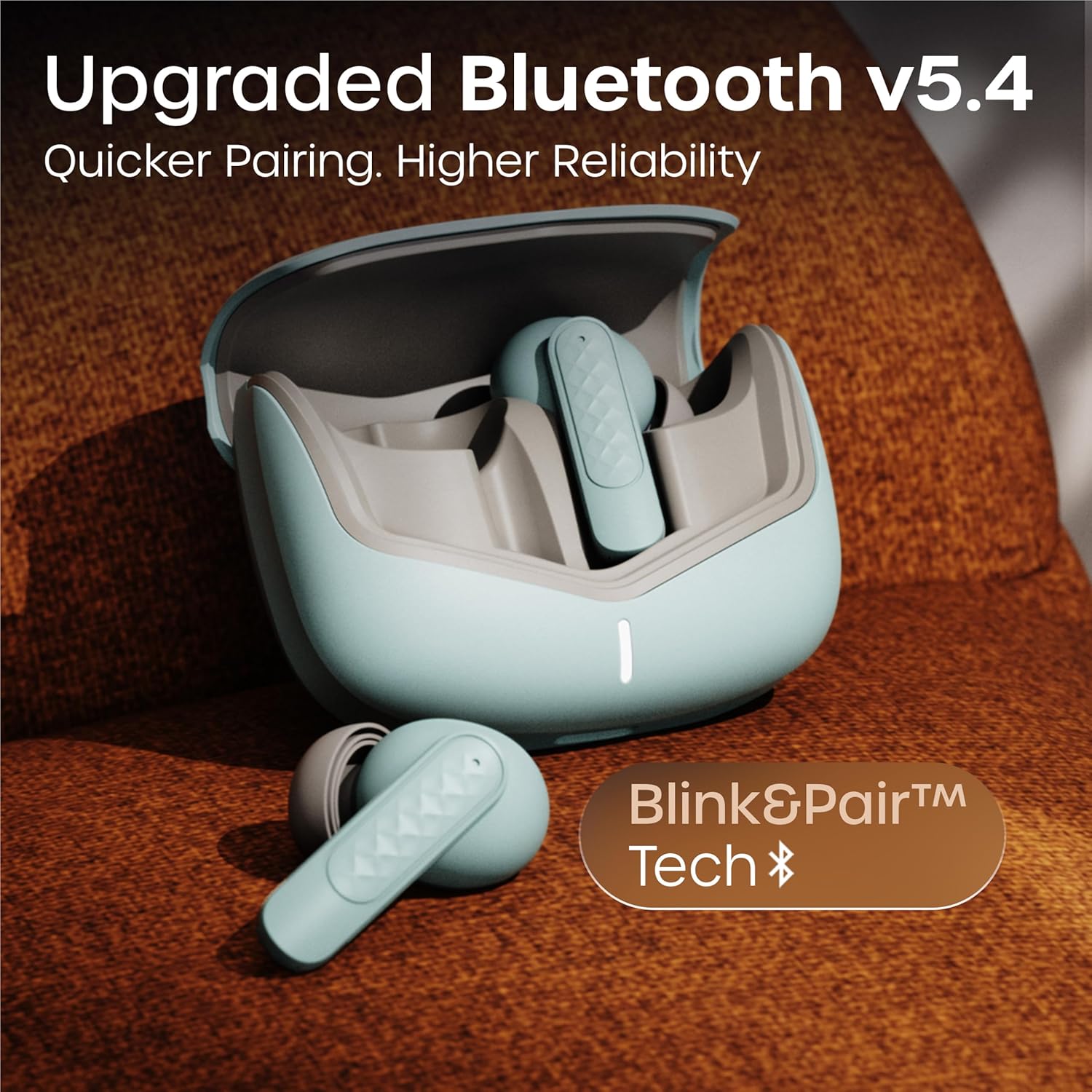
The earbuds utilize Bluetooth 5.4 technology for a stable and efficient connection.
Иштөө нускамалары
Күйгүзүү/өчүрүү
- Күйгүзүү: Кубаттоочу кутучаны ачыңыз, ошондо кулакчындар автоматтык түрдө күйөт. Же болбосо, эки кулакчындын тең тийүү аймагын 3 секунд бою көпкө басып туруңуз.
- Өчүрүү: Кулакчындарды кайра кубаттоочу кутуга салып, капкагын жабыңыз. Же болбосо, эки кулакчындын тең тийүүчү жерин 5 секунд басып туруңуз.
Музыканы ойнотуу
| Акция | Touch Control |
|---|---|
| Ойнотуу/Тыныгуу | Кулакчындарды бир жолу таптаңыз |
| Кийинки трек | Оң кулакчынды эки жолу таптаңыз |
| Мурунку трек | Сол кулакчынды эки жолу таптаңыз |
| Үндү көтөрүү | Оң кулакчынды үч жолу басыңыз |
| Үндү төмөндөтүү | Сол кулакчынды үч жолу таптаңыз |
Чалууларды башкаруу
| Акция | Touch Control |
|---|---|
| Чалууга жооп берүү/аяктоо | Кулакчындарды бир жолу таптаңыз |
| Чакырууну четке кагуу | Кулакчындардын бирин 2 секунд басып туруңуз |
The Quad Mic Environmental Noise Cancellation (ENC) ensures clear voice calls by minimizing background noise, making them ideal for office calls and online meetings.

Үн жардамчысы
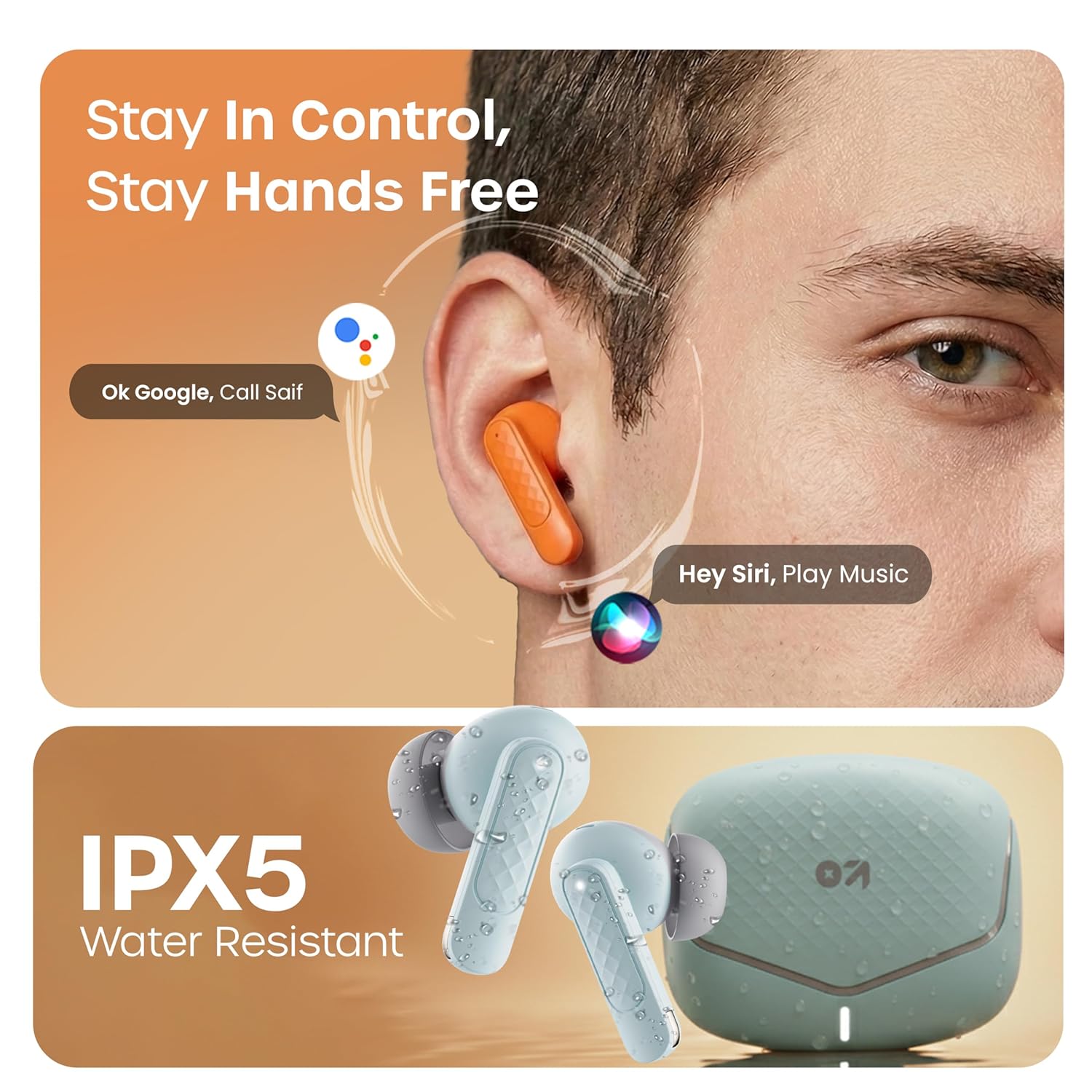
Activate your device's voice assistant (e.g., Google Assistant, Siri) by long-pressing the touch area on either earbud for 2 seconds (when not on a call).
Оюн режими
Activate the low latency gaming mode for a synchronized audio experience during gaming. This mode reduces audio delay to 45 milliseconds, providing faster responses and an immersive gaming experience.
- Оюн режимин иштетүү: Long press the touch area on the left earbud for 2 seconds.
- Оюн режимин өчүрүү: Repeat the same action.

Техникалык тейлөө
Тазалоо
Regularly clean your earbuds and charging case to ensure optimal performance and hygiene. Use a soft, dry, lint-free cloth. Do not use abrasive cleaners, solvents, or harsh chemicals. Gently remove any earwax or debris from the eartips and speaker mesh.
Суу каршылык
The GOBOULT Z40 V2.0 earbuds are IPX5 water-resistant, meaning they are protected against sweat and splashes. They are suitable for workouts and outdoor activities. However, they are not designed for swimming or submersion in water. Avoid exposing them to heavy rain or direct water jets.
Проблемаларды чечүү
If you encounter any issues with your GOBOULT Z40 V2.0 earbuds, please refer to the following common solutions:
- Үн жок:
- Кулакчындар түзмөгүңүз менен туура жупташканын текшериңиз.
- Түзмөгүңүздөгү жана кулакчындардын үнүнүн деңгээлин текшериңиз.
- Make sure the earbuds are seated correctly in your ears.
- Жупташуу мүмкүн эмес:
- Ensure the earbuds are charged and in pairing mode (LED blinking).
- Өчүрүп, анан түзмөгүңүздө Bluetooth'ду күйгүзүңүз.
- Кулакчындарды түзмөгүңүзгө жакыныраак жылдырыңыз.
- Bluetooth тизмеңизден түзмөктү унутуп, кайра жупташтырып көрүңүз.
- Бир кулакчын иштебей жатат:
- Эки гарнитураны тең заряддоо кутусуна салып, капкагын жаап, андан соң байланышты кайра орнотуу үчүн кайра ачыңыз.
- Эки кулакчындын тең кубатталганын текшериңиз.
- кубаттоо маселелери:
- Заряддоо кабели корпуска да, кубат булагына да туташтырылганын текшериңиз.
- Кулакчындардагы жана корпустун ичиндеги заряддоо контакттары таза жана таштандыдан таза экенин текшериңиз.
- Башка заряддоо кабелин же кубат адаптерин колдонуп көрүңүз.
Техникалык шарттар
| Өзгөчөлүк | Деталь |
|---|---|
| Бренд | GOBOULT |
| Модель аты | Z40 V2.0 (Airbass) |
| Кулак жайгаштыруу | Кулакта |
| Noise Control | Экологиялык ызы-чууну жокко чыгаруу (Төрт микрофон) |
| Батареянын орточо иштөө мөөнөтү | 70 саат (заряддоо кутусу менен) |
| Батареяны заряддоо убактысы | 10 Minutes for 120 Minutes Playtime |
| Аудио драйверинин өлчөмү | 13 миллиметр |
| Аудио кечигүү | 45 миллисекунд (Оюн режими) |
| Башкаруу ыкмасы | тийүү |
| Сууга туруктуулук деңгээли | IPX5 (Сууга туруктуу) |
| Зымсыз технология түрү | Bluetooth |
| Bluetooth версиясы | 5.4 |
| Bluetooth диапазону | 10 метр |
| Элемент Салмагы | 0.6 килограмм (жалпы таңгактын салмагы) |
| кутучанын мазмуну | Cable, Eartip, User Manual, Warranty Card, Z40v2.0 Earbuds |
Кепилдик жана колдоо
Кепилдик маалымат
The GOBOULT Z40 V2.0 True Wireless Earbuds are backed by a 1 жылдык өндүрүүчүнүн кепилдиги from the date of purchase. This warranty covers manufacturing defects. Please retain your purchase receipt as proof of purchase for warranty claims.
Кардарларды колдоо
For any technical assistance, warranty claims, or product-related inquiries, please refer to the contact information provided on the warranty card included in your product box. You may also visit the official GOBOULT website for further support resources.