
1. Киришүү
The FOREVER KW-530 Kids Boost AI 4G Smartwatch is designed for children, integrating safety, communication, and daily assistance into a compact and robust wearable device. This smartwatch features GPS, Wi-Fi, and 4G connectivity, a nano-SIM slot, a 2.0-inch IPS touch display, and a 2 MP camera. It supports video and voice calls, real-time location tracking, and an SOS emergency call function. Additionally, it offers practical features such as a pedometer, sleep and health monitoring, reminders (e.g., for drinking water or movement), an alarm, and a timer. With an IP67 water resistance rating and durable Panda Glass, the KW-530 is suitable for daily use, school activities, and playtime.
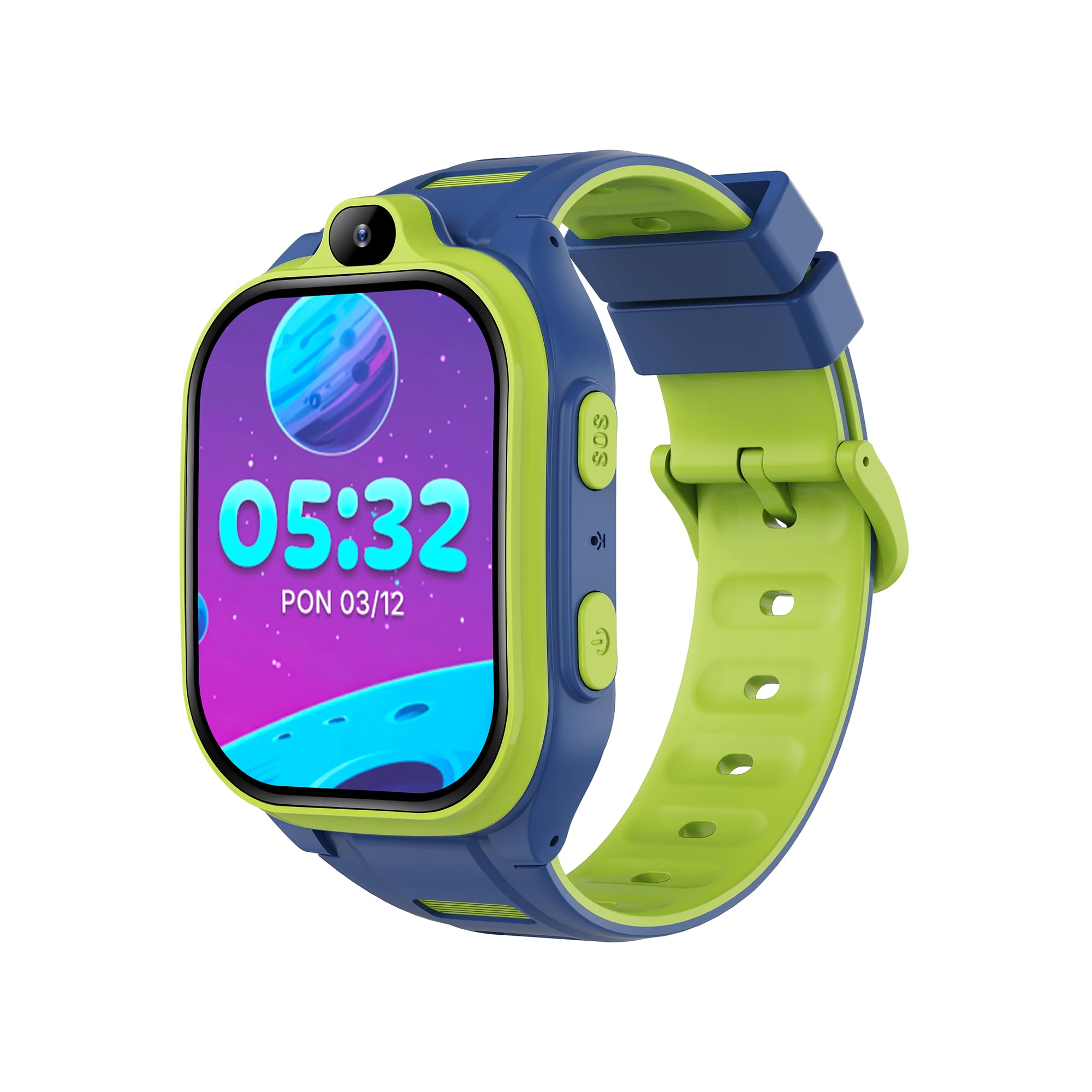
Image 1.1: The FOREVER KW-530 Smartwatch, displaying the time and date on its screen.
2. Кутуда эмне бар
Сураныч, пакеттин мазмунун текшерип, бардык буюмдар бар экенин текшериңиз:
- FOREVER KW-530 Smartwatch
- Заряддоо кабели
- User Manual

Image 2.1: Product packaging for the FOREVER KW-530 Smartwatch, illustrating key features and contents.
3. Орнотуу
3.1. Акылдуу саатты заряддоо
Before first use, fully charge the smartwatch. Connect the provided charging cable to the charging port on the watch and plug the other end into a USB power adapter (not included) or a computer's USB port. The battery indicator on the screen will show charging progress.
3.2. SIM картаны орнотуу
The KW-530 requires a nano-SIM card for 4G connectivity, calls, and GPS tracking. Ensure the SIM card is active and has a data plan.
- Locate the SIM card slot on the side of the smartwatch.
- Carefully open the SIM card tray using the provided tool or a small pin.
- Insert the nano-SIM card into the tray with the gold contacts facing down and the cut corner aligned correctly.
- Табаны акырын кайра уячага түртүңүз, ал чыкылдаганча.
3.3. Күйгүзүү / Өчүрүү
- Күйгүзүү үчүн: Экран күйгөнгө чейин кубат баскычын (адатта капталда) басып туруңуз.
- Өчүрүү үчүн: Кубат баскычын басып, кармап туруңуз, андан кийин экранда "Өчүрүү" дегенди тандаңыз.
3.4. Pairing with the Companion App
To utilize all features, the smartwatch must be paired with the FOREVER Kids Boost companion application on a parent's smartphone. Download the app from your device's app store.
- Create an account in the app and log in.
- On the smartwatch, navigate to the 'QR Code' or 'Bind Device' section to display a unique QR code.
- In the companion app, select 'Add Device' and use your smartphone's camera to scan the QR code displayed on the smartwatch.
- Follow the on-screen prompts in the app to complete the pairing process and set up parental controls, contacts, and safety zones.
4. Иштөө нускамалары
4.1. Негизги навигация
The smartwatch features a 2.0-inch IPS touch display. Swipe left, right, up, or down to navigate through menus and applications. Tap to select an item or open an app. Use the physical buttons for quick actions like returning to the home screen or activating the SOS function.
4.2. Байланыш өзгөчөлүктөрү
- Үн чалуулар: Access the 'Phone' app to make and receive calls from pre-approved contacts.
- Видео чалуулар: Use the 'Video Call' app to initiate video calls with approved contacts. The smartwatch features a 2 MP camera for this purpose.
- SMS/Chat: Send and receive text messages or use the chat function with approved contacts.
- Белгисиз номерлерди бөгөттөө: Parents can configure the app to block calls from numbers not in the smartwatch's contact list, ensuring child safety.

Image 4.1: Illustration of video call capabilities on the FOREVER KW-530 Smartwatch.
4.3. Safety and Tracking
- SOS баскычы: In an emergency, pressing and holding the SOS button will automatically dial pre-set emergency contacts and send location alerts.
- Real-time Location Tracking: Parents can monitor the child's location in real-time via GPS, Wi-Fi, and LBS (Location Based Service) through the companion app.
- Маршрут тарыхы: The app allows reviewing the child's past routes and locations.
- "Тынчымды алба" режими: Configure specific times when the smartwatch will not receive calls or notifications, such as during school hours.
- Remote Voice and Camera Monitoring: The companion app may offer features for remote monitoring, allowing parents to listen to the surroundings or take a picture from the watch's camera.

Image 4.2: Safety features including the SOS button and route history tracking.
4.4. Health and Daily Functions
- жөө: Tracks daily steps taken.
- Уйкунун мониторинги: Уйкунун сапатын жана режимин көзөмөлдөйт.
- Calorie Monitoring: Иштин негизинде күйгөн калорияларды эсептейт.
- Эскерткичтер: Set reminders for various activities, such as drinking water or movement.
- Ойготкуч, Таймер, Секундомер: Standard timekeeping and alert functions.
- График: Helps organize daily schedules.
- Жүзүнөн ачуу: Provides a convenient way to unlock the device.

Сүрөт 4.3: Бүттүview of health and organizational features available on the smartwatch.
4.5. AI and Smart Features
- AI Apps: The smartwatch supports over 17 AI applications, enhancing functionality and user experience.
- Jarvis App: Integration with the Jarvis app for smart assistance.
- Үн буйруктары: Interact with the smartwatch using voice commands.
- Safety Filters: Utilize safety filters for content and communication management.
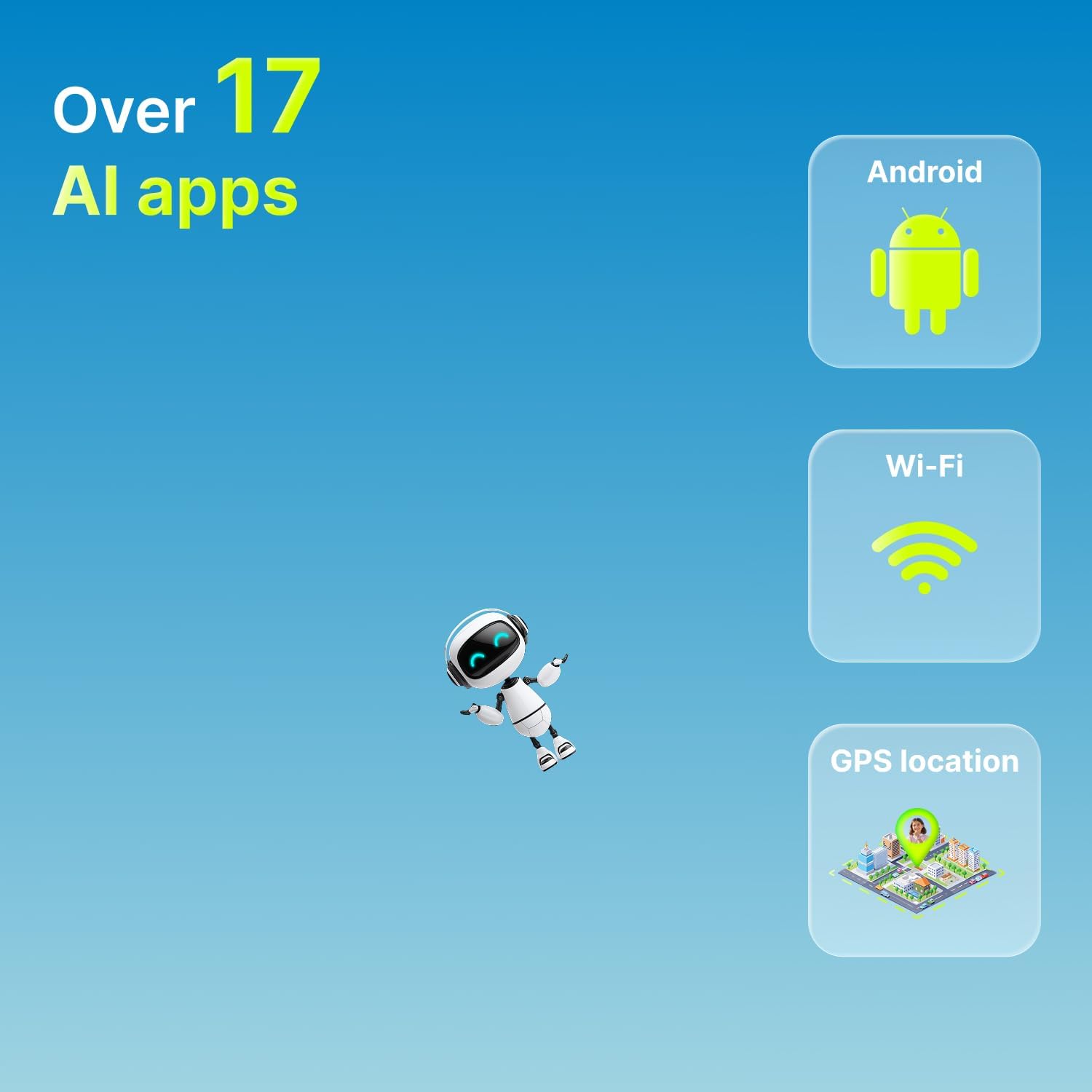
Image 4.4: Key AI and connectivity features of the smartwatch.

Image 4.5: Advanced features including the Jarvis app, safety filters, and voice commands.
5. Техникалык тейлөө
5.1. Тазалоо
To clean the smartwatch, gently wipe the screen and body with a soft, dry, lint-free cloth. For stubborn smudges, slightly dampen the cloth with water. Avoid using harsh chemicals, abrasive materials, or aerosol sprays, as these can damage the device.
5.2. Сууга туруктуулук (IP67)
The KW-530 is rated IP67, meaning it is resistant to splashes and rain. It can withstand immersion in up to 1 meter of fresh water for up to 30 minutes. However, it is not recommended for swimming, showering, or prolonged submersion in water. Ensure the SIM card slot cover is securely closed to maintain water resistance.

Image 5.1: Durability features including IP67 water resistance and Panda Glass 7H.
5.3. Батареяга кам көрүү
The smartwatch is equipped with an 800 mAh Lithium-Ion battery, providing an average battery life of 1-2 days. To prolong battery life:
- Ашыкча температурадан сактаныңыз.
- Charge the device regularly, but avoid leaving it fully charged or fully depleted for extended periods.
- Берилген заряддоо кабелин колдонуңуз.
6. Кыйынчылыктарды
If you encounter issues with your FOREVER KW-530 Smartwatch, please refer to the following common solutions:
| Көйгөй | Мүмкүн себеп | Чечим |
|---|---|---|
| Акылдуу саат күйбөйт. | Батареянын кубаты аз же түзмөктүн иштебей калышы. | Charge the smartwatch for at least 30 minutes. If it still doesn't turn on, contact support. |
| Чалууларды жасоо/кабыл алуу мүмкүн эмес. | No SIM card, inactive SIM, poor network signal, or unknown number blocking. | Ensure SIM card is correctly inserted and active. Check network signal strength. Verify parental settings in the app regarding call restrictions. |
| GPS location is inaccurate. | Poor GPS signal (indoors/dense areas), Wi-Fi/LBS not available. | Move to an open outdoor area. Ensure Wi-Fi is enabled on the watch if available. Location accuracy can vary based on environment. |
| Батарея бат эле түгөнөт. | Frequent use of 4G/GPS, high screen brightness, or background apps. | Reduce screen brightness. Limit continuous GPS tracking. Close unused applications. Enable 'Do Not Disturb' mode when not needed. |
| Cannot pair with the app. | Incorrect QR code, app issues, or network problems. | Ensure the smartwatch has a stable internet connection. Restart both the smartwatch and the smartphone. Try rescanning the QR code. Update the app to the latest version. |
7. Техникалык шарттар
| Өзгөчөлүк | Спецификация |
|---|---|
| Модел | кВт-530 |
| Дисплей өлчөмү | 2.0 дюйм |
| Дисплей түрү | IPS сенсордук экраны |
| Байланыш технологиясы | Wi-Fi, 4G |
| GPS | Интегралдык GPS |
| Батарея сыйымдуулугу | 800 мАч (литий-иондук) |
| Батареянын орточо иштөө мөөнөтү | 2 күнгө чейин |
| Ички сактагыч | 16 ГБ |
| Өзгөчөлүктөр | Calendar, Camera, GPS, SOS Button, Pedometer, Sleep Monitor, Reminders |
| Суу каршылык | IP67 (Resistant to splashes and rain) |
| Экран материалы | Panda Glass 7H |
| Топтун материалы | Силикон |
| Түс | Blue/Green (as per product variant) |
| Максаттуу аудитория | Children/Teenagers |
| Өндүрүүчү | TelForceOne S.A |
8. Кепилдик маалыматы
This FOREVER KW-530 Smartwatch comes with a standard manufacturer's warranty. Please refer to the warranty card included in your product packaging or contact your retailer for specific details regarding warranty duration and terms. The warranty typically covers manufacturing defects under normal use conditions.
9. Колдоо
For technical assistance, troubleshooting beyond this manual, or inquiries about your FOREVER KW-530 Smartwatch, please contact the retailer where you purchased the product or visit the official FOREVER website for support resources. Keep your purchase receipt and product serial number handy when seeking support.