
1. Киришүү
Thank you for choosing the Picun G2 Wireless Gaming Headset. This manual provides detailed instructions for setting up, operating, and maintaining your headset to ensure optimal performance and an immersive gaming experience. Please read this manual thoroughly before use.
Кутуда эмне бар
- 1 x Picun G2 Wireless Gaming Headset
- 1 x USB-A & Type-C 2-in-1 Wireless Dongle
- 1 х USB-C кубаттоо кабели
- 1 x 3.5 мм аудио кабель
- 1 x User Manual
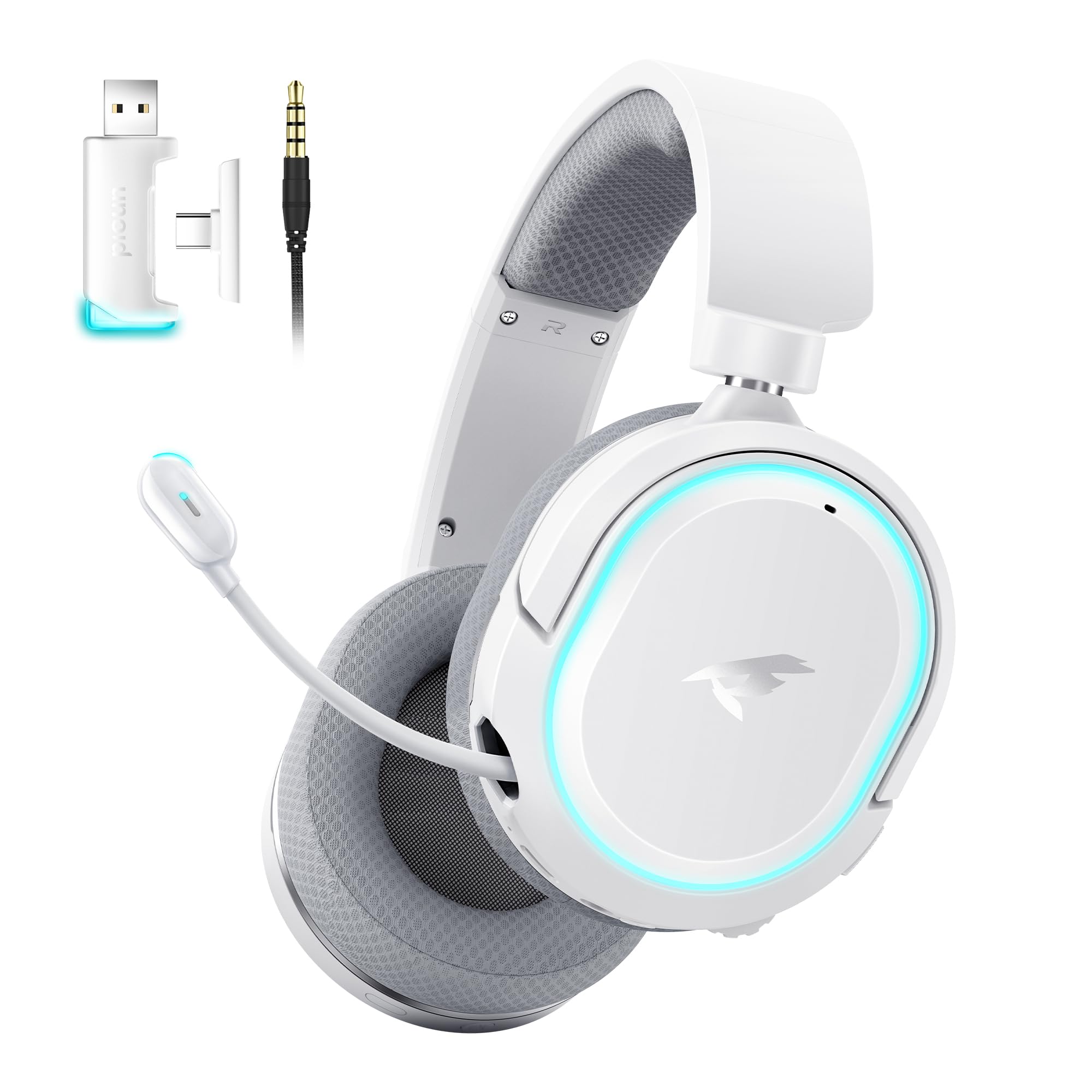
Image: Picun G2 Wireless Gaming Headset (Grey)
2. Продукт бүтүп калдыview
Familiarize yourself with the various components and controls of your Picun G2 headset.

Image: Headset Controls Diagram
- 7.1 Mode Light Control: Button to activate/deactivate 7.1 virtual surround sound and control RGB lighting.
- Заряддоо порту: USB-C port for charging the headset.
- 3.5 мм аудио порт: Зымдуу туташуу үчүн комплекттеги 3.5 мм аудио кабелин колдонуңуз.
- Кубат баскычы: Press and hold to power on/off. Short press for play/pause in Bluetooth mode.
- Көлөм дөңгөлөгү: Scroll up or down to adjust the volume.
- Микрофондун үнүн басуу: Slide switch to mute or unmute the microphone.
3. Орнотуу жана туташуу
3.1 Гарнитураны заряддоо
Before first use, fully charge the headset using the provided USB-C charging cable. Connect the USB-C end to the headset's charging port and the USB-A end to a power source (e.g., computer USB port, USB wall adapter).
3.2 Connecting via 2.4GHz Wireless (Dongle)
For ultra-low latency gaming on PC, PS5, PS4, or Nintendo Switch (docked mode):
- Insert the 2.4GHz USB-A/Type-C dongle into an available USB port on your device.
- Power on the headset. It will automatically connect to the dongle.
- Түзмөгүңүздүн үн жөндөөлөрүндө гарнитура аудио чыгаруу жана киргизүү түзмөгү катары тандалганын текшериңиз.
3.3 Bluetooth аркылуу туташуу 5.4
For wireless connection to smartphones, tablets, and other Bluetooth-enabled devices:
- With the headset powered off, press and hold the Power Button until the LED indicator flashes blue and red, indicating pairing mode.
- On your device, enable Bluetooth and search for "Picun G2".
- Select "Picun G2" to pair. The LED will turn solid blue once connected.
3.4 Connecting via 3.5mm Wired
For universal compatibility with devices featuring a 3.5mm audio jack:
- 3.5 мм аудио кабелинин бир учун гарнитуранын 3.5 мм аудио портуна туташтырыңыз.
- Connect the other end to your device's 3.5mm audio jack.
- Note: Microphone functionality may vary or be unavailable in wired mode depending on the device.

Image: Multiple Connection Options
4. Иштөө нускамалары
4.1 Күйгүзүү/өчүрүү
- Күйгүзүү: Кубат баскычын 3 секунд басып туруңуз.
- Өчүрүү: Кубат баскычын 3 секунд басып туруңуз.
4.2 Үндү башкаруу
- айлантыңыз Көлөм Колеса upwards to increase volume.
- айлантыңыз Көлөм Колеса downwards to decrease volume.
4.3 Microphone Usage (Retractable ENC Noise-Canceling Mic)
- Extend/Retract Mic: Gently pull out or push in the microphone from the left earcup.
- Үнсүз/Ачуу: колдонуу Микрофон үнсүз slide switch located on the earcup.

Image: Retractable ENC Noise-Canceling Microphone
4.4 7.1 Virtual Surround Sound Activation
- басыңыз 7.1 Mode Light Control button to toggle 7.1 virtual surround sound on or off.
- The RGB lighting will indicate the status of the 7.1 mode.

Image: 7.1 Surround Sound Activation
5. Батарея маалыматы
The Picun G2 headset offers extended battery life for prolonged usage.
- Up to 100 hours playtime in Bluetooth mode (RGB off).
- Approximately 42-45 hours playtime via 2.4GHz wireless (RGB on).
- Full charge typically takes 2-3 hours.
- The headset supports charging while in use.

Image: Battery Life and Charging
6. Комфорт жана дизайн
The Picun G2 is designed for comfort during extended gaming sessions.
- Жөнгө салынуучу баш боосу: Customize the fit for various head sizes.
- Rotatable Earcups: Allows for flexible positioning and storage.
- Soft Memory Sponge Cushions: Breathable fabric earcups and headband provide comfort and reduce pressure.

Image: Comfort Features
7. Кыйынчылыктарды
If you encounter any issues with your Picun G2 headset, please refer to the following common solutions:
| Көйгөй | Чечим |
|---|---|
| Гарнитурадан үн жок |
|
| Микрофон иштебей жатат |
|
| 2.4 ГГц зымсыз жыштык аркылуу туташуу мүмкүн эмес |
|
| Bluetooth аркылуу туташуу мүмкүн эмес |
|
| Батареянын иштөө мөөнөтү кыска |
|
8. Техникалык шарттар
| Өзгөчөлүк | Деталь |
|---|---|
| Бренд | Пикун |
| Модель аты | Picun-G2 |
| Байланыш технологиясы | 2.4 ГГц зымсыз, Bluetooth 5.4, 3.5 мм зымдуу |
| Кулак жайгаштыруу | Кулак үстүндө |
| Аудио драйвер түрү | Динамикалык драйвер (40 мм) |
| Импеданс | 32 Ом |
| Жыштык диапазону | 20 Гц - 20 000 Гц |
| Аудио кечигүү | 5 миллисекунд (2.4 ГГц) |
| Bluetooth версиясы | 5.4 |
| Bluetooth диапазону | 10 метр |
| Батареянын иштөө мөөнөтү | Up to 100 Hours (Bluetooth, RGB off) / 42-45 Hours (2.4GHz, RGB on) |
| Заряддоо убактысы | 2-3 саат |
| Микрофон | Retractable ENC Noise-Canceling Omnidirectional Mic |
| Шайкеш түзмөктөр | PC, Mac, Laptop, Desktop, Phone, Pad, Tablet, PlayStation 4/5/pro/Slim, Gaming Consoles, Switch, Nintendo Switch (microphone invalid on Switch via 3.5mm) |
| Материал | ABS, Breathable Fabric, PC, Soft Memory Sponge Cushions |
| Кошумча функциялар | 7.1 Virtual Surround Sound, RGB Lighting, Adjustable Headband, Rotatable Earcups |
9. Кепилдик жана колдоо
9.1 Кепилдик маалыматы
The Picun G2 Wireless Gaming Headset comes with a 1 жылдык кепилдик from the date of purchase. This warranty covers manufacturing defects and ensures the product is free from defects in material and workmanship under normal use. Please retain your proof of purchase for warranty claims.
Кепилдик төмөнкүлөрдү камтыбайт:
- Damage caused by misuse, abuse, accident, or negligence.
- Уруксатсыз оңдоо же өзгөртүү.
- Кадимки эскирүү.
9.2 Кардарларды колдоо
For technical assistance, warranty claims, or any questions regarding your Picun G2 Wireless Gaming Headset, please contact Picun customer support through the following channels:
- Электрондук почта: support@picun.com (Чыгample, чыныгы электрондук почта көрсөтүлгөн эмес)
- Webсайт: Visit the official Picun webКөп берилүүчү суроолор жана колдоо булактары үчүн сайт.
Please have your model number (Picun-G2) and proof of purchase ready when contacting support.