
1. Киришүү
This manual provides essential information for setting up, operating, and maintaining your Plimpton Kids Tablet 10 Inch, Model Kids 20. This device is designed to offer a secure and engaging digital experience for children, featuring the Android 15 operating system, an octa-core processor, and integrated Google Kids Space.
2. Кутуда эмне бар
- 1 x PlimPad Kids Android 15 Tablet
- 1 x USB Adaptor
- 1 x USB заряддоо кабели
- User Manual

3. Продукциянын өзгөчөлүктөрү
- Өркүндөтүлгөн аткаруу: Equipped with an enhanced Android 15 system, a 2.0GHz 8-core processor, 4GB RAM, and 64GB storage (expandable to 1TB).
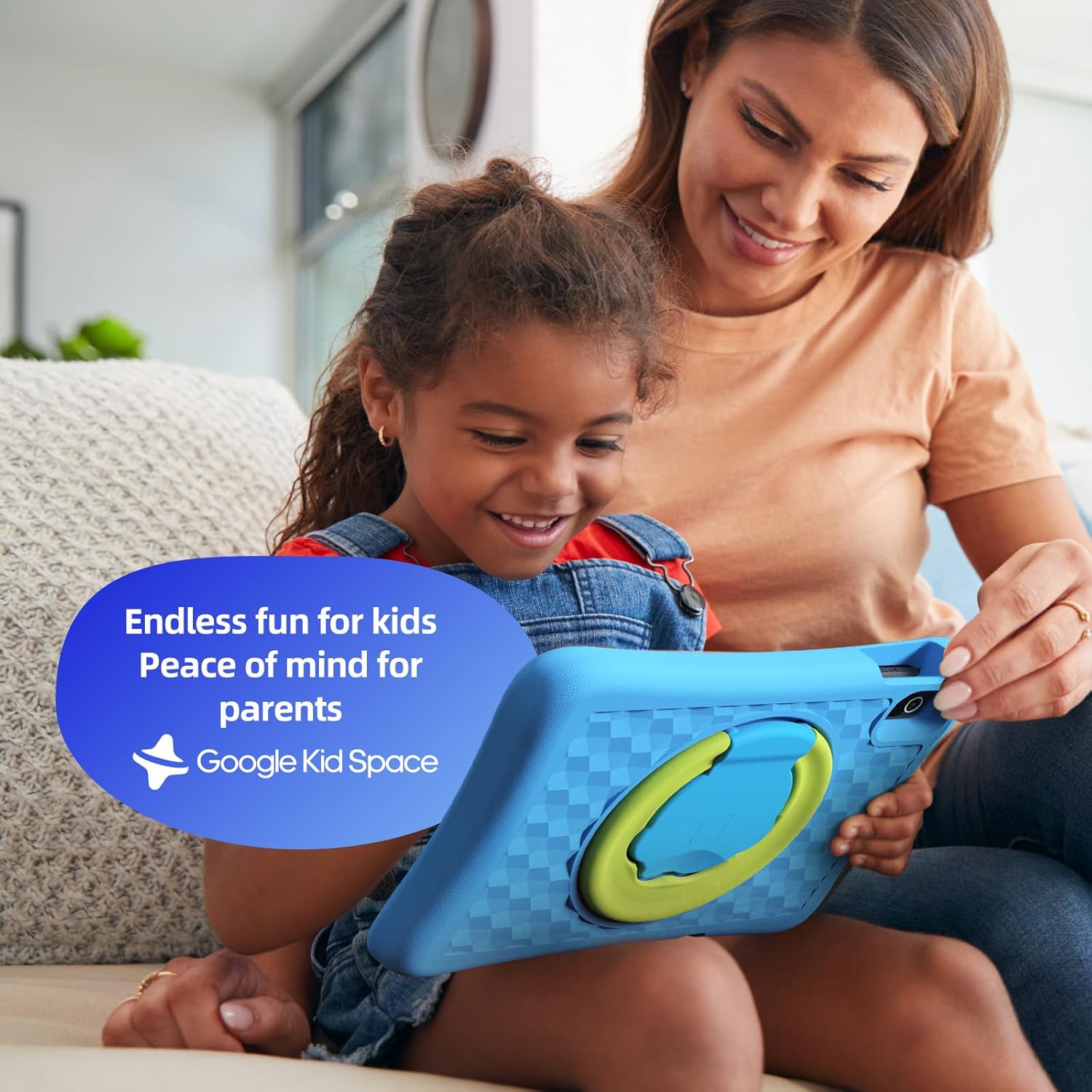
- Google Kids Space & Parental Control: Pre-installed with Google Kids Space and educator-endorsed apps. User-friendly parental controls allow content filtering, educational targets, and time restrictions.
- Eye Protection Display: 10.1" HD IPS glass screen (1280 x 800 resolution) with low blue light technology and automatic brightness adjustment to reduce eye fatigue.
- Туруктуу дизайн: Rugged, anti-drop EVA protective case, odorless and resistant to deformation, with a 360° rotatable bracket.
- Оптималдаштырылган батарея: Upgraded power system for extended daily use, leveraging Android 15's efficiency for smarter power management.

4. Орнотуу
4.1 Баштапкы күйгүзүү
- Press and hold the power button located on the side of the tablet until the screen lights up.
- Каалаган тилди жана аймакты тандоо үчүн экрандагы көрсөтмөлөрдү аткарыңыз.
4.2 Wi-Fi туташуусу
- From the initial setup screen or Settings menu, select 'Wi-Fi'.
- Тизмеден үйүңүздүн Wi-Fi тармагын тандаңыз.
- Enter your Wi-Fi password and tap 'Connect'.
4.3 Google Каттоо эсебин орнотуу
- Sign in with an existing Google account or create a new one. This account will be used for parental controls and app downloads.
- Follow the instructions to link your child's profile to your Google Family Link account for parental management.
4.4 Google Kids Space Configuration
- Once your Google account is set up, the tablet will guide you through configuring Google Kids Space.
- Select your child's age and interests to personalize content recommendations.
- Review and adjust parental control settings within Google Kids Space or via the Google Family Link app on your own device.
5. Планшетти иштетүү
5.1 Navigating Google Kids Space
Google Kids Space provides a child-friendly interface with curated content. Children can navigate through different categories like 'Play', 'Read', and 'Watch' to discover apps, books, and videos tailored to their age and interests.
5.2 Parental Controls with Google Family Link
Manage your child's digital experience remotely using the Google Family Link app on your smartphone. This allows you to:
- Set daily screen time limits.
- Approve or block apps from the Google Play Store.
- Track app usage and activity.
- Set device bedtime.
- Manage content restrictions for websites and searches.

5.3 Медиа керектөө
The tablet supports various media types:
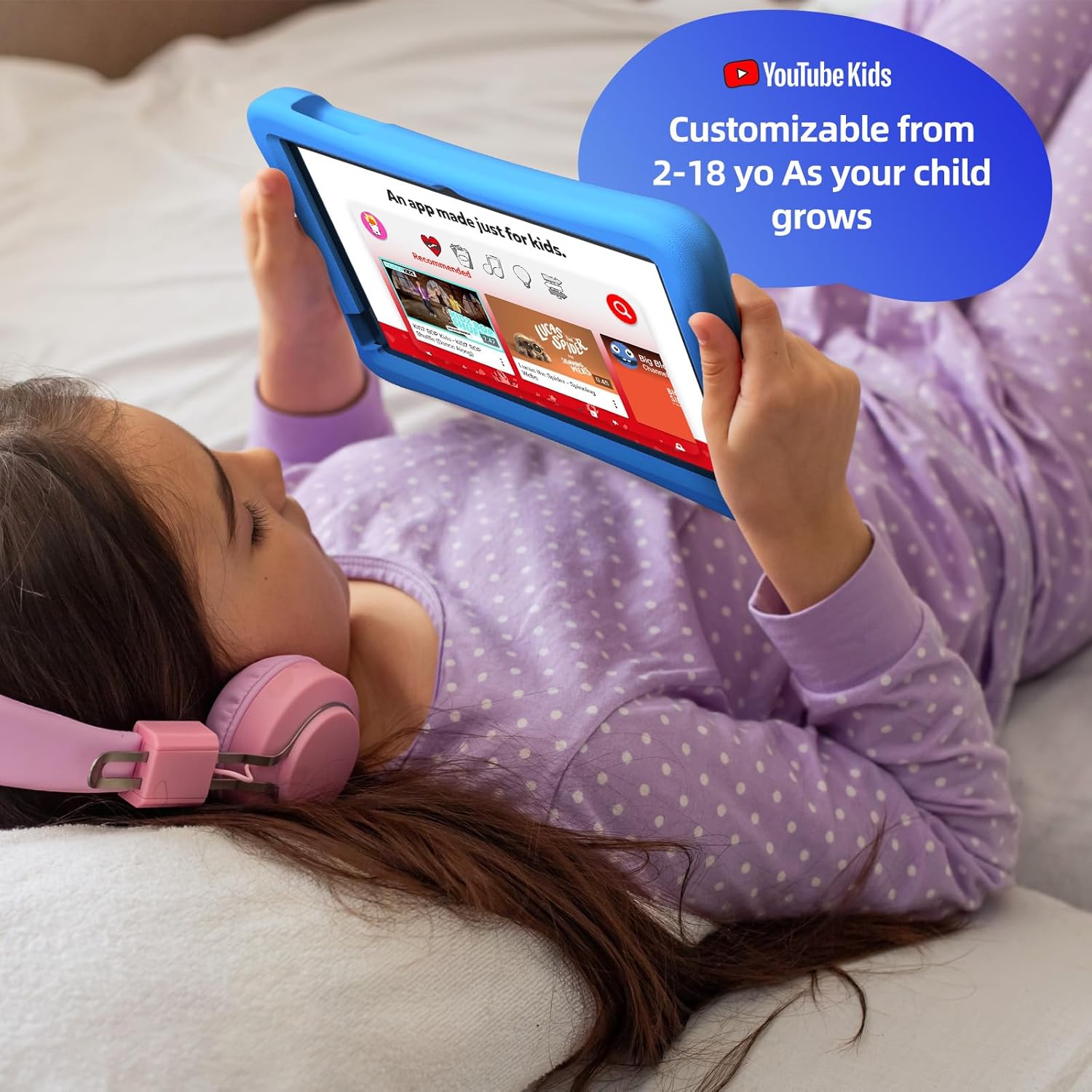
- Видеолор: Access YouTube Kids for age-appropriate video content. Parental controls can further refine available videos.
- Китептер: Explore a library of digital books within Google Kids Space, promoting reading and literacy.
- Оюндар: A wide selection of educational and entertaining games are available, with new content regularly updated.

6. Техникалык тейлөө
6.1 Батареяга кам көрүү
- Charge the tablet fully before first use.
- Батареянын иштөө мөөнөтүн узартуу үчүн аны дайыма толугу менен бошотуп туруудан алыс болуңуз.
- Use only the provided USB Adaptor and Charge Cable.
6.2 Тазалоо
- Тазалоодон мурун планшетти өчүрүңүз.
- Экранды жана сыртын сүртүш үчүн жумшак, түксүз чүпүрөктү колдонуңуз.
- Катуу химиялык заттарды же абразивдүү материалдарды колдонуудан алыс болуңуз.
6.3 Программалык камсыздоо жаңыртуулары
Ensure the tablet's software is up-to-date for optimal performance and security. Connect to Wi-Fi and check for updates periodically in the Settings menu.
7. Кыйынчылыктарды
7.1 Планшет күйбөйт
- Батарея заряддалганын текшериңиз. Планшетти заряддагычка туташтырыңыз жана кайра күйгүзүү аракетинен мурун бир нече мүнөт күтүңүз.
- Катуу баштапкы абалга келтирүү үчүн кубат баскычын 10-15 секунд басып туруңуз.
7.2 Жай аткаруу
- Фондо иштеп жаткан колдонулбаган колдонмолорду жабуу.
- Clear cache data for frequently used apps in Settings > Apps.
- Жетиштүү сактоочу жай бар экенин текшериңиз. Керексизин өчүрүңүз fileлар же колдонмолор.
7.3 Wi-Fi туташуу маселелери
- Wi-Fi роутериңизди жана планшетиңизди өчүрүп күйгүзүңүз.
- Wi-Fi жөндөөлөрүнөн тармакты унутуп, кайра туташыңыз.
- Планшет Wi-Fi сигналынын диапазонунда экенин текшериңиз.
8. Техникалык шарттар
| Өзгөчөлүк | Спецификация |
|---|---|
| Туруктуу экранды көрсөтүү өлчөмү | 10.1 дюйм |
| Screen Resolution | 1280 x 800 пиксель |
| Процессор | 2 ГГц сегиз ядролуу |
| Операция системасы | Android 15 |
| Flash эстутум өлчөмү | 64 ГБ |
| RAM | 4 ГБ |
| Кеңейтүүчү сактагыч | Up to 1 TB (SD card not included) |
| Батареянын орточо иштөө мөөнөтү | 8 саат |
| Элемент Салмагы | 1.76 фунт |
| Продукциянын өлчөмдөрү | 10.86 x 7.83 x 1.22 дюйм |
| Түс | Көк |
9. Кепилдик жана колдоо
The Plimpton Kids Tablet comes with a 2 жылдык кепилдик. Мындан тышкары, а 30-day worry-free return and replacement policy is provided. For any questions or concerns, please contact Plimpton customer support. Our team is dedicated to resolving any issues you may encounter.
For detailed support, refer to the customer support card included in your product packaging or visit the official Plimpton webсайт.