
1. Киришүү
This manual provides instructions for the ASHATA 5-inch E-Reader with Handwriting Board. Please read this manual thoroughly before using the device to ensure proper operation and maintenance.
2. Пакеттин мазмуну
Төмөндө тизмеленген нерселердин баары пакетиңизге камтылганын текшериңиз:
- 1 x ASHATA E-Reader
- 1 х Наушник
- 1 x заряддоо кабели (Type-C)
- 1 x Writing Pad
- 1 x Capacitive Pen
- 1 х экран коргоочу
- 1 x коргоочу куту
- 1 х Колдонуучунун колдонмосу (бул документ)
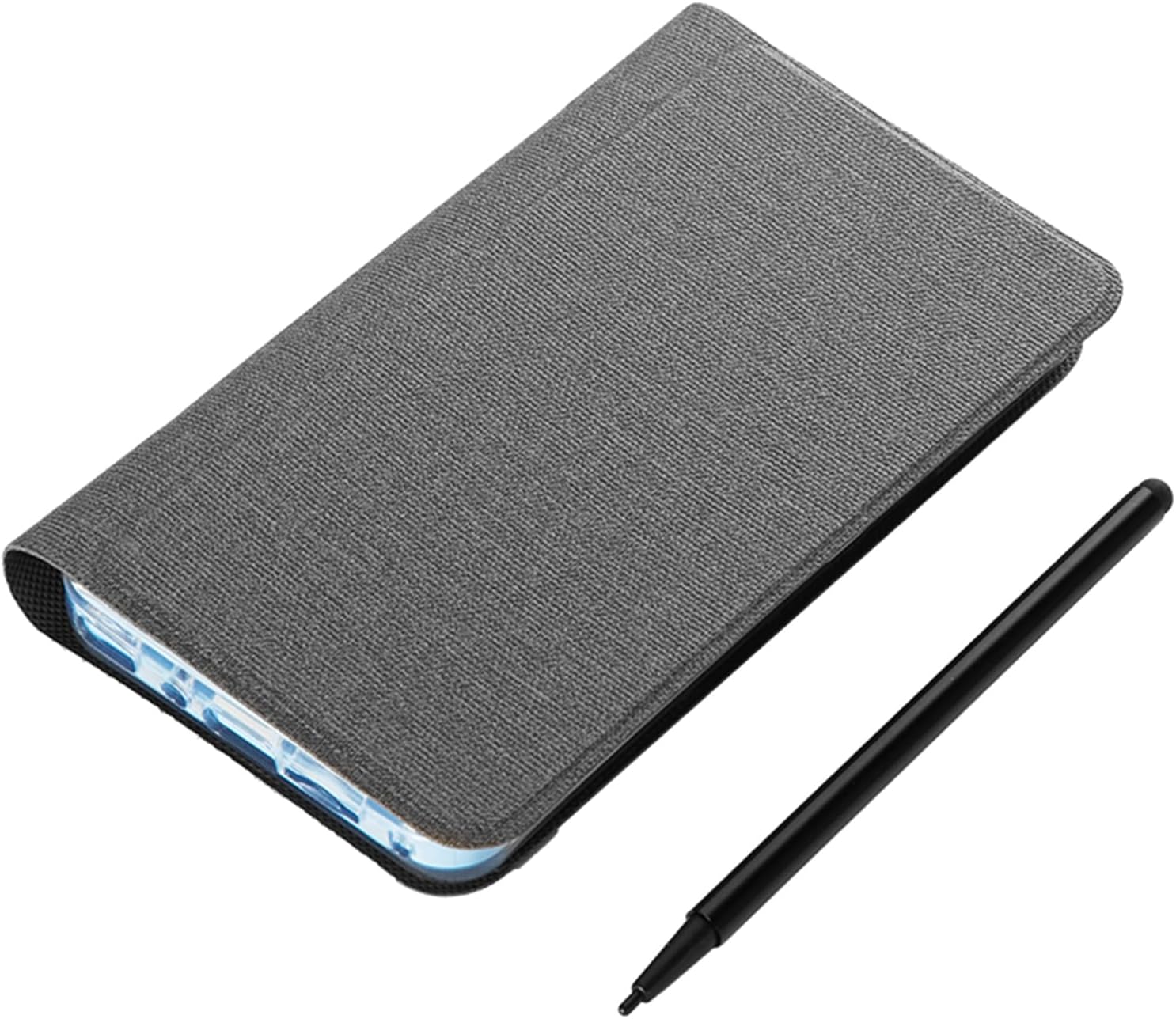
Image: The ASHATA 5-inch E-Reader shown with its protective case and the included capacitive pen.
3. Продукт бүтүп калдыview
The ASHATA 5-inch E-Reader is designed for reading and note-taking, featuring a high-definition, non-reflective screen and wireless connectivity.
3.1 Негизги өзгөчөлүктөрү
- High-Clear 5-inch Display: Suitable for various content, including novels, books, and comics.
- Eye-Guard Screen: Ink-less technology mimics traditional paper, non-reflective for reduced eye fatigue.
- Handwriting Tablet Functionality: Equipped with a handwriting board and capacitive pen for notes and annotations.
- Портативдик дизайн: Жеңил ташуу үчүн компакт жана жеңил.
- Көп функциялуулугу: Includes a 5MP camera with flash, Wireless-Fidelity, and BT connectivity.

Сүрөт: Бир нече views of the ASHATA E-Reader, illustrating its lightweight and ergonomic design.
4. Орнотуу
4.1 Баштапкы күйгүзүү
- Түзмөктөгү кубат баскычын табыңыз.
- Press and hold the power button for 1 to 3 seconds until the screen illuminates.
4.2 Тилди тандоо
- Upon initial startup, navigate to the device settings.
- Жеткиликтүү варианттардан каалаган тилиңизди тандаңыз.
4.3 Аппаратты заряддоо
Before first use, fully charge the E-Reader. Connect the provided Type-C charging cable to the device's USB port and a compatible power adapter (not included).

Image: The E-Reader next to its protective case, emphasizing its built-in high-capacity battery for extended use.
5. Иштөө нускамалары
5.1 Электрондук китептерди окуу
The E-Reader supports various e-book formats including PDF, EPUB, MOBI, and TXT. Transfer your e-books to the device's internal storage or an external memory card (if supported).
- Navigate to the library or file менеджер колдонмо.
- Select the desired e-book to open it.
- Use the touchscreen or physical buttons (if applicable) to turn pages.

Image: The E-Reader's flat TFT screen displaying content, designed to provide a reading experience similar to a physical book.
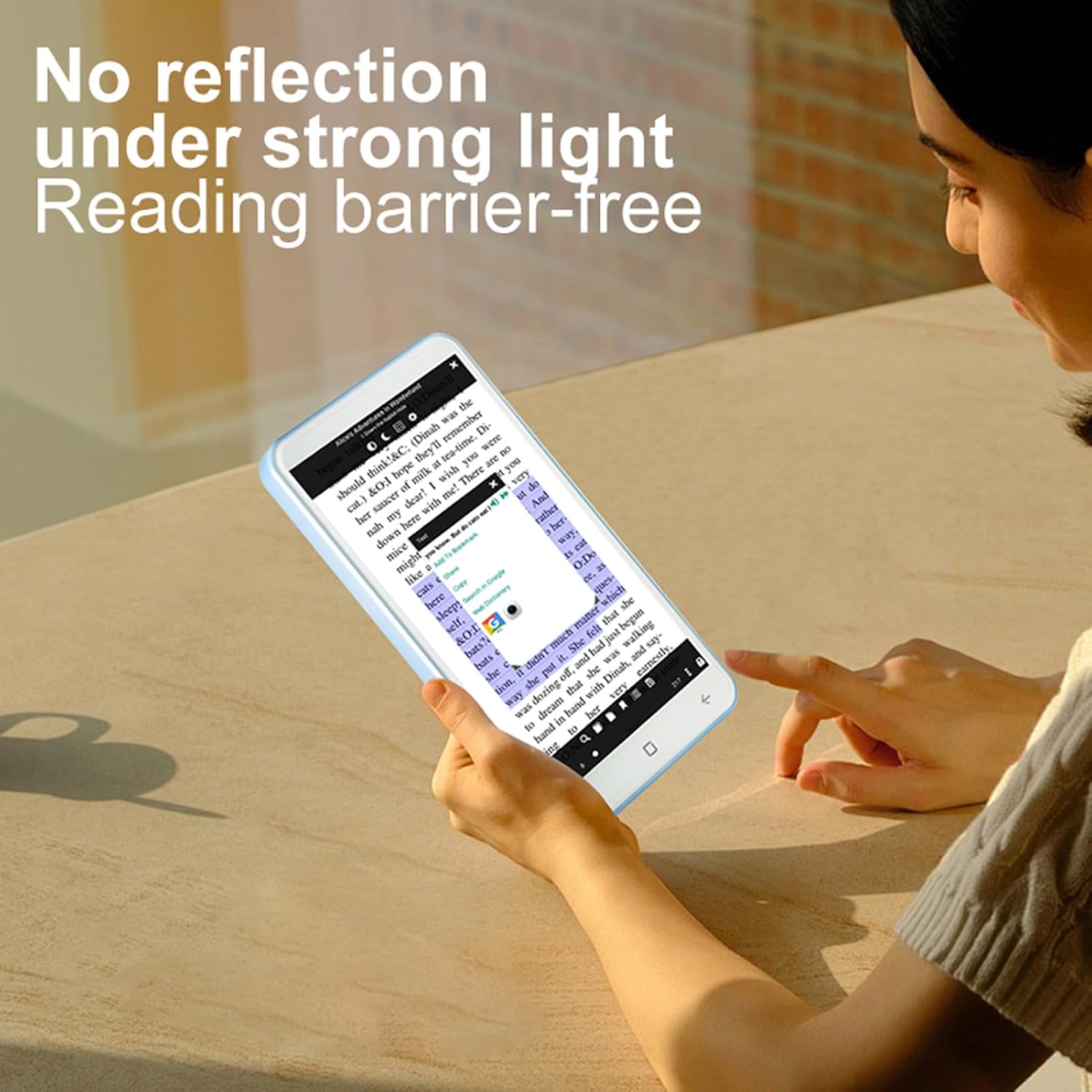
Image: A user reading on the E-Reader, demonstrating its non-reflective screen even under strong lighting conditions.
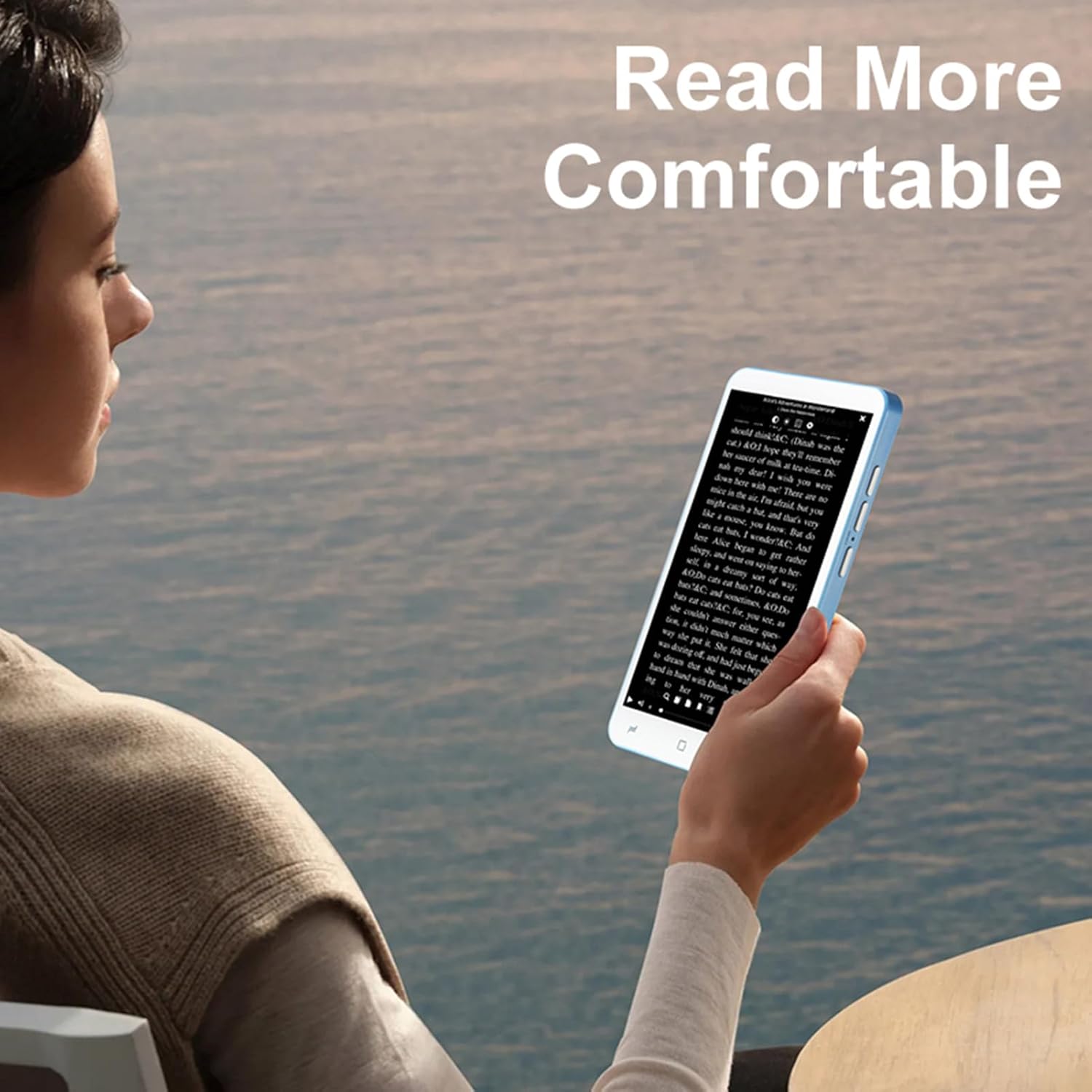
Image: A user holding the E-Reader, highlighting its comfortable grip for extended reading sessions.
5.2 Using the Handwriting Board and Pen
The device includes a dedicated handwriting board and capacitive pen for note-taking or drawing.
- Access the handwriting application from the main menu.
- Use the capacitive pen on the writing pad to write or draw.
- Save your notes as needed.
5.3 камеранын иштеши
The E-Reader is equipped with a 5MP camera with flash.
- Камера тиркемесин ачыңыз.
- Frame your shot and press the camera button or on-screen shutter icon to capture an image.
5.4 Connectivity (Wireless-Fidelity and BT)
Connect to wireless networks or BT devices for data transfer, internet access, or pairing accessories like BT headphones.
- Go to "Settings" and select "Wireless & networks".
- Enable Wireless-Fidelity or BT.
- Select the desired network or device and follow the on-screen prompts to connect.
6. Техникалык тейлөө
- Тазалоо: Use a soft, lint-free cloth to clean the screen and device body. Avoid abrasive cleaners or solvents.
- Сактагыч: Аппаратты түз күн нурунан жана экстремалдык температурадан алыс салкын, кургак жерде сактаңыз.
- Батареяга кам көрүү: Батареянын иштөө мөөнөтүн узартуу үчүн, батареяны тез-тез толук зарядсыздандырбаңыз. Түзмөктү үзгүлтүксүз кубаттап туруңуз.
- Программалык камсыздоо жаңыртуулары: Periodically check for and install software updates to ensure optimal performance and security.
7. Кыйынчылыктарды
7.1 Түзмөк күйбөй жатат
- Батарея заряддалганын текшериңиз. Түзмөктү заряддагыч түзүлүшкө кеминде 30 мүнөт туташтырыңыз.
- Press and hold the power button for an extended period (up to 10-15 seconds) to perform a hard reset.
7.2 Экран жооп бербейт
- Аппаратты кайра иштетиңиз.
- Экран таза жана таштандылардан таза экенин текшериңиз.
7.3 Cannot Connect to Wireless-Fidelity
- Ensure Wireless-Fidelity is enabled in settings.
- Check if the Wireless-Fidelity router is working correctly.
- Try restarting both the E-Reader and the Wireless-Fidelity router.
- Verify the Wireless-Fidelity password.
7.4 Device Freezes or Crashes
- Аппаратты кайра иштетиңиз.
- Керексиз фондук тиркемелерди жабыңыз.
- If the issue persists, consider performing a factory reset (note: this will erase all data). Back up important fileулантуудан мурун.
8. Техникалык шарттар
| Элемент түрү | E-reader with Handwriting Board |
| ЖК спецификациясы | 5 дюймдук, 480*854 |
| Сенсордук экран | COF 6PIN |
| Камера | 5M with flash |
| Физикалык баскычтар | Volume +/-, Camera, Power (4 buttons total) |
| E-reader Battery | 2500 мАч (орнотулган) |
| Handwriting Board Battery | 25mAh |
| USB интерфейси | Type-C |
| Наушник уясы | 3.5mm (L-R-G-M) |
| берилиштер Link | Wireless-Fidelity/BT 4.0LE |
| Аппараттык платформа | MT6580, Quad-core 1.3GHz, ARM Cortex-A7 |
| Эс | 1 ГБ оперативдүү эс тутум + 8 ГБ ички сактагыч |
| Сенсорлор | G-сенсор |
| FM радиосу | Колдоо |
| Баяндамачы | 2030 Single Magnetic Speaker |
| Микрофон | Колдоо |
| Тилди колдоо | Бир нече тилдер |
| Сүрөт форматтары | JPG, JPEG, BMP, GIF, PNG |
| Sound Formats | MP3, MP2, AMR, APE, M4A, MIDI, OGG, WAV, FLAC, 3GP |
| Видео форматтары | MPEG4-SP, H.264/AVC, H.263, 3GP, 3G2, MP4, MKV, AVI, WEBM |
| E-book Formats | PDF, EPUB, EPUB3, MOBI, DjVu, FB2, DOC, DOCX, TXT, RTF, CBR, CBZ, HTML |
| Элементтин өлчөмү | 13 x 7 x 1 см (5.12 x 2.76 x 0.39 дюйм) |
| Элемент Салмагы | 114г (4.02 унция) |

Image: Diagram showing the physical dimensions of the ASHATA E-Reader.
9. Кепилдик жана колдоо
For warranty information and customer support, please refer to the documentation provided at the time of purchase or contact ASHATA customer service directly. Specific warranty terms may vary by region and retailer.