
Introduction
This manual provides detailed instructions for the safe and efficient operation of your Aiwa AWQ680 Portable Bluetooth Speaker. Please read this manual thoroughly before using the product and retain it for future reference.
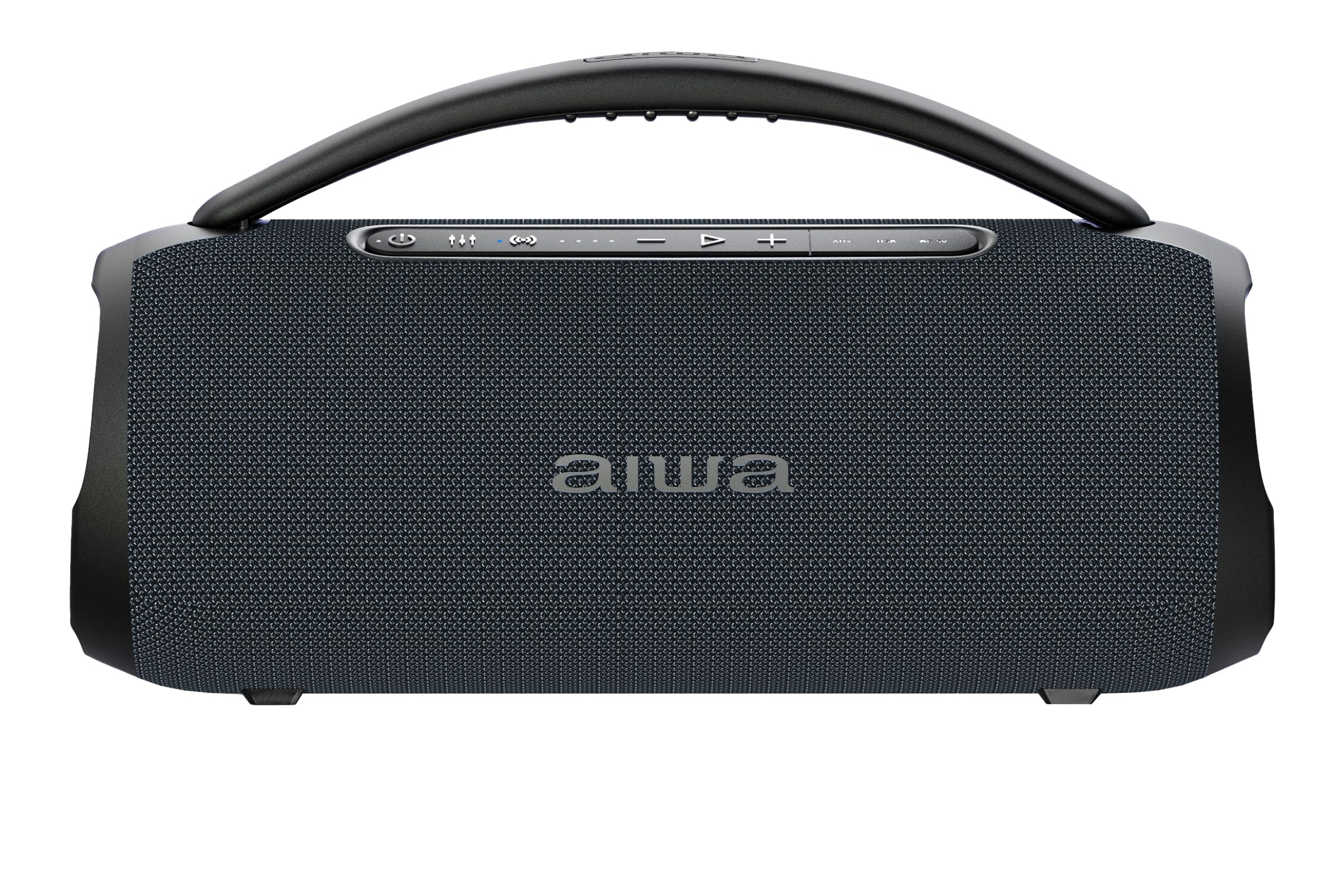
Image: The Aiwa AWQ680 speaker in an outdoor setting, demonstrating its portability.
Негизги өзгөчөлүктөрү
- 30W RMS Power & TWS Technology: Enjoy clear, immersive sound with 30W of real power. True Wireless Stereo (TWS) allows you to link two units simultaneously for a massive, enveloping stereo sound.
- IPX5 сууга туруктуулугу: Designed for adventure, this Bluetooth speaker is certified IPX5 against water and dust, making it suitable for use at the beach, poolside, or other outdoor environments without concern for splashes.
- Bluetooth 5.3 & 4-Hour Battery: Equipped with the latest Bluetooth 5.3 standard for ultra-stable and uninterrupted transmission. The rechargeable battery provides up to 4 hours of autonomy for extended music sessions.
- Максималдуу байланыш: Offers total versatility to play your favorite content. This model includes an FM Radio tuner, AUX input, and a USB port (compatible with memory up to 32GB), providing freedom to choose your audio source.
- LED Lights & Portable Design: Features a dynamic LED lighting system that adds a spectacular visual touch to any event, synchronizing with your style. Its compact and modern black design makes it highly portable.
Пакеттин мазмуну
Пакетте бардык буюмдар бар экенин текшериңиз:
- Aiwa AWQ680 Portable Bluetooth Speaker
- Микрофон
- Заряддоо кабели
- Колдонуучунун Колдонмосу (бул документ)
Продукт бүттүview
Спикердин компоненттери жана башкаруу элементтери менен таанышыңыз.
Жогорку панелдин башкаруу элементтери
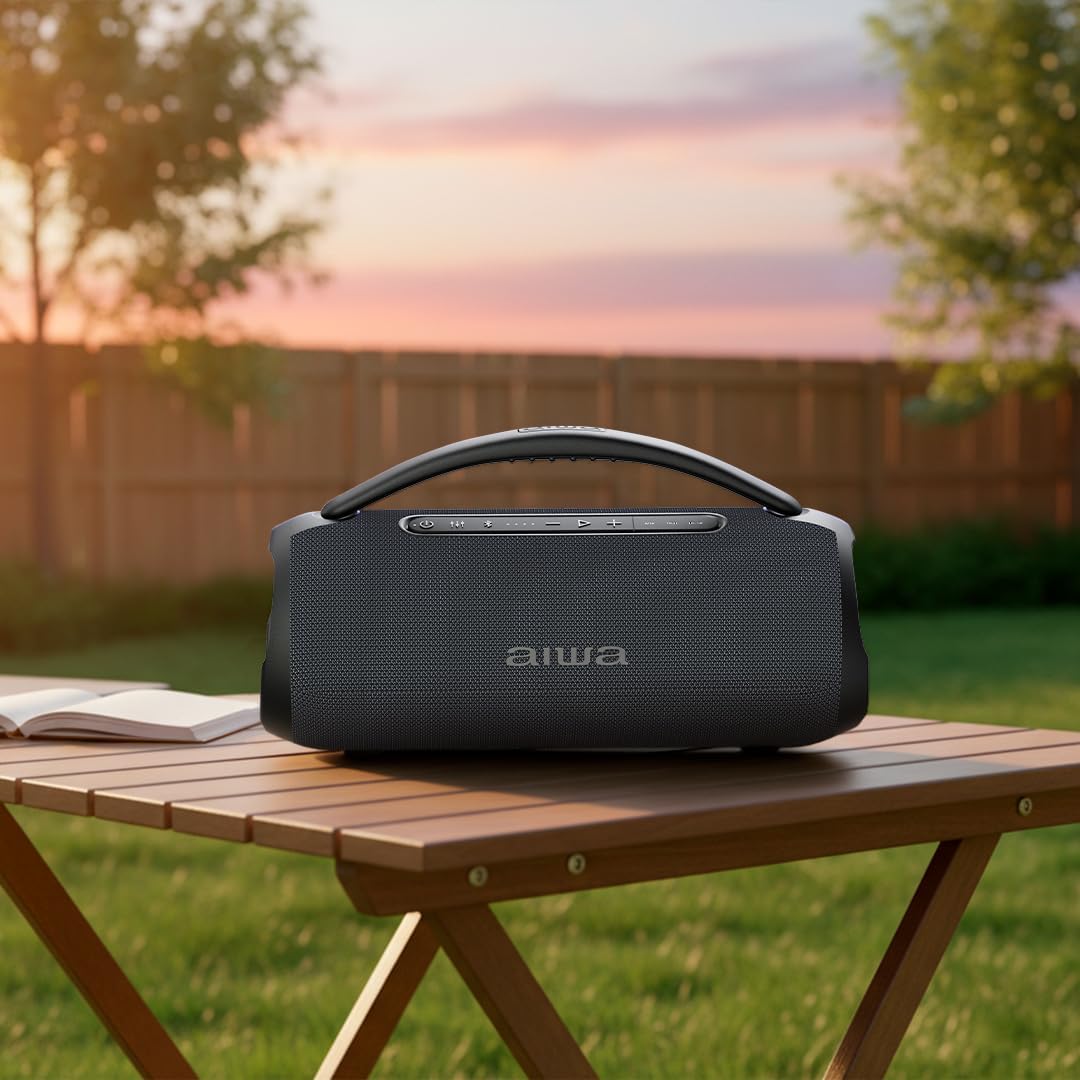
Сүрөт: Жогорку view of the Aiwa AWQ680 speaker, highlighting the control panel with buttons for power, mode, volume, playback, and LED light control, along with the integrated carrying handle.
- Power Button (Ⓢ): Динамикти күйгүзүү же өчүрүү үчүн басып туруңуз.
- Режим баскычы (M): Short press to switch between Bluetooth, FM Radio, USB, and AUX modes.
- Play/Pause Button (►): Аудиону ойнотуу же тындыруу үчүн кыска басыңыз.
- Үнүн жогорулатуу (+): Үндү катуулатуу үчүн кыска басыңыз. Кийинки трек/станция үчүн көпкө басыңыз.
- Үнүн төмөндөтүү (-): Үндү азайтуу үчүн кыска басыңыз. Мурунку трек/станция үчүн көпкө басыңыз.
- TWS Button (∞): Short press to activate/deactivate True Wireless Stereo pairing.
- LED Light Button (☀): Short press to cycle through LED light modes or turn off the lights.
Rear Port Panel
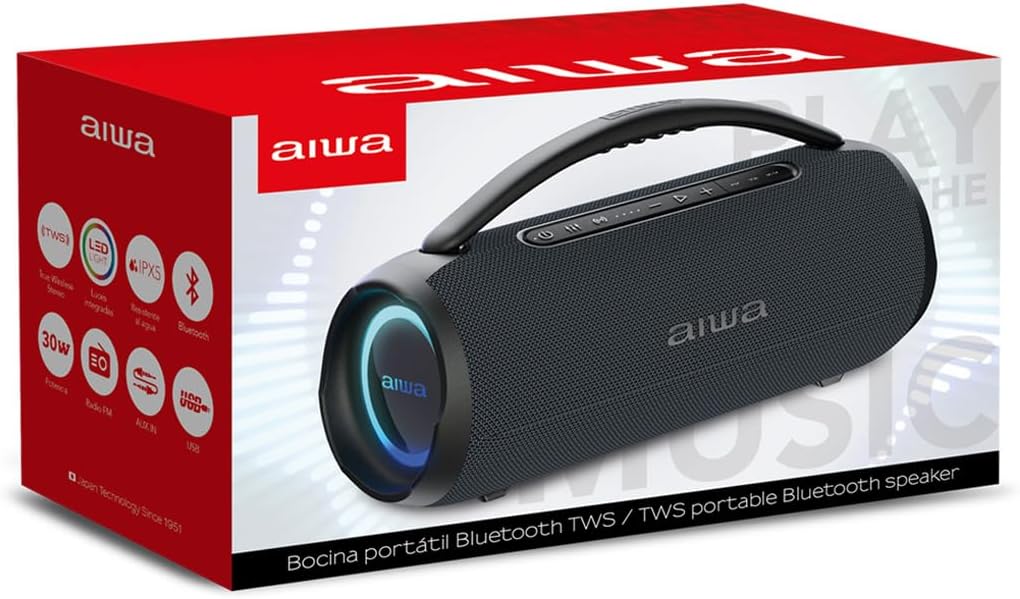
Сүрөт: Арткы view of the Aiwa AWQ680 speaker with a protective flap covering the input ports.
- USB порт: For USB flash drive playback (supports up to 32GB).
- AUX киргизүү: 3.5 мм аудио кабели аркылуу тышкы аудио түзмөктөрдү туташтыруу үчүн.
- Заряддоо порту: For connecting the charging cable to power the speaker.
- Микрофон киргизүү: Кошумча микрофонду туташтыруу үчүн.
Жайгашуу
Спикерди заряддоо
Before initial use, fully charge the speaker. Connect the charging cable to the speaker's charging port and a suitable power adapter. The LED indicator will show the charging status. Disconnect the charger once fully charged.
Күйгүзүү/өчүрүү
Press and hold the Power button (Ⓢ) on the top panel for approximately 3 seconds to turn the speaker on or off.
Bluetooth Жупташтыруу
- Динамикти күйгүзүңүз. Ал автоматтык түрдө Bluetooth жупташтыруу режимине кирет, жаркыраган LED менен көрсөтүлгөн.
- Түзмөгүңүздө (смартфон, планшет ж.б.) Bluetooth иштетиңиз жана жеткиликтүү түзмөктөрдү издеңиз.
- Select "AWQ680" from the list. Once successfully paired, the LED indicator will stop flashing and remain solid.
Чыныгы зымсыз стерео (TWS) функциясы
To pair two AWQ680 speakers for an enhanced stereo sound experience:
- Ensure both speakers are powered on and in Bluetooth mode, but not yet paired to any external device.
- On one speaker (this will be the primary speaker), short press the TWS button (∞). The speaker will emit a tone and its LED will flash.
- The primary speaker will automatically search for and pair with the secondary speaker. Once connected, both speakers will emit a confirmation tone, and their LEDs will synchronize.
- Now, pair your Bluetooth-enabled device to the primary speaker as described in the "Bluetooth Pairing" section.

Image: Two Aiwa AWQ680 speakers shown side-by-side, illustrating the True Wireless Stereo (TWS) feature for enhanced sound.
Иштөө нускамалары
Bluetooth аркылуу музыка ойнотуу
After successful Bluetooth pairing, you can play music from your device. Use the Play/Pause button (►) on the speaker to control playback. Use the Volume Up (+) and Volume Down (-) buttons for volume adjustment. Long press Volume Up/Down for next/previous track.
FM радиосу
In FM Radio mode (select with the Mode button), long press the Play/Pause button (►) to auto-scan and save available stations. Short press Play/Pause to switch between saved stations. Use Volume Up (+) and Volume Down (-) to fine-tune or change stations.
USB ойнотуу
Insert a USB flash drive (formatted to FAT32, up to 32GB) into the USB port. The speaker will automatically switch to USB mode and begin playing compatible audio files. Use playback controls as in Bluetooth mode.
AUX киргизүү
Connect an external audio device (e.g., MP3 player, laptop) using a 3.5mm AUX cable to the AUX input port. Switch the speaker to AUX mode using the Mode button (M). Audio will play from the connected device.
LED жарык башкаруу
Press the LED Light button (☀) to cycle through different light modes or to turn the lights off.
Техникалык тейлөө
Динамиктин узак мөөнөттүү иштешин жана оптималдуу иштешин камсыз кылуу үчүн:
- Keep the speaker clean by wiping it with a soft, dry cloth. Avoid abrasive cleaners.
- Avoid exposing the speaker to extreme temperatures, direct sunlight, or high humidity for extended periods.
- Ensure the rear port cover is securely closed when using the speaker near water to maintain its IPX5 water resistance.
- Колдонулбаганда динамикти салкын, кургак жерде сактаңыз.
Проблемаларды чечүү
| Көйгөй | Чечим |
|---|---|
| Динамик күйбөйт. | Батарея заряддалганын текшериңиз. Динамикти кубат булагына туташтырыңыз жана кайра аракет кылыңыз. |
| Bluetooth аркылуу жупташтыруу мүмкүн эмес. | Make sure the speaker is in pairing mode (flashing LED). Disable and re-enable Bluetooth on your device. Ensure no other devices are currently connected to the speaker. |
| Үн жок. | Check volume levels on both the speaker and your connected device. Ensure the correct input mode (Bluetooth, AUX, USB) is selected using the Mode button. |
| TWS жупташтыруу ишке ашпай калды. | Ensure both speakers are AWQ680 models and are not connected to any other Bluetooth device before initiating TWS pairing. Place them close to each other. |
Техникалык шарттар
- Бренд: Айва
- Модел: AWQ680
- Динамик чыгаруу күчү: 30W RMS (80 Watts Max)
- Жыштык жообу: 50 KHz
- Байланыш технологиясы: Bluetooth 5.3, AUX, USB
- Аудио чыгаруу режими: Стерео
- Динамик түрү: Көчмө спикер
- Өзгөчөлүктөр: LED Light, IPX5 Water Resistance, TWS Function, FM Radio
- Башкаруу ыкмасы: тийүү
- Батареянын иштөө мөөнөтү: Approximately 4.5 Hours (2500 Milliamp Саат)
- Киргизүү көлөмүtage: 240 вольт
- Өлчөмдөрү (DxWxH): Approximately 9.27 cm x 9.27 cm x 24.18 cm (based on product images)
- Шайкеш түзмөктөр: Смартфон
- Келип чыккан өлкө: Кытай
- Аудио каналдар: 2.0
- Туташуу протоколу: AUX, Bluetooth, USB
- Аудио драйвер түрү: Динамикалык драйвер

Image: The Aiwa AWQ680 speaker with its approximate dimensions labeled.
Кепилдик жана колдоо
This product comes with a 12-month warranty from the date of purchase. For warranty claims or technical support, please contact Aiwa customer service. Keep your proof of purchase for warranty validation.
Продукт видеолору
Aiwa AWQ680: Home Office Usage
Video: A user demonstrating the Aiwa AWQ680 speaker in a home office setting, highlighting its elegant design and sound quality for daily use.
Aiwa AWQ680: Portability and Outdoor Use
Video: A user carrying the Aiwa AWQ680 speaker outdoors, showcasing its portability and robust design for various environments.
Aiwa AWQ680: Water Resistance Demonstration
Video: A user demonstrating the water resistance of the Aiwa AWQ680 speaker, showing its durability against splashes.
Aiwa AWQ680: Unboxing and LED Lights
Video: A user unboxing the Aiwa AWQ680 speaker and demonstrating its dynamic LED lighting features.