
Introduction
Thank you for choosing the aowoka S24-1 Computer Speakers. This USB-powered sound bar is designed to deliver clear stereo sound with versatile connectivity options, including Bluetooth and 3.5mm AUX. It features a multifunctional knob for easy control and integrated RGB lighting effects to enhance your audio experience. Please read this manual carefully to ensure proper setup and operation.
Пакеттин мазмуну
- aowoka S24-1 Computer Speakers
- Integrated USB-A Power and 3.5mm AUX Audio Cable
- Колдонуучунун Колдонмосу (бул документ)
Продукт бүттүview
Familiarize yourself with the main components of your aowoka S24-1 speakers.
Multifunctional Control Knob
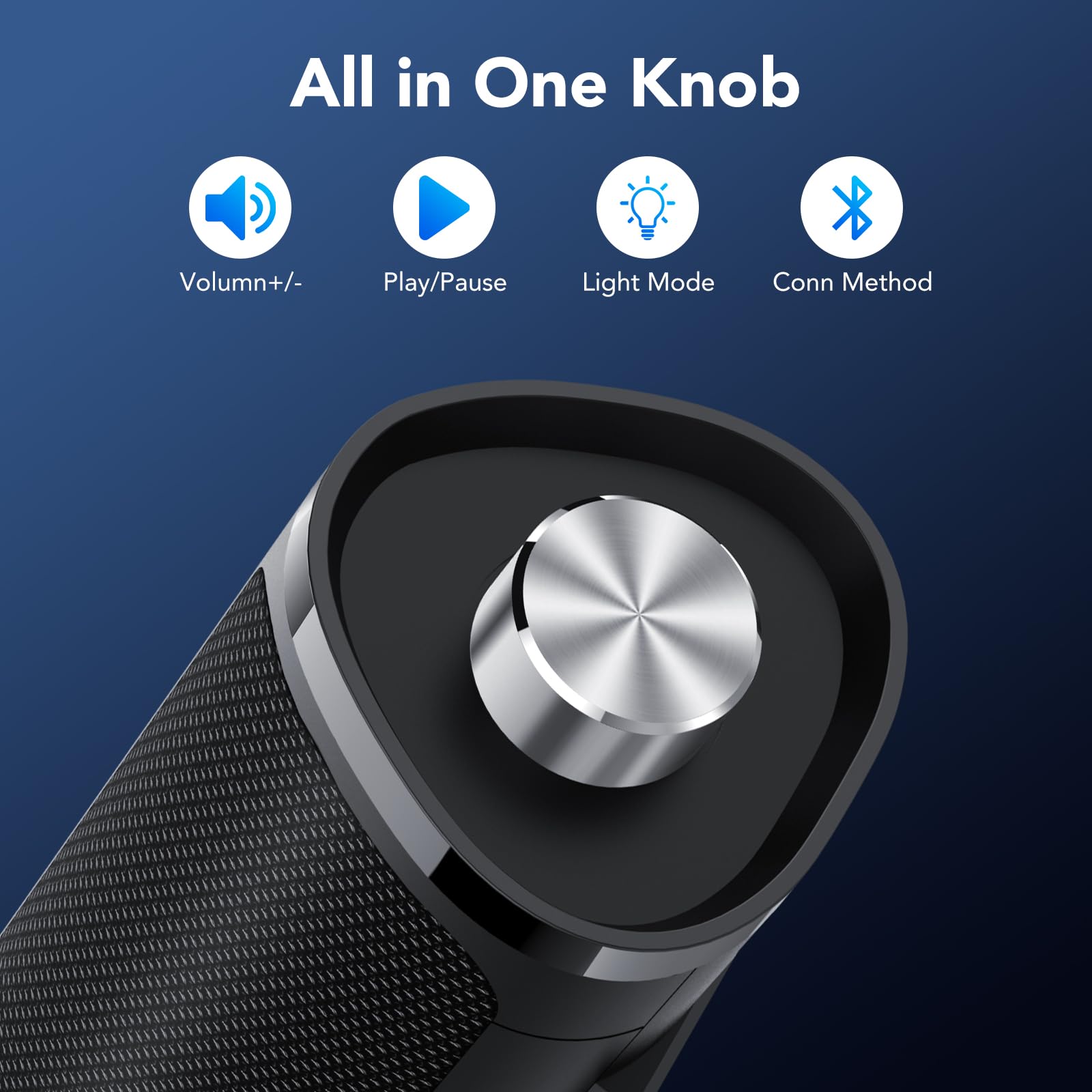
Image: The control knob allows for volume adjustment, play/pause, light mode switching, and connection mode selection.
- Узак басуу (2 секунд): Күйгүзүү/өчүрүү
- Бир чыкылдатуу: Аудиону ойнотуу/тындыруу
- Эки жолу басыңыз: Switch between Bluetooth and AUX connection modes
- Үч жолу чыкылдатуу: Switch RGB light modes
- Rotate clockwise/counter-clockwise: Үндү тууралоо
RGB жарык эффекттери
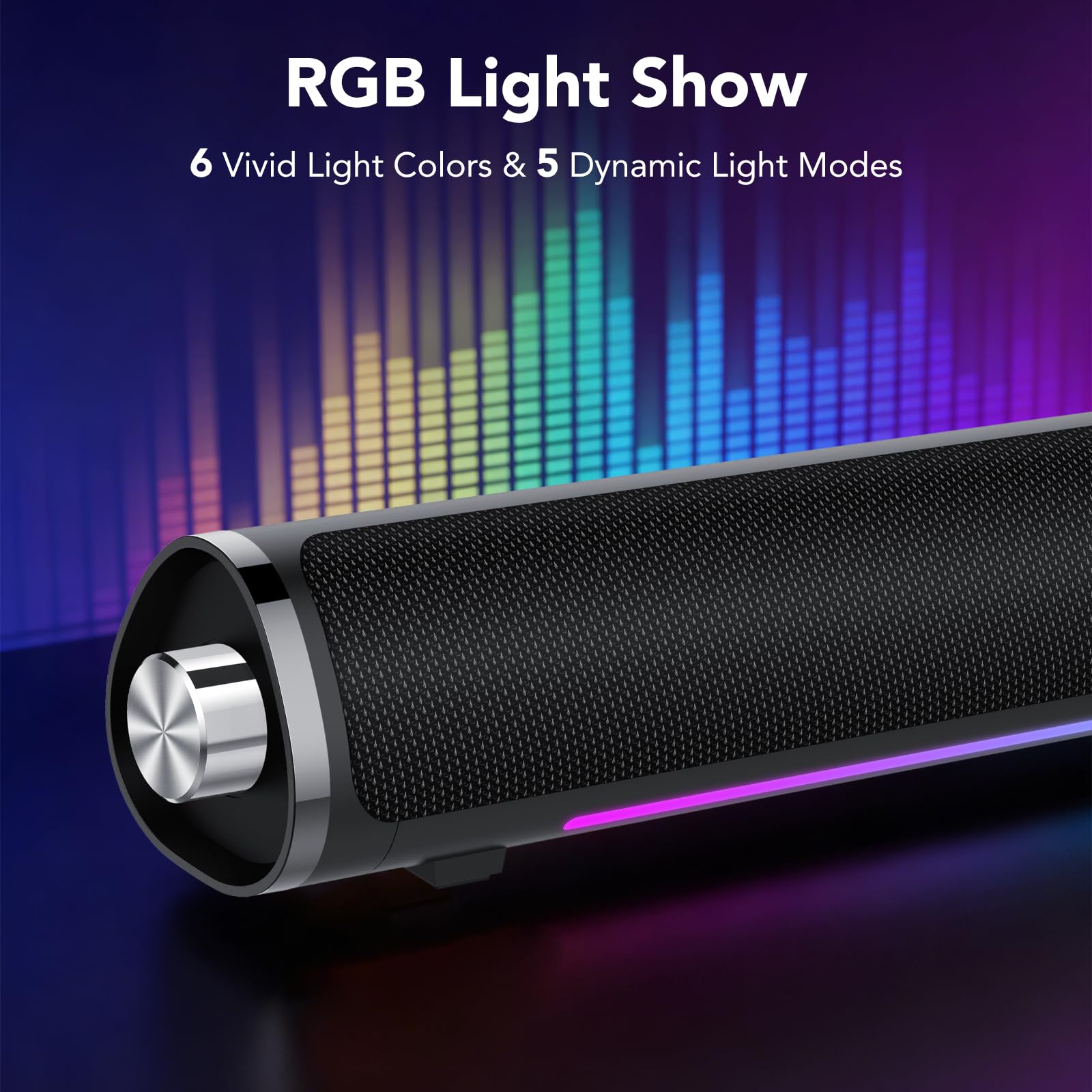
Image: The speaker features 6 vivid light colors and 5 dynamic light modes.
The speaker includes integrated RGB lighting with multiple colors and effects. These can be controlled via the multifunctional knob.
Орнотуу нускамалары
Follow these steps to set up your aowoka S24-1 speakers.
Power Connection
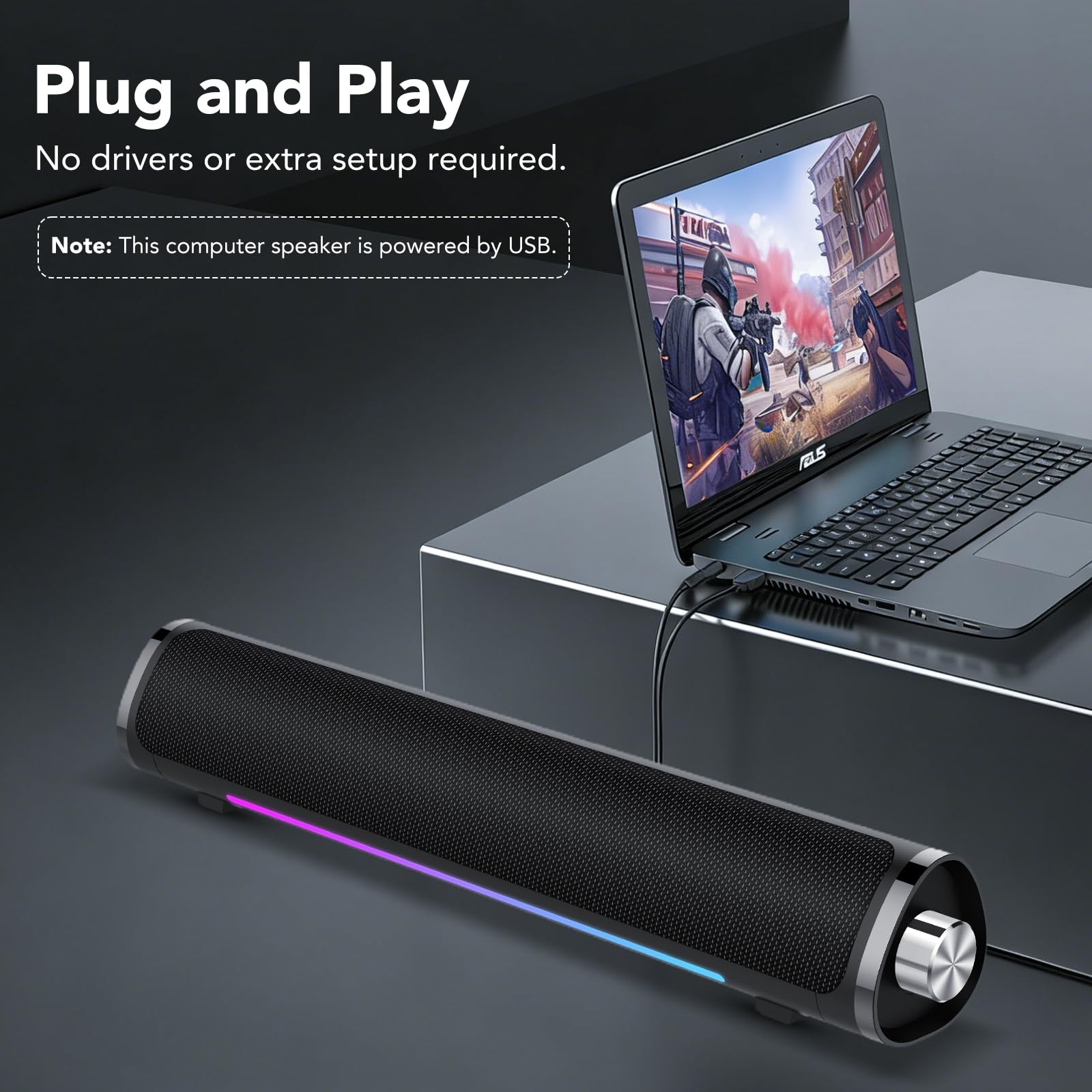
Image: The speaker requires USB power for operation.
- Locate the integrated USB-A cable.
- Plug the USB-A connector into an available USB port on your computer, laptop, or a USB power adapter (not included). The speaker requires power to function.
Audio Connection (2 Ways)
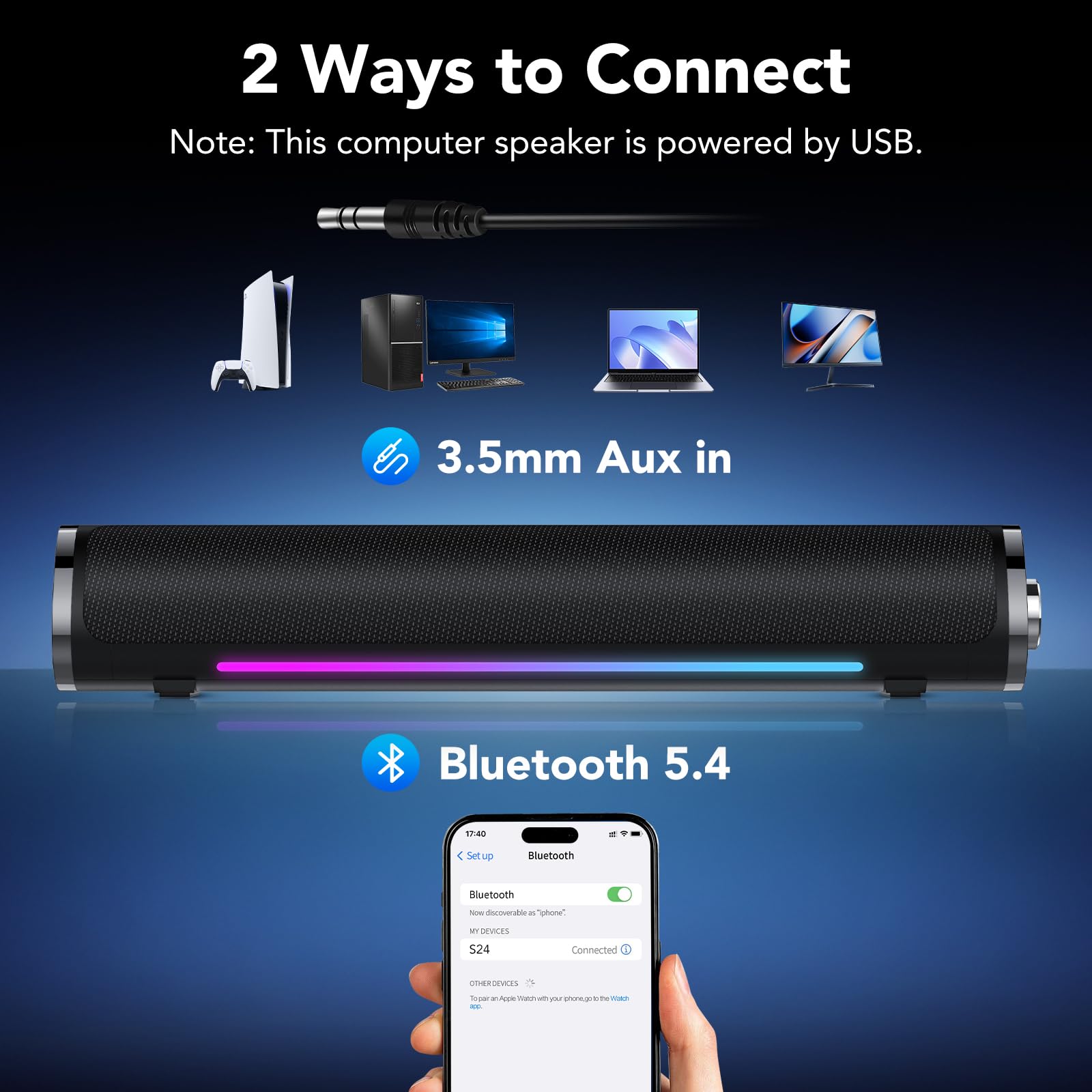
Image: The speaker supports both 3.5mm AUX and Bluetooth 5.4 connectivity.
Method 1: 3.5mm AUX Connection
- Динамик күйгүзүлгөнүн текшериңиз.
- Plug the 3.5mm audio jack (integrated with the USB power cable) into the audio output port of your device (e.g., computer, laptop, tablet, smartphone).
- If the speaker does not automatically switch to AUX mode, double-click the multifunctional knob to select AUX mode.
- You may need to select the speaker as the audio output device in your computer's sound settings.
Метод 2: Bluetooth туташуу
- Динамик күйгүзүлгөнүн текшериңиз.
- Double-click the multifunctional knob to switch to Bluetooth mode. The speaker will enter pairing mode, indicated by a flashing light.
- On your device (e.g., smartphone, tablet, Bluetooth-enabled computer), go to Bluetooth settings and search for available devices.
- Select "S24" from the list of devices to pair. Once connected, the speaker will indicate a successful connection, and the light will stop flashing.
Note: The speaker is universally compatible with devices featuring a 3.5mm AUX audio output or Bluetooth connectivity.
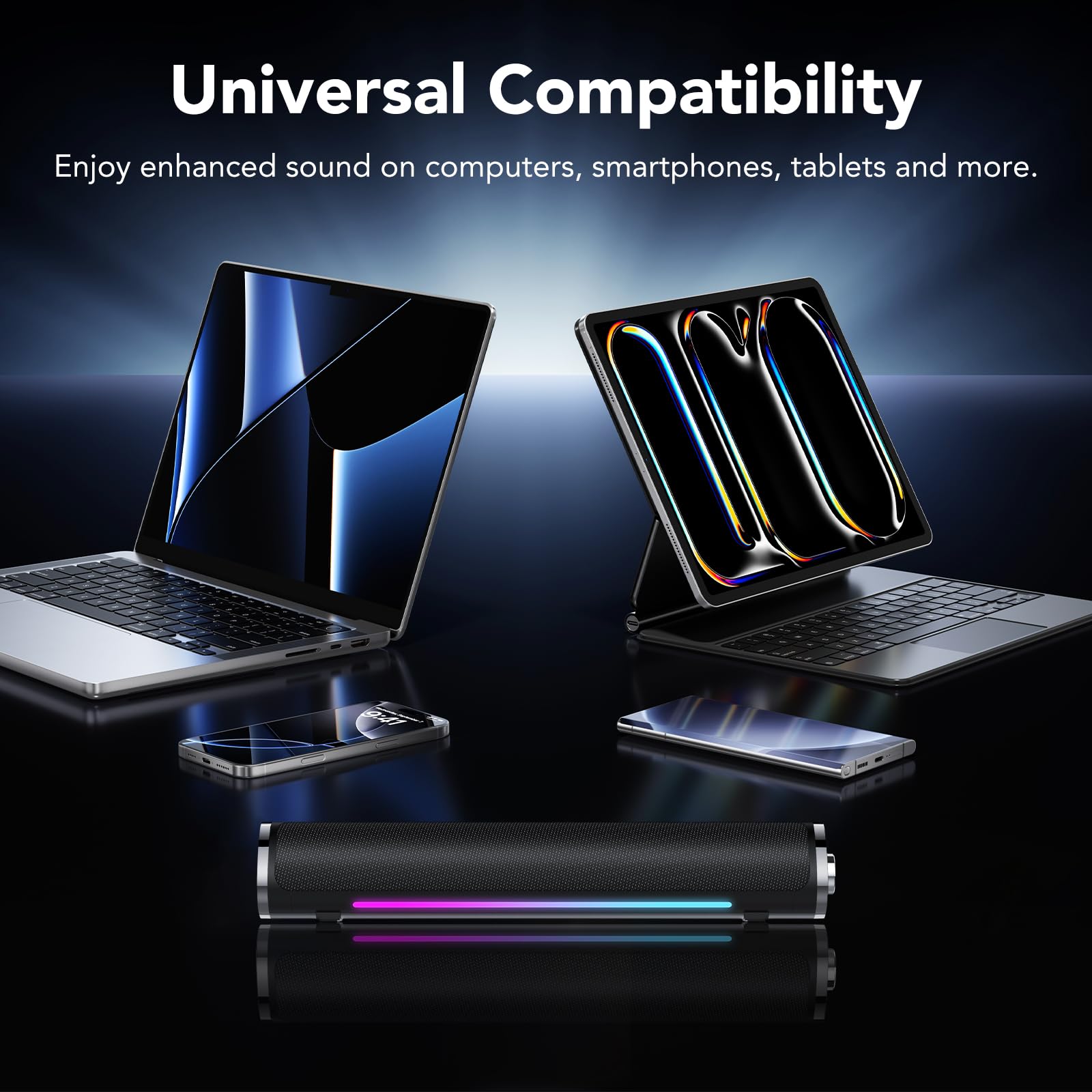
Image: The speaker is compatible with various devices like computers, laptops, tablets, and smartphones.
Иштөө нускамалары
Control your aowoka S24-1 speakers using the multifunctional knob.
- Күйгүзүү/өчүрүү: Long press the knob for 2 seconds.
- Үндү көзөмөлдөө: Rotate the knob clockwise to increase volume, counter-clockwise to decrease volume.
- Ойнотуу/тындыруу: Single click the knob to play or pause audio.
- Туташуу режимин которуштуруу: Double click the knob to toggle between Bluetooth and 3.5mm AUX modes.
- Жарыктын эффекттерин өзгөртүү: Triple click the knob to cycle through the 6 lighting colors and 5 dynamic lighting effects.
Техникалык тейлөө
Динамиктердин узак мөөнөттүү иштешин жана оптималдуу иштешин камсыз кылуу үчүн, төмөнкү техникалык тейлөө көрсөтмөлөрүн аткарыңыз:
- Тазалоо: Use a soft, dry cloth to wipe the speaker's surface. Do not use liquid cleaners or abrasive materials.
- Сактагыч: Динамиктерди күндүн тике тийген нурунан жана экстремалдык температурадан алыс салкын, кургак жерде сактаңыз.
- Колдонуу: Avoid dropping the speakers or subjecting them to strong impacts.
- Суу таасири: Keep the speakers away from water and high humidity. They are not waterproof.
Проблемаларды чечүү
If you encounter any issues with your aowoka S24-1 speakers, please refer to the following solutions:
| Көйгөй | Мүмкүн себеп | Чечим |
|---|---|---|
| Динамиктерден үн жок. |
|
|
| Bluetooth түзмөгү туташа албайт. |
|
|
| RGB lights are not working or stuck. |
|
|
Техникалык шарттар
| Бренд | aowoka |
| Модель номери | S24-1 |
| Байланыш технологиясы | Bluetooth 5.4, 3.5 мм AUX |
| Динамиктин максималдуу чыгаруу күчү | 24 Ватт |
| Power Source | USB менен иштейт |
| Элементтин өлчөмдөрү (D x W x Y) | 2.86"D x 2.7"W x 3.95"H |
| Материал | Пластик |
| Түс | Классикалык кара |
Кепилдик жана колдоо
aowoka products are designed for reliability and performance. This product comes with a standard manufacturer's warranty. For detailed warranty information, technical support, or customer service inquiries, please refer to the contact information provided with your purchase or visit the official aowoka webсайт.
Кепилдик дооматтары үчүн сатып алганыңыздын далилин сактап коюңуз.