
1. Киришүү
The ASHATA USB Barcode Scanner is an omnidirectional desktop device designed for efficient 1D and 2D (QR) code reading. It is suitable for various environments such as supermarkets, retail stores, and banks, providing fast and accurate scanning capabilities for both printed labels and digital displays.
Негизги өзгөчөлүктөрү:
- Жогорку өндүрүмдүү сканерлөө: Equipped with advanced decoding technology for superior scanning performance.
- Жумшак LED жарыктандыруу: Features an LED light for gentle illumination, designed to reduce eye strain during prolonged use.
- Multi-Feedback System: Provides user feedback through both a buzzer and LED indicator lights.
- Туруктуу курулуш: Built with a sturdy ABS structure, IP42 rated, capable of withstanding drops from up to 1.5 meters.
- Ар тараптуу байланыш: Supports USB and RS232 interfaces for broad compatibility with various systems.
2. Пакеттин мазмуну
Пакетте бардык буюмдар бар экенин текшериңиз:
- 1 x Barcode Scanning Platform
- 1 x User Manual

Image: The ASHATA USB Barcode Scanner shown alongside its included user manual.
3. Орнотуу
Follow these steps to set up your ASHATA USB Barcode Scanner:
- USB кабелин туташтыруу: Locate the USB cable attached to the barcode scanner.
- Plug into Device: Connect the USB cable to an available USB port on your computer, POS system, or other compatible device.
- Автоматтык таануу: The scanner is designed for plug-and-play operation. Your operating system (Linux, Android, Windows 7/8/10) should automatically detect and install the necessary drivers. No additional driver installation is typically required.
- Жайгашкан жери: Place the omnidirectional scanner on a stable, flat surface such as a desk or counter. The anti-slip base ensures stability during use.
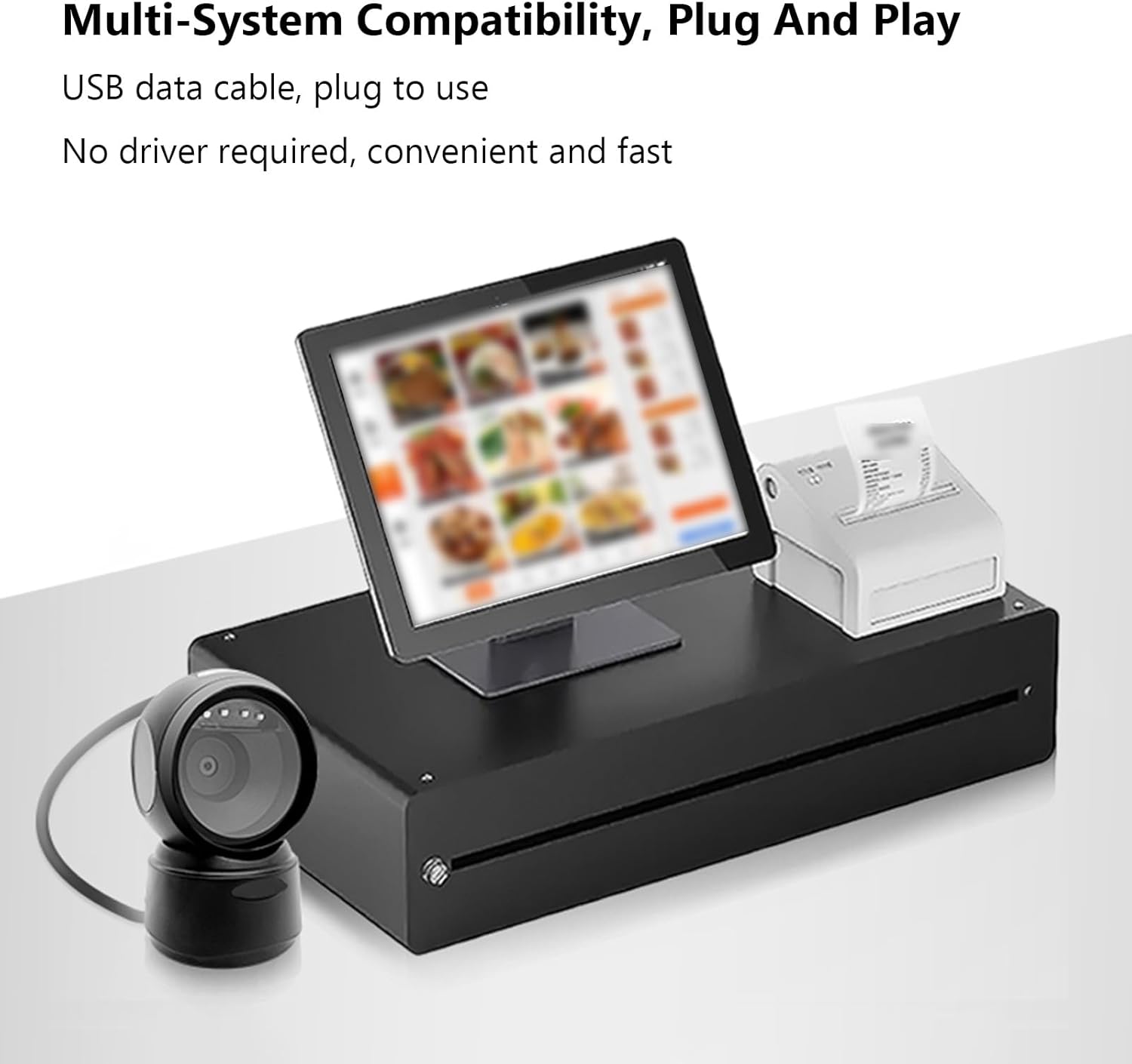
Image: The ASHATA USB Barcode Scanner integrated with a point-of-sale (POS) system, demonstrating multi-system compatibility and plug-and-play functionality.
4. Иштөө нускамалары
Штрихкоддорду сканерлөө:
The ASHATA USB Barcode Scanner is designed for hands-free operation, allowing you to simply present items to the scanning window.
- Позициядагы нерсе: Hold the item with the barcode facing the scanner's window.
- Автоматтык сканерлөө: The scanner will automatically detect and read the barcode. A successful scan is indicated by a beep from the buzzer and a flash of the LED indicator lights.
- Колдоого алынган штрихкоддор: The scanner can read 1D and 2D/QR codes from various surfaces, including labels, paper, and digital displays (mobile phones, computer screens). It can also scan damaged or distorted barcodes.

Image: The ASHATA USB Barcode Scanner positioned on a desk, ready for hands-free scanning of a barcode displayed on a smartphone screen.
Intelligent Sensing and Trigger Modes:
The scanner features intelligent sensing for power efficiency and ease of use.
- Индукция режими: The scanner automatically activates when a barcode is presented to its window.
- Үзгүлтүксүз режим: The scanner remains continuously active, ready to scan.
- Instruction Mode: Specific instructions or configuration barcodes can be scanned to change settings.
- Автоматтык уйку режими: Upon a period of inactivity, the scanner enters an automatic sleep mode to conserve power. It will automatically wake up when a barcode is detected.

Image: A visual representation of the ASHATA USB Barcode Scanner's intelligent sensing capabilities, illustrating automatic QR code scanning and its power-saving sleep mode during inactivity.
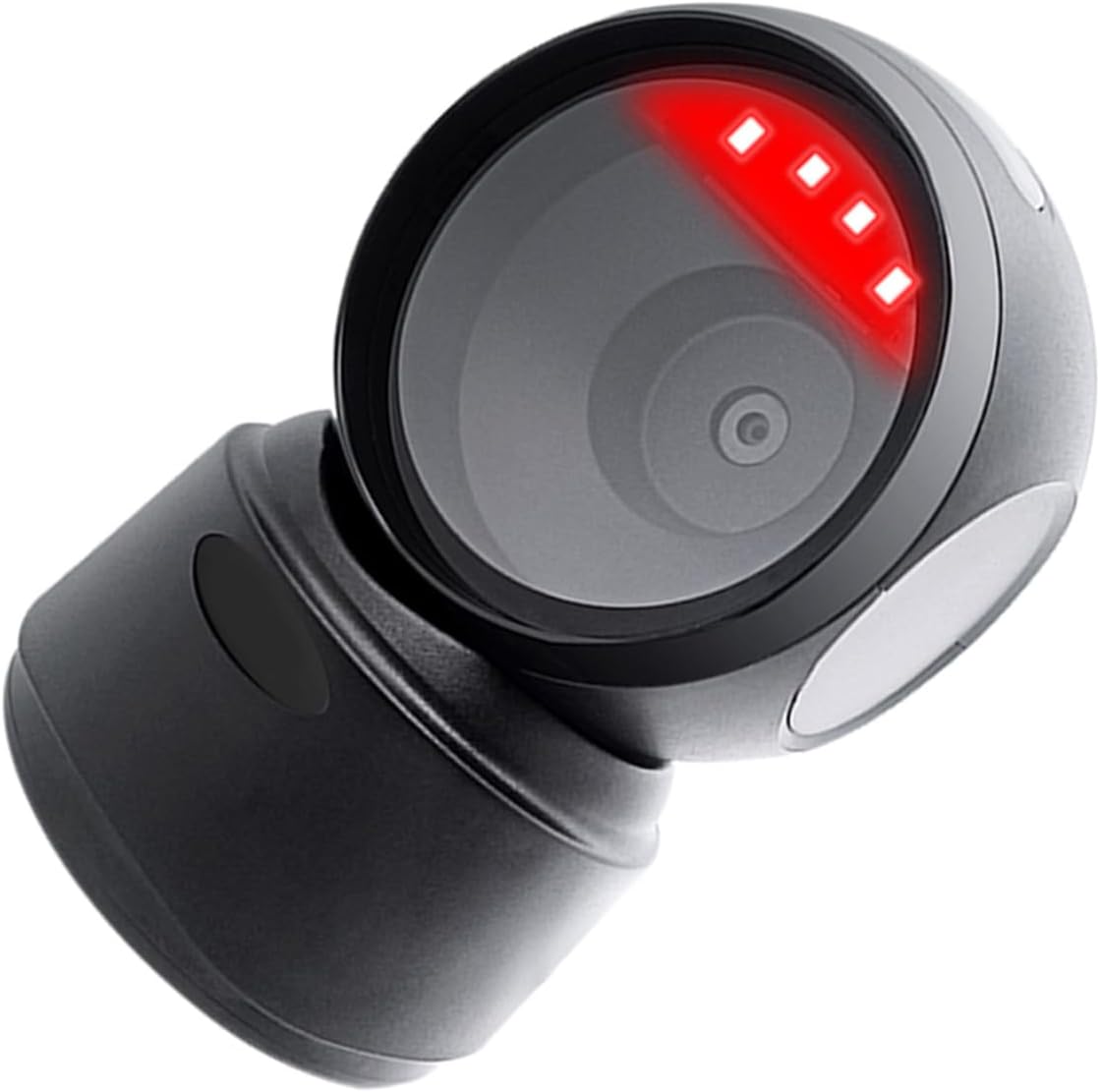
Сүрөт: жакын план view of the ASHATA USB Barcode Scanner with its red scanning light active, indicating it is in operation.
5. Техникалык шарттар
| Өзгөчөлүк | Description |
|---|---|
| Элемент түрү | 1D/2D Barcode Scanner Platform |
| Жарык булагы түрү | 625nm LED Supplementary Light |
| Декоддоо мүмкүнчүлүгү | QRCode, PDF417, MaxiCode, Aztec, DataMatrix(ECC200), Micro QR, Hanxin Code, Micro PDF417, EAN13, EAN8, UPC-A, UPC-E, Code128, Code39, Code93, CodaBar, Interleaved 2 of 5, Industrial 25, Codel1MSIPlessey, Standard 2 of 5, Plessey, ChinaPost 25, etc. |
| Скандоо принциби | Сүрөт CMOS |
| Trigger Mode | Induction Mode / Continuous Mode / Instruction Mode |
| Scanning Angle | Tilt Angle 65°, Rotate Angle 360°, Skew Angle 75° |
| Сканерлөөнүн тактыгы | > 4.5мил |
| Reading Depth of Field | 5mil (Code39) 2cm-13cm, UPC-13mil 2cm-28cm, 20mil (Code39) 2cm-35cm, 20mil QR Code 2cm-24cm |
| Кабелдин узундугу | 1.5 м / 4.92 фут |
| Шайкештик | For Linux, for Android, for Windows 7/8/10 |
| Продукт өлчөмү | 13.6 x 8.3 x 8 cm / 5.35 x 3.27 x 3.15 in |
| Продукт Салмагы | 224 г / 7.9 унция |

Image: A diagram illustrating the dimensions of the ASHATA USB Barcode Scanner: 13.6cm (5.35in) height, 8.3cm (3.27in) width, and 8cm (3.15in) depth.
6. Кыйынчылыктарды
If you encounter issues with your barcode scanner, please refer to the following common troubleshooting steps:
- Сканер жооп бербей жатат:
- USB кабелинин сканерге да, хост түзмөгүнө да бекем туташтырылганын текшериңиз.
- Try connecting the scanner to a different USB port on your device.
- Restart your computer or POS system.
- Unable to Read Barcodes:
- Штрих-код таза, бузулбаган жана даана көрүнүп турушун камсыз кылыңыз.
- Adjust the distance and angle between the barcode and the scanner window.
- Verify that the barcode type is supported by the scanner (refer to Decoding Capability in Specifications).
- Сканер уйку режиминде экенин текшерүү; аны ойготуу үчүн штрих-кодду көрсөтүңүз.
- No Buzzer Sound or LED Feedback:
- Confirm the scanner is powered on and connected.
- If the scanner is working but without sound, check if the buzzer has been disabled via a configuration barcode (refer to advanced settings in the full user manual if available).
7. Техникалык тейлөө
Proper maintenance ensures the longevity and optimal performance of your ASHATA USB Barcode Scanner:
- Тазалоо: Сканердин сыртын жана сканерлөө терезесин тазалоо үчүн жумшак, кургак, мамыксыз чүпүрөктү колдонуңуз. Абразивдүү тазалоочу каражаттарды, эриткичтерди же ашыкча нымдуулукту колдонбоңуз, анткени алар түзмөккө зыян келтириши мүмкүн.
- Сактагыч: Сканерди күн нурунан жана экстремалдык температурадан алыс салкын, кургак жерде сактаңыз.
- Колдонуу: While the scanner is designed to be durable, avoid dropping it or subjecting it to harsh impacts to prevent internal damage.
8. Кепилдик жана колдоо
For warranty information, technical support, or service inquiries, please refer to the documentation provided with your purchase or contact ASHATA customer support through their official channels. Keep your purchase receipt as proof of purchase for warranty claims.