
1. Орнотуу
1.1 Пакеттин мазмуну
Чогултуудан мурун, таңгактагы бардык компоненттердин бар экендигин текшериңиз:
- KTC H24F7 24 Inch 240Hz Monitor
- Монитор базасы
- Монитор стенд
- Кубаттуу адаптер
- HDMI кабели
- Ыкчам баштоо колдонмосу (QSG)
1.2 Кураштыруу боюнча нускамалар
Мониторуңузду чогултуу үчүн бул кадамдарды аткарыңыз:
- Мониторду жана бардык компоненттерди таңгактан этияттык менен алып салыңыз.
- Attach the monitor stand to the monitor base. Ensure it clicks securely into place.
- Connect the assembled stand and base to the back of the monitor. The stand is designed for easy snap-in installation.
- Мониторду туруктуу, тегиз бетке коюңуз.

1.3 VESA орнотуусун орнотуу
The KTC H24F7 monitor supports VESA 100mm x 100mm mounting for alternative stand or wall mount solutions. Ensure you use M4-0.7 x 10mm screws (not included) for secure installation.

1.4 Түзмөктөргө туташуу
Компьютериңизди же башка түзмөктөрдү мониторго тиешелүү кабелдерди колдонуп туташтырыңыз.
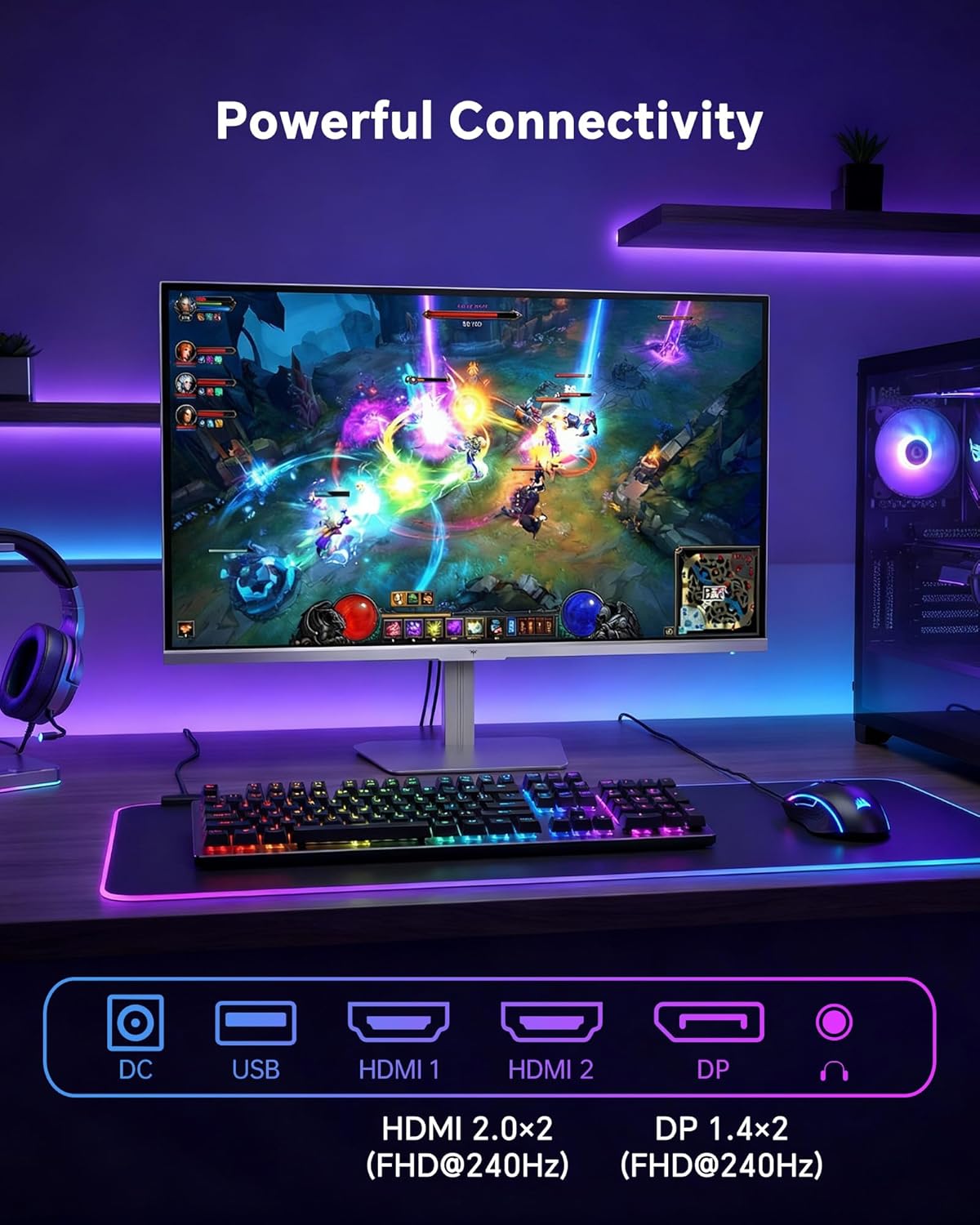
- HDMI: Use an HDMI cable to connect to devices with HDMI output. The monitor has two HDMI 2.0 ports, supporting FHD at 240Hz.
- DisplayPort: Use a DisplayPort cable for devices with DisplayPort output. The monitor has one DisplayPort 1.4, supporting FHD at 240Hz.
- Күч: Connect the power adaptor to the DC input on the monitor and then to a power outlet.
- USB: A USB 2.0 port is available for connecting peripherals.
- Аудио чыгышы: A 3.5mm audio jack is available for connecting headphones or external speakers.
2. Иштөө нускамалары
2.1 Күйгүзүү/өчүрүү
Аны күйгүзүү же өчүрүү үчүн монитордо жайгашкан кубат баскычын басыңыз. Монитор активдүү болгондо кубат индикаторунун жарыгы күйөт.
2.2 Экрандагы дисплей (OSD) менюсу
The OSD menu allows you to adjust various monitor settings. Use the control buttons (typically located on the back or bottom of the monitor) to navigate the menu and select options. Refer to the Quick Start Guide for specific button functions.
2.3 Дисплей орнотуулары
Сиздин оптималдаштыруу viewтөмөнкү орнотууларды тууралоо менен тажрыйба алуу:
- Жаңыртуу ылдамдыгы: The monitor supports a 240Hz refresh rate for smooth motion. Ensure your graphics card settings are configured to utilize this rate.

- Адаптивдүү синхрондоштуруу: This technology synchronizes the monitor's refresh rate with your graphics card's frame rate to eliminate screen tearing and stuttering. Enable Adaptive Sync in the OSD menu and ensure it is also enabled in your graphics card control panel (FreeSync/G-Sync compatible).

- HDR 400: High Dynamic Range 400 provides enhanced contrast and color accuracy, delivering brighter highlights and deeper shadows. Activate HDR in the OSD menu and your operating system display settings for compatible content.

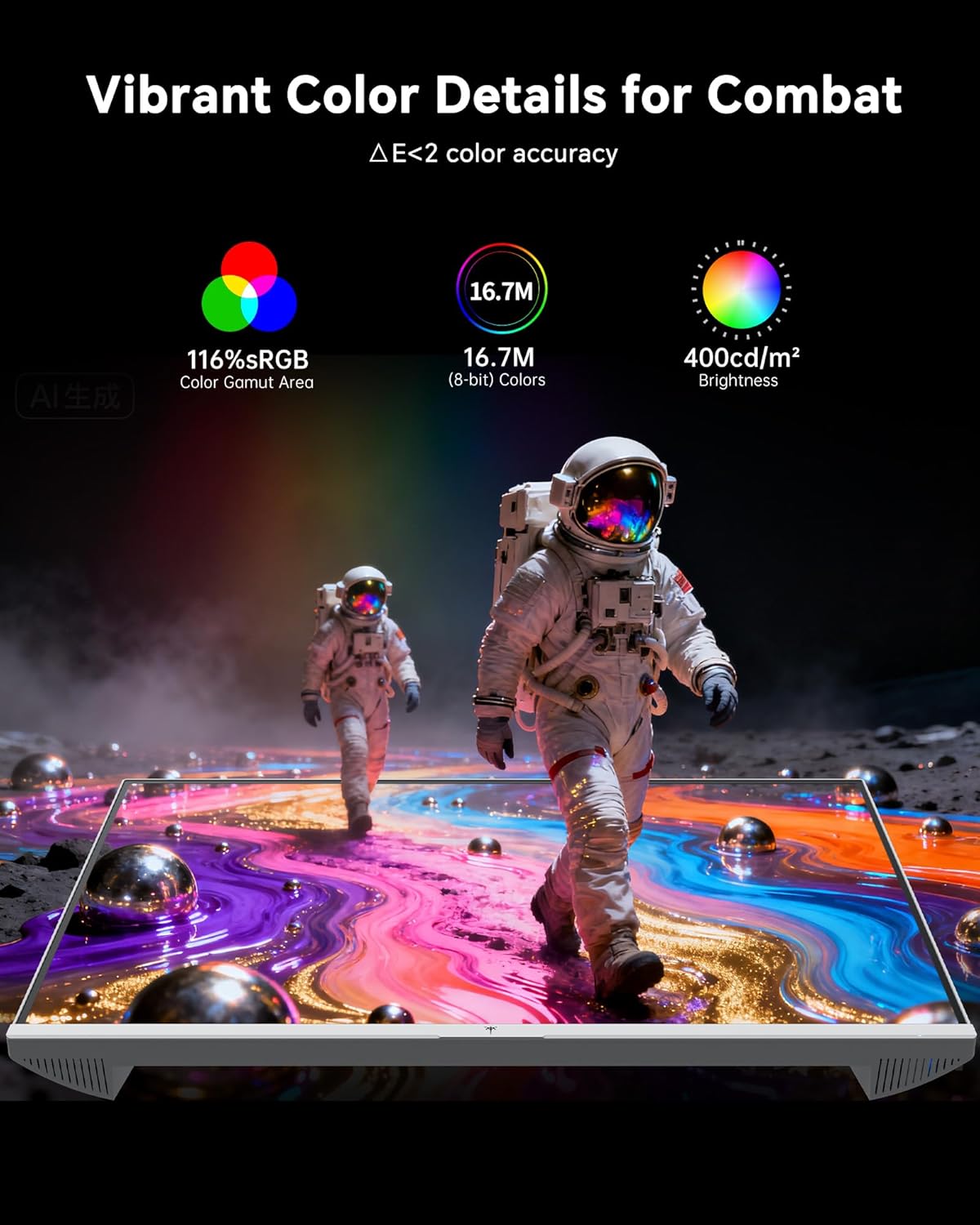
- Түс жөндөөлөрү: The monitor offers 116% sRGB color gamut and 16.7 million colors. Adjust brightness (up to 400 cd/m²) and color temperature through the OSD menu to suit your preference.
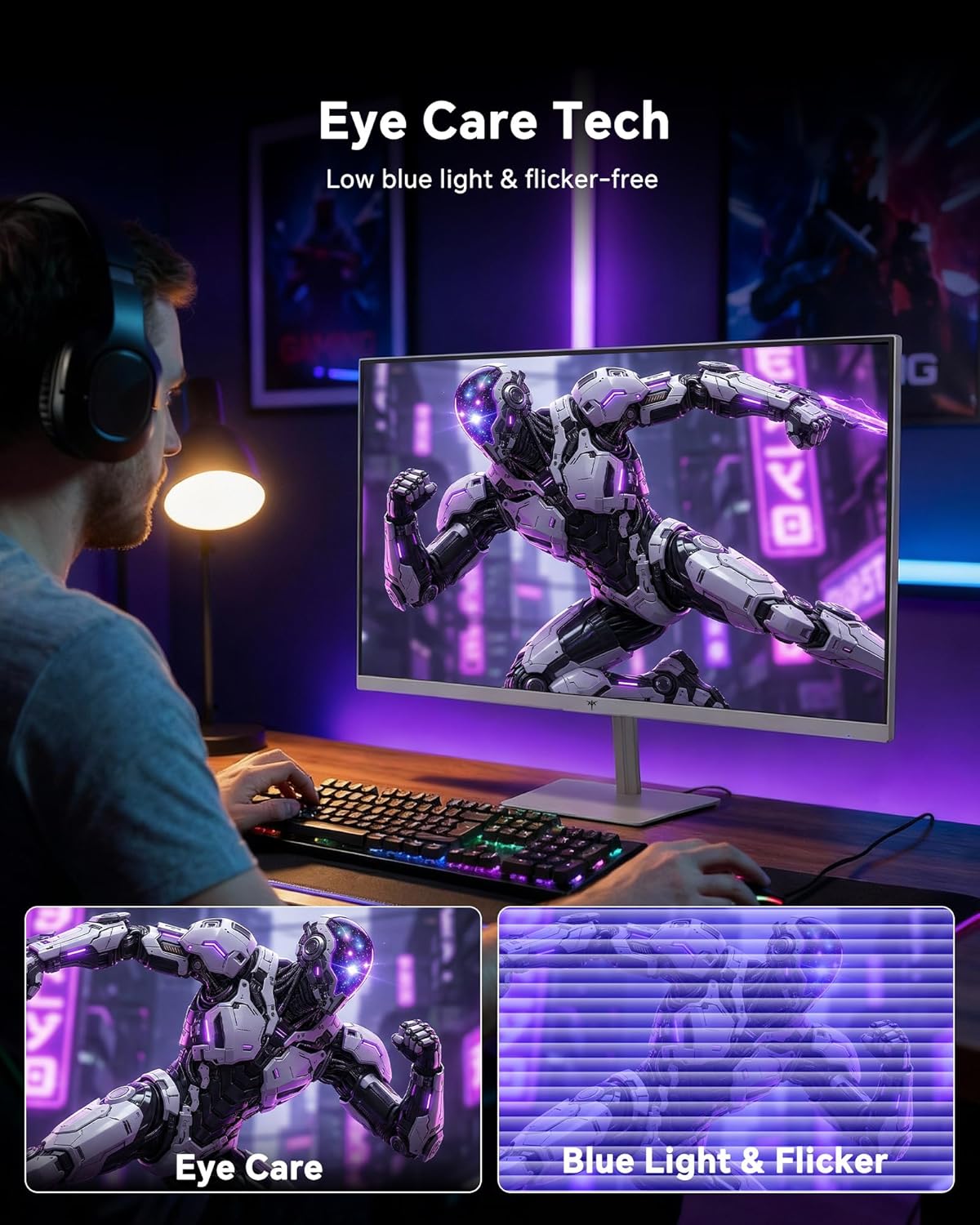
- Көзгө кам көрүү технологиясы: The monitor features low blue light and flicker-free technology to reduce eye strain during prolonged use. These settings can typically be adjusted or enabled within the OSD menu.
2.4 Monitor Tilt Adjustment
The monitor supports tilt adjustment from -5° to 15° (±3°). Gently adjust the monitor panel to your desired viewбурч.
3. Техникалык тейлөө
3.1 Мониторду тазалоо
Монитордун экранын тазалоо жана вasing:
- Тазалоодон мурун ар дайым мониторду өчүрүп, электр шнурун сууруп коюңуз.
- Бир аз жумшак, түксүз кездемени колдонуңуз dampсуу же жумшак, абразивдүү эмес экран тазалагыч менен иштетиңиз.
- Чаңды жана тактарды кетирүү үчүн экранды акырын сүртүңүз. Ашыкча басым жасоодон алыс болуңуз.
- в үчүнasing, use a dry, soft cloth. Do not use alcohol, ammonia, or abrasive cleaners, as these can damage the surface.
3.2 Жалпы кам көрүү
- Монитор же анын кабелдерине оор нерселерди коюудан алыс болуңуз.
- Мониторду түз күндүн нуруна, ашыкча ысыкка же катуу суукка тийгизбеңиз.
- Мониторду суюктуктан жана жогорку нымдуулуктан алыс кармаңыз.
- Ашыкча ысып кетүүнүн алдын алуу үчүн монитордун айланасында туура желдетүүнү камсыз кылыңыз.
4. Кыйынчылыктарды
If you encounter issues with your KTC H24F7 monitor, refer to the following common problems and solutions:
| Көйгөй | Мүмкүн себеп | Чечим |
|---|---|---|
| Экранда сүрөт жок | Power cable disconnected; Video cable disconnected or loose; Incorrect input source selected; Monitor is off. | Ensure power cable is securely connected and monitor is on. Check video cable connections (HDMI/DisplayPort) at both the monitor and computer. Press the input source button on the monitor to cycle through inputs. |
| Сүрөт жымыңдап же айрылып жатат | Adaptive Sync not enabled; Graphics card driver issues; Faulty video cable. | Enable Adaptive Sync in the OSD menu and your graphics card control panel. Update graphics card drivers. Try a different video cable. If using DisplayPort 1, try DisplayPort 2 or HDMI if available, as some units may experience issues with specific ports. |
| Түстөр туура эмес же жука көрүнөт | Color settings incorrect; HDR not properly configured; Faulty video cable. | Adjust color settings (brightness, contrast, color temperature) in the OSD menu. Ensure HDR is enabled in both the OSD and your operating system for HDR content. Try a different video cable. |
| Monitor not reaching 240Hz | Graphics card limitations; Incorrect display settings in OS; Cable bandwidth limitations. | Ensure your graphics card supports 240Hz at 1080p. Verify display settings in your operating system (e.g., Windows Display Settings or NVIDIA/AMD control panel) are set to 240Hz. Use the provided HDMI cable or a certified DisplayPort 1.4 cable. |
| Stuck or dead pixels | Өндүрүштүк кемчилик. | A small number of stuck or dead pixels (typically 1-3) may be considered normal for LCD panels. If the issue is severe or persistent, contact customer support. |
5. Техникалык шарттар
| Өзгөчөлүк | Деталь |
|---|---|
| Бренд | KTC |
| Модель номери | H24F7 |
| Screen Size | 24 дюйм |
| Резолюция | FHD 1080p (1920 x 1080 пиксел) |
| Панел түрү | Ыкчам IPS |
| Жаңыртуу ылдамдыгы | 240 Гц |
| Жооп убактысы | 1 миллисекунд (MPRT) |
| Аспект катышы | 16:9 |
| Жарыктык | Бир чарчы метрге 400 Кандела |
| Контраст катышы | 1000:1 |
| Түс гаммасы | 116% sRGB |
| HDR колдоо | HDR 400 |
| Adaptive Sync | FreeSync, G-Sync Compatible |
| Байланыш | 2x HDMI 2.0, 1x DisplayPort 1.4, 1x USB 2.0, 1x Audio Out (3.5mm) |
| Көзгө кам көрүү өзгөчөлүктөрү | Low Blue Light, Flicker-Free, Anti-Glare Screen |
| Түзөтүүлөр | Tilt (-5° to 15°) |
| VESA тоосу | 100мм x 100мм |
| Өлчөмдөр (D x W x H) | 5.39"D x 21.25"W x 15.74"H |
| Элемент Салмагы | 3.2 килограмм |
| Түс | Ак |
6. Кепилдик жана колдоо
6.1 Кепилдик маалыматы
The KTC H24F7 monitor comes with a three-year manufacturer warranty. Бул кепилдик нормалдуу колдонуудагы материалдардагы жана жасалгадагы кемчиликтерди камтыйт.
Кепилдик дооматтары үчүн сатып алганыңыздын далилин сактап коюңуз.
6.2 Кардарларды колдоо
For technical assistance, warranty claims, or any questions regarding your KTC H24F7 monitor, please contact KTC customer support. KTC aims to provide responsive customer support and typically responds within 12 hours.
You can usually find contact information on the official KTC website or through the retailer where you purchased the product. When contacting support, please have your monitor model number (H24F7) and purchase details ready.