
Introduction
This manual provides detailed instructions for the installation, operation, and maintenance of your WOLFBOX M40 10'' Mirror Dash Cam. Please read this manual thoroughly before using the device to ensure proper functionality and safety.
Пакеттин мазмуну
Төмөндө тизмеленген нерселердин баары пакетиңизге камтылганын текшериңиз:
- M40 Mirror Dash Cam (1 unit)
- 1080P Rear Camera (1 unit)
- GPS Module (1 unit)
- 64 ГБ Micro SD картасы (1 даана)
- Type-C Power Supply Cable with Car Charger (1 unit)
- 20ft Rear Camera Cable (1 unit)
- Mount Tool (1 unit)
- Straps (4 units)
- Колдонуучунун колдонмосу (1 бирдик)

Image: The complete accessory kit included with the WOLFBOX M40 Mirror Dash Cam.
Орнотуу жана орнотуу
Туура орнотуу оптималдуу аткаруу үчүн абдан маанилүү болуп саналат. Бул кадамдарды кылдаттык менен аткарыңыз.
1. Алгачкы даярдоо
- Insert the provided 64GB Micro SD card into the dash cam's card slot. Ensure it is inserted correctly until it clicks.
- Clean your vehicle's original rearview mirror and the area where the rear camera will be mounted.
2. Күзгүлүү видеорегистраторду орнотуу
- Attach the M40 Mirror Dash Cam over your vehicle's existing rearview берилген резина боолор менен күзгүнү бекитиңиз. Анын бекем бекитилгенин жана көзүңүзгө тоскоол болбогонун текшериңиз view or the sun visor.
- Каалаганды тартуу үчүн алдыңкы камеранын линзасын тууралаңыз view алдыдагы жолдун.

Image: The WOLFBOX M40 Mirror Dash Cam securely mounted over an existing rearview күзгү.
3. Арткы камераны орнотуу
- Route the 20ft rear camera cable from the front dash cam to the rear of your vehicle. Carefully tuck the cable along the headliner and door seals to conceal it.
- Mount the rear camera in a suitable location at the back of your vehicle, ensuring a clear view.
- Connect the rear camera cable to the dash cam. For reverse trigger functionality, connect the red wire from the rear camera cable to your vehicle's reverse light power source.
Video: Installation guide for a mirror dash cam, demonstrating cable routing and rear camera setup.
Video: Installation video for a WOLFBOX G900 mirror dash cam, showing detailed steps for wiring.
4. Connecting GPS Module
Plug the GPS module into the designated port on the dash cam. Position the module on the dashboard or windshield with a clear view of the sky for accurate signal reception.
5. Power Connection
Connect the Type-C power supply cable to the dash cam and plug the car charger into your vehicle's 12V power outlet (cigarette lighter socket). The dash cam will power on automatically when the vehicle starts.
Иштөө нускамалары
1. Негизги функциялар
- Күйгүзүү/өчүрүү: The device powers on automatically with vehicle ignition. To manually power off, press and hold the power button.
- Көрсөтүү режимдери: Swipe the 10-inch touchscreen to switch between front camera view, арткы камера viewже экөөнү тең көрсөткөн бөлүнгөн экран.
- Жаздыруу: The dash cam begins recording automatically when powered on. Loop recording ensures continuous recording by overwriting the oldest fileSD карта толгондо.

Image: The 10-inch touchscreen display of the WOLFBOX M40, illustrating the user interface and camera views.
2. Үн менен башкаруу
The M40 supports 12 voice commands for hands-free operation. Common commands include:
- "Видеону кулпулоо"
- "WiFi күйгүзүү"
- "Сүрөткө тартуу"
- "Turn on recording"
- "Алдыңкы камераны көрсөтүү"
- "Арткы камераны көрсөтүү"

Image: A driver interacting with the WOLFBOX M40 using voice commands for various functions.
3. Advanced Driver-Assistance Systems (ADAS) & Blind Spot Detection (BSD)
The M40 includes ADAS and BSD features to enhance driving safety. These include Forward Collision Warning (FCW), Lane Departure Warning (LDW), and Blind Spot Detection (BSD).
- Эскертүү: ADAS/BSD functions require 2.5K resolution and only one function can be active at a time.
- Калибрлөө: Ensure proper calibration of ADAS features for accurate alerts. Refer to the on-screen prompts for calibration steps.

Image: Visual representation of the ADAS system, showing various warning functions for safer driving.
4. Wi-Fi & GPS Tracking
- Wi-Fi туташуусу: Connect your smartphone to the dash cam via the built-in Wi-Fi using the WOLFBOX Auto APP. This allows you to view, download, and manage recorded footagтүздөн-түз телефонуңуздан.
- GPS көз салуу: The GPS module records real-time location, routes, and speed data, which can be viewвидеоңуздун жанындаtage.
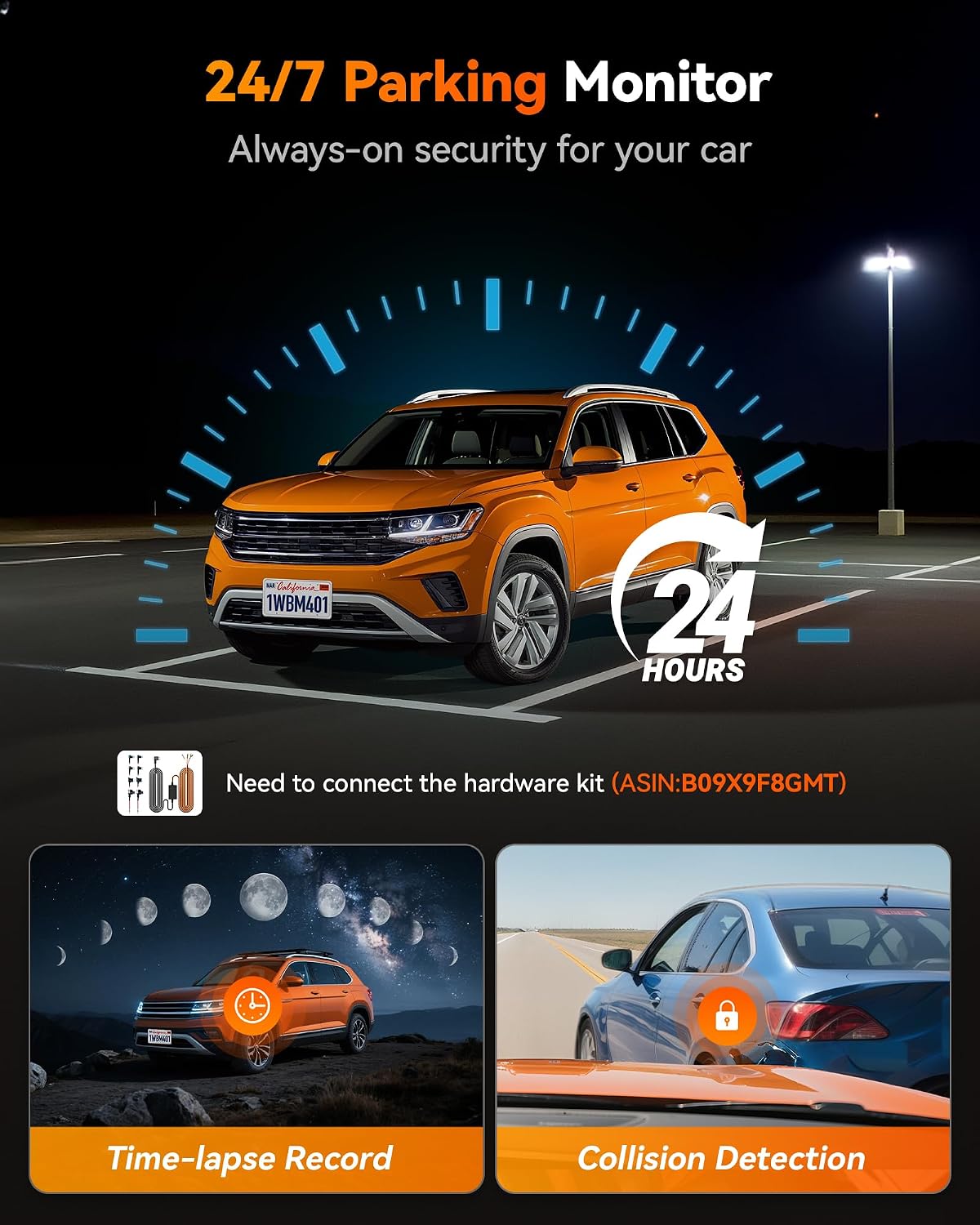
Image: The WOLFBOX Auto APP on a smartphone, showing how to access and manage dash cam footage and GPS data.
5. Супер түнкү көрүү
The M40 features advanced night vision technology, providing clear video recording in low-light conditions for both front and rear cameras.
6. 24/7 Parking Monitor
When parked, the dash cam can automatically record upon detecting an impact, providing continuous protection. This feature requires a hardwire kit (sold separately, ASIN: B09X9F8GMT) for continuous power.

Image: Diagram explaining the 24/7 Parking Monitor, including time-lapse recording and collision detection capabilities.
Техникалык тейлөө
- SD Card башкаруу: Regularly format the Micro SD card (at least once a month) to ensure optimal performance and prevent data corruption. Back up important footage форматтоодон мурун.
- Тазалоо: Use a soft, dry cloth to clean the dash cam screen and lenses. Avoid abrasive cleaners or solvents.
- Температура: The M40 is designed for reliable performance in extreme temperatures, from -4°F to 158°F. However, prolonged exposure to direct sunlight in very hot climates can affect battery life.
Проблемаларды чечүү
- Dash Cam күйбөй жатат:
- Check the power connection to the vehicle's 12V outlet. Ensure the car charger is firmly seated.
- Verify the vehicle's 12V outlet is functional.
- Recording Issues (e.g., "Card Error"):
- Micro SD карта туура салынганын текшериңиз.
- Format the SD card through the dash cam's settings menu.
- If issues persist, try a new high-speed (Class 10 or U3) Micro SD card.
- Видеонун сапаты начар:
- Clean the front and rear camera lenses.
- Линзалардагы коргоочу пленка алынып салынганын текшериңиз.
- Менюдан видео чечилиш жөндөөлөрүн текшериңиз.
- ADAS/BSD Not Functioning Correctly:
- Ensure ADAS/BSD is enabled in the settings.
- Perform ADAS calibration as instructed on the device.
- Verify that only one ADAS/BSD function is active at a time, as required.
- GPS сигналын жоготуу:
- GPS модулунун ачык экенин текшериңиз view асмандан жана металл буюмдар менен тосулган эмес.
- Check the connection of the GPS module to the dash cam.
- Үн менен башкаруу жооп бербей жатат:
- Видеорегистраторго карай так жана түз сүйлөңүз.
- Reduce background noise (e.g., turn down the radio, close windows).
Техникалык шарттар
| Өзгөчөлүк | Деталь |
|---|---|
| Модель номери | M40 |
| Бренд | WOLFBOX |
| Алдыңкы камеранын чечилиши | 4K (2160p) |
| Арткы камеранын чечилиши | 1080P |
| Screen Size | 10 inches (9.66 inches actual) |
| Дисплей түрү | Сенсордук экран |
| талаасы View | 130 градус |
| Байланыш | Wi-Fi, GPS |
| Өзгөчөлүктөр | ADAS/BSD, Voice Control, Night Vision, 24/7 Parking Monitor (requires hardwire kit) |
| Кошулган эс тутум картасы | 64 ГБ |
| Иштөө температурасы | -4°F жана 158°F |
| Продукциянын өлчөмдөрү | 3.7D x 25.5W x 7H Сантиметр |
| Элемент Салмагы | 0.38 фунт (172.37 г) |
| Өндүрүүчү | WOLFBOX |
| Келип чыккан өлкө | Кытай |
Кепилдик жана колдоо
- Кепилдик: The WOLFBOX M40 Mirror Dash Cam comes with a 1-year warranty.
- Кардарларды колдоо: For technical assistance, troubleshooting, or warranty claims, please contact WOLFBOX customer support. Refer to the contact information provided in your product packaging or on the official WOLFBOX webсайт.


