
1. Киришүү
This manual provides essential information for the proper setup, operation, and maintenance of your CASCHO P125 Smart Watch. Please read it thoroughly before using your device to ensure optimal performance and longevity.
2. Пакеттин мазмуну
Пакетиңизде бардык буюмдар бар экенин текшериңиз:
- 1 x CASCHO P125 Smart Watch
- 1 x заряддоо кабели
- 1 x User Manual
- 1 х куту
- 2 x Replaceable Straps (Metal and Silicone)

Image: Package contents and size information for the CASCHO P125 Smart Watch.
3. Орнотуу колдонмосу
3.1 Акылдуу саатты кубаттоо
Биринчи жолу колдонуудан мурун, акылдуу саатыңызды толугу менен кубаттаңыз. Магниттик кубаттоочу кабелди сааттын арткы жагындагы кубаттоочу чекиттерге туташтырып, USB учун кубат адаптерине (кошулмага кирбейт) же компьютердин USB портуна сайыңыз. Саатта кубаттоо индикатору көрсөтүлөт.

Image: The CASCHO P125 Smart Watch connected to its magnetic charging cable.

Image: Information on the ultra-long battery life and charging time of the smart watch.
3.2 Колдонмону жүктөп алуу жана жупташтыруу
To unlock the full features of your smart watch, download and connect to the Da Fit app.
- Мобилдик телефонуңуздагы Bluetooth функциясын күйгүзүңүз.
- Open the Google Play Store (for Android) or Apple App Store (for iOS), or scan the QR code provided in the manual to download the Da Fit APP.
- Open the Da Fit app, navigate to 'Add Device', and select 'P125' from the list to pair.

Image: Visual guide for connecting the smart watch to the Da Fit app.
4. Иштөө нускамалары
4.1 Негизги навигация
The CASCHO P125 Smart Watch features a 1.85-inch HD touch screen for intuitive navigation. Swipe left, right, up, or down to access different functions and menus. Press the side button to return to the home screen or power on/off.

Image: The 1.85-inch HD screen of the CASCHO P125 Smart Watch.
4.2 Bluetooth чалуу жана AI үн жардамчысы
With Bluetooth 5.4, the watch supports direct call making and receiving. It also features an AI voice assistant for hands-free control.
- Чалууларды жасоо: Access the dial pad or contacts directly from the watch.
- Чалууларды кабыл алуу: Answer or reject incoming calls directly on your wrist.
- AI үн жардамчысы: Activate the voice assistant for tasks like weather inquiries, setting alarms, or controlling music.

Image: Bluetooth 5.4 call functionality on the smart watch.

Image: Voice assistant features demonstrated on the smart watch.
4.3 Ден соолуктун мониторинги
The watch provides continuous health tracking for various metrics.
- Жүрөктүн кагышы: Жүрөгүңүздүн кагышын күнү-түнү көзөмөлдөйт.
- SpO2: Кандагы кычкылтектин деңгээлин көзөмөлдөйт.
- Уйкунун мониторинги: Analyzes deep, light, and awake sleep patterns.
- Стресс деңгээли: Стресс деңгээлиңиз боюнча түшүнүктөрдү берет.
- Аялдардын ден соолугу: Offers tracking for menstrual regularity.

Image: All-day activity recording and health tracking.
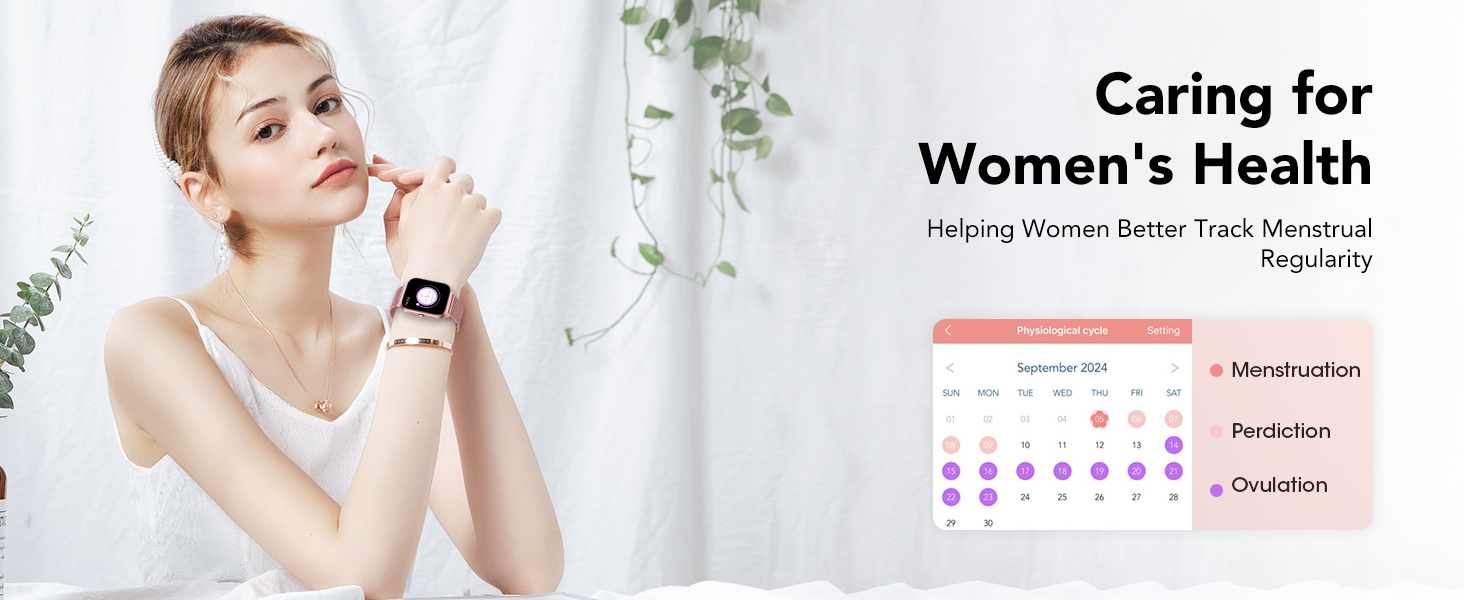
Image: Women's health tracking feature on the smart watch.
4.4 Спорт режимдери
The watch supports over 120 professional sports modes to track your workouts.
- Саат менюсунан каалаган спорт режимин тандаңыз.
- The watch will record data such as calories burned, distance, duration, and steps.

Сүрөт: бүттүview of 120+ sport modes available on the smart watch.
4.5 ыңгайлаштырылган саат жүздөрү
Personalize your watch with over 200 watch faces available through the Da Fit app, or use your own photos.
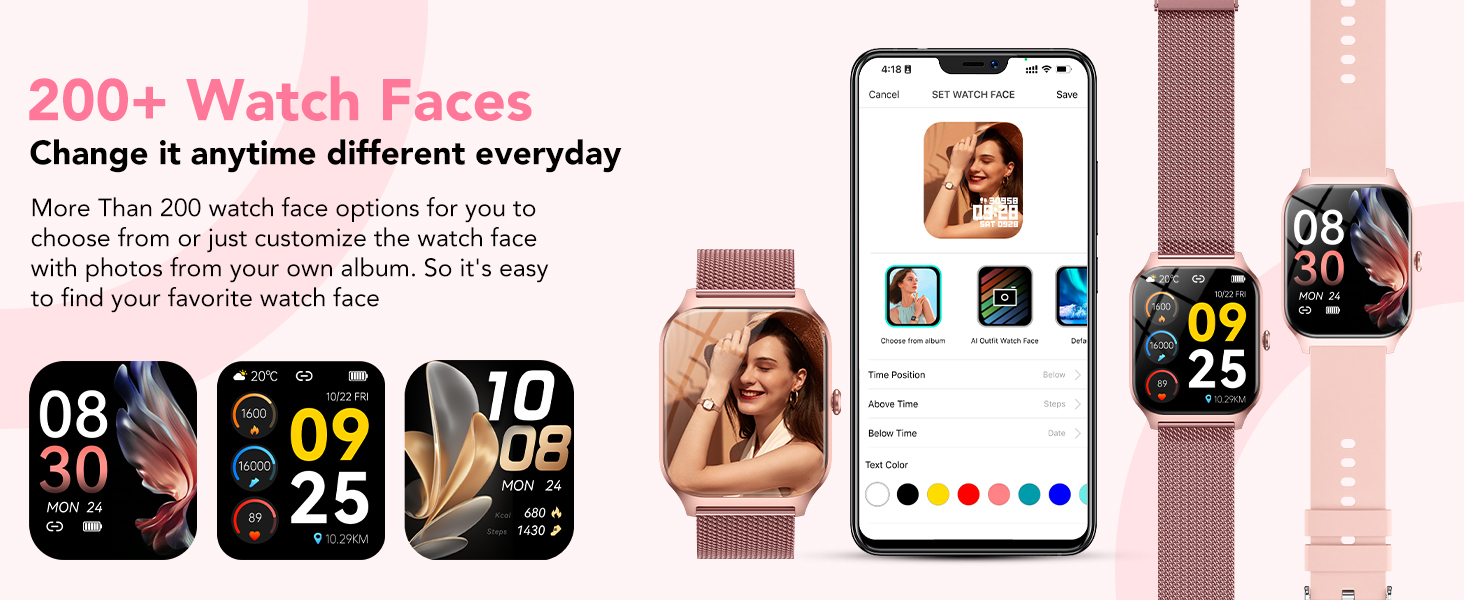
Image: Customizable watch faces and personalization options.
4.6 Smart эскертмелер
Receive real-time notifications for calls, text messages, and social media apps directly on your watch when connected to your phone.
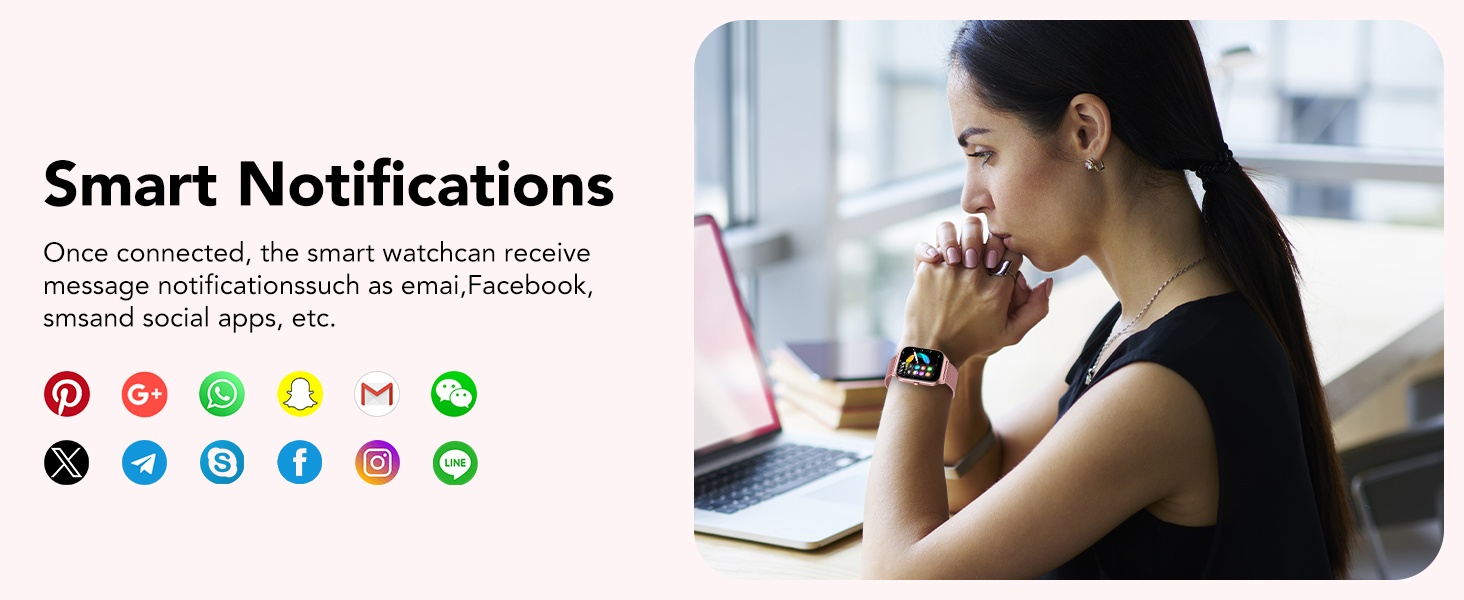
Image: Smart notifications displayed on the watch.
4.7 Башка функциялар
The CASCHO P125 Smart Watch includes additional useful features:
- Музыкалык башкаруу
- Секундомер
- Ойготкуч саат
- Телефонду табуу
- Камераны башкаруу
- Аба ырайы жөнүндө отчет
- Калькулятор

Image: Multifunctional features of the smart watch.
5. Техникалык тейлөө
5.1 Сууга туруктуулук
The CASCHO P125 Smart Watch is IP68 waterproof, meaning it is resistant to splashes, sweat, and short-term immersion. It is suitable for daily use like washing hands or wearing in the rain. Эскертүү: It is not suitable for swimming, diving, surfing, hot showers, or other water activities that involve high pressure or prolonged submersion.
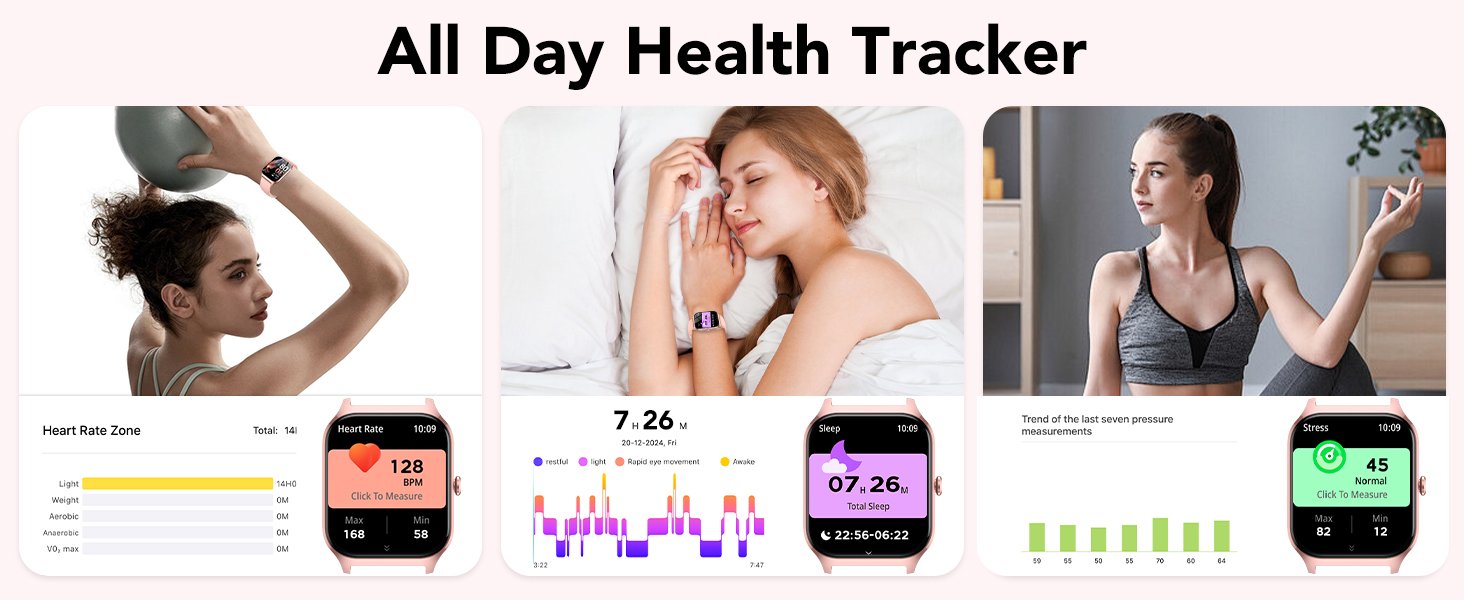
Image: Three protection designs: IP68 waterproof, shockproof, and dustproof.
5.2 Тазалоо жана кам көрүү
To maintain your watch, regularly clean the screen and straps with a soft, dry cloth. Avoid using harsh chemicals or abrasive materials.
6. Кыйынчылыктарды
If you encounter issues with your CASCHO P125 Smart Watch, try the following steps:
- Күйгүзүлбөй жаткан саат: Саат толук заряддалганын текшериңиз.
- Телефон менен жупташтыруу мүмкүн эмес: Make sure Bluetooth is enabled on your phone and the watch is within range. Restart both devices and try pairing again through the Da Fit app.
- Туура эмес ден соолук маалыматтары: Сааттын билегиңизге бекем тагылганын, өтө тар же өтө кенен эмес экенин текшериңиз. Сенсорлорду үзгүлтүксүз тазалап туруңуз.
- Эскертмелер көрүнбөй жатат: Check app permissions in your phone settings and ensure notifications are enabled for the Da Fit app and the specific social media apps.
- Сенсордук экран жооп бербейт: Саатты кайра иштетиңиз. Эгер көйгөй чечилбесе, экрандын таза жана кургак экенин текшериңиз.
For further assistance, please refer to the Da Fit app's help section or contact CASCHO customer support.
7. Техникалык шарттар
| Өзгөчөлүк | Спецификация |
|---|---|
| Модель аты | P125 |
| Бренд | CASCHO |
| Screen Size | 1.85 дюйм |
| Дисплей түрү | AMOLED |
| Операция системасы | Wear OS 1.0 |
| Байланыш технологиясы | Bluetooth |
| Сууга туруктуулук деңгээли | Суу өткөрбөйт (IP68) |
| Батарея клеткасынын курамы | Литий ион |
| Эстутум сактоо сыйымдуулугу | 1 ГБ |
| GPS | Камтылган GPS |
| Өзгөчө өзгөчөлүк | Ойготкуч саат |
| Түс | Rose Gold |
8. Продукт видеолору
Video: This video demonstrates the various sports modes and health tracking features of the CASCHO P125 Smart Watch, including fitness tracking, heart rate monitoring, and sleep analysis.
Video: This video highlights the key functionalities of the CASCHO P125 Smart Watch, such as Bluetooth calling, customizable watch faces, 24/7 health tracking, and IP68 waterproof rating.
9. Кепилдик жана колдоо
Warranty information for the CASCHO P125 Smart Watch is not explicitly provided in the product details. For specific warranty terms and conditions, or for technical support, please contact CASCHO customer service directly through their official website or the Da Fit app support section.