
1. Киришүү
The Yunseity Decibel Meter is a versatile 4-in-1 device designed to monitor sound levels, temperature, humidity, and time. It features an 11-inch LED display for clear readability and can be used in various environments such as homes, studios, factories, and offices. This manual provides instructions for the proper setup, operation, and maintenance of your device.
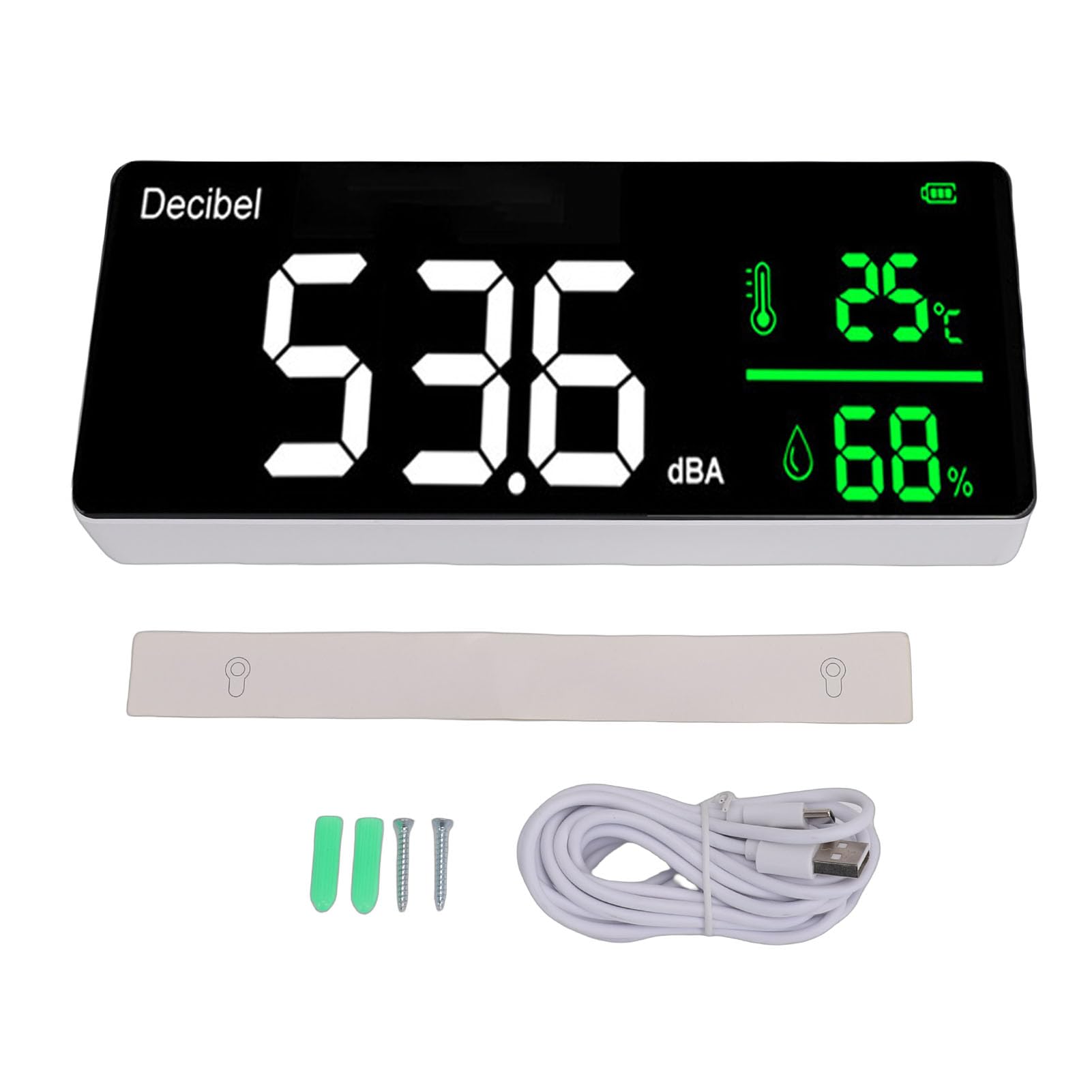
Image 1.1: Yunseity Decibel Meter displaying current readings.
2. Пакеттин мазмуну
Пакетте бардык буюмдар бар экенин текшериңиз:
- 1 x Yunseity Decibel Meter
- 1 x USB Charging Cable (approximately 10ft / 305cm)
3. Продукциянын өзгөчөлүктөрү
- Көп функциялуулугу: Combines decibel meter, temperature meter, humidity meter, and clock.
- Чоң LED дисплей: 11-inch screen with adjustable brightness for clear visibility.
- Жогорку тактык: Utilizes an intelligent air semiconductor sensor for accurate and stable measurements of decibel, temperature, and humidity.
- Ийкемдүү жайгаштыруу: Designed for both wall hanging and desk placement.
- User-Friendly Adjustments: Allows adjustment of screen brightness, detection speed (three speeds available), and time display.
- Portable Power: Built-in 2000mAh rechargeable Li battery with a 10ft USB charging cable for convenient placement and charging.
- Маалыматтарды экспорттоо: Capability to export historical data and records to a computer via Type-C USB.
4. Орнотуу
4.1 Алгачкы заряддоо
Before first use, fully charge the device using the provided USB charging cable. Connect the Type-C end to the device and the USB-A end to a compatible power adapter (not included) or computer USB port. The device will automatically power on when connected to a power source.
4.2 Жайгаштыруу параметрлери
The decibel meter can be placed on a flat surface or mounted on a wall.
- Үстөлдүн жайгашуусу: Position the device on a stable, flat surface.
- Дубалга илинүүчү: Use appropriate mounting hardware (not included) to secure the device to a wall. Ensure it is placed at a suitable height for visibility and accurate environmental sensing.
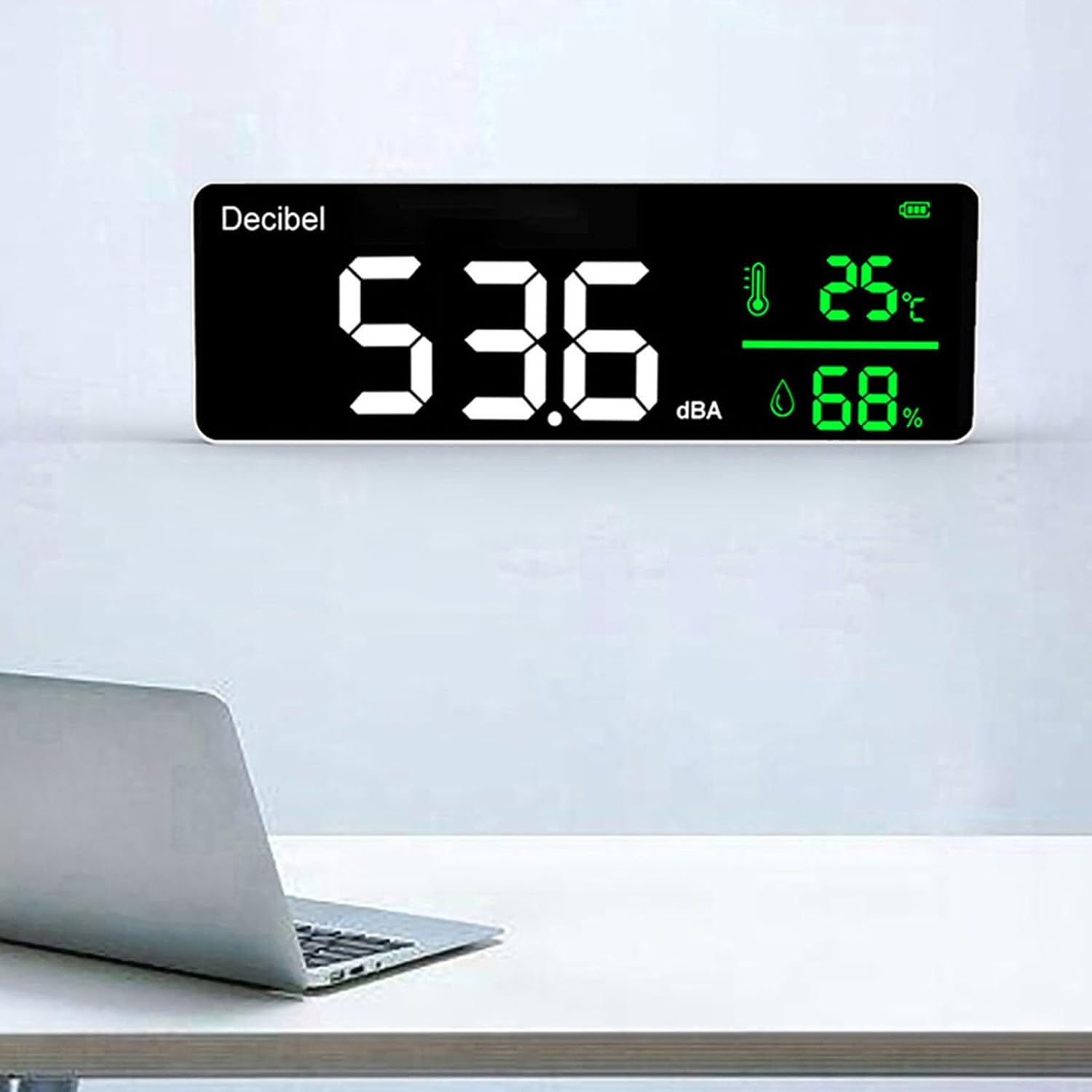
Image 4.1: Decibel meter mounted on a wall.
4.3 Негизги түзөтүүлөр
The device allows for adjustment of screen brightness, detection speed, and time. Refer to the on-device controls for specific adjustment procedures. The detection speed can be set to one of three available speeds to suit your monitoring needs.
5. Иштөө нускамалары
5.1 Дисплейview
The 11-inch LED screen displays the following information:
- Current Decibel Level (dBA): Large numerical display.
- Температура: Displayed in Celsius or Fahrenheit.
- Нымдуулук: Процент катары көрсөтүлөтtage.
- Убакыт: Учурдагы убакыт дисплейи.
- Батарея көрсөткүчү: Shows current battery charge level.
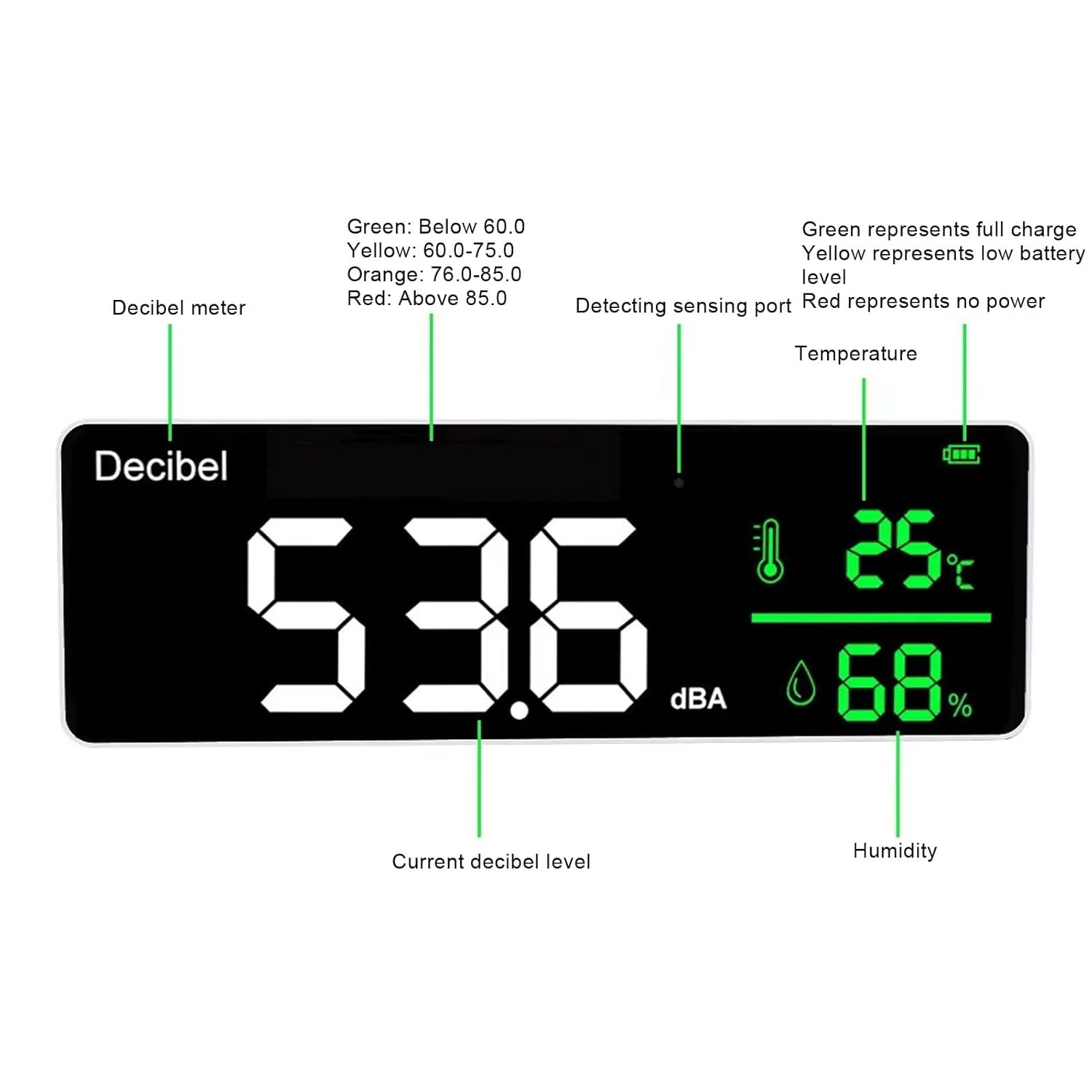
Image 5.1: Screen display with labeled indicators.
5.2 Noise Level Indicators
The device uses color coding to visually represent noise levels:
- Жашыл: Below 60.0 dBA (Normal/Quiet)
- Сары: 60.0 - 75.0 dBA (Moderate)
- Ачык күрөң: 76.0 - 85.0 dBA (Loud)
- Кызыл: Above 85.0 dBA (Very Loud/Potentially Harmful)
6. Data Export to Computer
To export historical data and records from the device to your computer, follow these steps:
- Connect the Yunseity Decibel Meter to your computer using the provided Type-C USB data cable.
- On your computer, open 'My Computer' or 'This PC'.
- Locate and open the 'USB flash drive' that represents the connected device.
- Inside the USB flash drive, you will find a folder or file named 'My DATA' which contains the device's historical data and records.
7. Техникалык шарттар

Image 7.1: Device dimensions.
| Параметр | Нарк |
|---|---|
| Модел | Yunseity28niot79fd |
| Көрсөтүү ыкмасы | LED экран |
| Measurement Range (dBA) | 30-130 дБА |
| Тактык | ±1.5dBA |
| Жыштык диапазону | 50Гц-8.5кГц |
| Жыштыкты өлчөө | A |
| Sampубакыт | 1.5S |
| Температураны аныктоо диапазону | -10℃~50℃ (14℉~122℉) |
| Detection Humidity Range | 20%-85% (Accuracy: 5%) |
| Иштөө/сактоо нымдуулугу | 20%-85% |
| Сактоо температурасы | -10℃~60℃ (14℉~140℉) |
| Атмосфералык басым | 12.5 PSI- 15.4 PSI |
| Батарея | Built-in 2000mAh Rechargeable Li Battery |
| Заряддоо киргизүү | 1000мА |
| USB заряддоо кабелинин узундугу | Approx. 305cm / 10ft |
| Screen Display Resolution | 0.1 дБА |
8. Техникалык тейлөө
To ensure the longevity and accurate performance of your Yunseity Decibel Meter, follow these maintenance guidelines:
- Тазалоо: Gently wipe the device and screen with a soft, dry cloth. Avoid using abrasive cleaners, solvents, or excessive moisture, as these can damage the display or internal components.
- Сактагыч: Store the device in a cool, dry place within the specified storage temperature range of -10℃ to 60℃ (14℉ to 140℉) and humidity range of 20%-85%.
- Батареяга кам көрүү: Батареянын иштөө мөөнөтүн оптималдаштыруу үчүн, батареянын тез-тез толук зарядын жоготуудан алыс болуңуз. Түзмөктү үзгүлтүксүз кубаттап туруңуз, айрыкча, ал узак убакытка сактала турган болсо.
- Таасирден качуу: Protect the device from drops and physical shocks, which can affect its precision and functionality.
9. Кыйынчылыктарды
If you encounter issues with your Yunseity Decibel Meter, consider the following common troubleshooting steps:
- Түзмөк күйбөй жатат: Ensure the device is adequately charged. Connect it to a power source using the USB cable and allow it to charge for at least 30 minutes.
- Туура эмес окуулар: Verify that the sensing port is not obstructed. Ensure the device is placed in an environment within its specified operating temperature and humidity ranges. Avoid placing it near strong electromagnetic fields or direct heat sources.
- Дисплей маселелери: Check the screen brightness settings. If the display is still unclear, try restarting the device by disconnecting and reconnecting the power source after a brief pause.
- Data Export Failure: Ensure the USB cable is securely connected to both the device and the computer. Try a different USB port on your computer or a different USB cable if available. Confirm that the computer recognizes the device as a removable drive.
If these steps do not resolve the issue, please contact Yunseity customer support for further assistance.
10. Кепилдик жана колдоо
For information regarding product warranty, technical support, or service, please refer to the warranty card included with your purchase or visit the official Yunseity webсайт. Сатып алуу квитанциясын кепилдик дооматтары үчүн сатып алуунун далили катары сактаңыз.