
1. Киришүү
This manual provides detailed instructions for the setup, operation, and maintenance of your Bisofice P40 Wireless Mobile Thermal Printer. Please read this manual thoroughly before using the device to ensure proper function and longevity.
2. Продукт бүтүп калдыview
2.1 Негизги өзгөчөлүктөрү
- Компакт жана портативдик дизайн: The P40 printer measures 10.4x3.1x1.8 inches (265x80x45mm) and weighs approximately 1.46 lbs (0.66 kg), making it suitable for travel and mobile use.
- Түзмөктүн үзгүлтүксүз шайкештиги: Supports Bluetooth connectivity for iOS and Android mobile devices, and USB connectivity for Windows and MacOS computers.
- Multiple Paper Sizes Supported: Equipped with adjustable clips to accommodate thermal paper widths of 216mm (8.5"), 210mm (A4), 107mm (4"), 77mm (3"), and 56mm (2"). Compatible with both roll paper and folding paper.
- Узартылган батареянын иштөө мөөнөтү: Features a built-in 2600mAh rechargeable battery, providing up to 3 hours of continuous printing or 90 days of standby time on a full charge.
- Versatile Printing Capabilities: Capable of printing various document types including PDF files, test papers, webpages, contracts, and images. The PeriPage application offers additional templates and typography options.
2.2 Принтердин компоненттери
The Bisofice P40 printer includes the main unit, a power adapter, and a USB cable. Key components on the printer typically include a power button, paper compartment, adjustable paper guides, and a charging port.
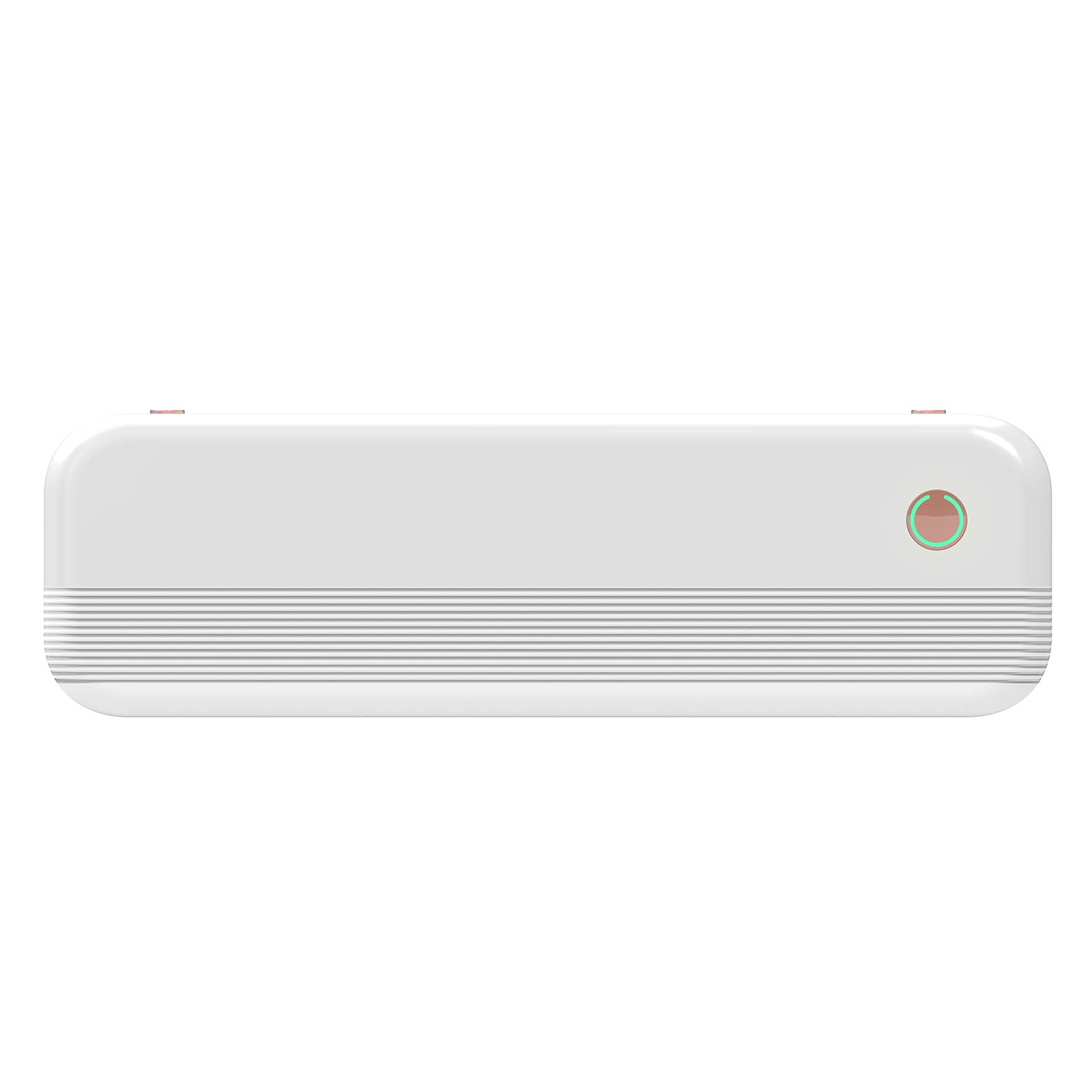
Image 1: Bisofice P40 Wireless Mobile Thermal Printer. This image displays the compact design of the printer, showing its top view with the paper output slot and control buttons.
3. Орнотуу
3.1 Принтерди заряддоо
Before initial use, fully charge the printer using the provided power adapter and USB cable. The charging indicator light will typically change color or turn off when charging is complete.
3.2 Кагазды жүктөө
- Кагаз бөлүктүн капкагын ачыңыз.
- Adjust the two internal clips to match the width of your thermal paper (e.g., 216mm, 210mm, 107mm, 77mm, or 56mm).
- Insert the thermal paper roll or folded paper into the compartment, ensuring the printing side faces the print head.
- Кагаз бөлүктүн капкагын бекем жабыңыз.
3.3 Күйгүзүү/өчүрүү
To power on the printer, press and hold the power button for approximately 2 seconds. To power off, press and hold the power button again until the device shuts down.
4. Иштөө нускамалары
4.1 Мобилдик түзмөктөргө туташуу (Bluetooth)
- Принтер күйгүзүлгөнүн текшериңиз.
- Download and install the "PeriPage" application from your device's app store (iOS or Android).
- Open the PeriPage application.
- Within the app, navigate to the device connection settings and select your P40 printer from the list of available Bluetooth devices.
- Туташкандан кийин, колдонмонун ичинде басып чыгаруу үчүн документтерди же сүрөттөрдү тандай аласыз.
4.2 Connecting to Computers (USB)
- Принтер күйгүзүлгөнүн текшериңиз.
- Visit the official Bisofice website to download the appropriate printer driver for your operating system (Windows or MacOS).
- Жүктөлгөн драйверди компьютериңизге орнотуңуз.
- Берилген USB кабелин колдонуп принтерди компьютериңизге туташтырыңыз.
- The printer should now be recognized by your computer and available as a printing option in your applications.
4.3 Документтерди басып чыгаруу
Once connected, open the document or image you wish to print from your mobile application or computer program. Select the print option and choose the Bisofice P40 printer. Adjust any necessary print settings (e.g., paper size, orientation) and initiate the print job.
5. Техникалык тейлөө
5.1 Басып чыгаруу башын тазалоо
To maintain print quality, periodically clean the thermal print head. Power off the printer and allow it to cool. Gently wipe the print head with a soft, lint-free cloth lightly dampened with isopropyl alcohol. Ensure the print head is completely dry before powering on the printer.
5.2 Батареяга кам көрүү
To prolong battery life, avoid fully discharging the battery frequently. Charge the printer regularly, especially if it will be stored for an extended period. Store the printer in a cool, dry place.
5.3 Paper Storage
Store thermal paper in a cool, dry place away from direct sunlight and heat to prevent premature discoloration and ensure optimal print quality.
6. Кыйынчылыктарды
If you encounter issues with your Bisofice P40 printer, refer to the following common problems and solutions:
- Принтер күйбөй жатат: Батарея заряддалганын текшериңиз. Принтерди кубат булагына туташтырып, кайра аракет кылыңыз.
- Bluetooth аркылуу туташуу мүмкүн эмес:
- Принтер күйгүзүлүп турганын жана мобилдик түзмөгүңүзгө жетүү мүмкүнчүлүгүнүн аралыгында экенин текшериңиз.
- Мобилдик түзмөгүңүздө Bluetooth иштетилгенин текшериңиз.
- Restart the PeriPage app and attempt to reconnect.
- Телефонуңуздун Bluetooth жөндөөлөрүнөн түзмөктү унутуп, кайра жупташтырыңыз.
- Poor Print Quality or Blank Pages:
- Check if the thermal paper is loaded correctly with the printing side facing up.
- Ensure the paper is thermal paper.
- Басып чыгаруучу башты "Техникалык тейлөө" бөлүмүндө сүрөттөлгөндөй тазалаңыз.
- Replace the paper roll if it is old or damaged.
- Printer Not Recognized by Computer:
- Ensure the correct driver for your operating system (Windows/MacOS) is installed.
- Verify the USB cable is securely connected to both the printer and the computer.
- Башка USB портун же кабелин колдонуп көрүңүз.
- Компьютериңизди жана принтериңизди өчүрүп-күйгүзүңүз.
7. Техникалык шарттар
| Өзгөчөлүк | Деталь |
|---|---|
| Модел | P40 |
| Өлчөмдөрү (L x W x Y) | 10.4 x 3.1 x 1.8 дюйм (265 x 80 x 45 мм) |
| Салмагы | 1.46 фунт (0.66 кг) |
| Батарея сыйымдуулугу | 2600mAh кайра заряддалуучу батарея |
| Үзгүлтүксүз басып чыгаруу убактысы | 3 саатка чейин |
| Күтүү убактысы | 90 күнгө чейин |
| Supported Paper Widths | 216mm (8.5"), 210mm (A4), 107mm (4"), 77mm (3"), 56mm (2") |
| Колдоого алынган кагаз түрлөрү | Thermal roll paper (max 216mm width x 30mm diameter), folded thermal paper (e.g., 297x210mm, 216x279mm) |
| Байланыш | Bluetooth (iOS, Android, Pad), USB (Windows, MacOS) |
| Жумушчу чөйрөнүн температурасы | 5℃ден 40℃ге чейин (41°F – 104°F) |
| Жумушчу чөйрөнүн нымдуулугу | 45% - 90% RH |
8. Кепилдик жана колдоо
For warranty information, technical support, or service inquiries, please refer to the documentation included with your purchase or visit the official Bisofice webсайт. Сатып алуу квитанциясын кепилдик дооматтары үчүн сатып алуунун далили катары сактаңыз.