
Introduction
This user guide provides essential information for the HP OfficeJet Pro 8125e printer. It covers initial setup, connecting to networks, performing print, scan, and copy functions, routine maintenance, and troubleshooting common issues. Follow these instructions to ensure optimal performance and longevity of your device.
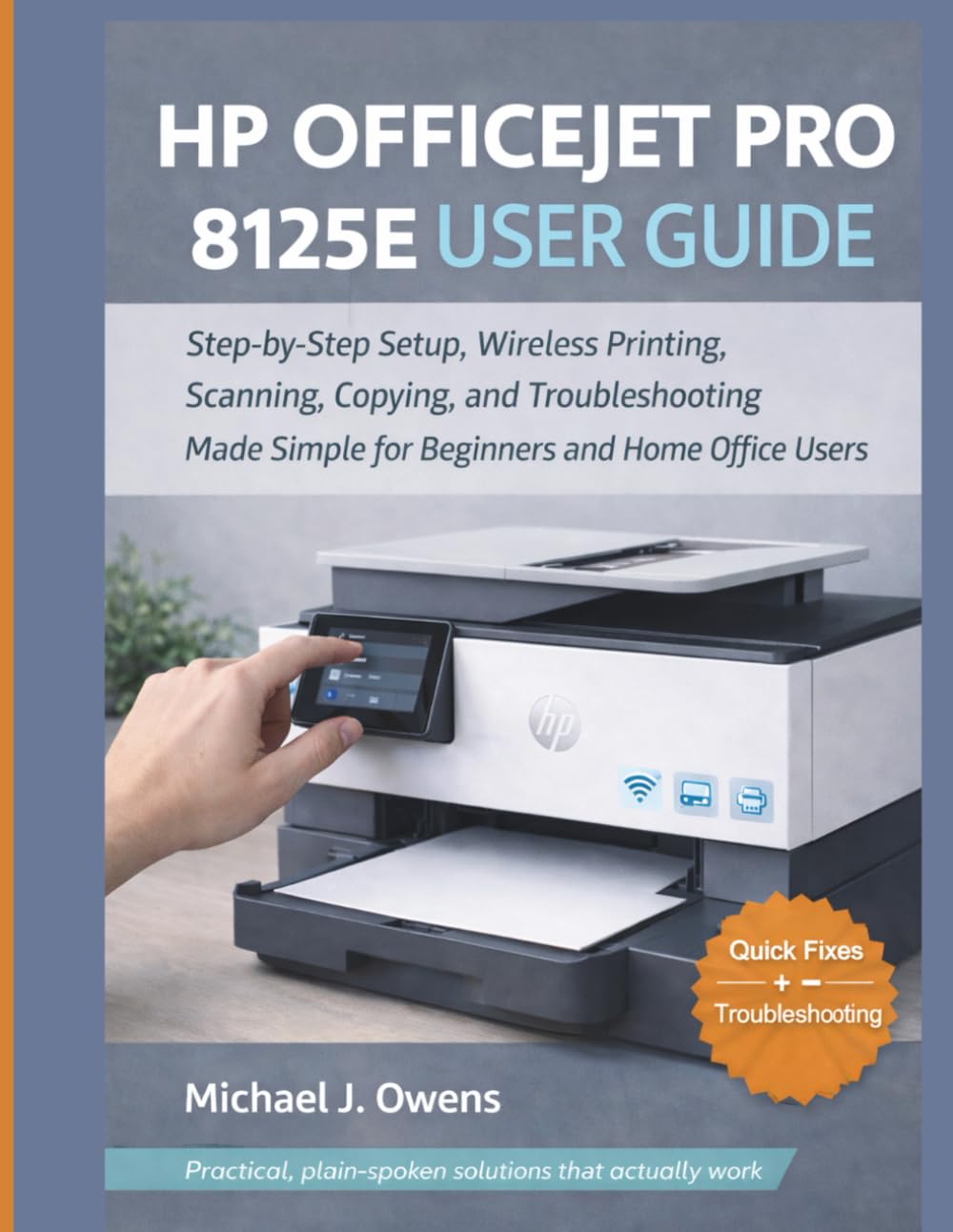
Image: Front cover of the HP OfficeJet Pro 8125e User Guide. This image represents the manual itself, designed to assist users with their printer.
1. Орнотуу
1.1 Кутудан чыгаруу жана баштапкы күйгүзүү
- Принтерди таңгагынан этияттык менен чыгарыңыз.
- Принтердин сыртынан жана ичиндеги бардык коргоочу ленталарды жана таңгактоочу материалдарды алып салыңыз.
- Электр шнурду принтерге, андан кийин розеткага туташтырыңыз.
- Принтерди иштетүү үчүн кубат баскычын басыңыз.
- Follow the on-screen prompts on the printer's control panel to select your language and region.
1.2 Сыя картридждерин орнотуу
- Сыя картриджинин кирүү эшигин ачыңыз.
- Басма арабанын борборго жылышын күтүңүз.
- Unpack the new ink cartridges.
- Ар бир картриджди өзүнүн тиешелүү уясына салыңыз, анын ордуна чыкылдатыңыз.
- Сыя картриджинин кирүү эшигин жабыңыз.
1.3 Кагазды жүктөө
- Киргизүүчү лотокту тартыңыз.
- Кагаз жетектерин туура кагаз өлчөмүнө тууралаңыз.
- Load a stack of plain white paper into the tray, print side down.
- Киргизүүчү лотокту кайра принтерге түртүңүз.
- Суралса, принтердин башкаруу панелинен кагаздын түрүн жана өлчөмүн ырастаңыз.
1.4 Wi-Fiга туташуу
- Принтердин башкаруу панелинен Зымсыз орнотуу устасына өтүңүз.
- Жеткиликтүү тармактардын тизмесинен Wi-Fi тармагыңызды тандаңыз.
- Enter the Wi-Fi password (WPA key) when prompted.
- Confirm the connection. The wireless light on the printer should turn solid blue.
1.5 Драйверди орнотуу
For Windows and Mac computers, download the latest drivers and HP Smart software from the official HP support webсайт. Орнотуу учурунда экрандагы көрсөтмөлөрдү аткарыңыз.
2. Принтерди иштетүү
2.1 Документтерди басып чыгаруу
- Компьютерден: Open the document, select "Print," choose your HP OfficeJet Pro 8125e, and adjust settings as needed before printing.
- Мобилдик түзмөктөрдөн (HP Smart колдонмосу): Install the HP Smart app, add your printer, and use the app to print photos or documents directly from your smartphone or tablet.
- Email Print: If enabled, send documents to your printer's unique email address.
2.2 Документтерди сканерлөө
- Документти сканердин айнегине бети менен ылдый каратып же Автоматтык документ бергичке (ADF) бети менен өйдө каратып коюңуз.
- On the printer's control panel or via the HP Smart app/software on your computer, select "Scan."
- Choose scan settings (e.g., color, resolution, destination).
- Скандоону баштаңыз.
2.3 Документтерди көчүрүү
- Документтин түпнускасын сканер айнегине же ADFке салыңыз.
- On the printer's control panel, select "Copy."
- Adjust settings such as number of copies, color/black & white, and size.
- "Көчүрүүнү баштоо" баскычын басыңыз.
3. Техникалык тейлөө
3.1 Cleaning the Print Heads
If print quality degrades (streaks, faded colors), perform a print head cleaning from the printer's control panel or the HP Smart software. This process uses ink, so only perform it when necessary.
3.2 Сыя картридждерин алмаштыруу
When an ink cartridge is low or empty, the printer will notify you. Follow the steps in Section 1.2 to replace cartridges. Use genuine HP ink cartridges for best results.
3.3 Жалпы тазалоо
Принтердин сыртын жумшак менен сүртүңүз, damp, lint-free cloth. Clean the scanner glass regularly with a glass cleaner applied to a cloth (not directly to the glass) to prevent smudges from affecting scan quality.
4. Кыйынчылыктарды
| Көйгөй | Чечим |
|---|---|
| Printer Offline Message |
|
| Paper Jams |
|
| Начар басып чыгаруу сапаты |
|
| HP Smart App Issues |
|
5. Техникалык шарттар
Note: The following specifications are typical for the HP OfficeJet Pro 8125e printer. For precise details, refer to the official HP product page or documentation.
- Функциялары: Print, Copy, Scan, Fax (optional, depending on region/model)
- Басып чыгаруу технологиясы: HP Thermal Inkjet
- Print Speed (Black): 22 ppm чейин (ISO)
- Print Speed (Color): 18 ppm чейин (ISO)
- Print Resolution (Best): 4800 x 1200 оптималдаштырылган dpi түскө чейин
- Scan Resolution (Optical): 1200 dpi чейин
- Байланыш: Wi-Fi 802.11a/b/g/n, Ethernet, USB 2.0
- Кагаз менен иштөө: 250-sheet input tray, 60-sheet output tray, 35-sheet ADF
- Дуплекстүү басып чыгаруу: Автоматтык (стандарттуу)
- Дисплей: Түстүү сенсордук экран
6. Кепилдик жана колдоо
For warranty information, please refer to the documentation included with your printer or visit the official HP support website. HP provides various support resources, including online FAQs, driver downloads, and contact options for technical assistance.
Image: Back cover of the HP OfficeJet Pro 8125e User Guide. This image provides additional information and ISBN details for the manual.