
1. Киришүү
Thank you for choosing the Oilsky M502 MP3 Player. This device combines a powerful Android 13.0 operating system with extensive media capabilities, including Bluetooth, Wi-Fi, a high-definition touchscreen, and dual cameras. It is designed for versatile entertainment and communication. This manual provides essential information for setting up, operating, and maintaining your device.

Сүрөт 1.1: Алдыңкы view of the Oilsky M502 MP3 Player, showcasing its sleek design and large touchscreen.
2. Кутуда эмне бар
Сураныч, кутудан чыкканда пакеттин мазмунун текшериңиз:
- 1 x Oilsky M502 MP3 Player
- 1 x User Manual
- 1 x коргоочу пленка
- 1 x USB кабели
- 1 х Наушник

Image 2.1: The Oilsky M502 MP3 Player and its included accessories: USB cable, earphones, protective film, and user manual.
3. Продукт бүтүп калдыview
Негизги өзгөчөлүктөрү:
- Операция системасы: Android 13.0
- Процессор: MTK 6762 Octa-core processor
- Эстутум: 4GB RAM + 128GB Internal Storage (expandable up to 1TB via MicroSD card)
- Дисплей: 5.5-inch HD Touchscreen (1440x720 resolution, IPS wider viewбурч)
- Байланыш: Bluetooth 5.0, Dual-band Wi-Fi (2.4GHz/5GHz), USB
- Камералар: 13MP арткы камера, 5MP алдыңкы камера
- Батарея: 2500mAh Lithium-ion (approx. 30 hours music playback, 5 hours video playback)
- Алдын ала орнотулган колдонмолор: Spotify, Pandora, Amazon Music, Audible, Tidal, Deezer, etc.
- Колдоого алынган музыка форматтары: MP3, WAV, APE, FLAC, AAC
- Колдоого алынган видео форматтары: AVI, MKV, RMVB, MP4, MPG, MOV
Visual Overview:

Image 3.1: Device powered by Android 13.0 and MTK 6762 octa-core chip for smooth performance.

Image 3.2: Bluetooth 5.0 for stable wireless connections to speakers, headsets, mobile phones, and computers.

Image 3.3: Capture moments with the 13MP rear camera and 5MP front camera.

Image 3.4: Large storage capacity with 128GB built-in and up to 1TB expandable storage.

Image 3.5: 1440P HD full-format video player with a 5.5-inch full touch screen and IPS display.

Image 3.6: Powerful music app (HiByMusic player) supporting various formats and features.
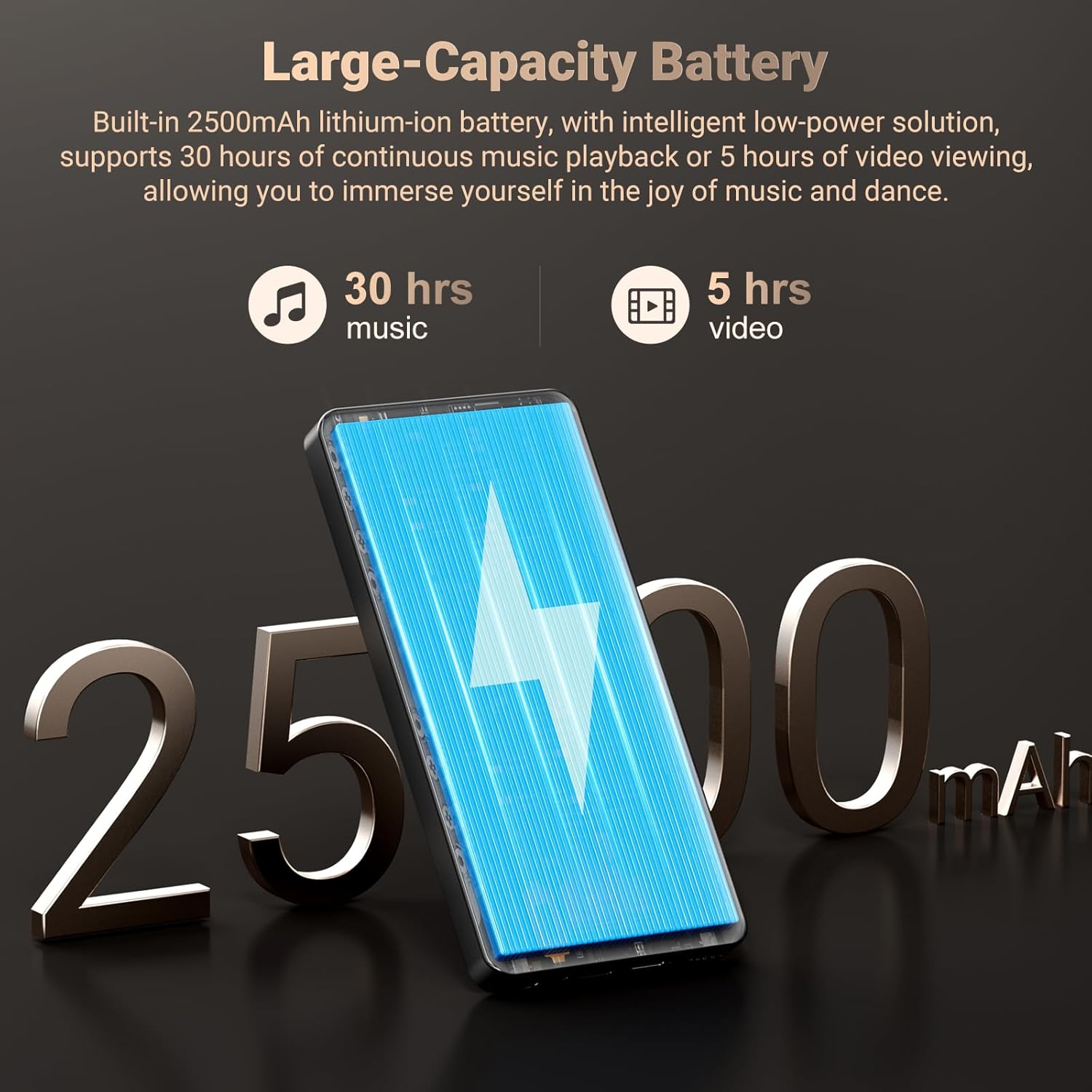
Image 3.7: Long-lasting 2500mAh battery for extended music and video playback.

Image 3.8: Access to streaming apps and local music playback for a rich audio experience.
Продукт видеосу бүттүview
Видео 3.1: Аткаминер бүттүview of the Oilsky 128GB MP3 Player, highlighting its key features and functionalities.
4. Орнотуу
4.1 Аппаратты заряддоо
Before first use, fully charge the MP3 player. Connect the provided USB cable to the device's charging port and the other end to a USB power adapter (not included) or a computer's USB port. The charging indicator will show the charging status.
4.2 Күйгүзүү/өчүрүү
- Күйгүзүү үчүн: Press and hold the Power button on the side of the device until the screen lights up.
- Өчүрүү үчүн: Кубат баскычын басып, кармап туруңуз, андан кийин экранда пайда болгон параметрлерден "Өчүрүү" дегенди тандаңыз.
4.3 Баштапкы орнотуу
Upon first power-on, follow the on-screen prompts to complete the initial setup, which includes selecting your language, connecting to a Wi-Fi network, and setting up your Google account (optional, but recommended for app downloads).
4.4 MicroSD картасын салуу
To expand storage, locate the MicroSD card slot on the device. Gently insert a MicroSD card (up to 1TB, not included) into the slot until it clicks into place. Ensure the card is inserted in the correct orientation.
5. Иштөө нускамалары
5.1 Музыканы ойнотуу
The device features a professional-grade music player. You can play local music files or stream from pre-installed apps.
- Жергиликтүү музыка: Transfer MP3, WAV, APE, FLAC, AAC files to the device's internal storage or MicroSD card. Use the built-in music app to scan folders, create playlists, and search for tracks.
- Агым: Connect to Wi-Fi and open pre-installed apps like Spotify, Pandora, Amazon Music, etc., to stream music online.
- Bluetooth Audio: Pair with Bluetooth headphones or speakers via Settings > Connected devices > Bluetooth.
5.2 Видеону ойнотуу
The 5.5-inch HD screen supports 720P/1440P video playback.
- Transfer AVI, MKV, RMVB, MP4, MPG, MOV video fileс аппаратка.
- Open the video player app to browse and play your videos.
5.3 камеранын иштеши
The device includes a 13MP rear camera and a 5MP front camera.
- Башкы экрандан Камера колдонмосун ачыңыз.
- Керектүү учурда алдыңкы жана арткы камералардын ортосунда которулуңуз.
- Сүрөткө тартуу же видео тартуу үчүн жапкычты таптаңыз.
5.4 Колдонмо башкаруу
As an Android device, you can install and manage applications.
- Колдонмолорду орнотуу: Open the Google Play Store app, search for desired applications, and tap 'Install'.
- Колдонмолорду орнотуудан чыгаруу: Go to Settings > Apps > See all apps, select the app, and tap 'Uninstall'. Pre-installed apps can also be uninstalled if not needed.
5.5 Байланыш
- Wi-Fi: Жеткиликтүү тармактарга туташуу үчүн Жөндөөлөр > Тармак жана интернет > Wi-Fi бөлүмүнө өтүңүз.
- Bluetooth: Go to Settings > Connected devices > Bluetooth to pair with other Bluetooth devices for audio or file өткөрүп берүү.
- USB: үчүн USB кабелин колдонуу менен аппаратты компьютерге туташтыруу file transfer. Select the 'File transfer' option on the device when prompted.
6. Ата-энелик көзөмөл
The Oilsky M502 includes parental control features to manage content access and screen time, making it suitable for children.
- Access parental control settings through the device's system settings.
- Set restrictions on app usage, screen time limits, and content filtering to ensure age-appropriate access.
- Google Chrome can be disabled if desired.

Сүрөт 6.1: Мисample of parental control settings, allowing for screen time limits and app restrictions.
7. Техникалык тейлөө
- Тазалоо: Аппаратты тазалоо үчүн жумшак, кургак чүпүрөктү колдонуңуз. Суюк тазалагычтардан же абразивдүү материалдардан алыс болуңуз.
- Батареяга кам көрүү: To prolong battery life, avoid extreme temperatures and do not let the battery fully discharge frequently. Charge the device regularly.
- Программалык камсыздоо жаңыртуулары: Periodically check for system updates in Settings > System > System update to ensure optimal performance and security.
- Сактагычты башкаруу: Дайыма тазалануу керексиз fileжана сактагыч ордун бошотуу жана иштин майнаптуулугун сактоо үчүн колдонулбаган колдонмолорду чыгарып салыңыз.
8. Кыйынчылыктарды
| Көйгөй | Мүмкүн чечим |
|---|---|
| Түзмөк күйбөйт | Ensure the device is charged. Connect to a charger for at least 30 minutes. If unresponsive, perform a forced restart by holding the power button for 10-15 seconds. |
| Wi-Fi'га туташпай жатат | Check if Wi-Fi is enabled in settings. Ensure the password is correct. Restart the device and the Wi-Fi router. |
| Bluetooth жупташтыруу ишке ашпай калды | Ensure Bluetooth is enabled on both devices. Place devices close to each other. Restart both devices and try pairing again. |
| Колдонмолор жай же тоңуп жатат | Close background apps. Clear app cache (Settings > Apps > [App Name] > Storage & cache > Clear cache). Ensure sufficient storage space is available. Restart the device. |
| MicroSD картасы табылган жок | Ensure the card is inserted correctly. Try reinserting the card. Test with another MicroSD card if possible. |
| Камера сапаты начар | Ensure the camera lens is clean. Take photos in well-lit environments. |
9. Техникалык шарттар
| Өзгөчөлүк | Деталь |
|---|---|
| Бренд | Ойлский |
| Модель аты | M502 |
| Операция системасы | Android 13.0 |
| Эстутум сактоо сыйымдуулугу | 128 ГБ (1 ТБ чейин кеңейтүүгө болот) |
| Screen Size | 5.5 дюйм |
| Дисплей технологиясы | IPS or TFT |
| Байланыш технологиясы | Bluetooth, USB, Wi-Fi (2.4GHz/5GHz) |
| Өзгөчөлүктөр | 1440P Full Formats, App Installation, Equalizer, FM Radio, WIFI, Dual Cameras (13MP Rear, 5MP Front) |
| Колдоого алынган медиа түрү | MP3, WAV, APE, FLAC, AAC (Audio); AVI, MKV, RMVB, MP4, MPG, MOV (Video) |
| Шайкеш түзмөктөр | Наушник, Динамик |
| Батарея | 2500mAh литий-иону |
| Түс | Кара |
10. Кепилдик жана колдоо
The Oilsky M502 MP3 Player comes with a 1 жылдык кепилдик сатып алынган күндөн тартып өндүрүш кемчиликтерин жабуу. Кепилдик дооматтары үчүн сатып алганыңыздын далилин сактап коюңуз.
For technical support, troubleshooting assistance, or warranty inquiries, please contact Oilsky customer service through the retailer's platform or the official Oilsky website. Refer to the contact information provided with your purchase or on the product packaging.
Always refer to the latest information available on the official Oilsky support channels for the most up-to-date assistance.