
1. Киришүү
This manual provides essential information for setting up, operating, maintaining, and troubleshooting your TCL 43T6D 4K UHD Smart QLED Google TV. Please read this manual thoroughly before using your television to ensure proper and safe operation. Keep this manual for future reference.

Фронт view of the TCL 43T6D 4K UHD Smart QLED Google TV.
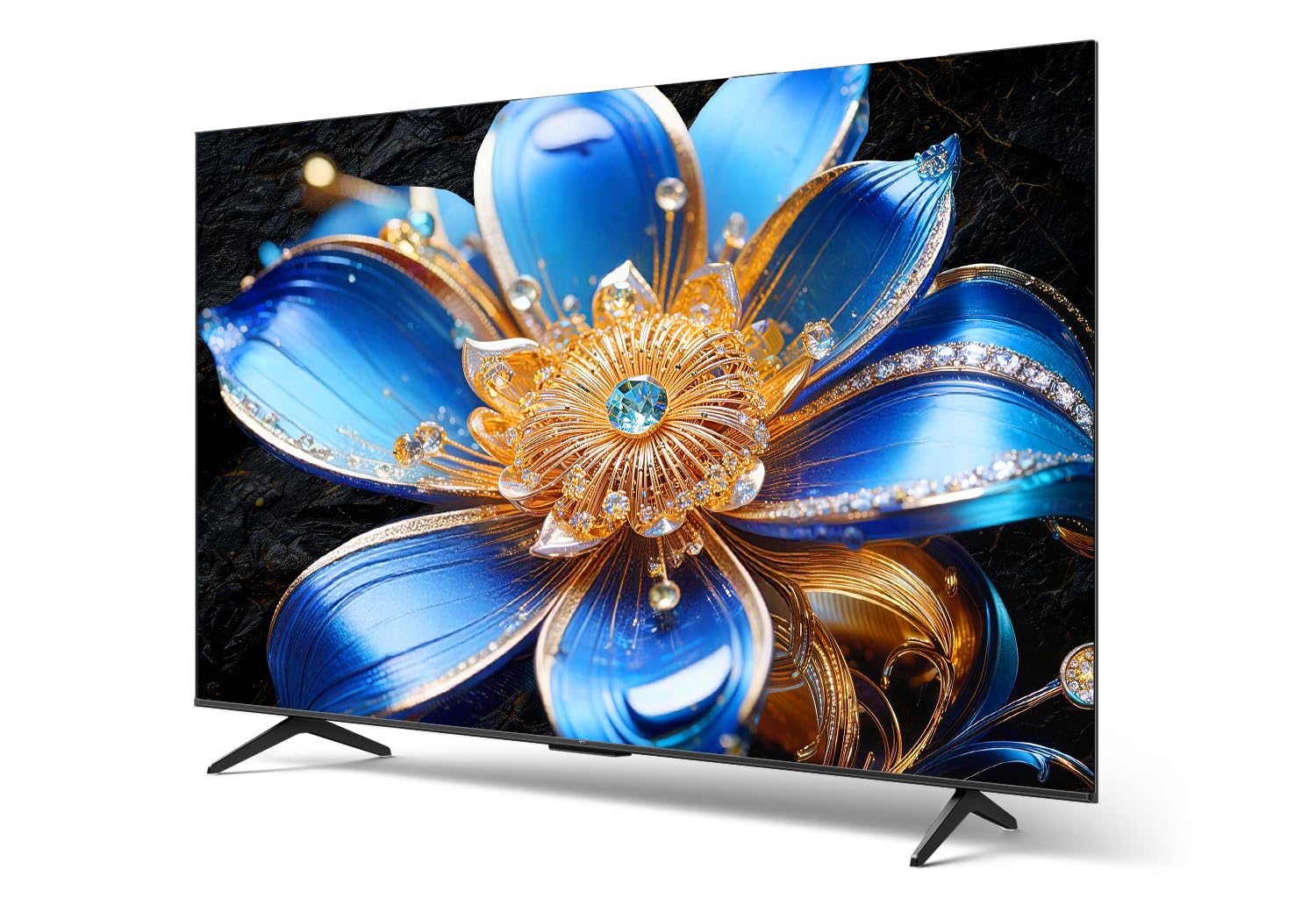
Side profile of the TCL 43T6D 4K UHD Smart QLED Google TV, highlighting its slim design.
2. Кутуда эмне бар
Таңгакта бардык компоненттер бар экенин текшериңиз:
- 1N LED телевизор
- 1N Stand (Table Top Stand)
- 1N алыстан башкаруу
- 2N AAA Batteries

Illustration of the items included in the TV packaging. Note that a fixed wall mount is not included.
3. Орнотуу
3.1 Физикалык орнотуу
Your TCL 43T6D TV can be installed using the included table-top stand or a compatible wall mount (sold separately).
Үстөл үстөлүн орнотуу:
- Телевизордун экранын кылдаттык менен ылдый каратып жумшак, тегиз жерге коюңуз.
- Attach the stand bases to the designated slots at the bottom of the TV, ensuring they are securely fastened with the provided screws.
- Телевизорду туруктуу, тегиз жерге коюңуз.
Дубалга орнотуу:
If you choose to wall-mount your TV, please consult a professional installer or refer to the wall mount's instructions for proper installation. Ensure the wall mount is compatible with the VESA mounting pattern of your TV.
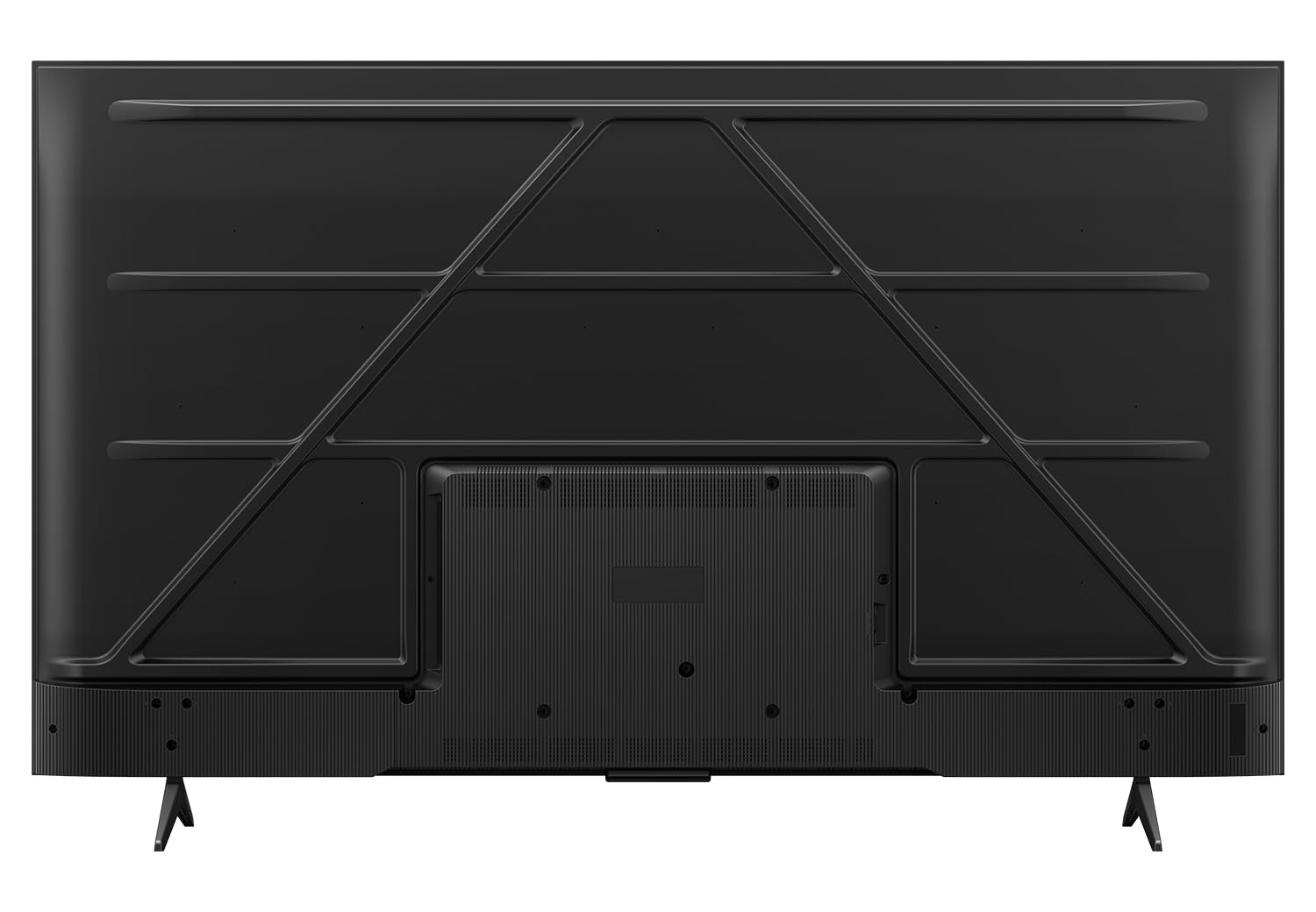
Арткы view of the television, indicating potential wall mount attachment points.
3.2 Түзмөктөрдү туташтыруу
Connect your external devices such as set-top boxes, gaming consoles, and sound systems to the appropriate ports on your TV.

Деталдаштырылган view телевизордун туташуу портторунун.
- HDMI Ports (HDMI 1, HDMI 2, HDMI 3): Connect high-definition devices like Blu-ray players, gaming consoles, and set-top boxes. HDMI 2 supports eARC for enhanced audio return channel functionality.
- USB 3.0 порт: Медиа ойнотуу үчүн USB сактагыч түзмөктөрдү туташтырыңыз.
- Антенна/кабель IN: Антеннаны же кабелдик ТВ сигналын туташтырыңыз.
- Спутник киргизүү: Connect a satellite dish for satellite TV reception.
- AV IN адаптери: Композиттик видео жана стерео аудио кабелдерин колдонуу менен эски түзмөктөрдү туташтыруу үчүн.
- Ethernet (LAN): Connect to your wired network for internet access.
- Оптикалык аудио чыгышы: Санариптик аудио чыгаруу үчүн саундбарга же аудио кабыл алгычка туташыңыз.
3.3 Баштапкы күйгүзүү жана орнотуу устасы
- Электр шнурду сыналгыга, андан кийин розеткага сайыңыз.
- Пульттагы же сыналгыдагы кубат баскычын басыңыз.
- Баштапкы орнотууну аяктоо үчүн экрандагы көрсөтмөлөрдү, анын ичинде тилди тандоону, тармакка туташууну (Wi-Fi же Ethernet) жана Google аккаунтуна кирүүнү аткарыңыз.
4. Сыналгыңызды иштетүү
4.1 Алыстан башкаруу
Камтылган алыстан башкаруу телевизордун функцияларын башкарууга мүмкүндүк берет. Туура полярдуулукту камсыз кылуу менен эки AAA батарейканы алыстан башкарууга кыстарыңыз.

The remote control features dedicated buttons for popular streaming services and Google Assistant.
- Кубат баскычы: Телевизорду күйгүзөт же өчүрөт.
- Сан баскычтары: Каналдарды түз тандаңыз.
- Навигация тактасы (өйдө/төмөн/сол/оң/ОК): Менюларды чабыттап, тандоолорду ырастаңыз.
- Артка баскычы: Мурунку экранга кайтат.
- Үй баскычы: Google TV башкы экранына жетет.
- Google Жардамчы баскычы: Издөө жана башкаруу үчүн үн буйруктарын иштетет.
- Үнүн жогорулатуу/төмөндөтүү: Үнүн тууралайт.
- Канал өйдө/төмөн: Каналдарды өзгөртөт.
- Ыкчам кирүү баскычтары: Direct access to Netflix, Prime Video, YouTube, and other services.
4.2 Google TV интерфейси
Your TV runs on the Google TV operating system, providing a personalized and intuitive user experience.

The Google TV home screen with various streaming applications.
- Башкы экран: Displays personalized content recommendations, installed apps, and quick access to settings.
- Колдонмолор: Google Play Дүкөнүнөн тиркемелерди жүктөп алып, башкарыңыз.
- Google Жардамчысы: Мазмун издөө, акылдуу үй түзмөктөрүн башкаруу жана маалымат алуу үчүн үн буйруктарын колдонуңуз.
- Экранды чагылдыруу: Cast content from your smartphone or tablet to the TV.
4.3 Сүрөттүн жөндөөлөрү жана технологиялары
The TCL 43T6D incorporates advanced display technologies for an enhanced viewтажрыйбасы.

Бүттүview of key display and audio technologies.
- 4K UHD QLED Panel: Quantum Dot technology delivers over a billion hues of vivid color for a rich and accurate picture.
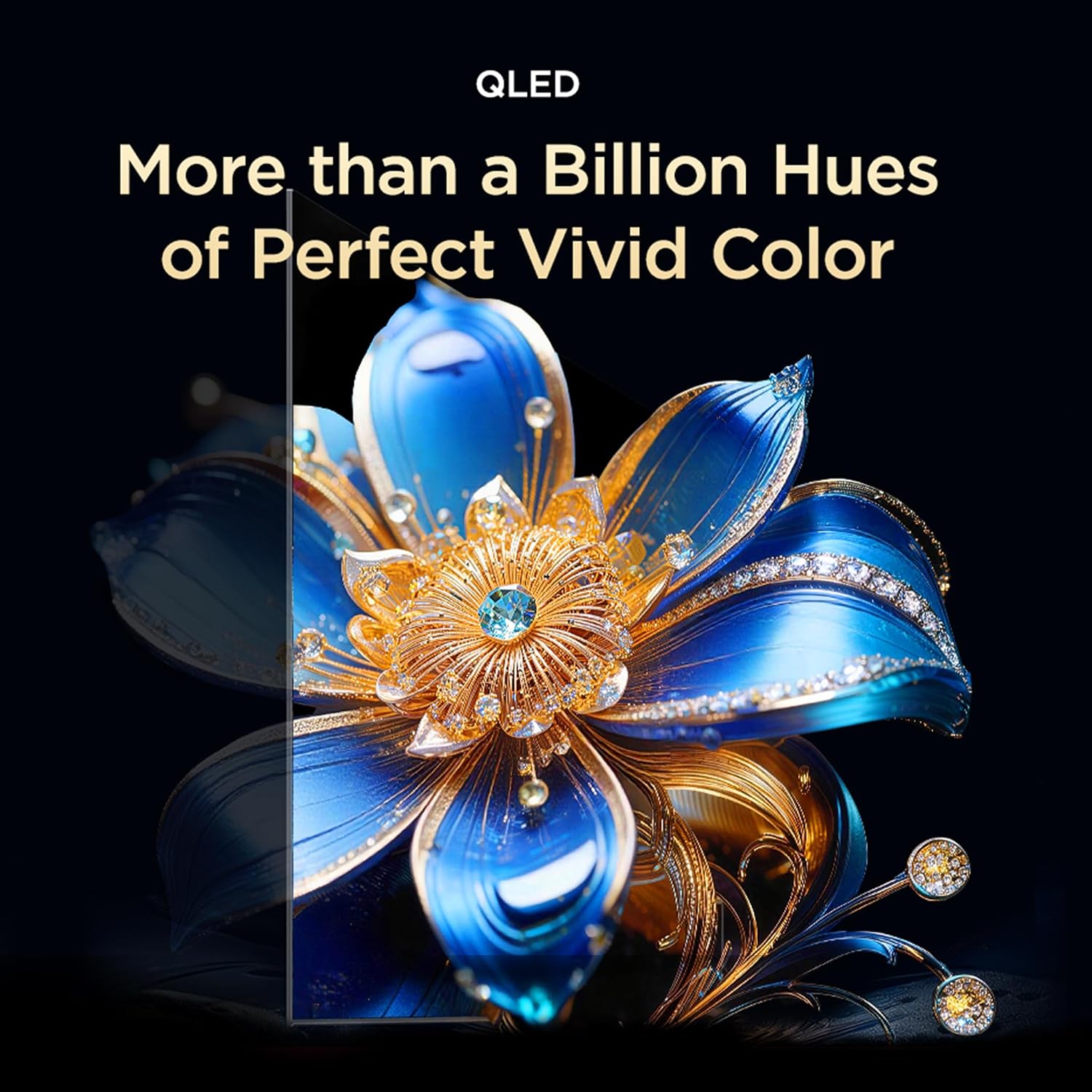
QLED technology provides a wide color gamut for vibrant images.

TCL's expertise in Quantum Dot Technology.

Colorful Quantum Crystal for enhanced optical and color properties.

The TV supports an ultra-high color gamut, providing vibrant and precise colors.
- Жылытуу, желдетүү жана желдетүү панели: Provides higher contrast and more detailed images.

HVA Panel technology enhances contrast and detail.
- HDR 10+ жана Dolby Vision: High Dynamic Range support delivers superior brightness, shadow details, and vivid colors.

HDR 10+ reveals fine details in both bright and dark scenes.

Dolby Vision provides an immersive scene with enhanced color and contrast.
- AiPQ процессору: TCL's self-developed processor optimizes picture quality through various AI algorithms.

The AiPQ Processor intelligently enhances picture quality.

The AiPQ Processor utilizes AI for scene, contrast, color, clarity, motion, and HDR optimization.
- Динамикалык түстү жакшыртуу: Automatically optimizes color vibrancy.

Dynamic Color Enhancement adjusts colors for optimal vibrancy.
- AI Picture Optimization (Ai-Clarity, Ai-Colour, Ai-Contrast, Ai-HDR): These AI features work together to refine image details, color accuracy, contrast levels, and HDR decoding.

AI-powered features enhance various aspects of picture quality.
- Bionic Color Optimization Technology: Adjusts colors to your viewing needs, enhancing scene colors and preserving skin tones.

Bionic Color Optimization intelligently adjusts colors for realism and immersion.
4.4 Sound Settings and Technologies
Experience immersive audio with advanced sound features.
- Dolby Atmos: Delivers three-dimensional audio that moves around you, creating a theatrical sound experience.

Dolby Atmos provides immersive, three-dimensional sound.

Dolby Atmos transcends channel limits for clear, immersive 3D sound.
- DTS Virtual:X: Virtualized 3D sound places audio naturally throughout your space for a lifelike, multi-dimensional experience.

DTS Virtual:X provides virtualized 3D sound for an immersive experience.
4.5 Оюн функциялары
- Оюн мастери: Experience next-level gaming with optimized settings and features.

Game Master optimizes the TV for a superior gaming experience.
- Gamebar: An adaptive game screen for major consoles, offering customized screen designs for immersive gaming.

Gamebar provides an optimized interface for gaming consoles.
4.6 Көзгө кам көрүүнүн өзгөчөлүктөрү
- Көптөгөн көзгө кам көрүү: Features low blue light and natural light protection technology to reduce eye strain during extended viewing.

Multiple Eye Care technologies protect your eyes during viewing.
4.7 Кошумча акылдуу функциялар
- TCL AI: A wisdom core that enhances multi-scenario experiences, integrating image quality, sound quality, interaction, and content generation.

TCL AI enhances various aspects of your TV experience.
- AI Cinema Agent, AI Office Agent, AI Gaming Agent: Specialized AI agents for optimized cinema, office, and gaming experiences.

Specialized AI agents for different usage scenarios.
- AI Art Gallery & Digital Art: Display artworks when not watching TV, turning your home into a personal gallery. Explore over 100,000 pre-generated AI artworks.

The AI Art Gallery transforms your TV into a digital art display.

Explore various digital art styles to personalize your screen.
- Private Bluetooth Listening: Connect Bluetooth headphones for private audio, allowing others to rest undisturbed.

Enjoy private listening via Bluetooth headphones.
5. Техникалык тейлөө
5.1 Экранды тазалоо
Экранды тазалоо үчүн аны жумшак, түксүз чүпүрөк менен акырын сүртүңүз. өжөр белгилери үчүн, жеңил гampчүпүрөккө суу же атайын экран тазалоочу каражат. Катуу химиялык заттарды, абразивдүү материалдарды колдонуудан же экранга түз чачуудан качыңыз.
5.2 Телевизордун корпусун тазалоо
Wipe the TV body and stand with a soft, dry cloth. Do not use liquid cleaners directly on the TV body.
5.3 Электр шнурларына кам көрүү
Regularly check the power cord for any damage. Do not place heavy objects on the cord or expose it to excessive heat. Always grasp the plug, not the cord, when disconnecting from the power outlet.
6. Кыйынчылыктарды
Кардарларды колдоо кызматына кайрылуудан мурун, жалпы маселелер боюнча төмөнкү чечимдерди колдонуп көрүңүз:
| Көйгөй | Мүмкүн чечим |
|---|---|
| Күч жок | Электр шнурунун сыналгыга да, иштеп жаткан электр розеткасына да бекем сайылганын текшериңиз. Башка розеткадан аракет кылып көрүңүз. |
| Сүрөт жок, бирок үн бар | Киргизүү булагын текшериңиз. Тышкы түзмөктөр күйгүзүлгөнүн жана туура туташканын текшериңиз. |
| Үн жок, бирок сүрөт бар | Check the volume level and mute settings. Ensure external audio devices are connected and configured correctly. |
| Пульт иштебей жатат | Батареяларды алмаштырыңыз. Пульт менен сыналгынын IR сенсорунун ортосунда эч кандай тоскоолдуктар жок экенин текшериңиз. |
| Wi-Fi'га туташпай жатат | Роутериңиз күйүп жана иштеп жатканын текшериңиз. Wi-Fi сырсөзүн кайра киргизиңиз. Сыналгы менен роутерди өчүрүп-күйгүзүп көрүңүз. |
| Сүрөттүн сапаты боюнча көйгөйлөр (мисалы, бүдөмүк, бурмаланган) | Check the cable connections. Adjust picture settings (brightness, contrast, sharpness). Ensure the input source is providing a high-quality signal. |
7. Техникалык шарттар
Detailed technical specifications for the TCL 43T6D 4K UHD Smart QLED Google TV:
| Өзгөчөлүк | Деталь |
|---|---|
| Модель аты | 43T6D |
| Screen Size | 43 дюйм (108 см) |
| Дисплей технологиясы | QLED |
| Резолюция | 4K UHD (3840 x 2160) |
| Жаңыртуу ылдамдыгы | 60 Гц |
| Операция системасы | Google TV |
| Процессор | 64-биттик төрт ядролуу процессор (AiPQ процессору) |
| RAM | 2 ГБ |
| Ички сактагыч | 16 ГБ |
| Байланыш | Wi-Fi 5, Bluetooth 5.0, Ethernet |
| HDMI порттору | 3 (анын ичинде eARC) |
| USB порттору | 1 3.0 (USB XNUMX) |
| Аудио чыгаруу | 28 Watts Maximum Speaker Output, Dolby Atmos, DTS Virtual:X |
| HDR колдоо | HDR10+, Dolby Vision |
| Viewбурч | 178 градус |
| Продукциянын өлчөмдөрү (D x W x Y) | 18.5D x 95.7W x 60.3H Centimeters (with stand) |
| Элемент Салмагы | 5.6 Kilograms (with stand) |
| Жылдык энергия керектөө | Жылына 141 киловатт саат |
| Энергия рейтинги | 2 Star |

Energy rating label for the TCL 43T6D TV.

Dimensions and weight of the TCL 43T6D TV with and without stand.
8. Кепилдик жана колдоо
8.1 Кепилдик маалыматы
Your TCL 43T6D TV comes with a 2 жылдык кепилдик provided by the manufacturer from the date of purchase. The remote control has a 6 айлык кепилдик.
To avail warranty services, you will need your purchase invoice. Warranty claims can be processed using the Amazon e-invoice.
8.2 Кардарларды колдоо
For assistance, contact TCL customer support:
- Акысыз номерлер: 180-0102-0622 / 180-0419-0622
- Электрондук почта: indiasupport@tcl.com
When contacting support, please provide your product's model name (43T6D) and the seller's details as mentioned on your invoice. The service center will schedule a convenient slot for service.