Introduction
Thank you for choosing the Xiaomi Redmi Computer Speakers. This manual provides essential information for setting up, operating, and maintaining your new speakers. Designed for an immersive audio experience, these speakers feature four-unit stereo sound, dynamic RGB ambient lighting, and versatile connectivity options including Bluetooth 5.0, USB-A, USB-C, and AUX IN. Please read this manual thoroughly before use to ensure optimal performance and longevity of your device.

Пакеттин мазмуну
Сураныч, пакетте төмөнкү нерселерди текшериңиз:
- Xiaomi Redmi Computer Speaker × 1
- Instruction Manual × 1
Продукт бүттүview
Familiarize yourself with the various components and controls of your Redmi Computer Speakers.
Өлчөмдөр

Башкаруу каражаттары жана көрсөткүчтөр


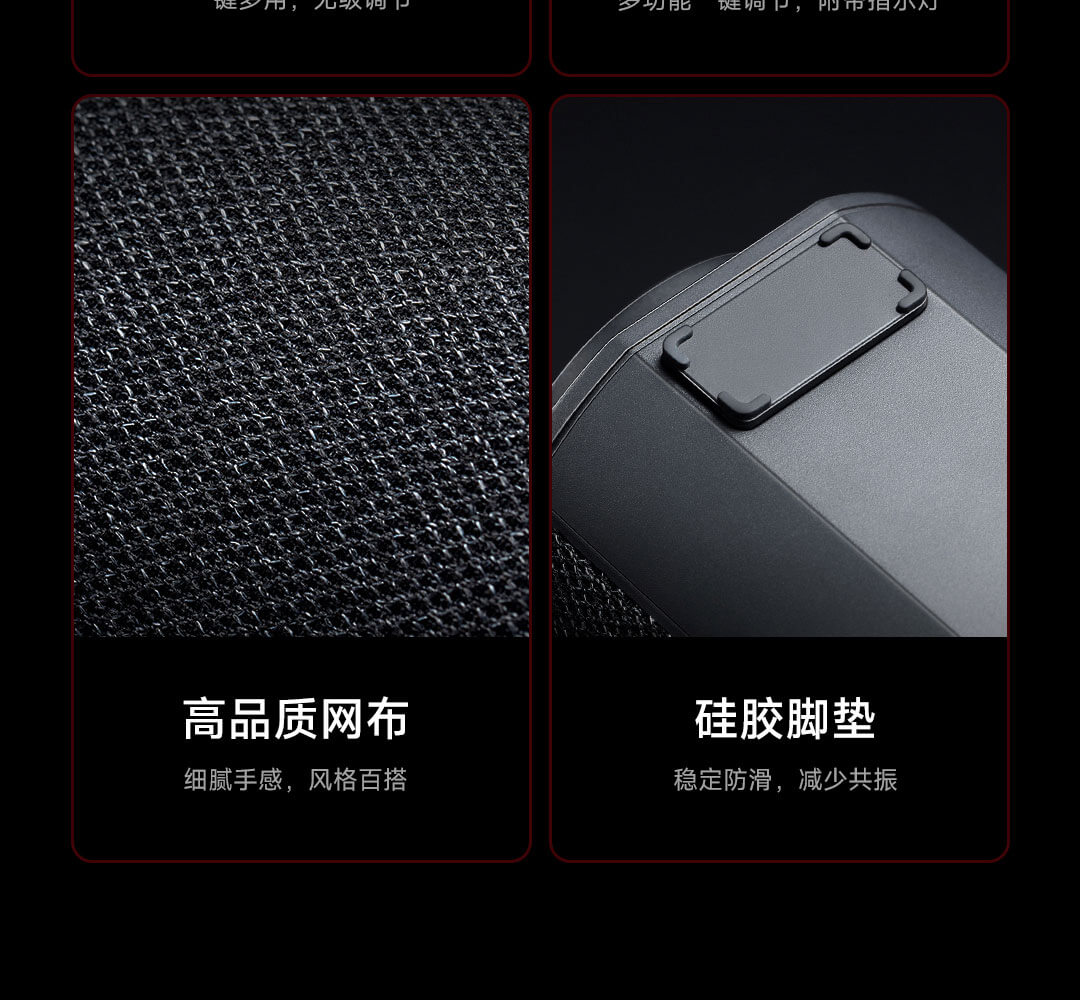
Ички структурасы
Орнотуу жана Байланыштар
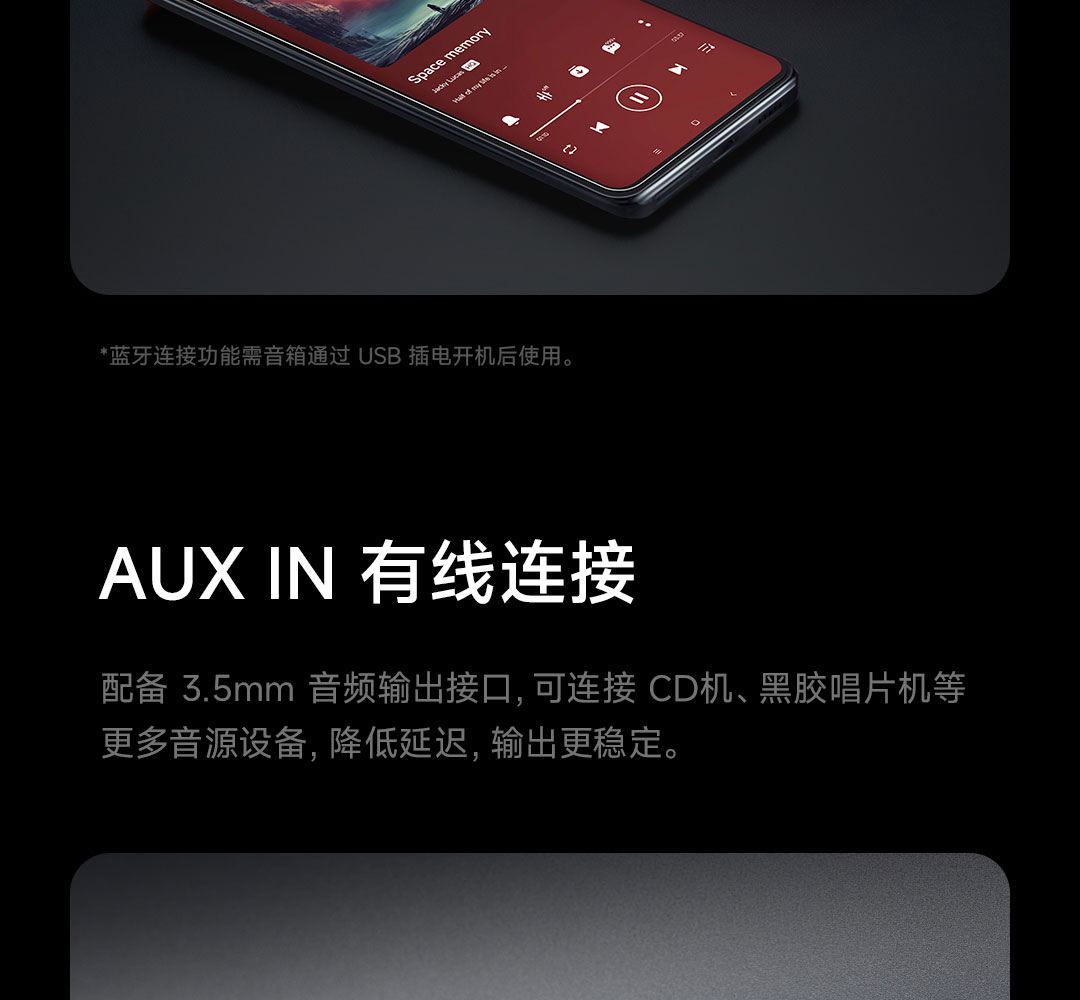
The Redmi Computer Speakers offer multiple ways to connect to your devices.
Power Connection
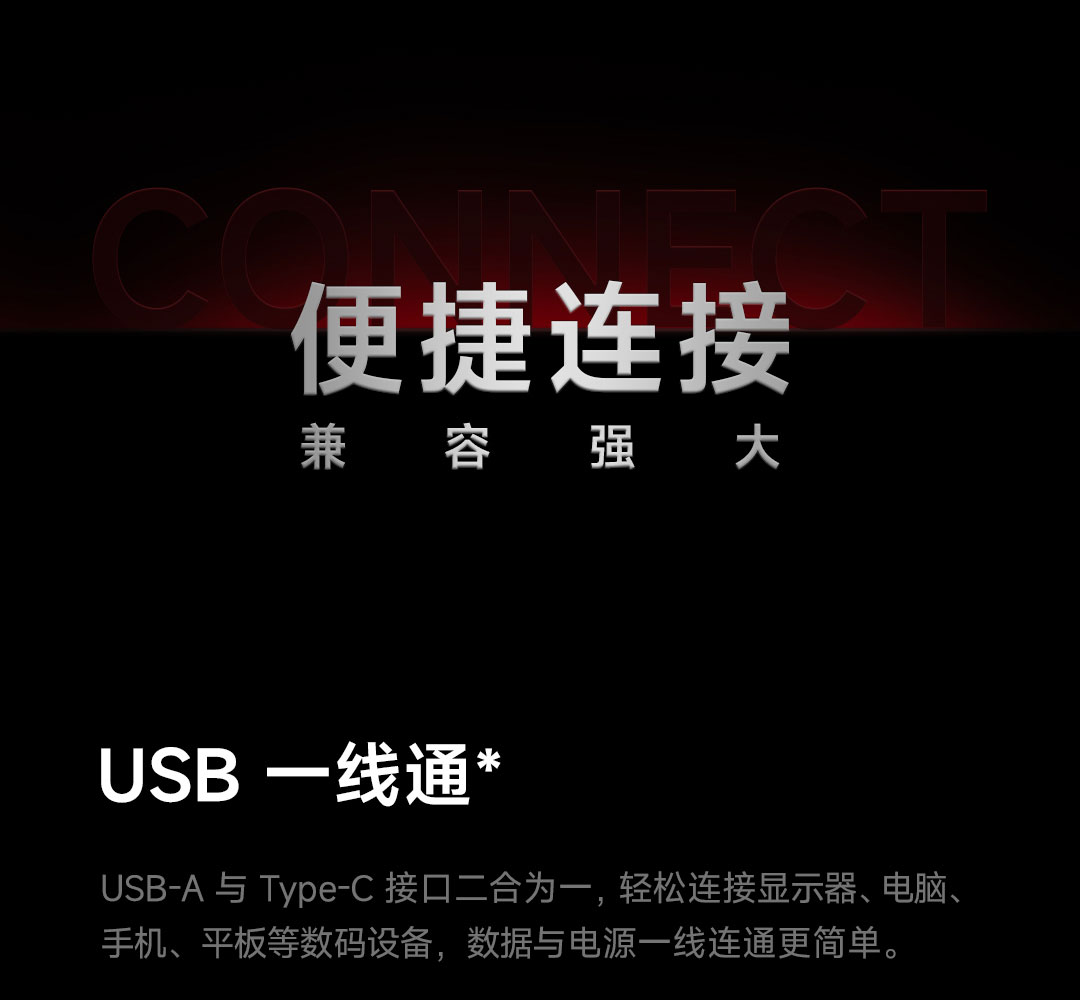
Connect the speaker to a power source using a USB-A or USB-C cable (5V, 2A rated input).
Wired Connections (USB-A, USB-C, AUX IN)
The speaker supports USB-A, USB-C, and AUX IN for wired audio input. The USB connection also provides power. For AUX IN, ensure the speaker is powered on via USB.
Bluetooth 5.0 туташуу
Bluetooth аркылуу туташуу үчүн:
- көпкө басыңыз Которуу баскычы for 2 seconds to enter Bluetooth pairing mode. The indicator light will flash white.
- On your device (phone, tablet, computer), search for Bluetooth devices and select "Redmi Computer Speakers".
- Once connected, the indicator light will turn solid white.
Иштөө нускамалары
Негизги функциялар
| ачкыч | Акция | Функция |
|---|---|---|
| Switch Key | Click | Үн эффекттерин которуштуруу |
| Эки жолу чыкылдатыңыз | Switch audio channels | |
| 2 секунд узак басуу | Turn on Bluetooth pairing mode | |
| Жарык ачкычы | Click | Switch lighting effects |
| 2 секунд басып, кармап туруңуз | Turn on/off the lighting effect | |
| Көп функциялуу ачкыч | Click | Power on, Play/Pause music, Answer/Hang up calls |
| Эки жолу чыкылдатыңыз | Next song, Switch to incoming calls | |
| Үч чыкылдатуу | Мурунку ыр | |
| 2 секунд басып, кармап туруңуз | Turn off the phone, Reject the call | |
| 8 секунд басып, кармап туруңуз | Заводдук орнотууларды калыбына келтириңиз | |
| Сааттын жебеси боюнча буруңуз | Үнүн жогорулатуу | |
| Сааттын жебесине каршы буруңуз | Үнүн азайтуу |
Индикатор жарык абалы
- Ак: Bluetooth connected, Incoming call in progress, Bluetooth pairing in progress, Phone call coming in.
- Ачык күрөң: Standby hibernation, Charging.
Sound Effects (EQ Modes)
The speakers feature five finely tuned EQ scene sound effects. Use the Которуу баскычы to cycle through them:
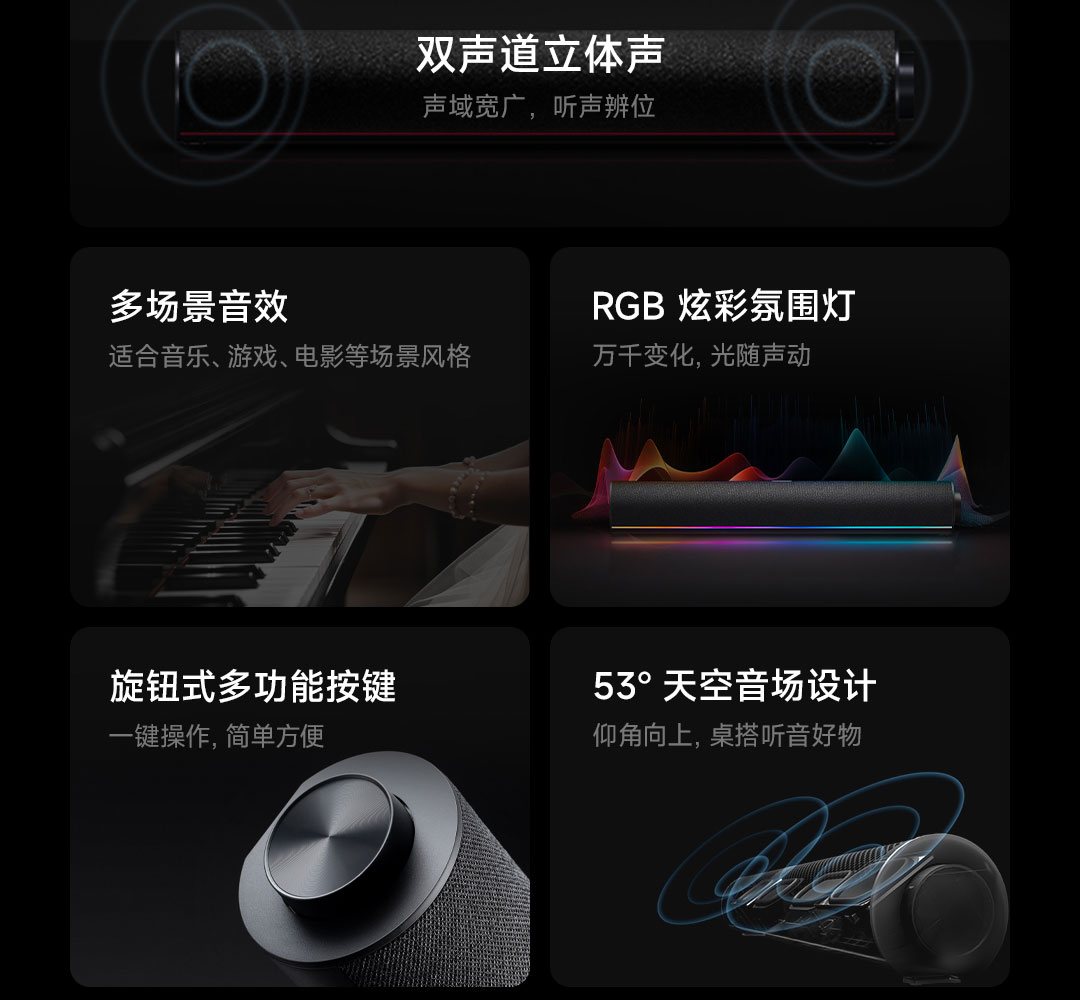
- Balance Full Frequency: For a rich, warm, and balanced sound.
- Strong Bass: Enhances low frequencies for powerful, immersive sound.
- Pure Vocals: Optimizes vocal clarity for podcasts and dialogue.
- Shocking Game: Designed for dynamic gaming audio, aiding in sound positioning.
- Immersive Cinema: Provides a wide soundstage for a cinematic experience.
RGB Ambient Lighting
The speaker features a bottom RGB light strip with 16 lamp beads, offering 5 styles of lighting effects. Use the Жарык ачкычы to switch between effects or turn the lighting on/off.
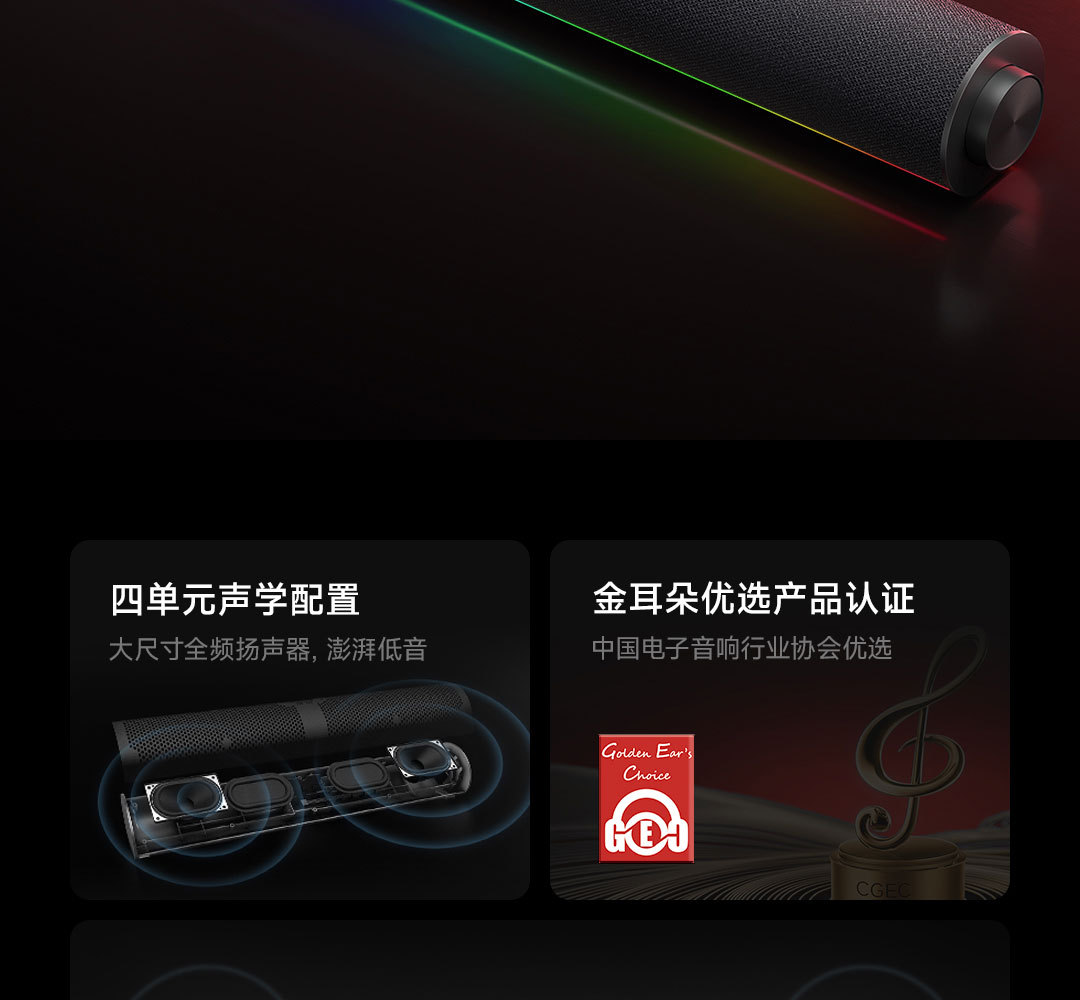
One of the lighting modes is the "Rhythm mode," which uses DSP intelligent analysis to capture music rhythm in real-time, making the light strip undulate with the music and creating a personalized visual and auditory feast.
Техникалык шарттар
| Өзгөчөлүк | Деталь |
|---|---|
| Туташуу ыкмалары | USB-A, USB-C, AUX IN, Bluetooth 5.0 (A2DP music playback, Bluetooth calls) |
| Rated Input | 5V, 2A |
| Батарея сыйымдуулугу | 1500mAh (Typical value) |
| Өлчөмдөрү (L×W×H) | 435 мм × 67 мм × 67 мм |
| Салмагы | 670г |
| Acoustic Configuration | Four-unit stereo, Dual titanium-iron full-range speakers, Dual passive radiators |
| Sound Field Design | 53° Sky Sound Field Architecture |
| Микрофон | Камтылган |
| Жарыктандыруу | RGB Ambient Light Strip (16 lamp beads, 5 styles, Rhythm mode) |
Проблемаларды чечүү
If you encounter any issues with your speakers, please refer to the following common solutions:
- Үн жок:
- Ensure the speaker is powered on and connected correctly (USB or AUX IN).
- Динамиктин жана туташкан түзмөгүңүздүн үнүнүн деңгээлин текшериңиз.
- If using Bluetooth, ensure it's properly paired and selected as the audio output on your device.
- Try switching audio channels using the Которуу баскычы.
- Bluetooth туташуу маселелери:
- Ensure the speaker is in Bluetooth pairing mode (indicator light flashing white).
- Түзмөгүңүздөгү Bluetooth'ту өчүрүп, күйгүзүңүз, андан кийин кайра издеп көрүңүз.
- Түзмөгүңүздү динамикке жакыныраак жылдырыңыз.
- Эгер мурда жупташтырылган болсо, телефонуңуздагы аппаратты унутуп, кайра жупташып көрүңүз.
- RGB жарыктары иштебейт:
- басыңыз Жарык ачкычы to cycle through effects or turn them on.
- Ensure the speaker has sufficient power.
- Speaker Unresponsive:
- Try pressing and holding the Көп функциялуу ачкыч for 8 seconds to restore factory settings. Note that this will clear all settings.
Колдонуучу сунуштар
- Үндү оптималдаштыруу: Experiment with the five different EQ sound effects (Balance Full Frequency, Strong Bass, Pure Vocals, Shocking Game, Immersive Cinema) to find the best audio profile for your content, whether it's music, movies, or games.
- Атмосфераны жакшыртуу: Utilize the RGB ambient lighting to match your mood or desktop setup. The "Rhythm mode" is particularly engaging for music playback.
- Таза байланыш: The built-in microphone is great for voice calls and online meetings. Ensure the speaker is selected as your input device in your computer's sound settings.
- Жайгашкан жери: For the best sound experience, position the speakers directly in front of you. The 53° sky sound field architecture is designed to project sound upwards and forwards, optimizing desktop listening.
Техникалык тейлөө
- Тазалоо: Use a soft, dry cloth to wipe the surface of the speakers. Do not use liquid cleaners or abrasive materials.
- Сактагыч: Узак мөөнөткө колдонулбаганда, динамиктерди күндүн тике тийген нурунан жана өтө температурадан алыс, салкын, кургак жерде сактаңыз.
- Суудан качуу: Keep the speakers away from water and other liquids to prevent damage.
Кепилдик жана колдоо
Кепилдик маалыматы жана техникалык колдоо үчүн расмий Xiaomi'ге кайрылыңыз webсайтка же жергиликтүү ыйгарым укуктуу дилериңизге кайрылыңыз. Сатып алуу квитанциясын кепилдик дооматтары үчүн сатып алуунун далили катары сактаңыз.


