1. Киришүү
The PHONEPACE V9 GPS HUD Speedometer is a high-definition digital display device designed to project vehicle speed onto your windshield. Utilizing GPS and Beidou dual chipsets, it provides accurate and real-time speed information, enhancing driving safety and convenience. Its plug-and-play design ensures easy installation and compatibility with a wide range of vehicles.

Figure 1: V9 GPS HUD Speedometer with Green Display
2. Өзгөчөлүктөрү
- Plug & Play: Simple connection to power, no complex setup required.
- Жогорку сапаттагы дисплей: Large, clear fonts visible day and night.
- Integrated Sunshade: Ensures readability even in bright sunlight.
- GPS + Beidou Dual Chipsets: Provides accurate speed data with a 10 Hz refresh rate for smooth, non-skipping speed display.
- Автоматтык күйгүзүү/өчүрүү: Powers on and off automatically with your vehicle's ignition.
- Жалпы шайкештик: Suitable for all types of vehicles including cars, buses, trucks, new energy vehicles, gas-electric hybrid vehicles, and motorcycles.
- Zero Power Consumption: Automatically cuts off power when the car shuts down, preventing battery drain.
- Жогорку өндүрүмдүүлүктөгү чип: Dual running memory and dual core preprocessor ensure high-speed operation fluency.
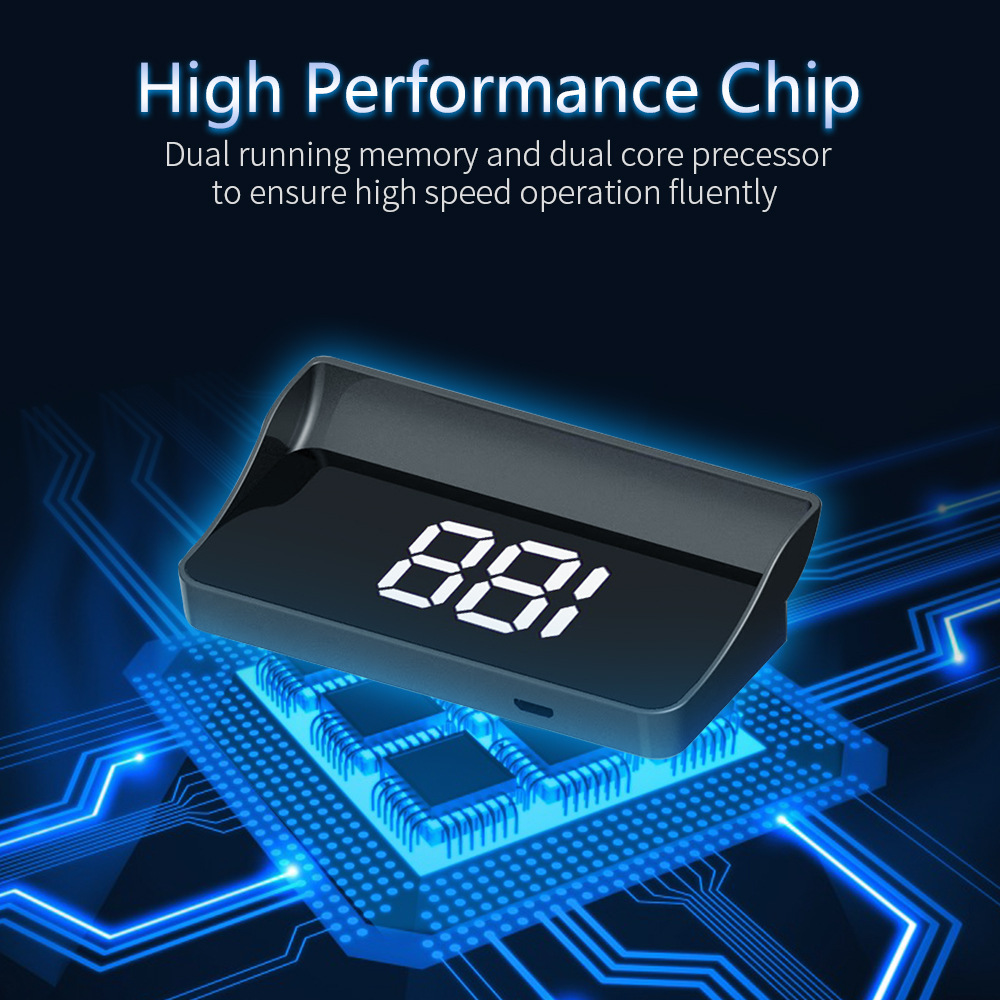
Figure 2: High Performance Chip for smooth operation
3. Пакеттин мазмуну
Сураныч, пакетте төмөнкү нерселерди текшериңиз:
- 1 x V9 Head Up Display (Host)
- 1 x 2m USB кабели
- 1 x тайгаланбаган килемче
- 1 x Чагылыштыруучу пленка
3-сүрөт: Пакеттин мазмуну
4. Орнотуу нускамалары
The V9 HUD Speedometer features a non-destructive, plug-and-play installation process.
- Жайгашкан жери: Place the V9 HUD unit on your vehicle's dashboard, ensuring it has a clear line of sight to the windshield for projection. Use the provided non-slip mat to secure the device.
- Кубат туташуу: Connect the provided 2m USB cable to the Mini USB port on the HUD unit. Plug the other end of the USB cable into a car charger (e.g., cigarette lighter adapter) or a suitable USB port in your vehicle.
- Рефлектордук тасма (кошумча): For optimal clarity and to reduce ghosting, especially on some windshield types, apply the reflective film to the area of the windshield where the HUD will project. Clean the windshield thoroughly before application.
- Initial GPS Signal Acquisition: Once powered on, the device will automatically search for GPS signals. This may take a few moments, especially during the first use or if the vehicle has been stationary for a long time. Ensure the vehicle is outdoors with a clear view эң жакшы сигнал кабыл алуу үчүн асмандан.
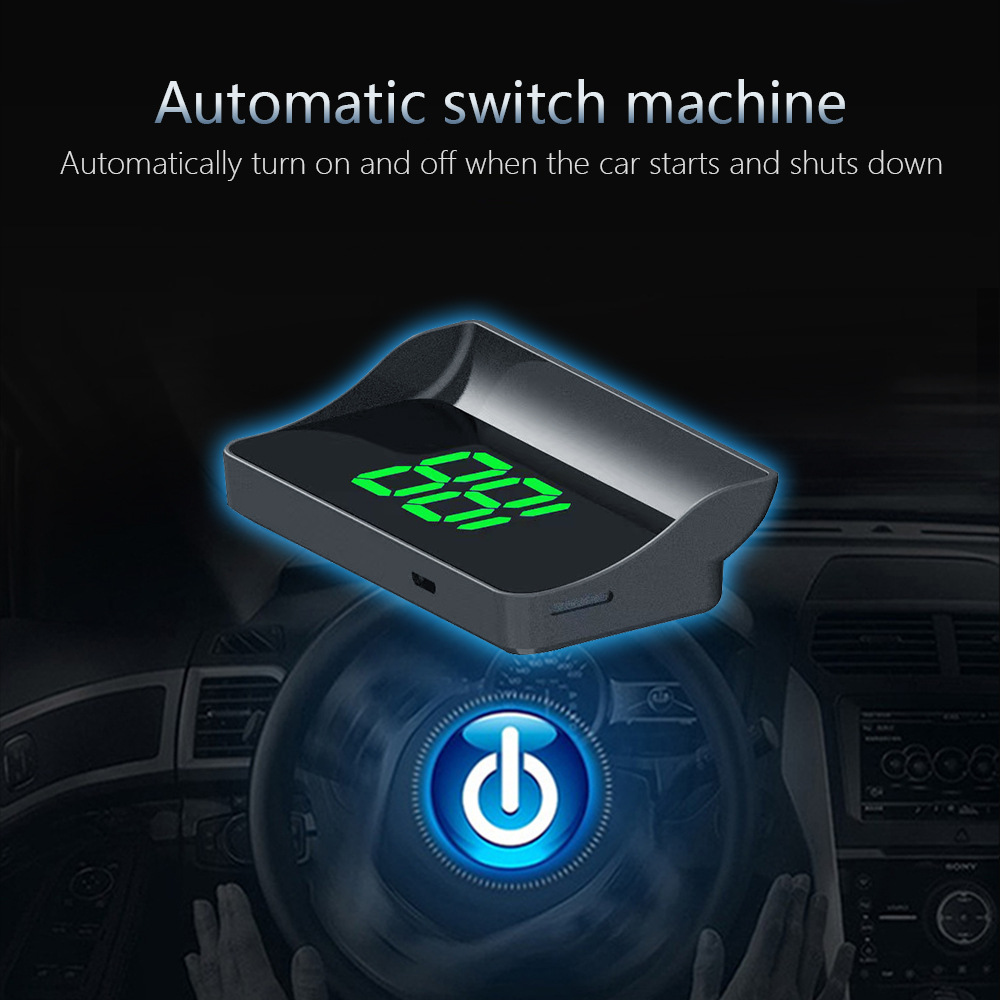
Figure 4: Installation via cigarette lighter connection
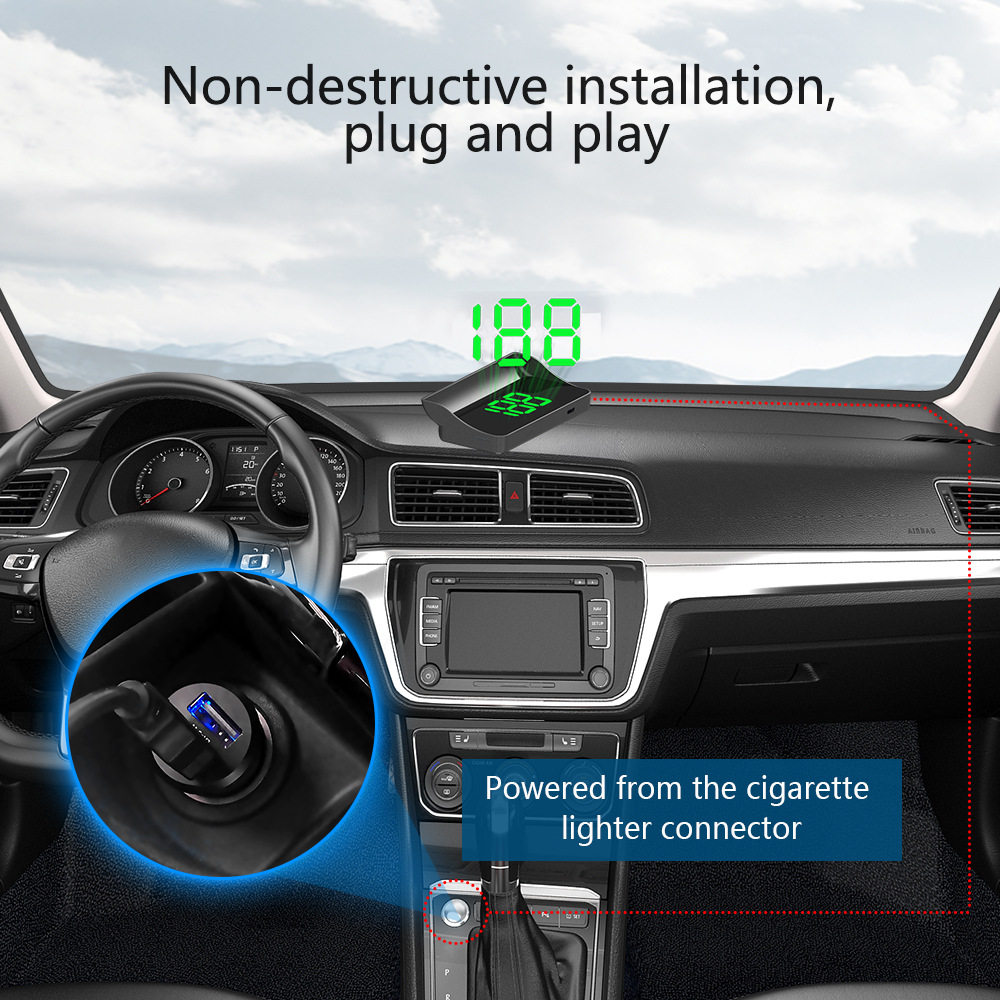
Figure 5: USB power connection
5. Иштөө нускамалары
- Автоматтык иштетүү: The V9 HUD will automatically power on when your vehicle starts and power off when the vehicle is shut down.
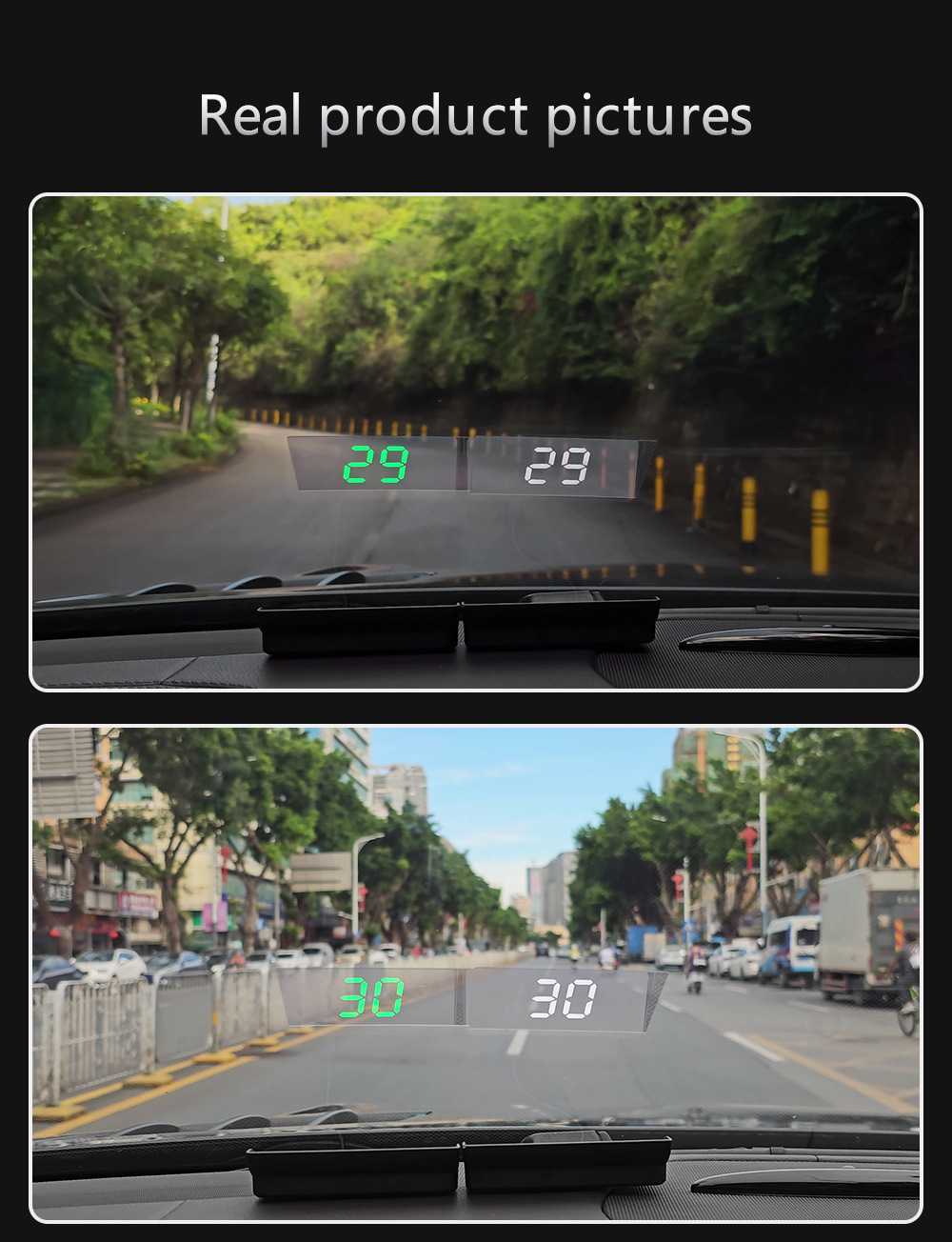
- Ылдамдык көрсөтүү: The device displays your current vehicle speed in large, easy-to-read digits. The display is designed for high visibility in both daylight and nighttime conditions.
- GPS тактыгы: The speed displayed is derived from satellite GPS data, providing accurate readings independent of your vehicle's internal speedometer.
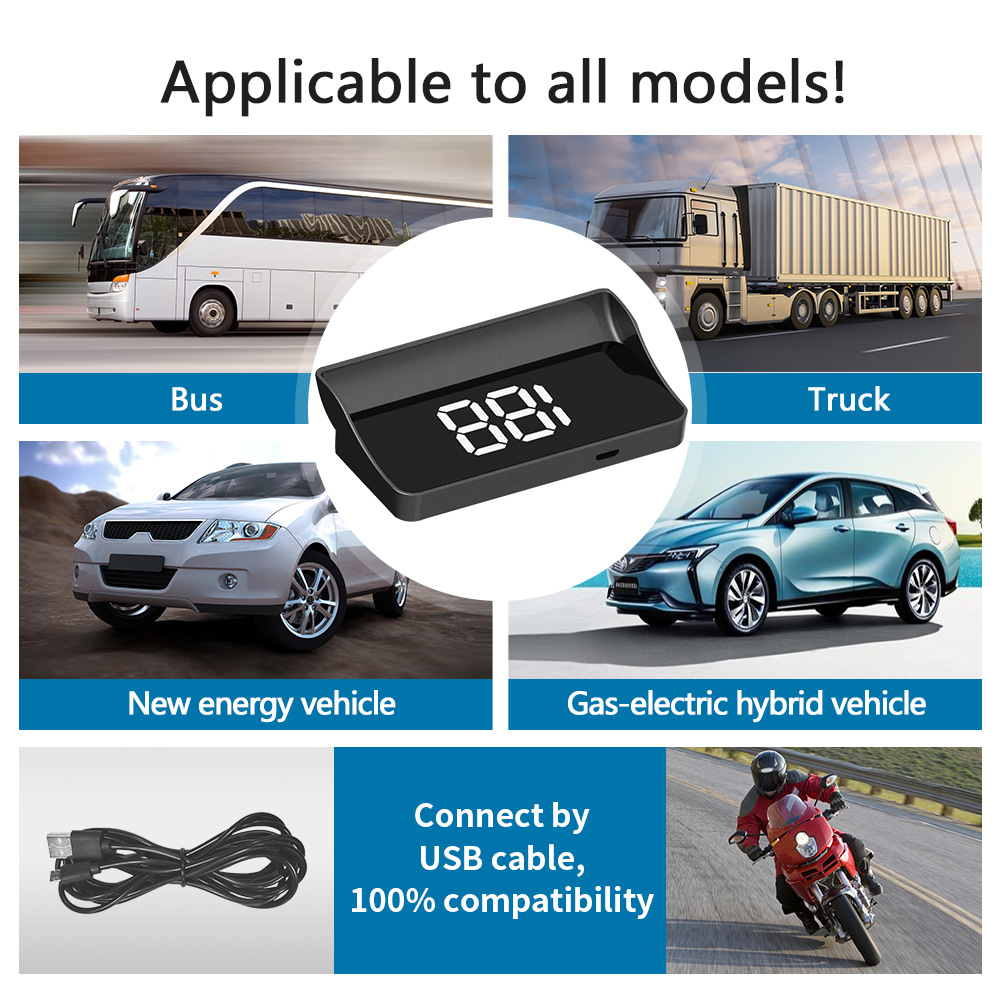
Figure 6: High-definition LED display visible day and night
Video 1: Demonstration of V9 HUD displaying speed on a car windshield while driving.
6. Техникалык шарттар
| Өзгөчөлүк | Description |
|---|---|
| Модел | V9 |
| Бренд | PHONEPACE |
| Дисплей түрү | Head Up Display (HUD) |
| Ылдамдык булагы | GPS Digital Speedometer (Satellite-based) |
| Чипсеталар | GPS + Beidou Dual-mode |
| Жаңыртуу ылдамдыгы | 10 Hz (10 frames per second) |
| Өлчөмдөрү (L x W x Y) | 92.5 мм x 42 мм x 22.5 мм (болжол менен 3.62 дюйм x 1.65 дюйм x 0.89 дюйм) |
| Display Width | 52mm (approx. 2.03in) |
| Электр камсыздоо | USB (5V) |
| Шайкештик | Бардык унаалар |
| Origin | Материк Кытай |

Figure 7: V9 HUD dimensions
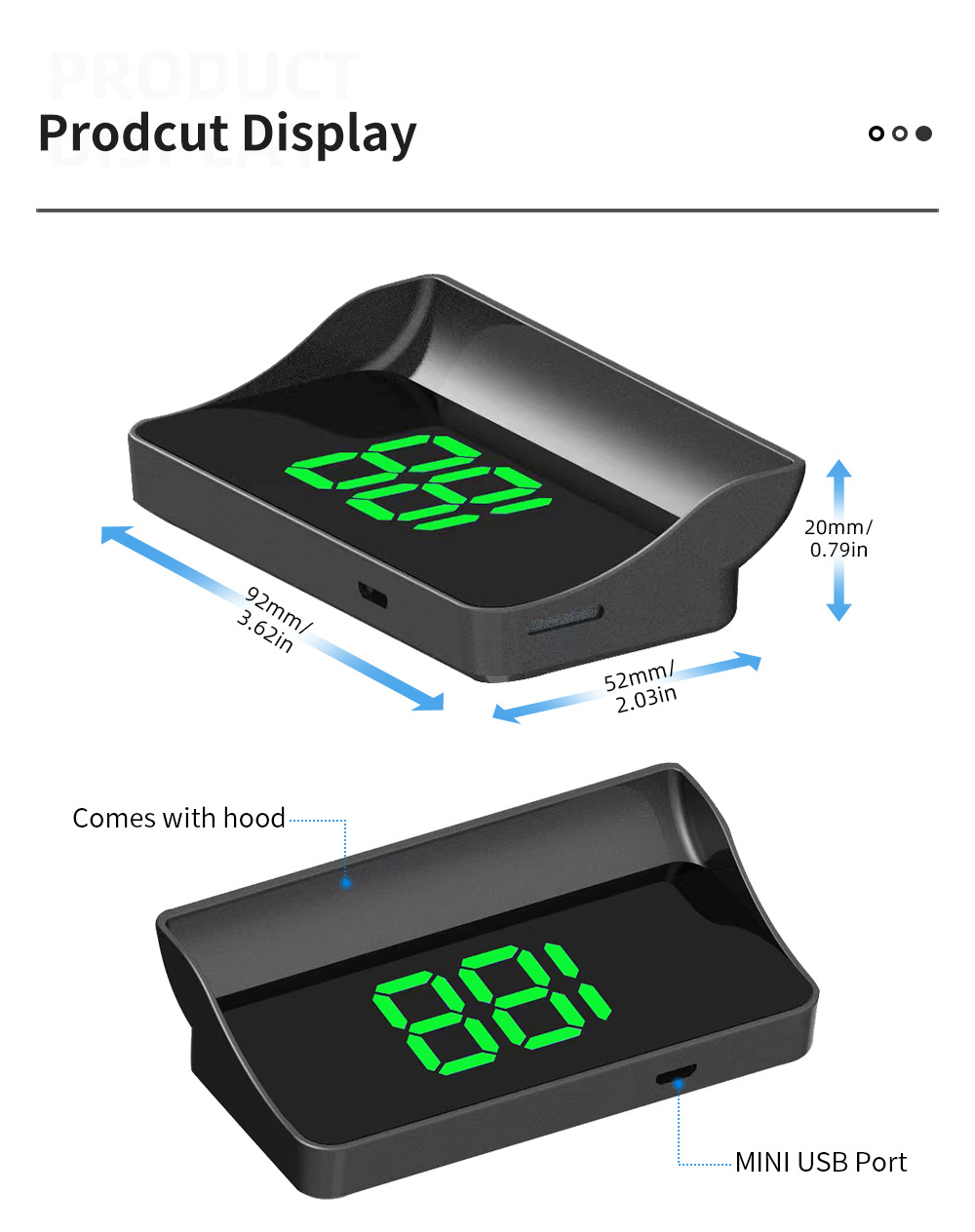
Figure 8: GPS+Beidou Dual Chipsets for accurate speed
7. Кыйынчылыктарды
- Speed not displaying or incorrect:
- Ensure the device is powered on and connected correctly.
- The device relies on GPS signals. If testing indoors or in a parking garage, the speed may not display correctly. Move the vehicle outdoors to an area with a clear view of the sky to acquire a strong GPS signal.
- Allow a few moments for the device to acquire satellite signals, especially after initial setup or if the device has been off for an extended period.
- Түзмөк күйбөйт:
- Check the USB cable connection to both the HUD unit and the power source (car charger/USB port).
- Ensure the car charger or USB port is functioning correctly. Try plugging another device into the same power source to verify.
- Verify that the vehicle's ignition is on, as the device is designed to power on/off with the car.
- Display is dim or unclear:
- Adjust the position of the HUD unit on the dashboard to optimize projection angle.
- Ensure the windshield area where the speed is projected is clean.
- Consider using the provided reflective film for enhanced clarity and to minimize ghosting, particularly in bright conditions or on certain windshield types.
8. Колдонуучунун кеңештери
- For the most accurate speed readings, ensure your vehicle is in an open area with minimal obstructions to satellite signals.
- The automatic on/off feature is convenient, but if you experience issues, double-check your vehicle's power outlet.
- Experiment with the placement of the HUD on your dashboard to find the optimal viewing angle that minimizes distraction and maximizes readability.
9. Кепилдик жана колдоо
For any product-related inquiries, technical support, or warranty claims, please contact the seller directly through the platform where the product was purchased. Provide your order number and a detailed description of the issue for prompt assistance.


