1. Киришүү
This manual provides instructions for the Insignia 7" Widescreen LCD Digital Photo Frame, model NS-DPF7WA-09. This device allows you to display digital photos from memory cards or its internal memory, offering various slideshow options and display settings. It features a 7-inch TFT-LCD screen with a 16:9 widescreen aspect ratio, 800 x 480 resolution, and 500:1 contrast ratio for clear image presentation.
Please read this manual thoroughly before operating your digital photo frame to ensure proper use and to maximize its features.
2. Пакеттин мазмуну
Пакетте бардык буюмдар бар экенин текшериңиз:
- Insignia 7" Widescreen LCD Digital Photo Frame
- Алыстан башкаруу
- Кубаттуу адаптер
- Колдонуучунун колдонмосу (бул документ)
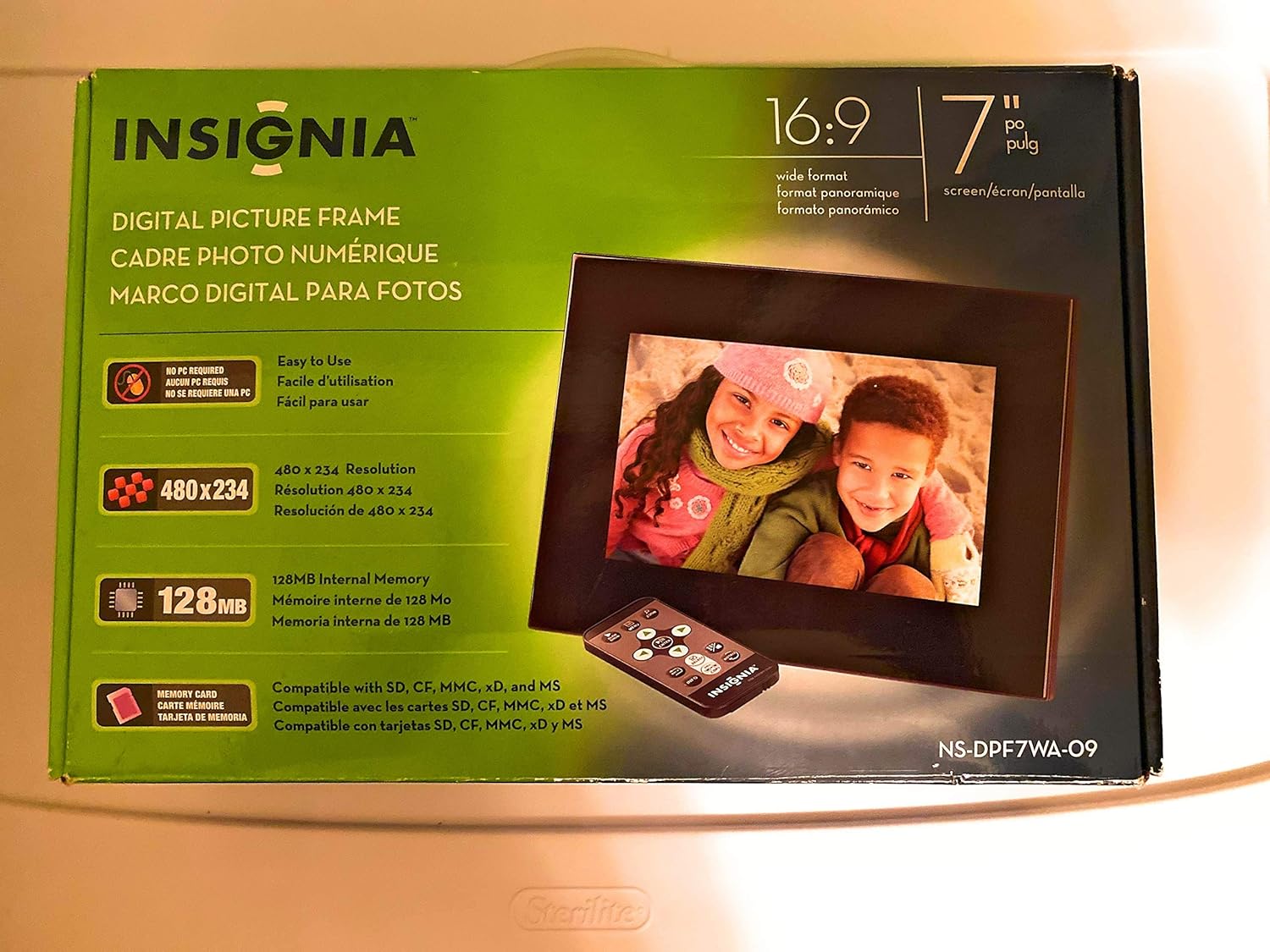
Image 1: Retail packaging of the Insignia 7" Widescreen LCD Digital Photo Frame, highlighting key features like screen size, resolution, internal memory, and supported memory card types.
3. Орнотуу
3.1 Positioning the Frame
The digital photo frame includes a multiple-position adjustable stand. Adjust the stand to achieve an optimal viewing angle for your desired location.
3.2 Кубат туташтыруу
- Connect the power adapter to the DC IN port on the back of the digital photo frame.
- Кубат адаптеринин экинчи учун стандарттуу электр розеткасына сайыңыз.
- The frame will typically power on automatically or enter standby mode.
3.3 Эстутум карталарын салуу
The frame supports various memory card formats. Locate the memory card slot(s) on the side or back of the frame.
- Supported formats include: Secure Digital (SD), Secure Digital High Capacity (SDHC), microSD, Memory Stick (MS), Memory Stick PRO Duo, MultiMediaCard (MMC), and xD-Picture Card.
- Insert the memory card gently into the appropriate slot until it clicks into place. Ensure the card is inserted in the correct orientation.

Image 2: The Insignia 7" Widescreen LCD Digital Photo Frame unboxed, showing the frame, remote control, and a portion of the manual. This view helps identify the physical components.
4. Иштөө нускамалары
4.1 Алыстан башкарууview
The included remote control provides full functionality for navigating menus and controlling playback. Ensure the remote's battery is functional. A small tray on the back of the digital photo frame is provided for remote storage.
4.2 Playing a Slideshow
The digital photo frame can play slideshows from either an inserted memory card or its 128MB internal memory.
- Булакты тандоо: Use the remote control to navigate to the main menu and select your desired photo source (e.g., "Memory Card" or "Internal Memory").
- Start Slideshow: Once the source is selected, the frame will typically begin a slideshow automatically.
- Слайдшоу жөндөөлөрү: Access the settings menu to customize slideshow options, including:
- Transitional Styles: Choose from multiple visual effects between photos.
- Өзгөрмө ылдамдыгы: Ар бир сүрөттүн көрсөтүлүү узактыгын тууралаңыз.
4.3 Adjusting Photo View
Within the slideshow or photo browsing mode, you can often adjust how individual photos are displayed. Options may include zoom, rotate, or fit-to-screen. Refer to the on-screen menu for specific controls.
4.4 Changing Display Settings
The frame's settings menu allows you to modify various display parameters:
- Жарыктык/Контраст: Adjust screen brightness and contrast for optimal viewжарыктын ар кандай шарттарында.
- Аспект катышы: Configure how images are scaled to fit the 16:9 widescreen display.
- Авто өчүрүү: Enable or disable the auto power off feature, which conserves energy by turning off the frame after a period of inactivity.
- Дата/Убакыт: Учурдагы күн менен убакытты коюңуз.
5. Техникалык тейлөө
- Экранды тазалоо: Use a soft, lint-free cloth to gently wipe the LCD screen. For stubborn smudges, slightly dampen the cloth with water or a screen-cleaning solution designed for electronics. Avoid harsh chemicals or abrasive materials.
- Рамканы тазалоо: Wipe the exterior of the frame with a soft, dry cloth.
- Сактагыч: When not in use for extended periods, store the frame in a cool, dry place, away from direct sunlight and extreme temperatures.
- Кубаттуу адаптер: Ensure the power adapter cable is not bent or damaged.
6. Кыйынчылыктарды
If you encounter issues with your Insignia digital photo frame, refer to the following common solutions:
| Көйгөй | Чечим |
|---|---|
| Рамка күйбөйт. |
|
| Алыстан башкаруу жооп бербей жатат. |
|
| Photos are not displaying or appear distorted. |
|
| Slideshow transitions are slow or clumpy. |
|
7. Техникалык шарттар
| Өзгөчөлүк | Деталь |
|---|---|
| Модель номери | NS-DPF7WA-09 |
| Screen Size | 7 дюйм |
| Дисплей түрү | TFT-LCD |
| Аспект катышы | 16: 9 Кең экран |
| Резолюция | 800 x 480 (SVGA) |
| Контраст катышы | 500:1 |
| Ички эс тутум | 128MB |
| Колдоого алынган эс тутум карталары | Secure Digital (SD), Secure Digital High Capacity (SDHC), microSD, Memory Stick (MS), Memory Stick PRO Duo, MultiMediaCard (MMC), xD-Picture Card |
| Продукциянын өлчөмдөрү | 2.2 x 9.2 x 6.5 дюйм |
| Элемент Салмагы | 1.2 фунт |
| Power Source | Кубат адаптери (кошулган) |
| Алыстан башкаруунун батареясы | 1 литий-металл батареясы (талап кылынат) |
8. Кепилдик жана колдоо
For warranty information or technical support, please refer to the warranty card included with your product or visit the official Insignia support webсайт. Кепилдик дооматтары үчүн сатып алуу дүмүрчөгүңүздү сактаңыз.
Онлайн колдоо: www.insigniaproducts.com/support


