1. Продукт бүтүп калдыview
The Logitech Wired Mouse M90 is a simple, reliable, and comfortable USB mouse designed for everyday use. It offers precise optical tracking and an ambidextrous design, making it suitable for both left and right-handed users. This manual provides essential information for setting up, operating, and maintaining your M90 mouse.
Негизги өзгөчөлүктөрү:
- Оңой орнотуу: Plug-and-play functionality with no software installation required.
- Так оптикалык көзөмөлдөө: Enjoy smooth and accurate cursor control (1000 dpi).
- Full-Size Comfort: Designed for comfortable use, even after extended periods.
- Эки тараптуу дизайн: Сол жана оң колдуу колдонуучулар үчүн ылайыктуу.
- Durable Wired Connection: Reliable USB connection for consistent performance.
2. Орнотуу колдонмосу
Setting up your Logitech M90 mouse is quick and straightforward. No special software or drivers are needed.
- Чычканды таңгактан чыгаруу: Carefully remove the Logitech M90 mouse from its packaging.
- USB портун табыңыз: Identify an available USB-A port on your computer (desktop, laptop, or compatible device).
- Чычканды туташтыруу: Insert the USB connector of the M90 mouse into the USB port. Ensure it is fully seated.
- Системаны таануу: Your operating system (Windows, macOS, Linux, Chrome OS) should automatically detect and install the necessary drivers for the mouse. This process usually takes a few seconds.
- Колдонууну баштоо: Once recognized, the mouse is ready for immediate use. You can adjust cursor speed and other settings through your operating system's mouse settings if desired.

2.1-сүрөт: жогорудан ылдыйга view of the Logitech M90 mouse, ready for connection.
3. Иштөө нускамалары
The Logitech M90 mouse provides intuitive control for your computer. It features a standard three-button design with a scroll wheel.
- Чычкандын сол баскычы: Located on the left side of the mouse. Used for selecting items, opening fileс, жана функцияларды активдештирүү.
- Оң баскычты чыкылдатуу менен чыкылдатыңыз: Located on the right side of the mouse. Used for accessing context menus and additional options.
- Жылдыруу дөңгөлөгү: Located between the left and right buttons.
- Scroll up or down to navigate through documents, web барактар, жана колдонмолор.
- Press the scroll wheel down (middle-click) to activate specific functions in some applications, such as opening links in a new tab.
- Кыймыл: Move the mouse across a flat surface to control the cursor on your screen. The optical sensor provides precise tracking on most surfaces, with or without a mouse pad.
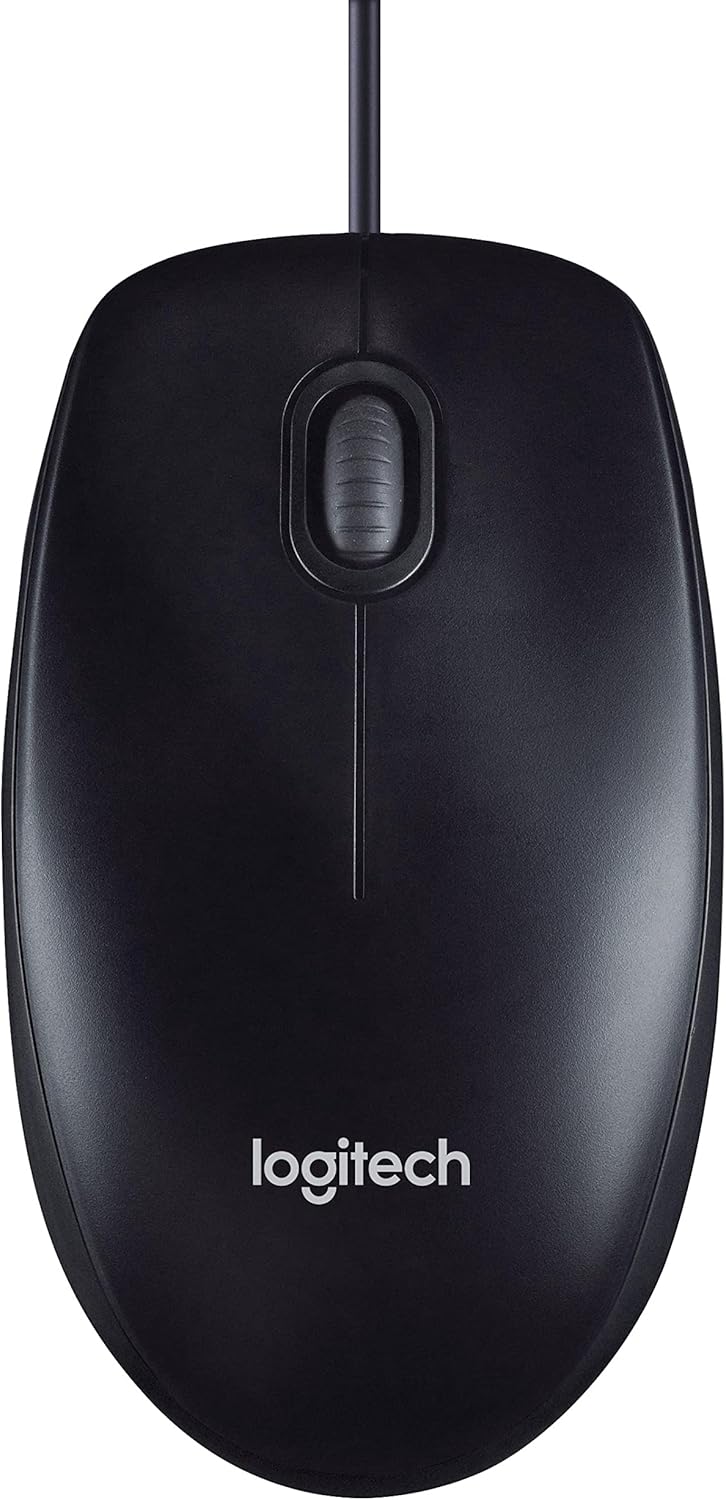
Figure 3.1: The Logitech M90 mouse in use, highlighting its simple design.
4. Техникалык тейлөө
Logitech M90 чычканыңыздын узак мөөнөттүү иштешин жана оптималдуу иштешин камсыз кылуу үчүн, төмөнкү жөнөкөй тейлөө көрсөтмөлөрүн аткарыңыз:
- Тазалоо:
- Regularly wipe the surface of the mouse with a soft, lint-free cloth.
- өжөр кир үчүн, бир аз гampen the cloth with water or a mild, non-abrasive cleaning solution. Avoid harsh chemicals.
- Clean the optical sensor area on the bottom of the mouse periodically to prevent tracking issues. Use a dry cotton swab or compressed air.
- Кабельге кам көрүү: Avoid sharp bends or kinks in the USB cable. Do not pull the mouse by its cable when disconnecting it from the computer; always grasp the USB connector.
- Сактагыч: Колдонулбаганда, чычканды экстремалдык температурадан алыс, таза, кургак чөйрөдө сактаңыз.
- Бети: Use the mouse on a clean, flat, and non-reflective surface for best tracking performance.

Figure 4.1: The underside of the Logitech M90 mouse, showing the optical sensor that requires occasional cleaning.
5. Кыйынчылыктарды
If you encounter issues with your Logitech M90 mouse, try the following troubleshooting steps:
| Көйгөй | Мүмкүн чечим |
|---|---|
| Mouse not responding / Cursor not moving |
|
| Курсордун туура эмес кыймылы |
|
| Баскычтар же сыдырма дөңгөлөк иштебей жатат |
|
If these steps do not resolve the issue, please refer to the warranty and support information section.
6. Техникалык шарттар
| Өзгөчөлүк | Деталь |
|---|---|
| Бренд | Logitech |
| Модель номери | 910-001793 |
| Байланыш технологиясы | Зымдуу, USB |
| Кыймылды аныктоо технологиясы | Оптикалык |
| DPI (Дюйм үчүн чекиттер) | 1000 dpi |
| Түс | Кара |
| Элемент Салмагы | 2.89 унция |
| Продукциянын өлчөмдөрү (LxWxH) | 5.91 x 4.72 x 0.04 дюйм |
| Аппараттык платформа | PC |
| Операциялык системанын шайкештиги | Linux, Mac OS X 10.4 Tiger, Windows XP, Windows Vista, Windows 7 |
| Power Source | Электр зымдары |
| Тtage | 1.5 вольт |
| Биринчи жеткиликтүү күн | 19-сентябрь, 2011-жыл |

Figure 6.1: Dimensions of the Logitech M90 mouse.
7. Продукциянын сүрөттөрү
Жогорудан төмөн view of the Logitech M90 mouse.
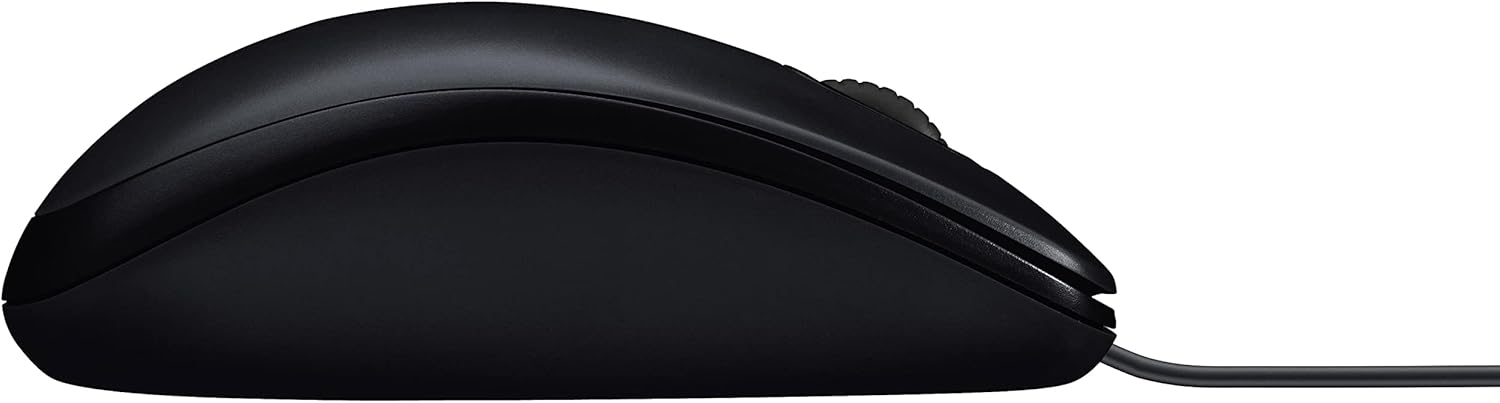
Side profile of the Logitech M90 mouse.
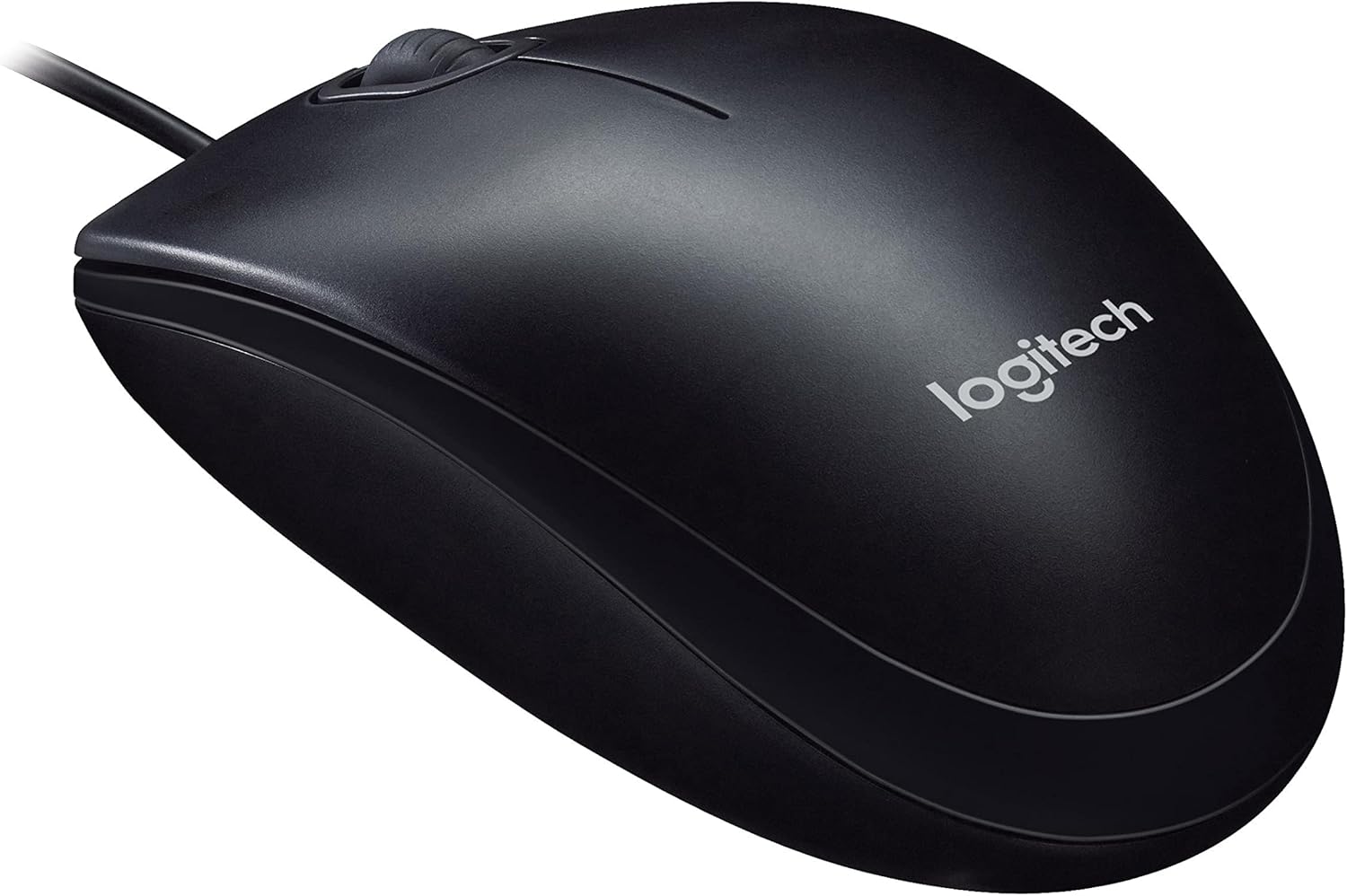
Бурчтуу view of the Logitech M90 mouse, highlighting the brand logo.
Жогорудан төмөн view of the Logitech M90 mouse, emphasizing the wired connection.
Logitech M90 mouse with key dimensions indicated.
8. Расмий продукт Videos
Учурда бул продукт үчүн сатуучунун расмий видеолору жок.
9. Кепилдик жана колдоо
For detailed warranty information and technical support, please refer to the documentation included in your product packaging or visit the official Logitech support webсайт.
Logitech колдоо Webсайт: www.logitech.com/support
Please have your product model number (M90) and serial number (if applicable) ready when contacting support.


