Introduction
Сатып алганыңыз үчүн рахматasing the GPX DH300B 1080p Upconversion DVD Player with HDMI. This device is designed to enhance your viewing experience by upconverting standard definition DVDs to near high-definition resolutions (720p, 1080i, or 1080p) for compatible HDTVs. It supports a variety of disc formats, including DVD, DVD+/-R/RW, CD, CD-R/RW, and JPEG CDs, and features multiple audio and video output options for versatile connectivity.
Пакеттин мазмуну
Төмөндө тизмеленген нерселердин баары пакетиңизге камтылганын текшериңиз:
- GPX DH300B DVD Player with built-in AC power cable
- Full-function Remote Control (requires 2 AAA batteries - not included)
- RCA Audio/Video Cable
- Колдонуучунун колдонмосу (бул документ)
- Кепилдик картасы
Продукт бүттүview
Алдыңкы панелдин башкаруу элементтери
The front panel of your GPX DH300B DVD Player provides essential controls for basic operation:

Сүрөт 1: Алдыңкы view of the GPX DH300B DVD Player, showing the disc tray, control buttons, and USB port.
- Диск лоток: Insert DVDs or CDs here.
- Ачуу/жабуу баскычы: Диск тактасын ачат жана жабат.
- Ойнотуу/тындыруу баскычы: Дискти ойнотууну баштайт же тындырат.
- Токтотуу баскычы: Дискти ойнотууну токтотот.
- Кубат баскычы: Агрегатты күйгүзөт же өчүрөт.
- USB порт: For playing media from a USB flash drive.
Арткы панелдик байланыштар
The rear panel offers various ports for connecting the DVD player to your television or audio system:

2-сүрөт: Арткы view of the GPX DH300B DVD Player, highlighting the HDMI, S-video, composite video, coaxial digital audio, and RCA stereo audio outputs.
- HDMI чыгышы: For digital audio and video connection to an HDTV. Supports 720p, 1080i, 1080p upconversion.
- S-Video чыгаруу: For video connection to a TV.
- Composite Video Output (Yellow RCA): For standard definition video connection.
- Коаксиалдуу санарип аудио чыгышы: For digital audio connection to a compatible audio receiver.
- RCA Stereo Audio Output (Red/White): For analog stereo audio connection.
Жайгашуу
1. Connecting to a Television
Choose the appropriate connection method based on your television's available inputs:
HDMI Connection (Recommended for HDTVs)
- Ensure both the DVD player and your TV are powered off.
- HDMI кабелинин бир учун (кошумча эмес) туташтырыңыз HDMI OUT port on the back of the DVD player.
- Connect the other end of the HDMI cable to an HDMI-IN телевизоруңуздун портуна коюңуз.
- Power on your TV and select the corresponding HDMI input using your TV's remote control.
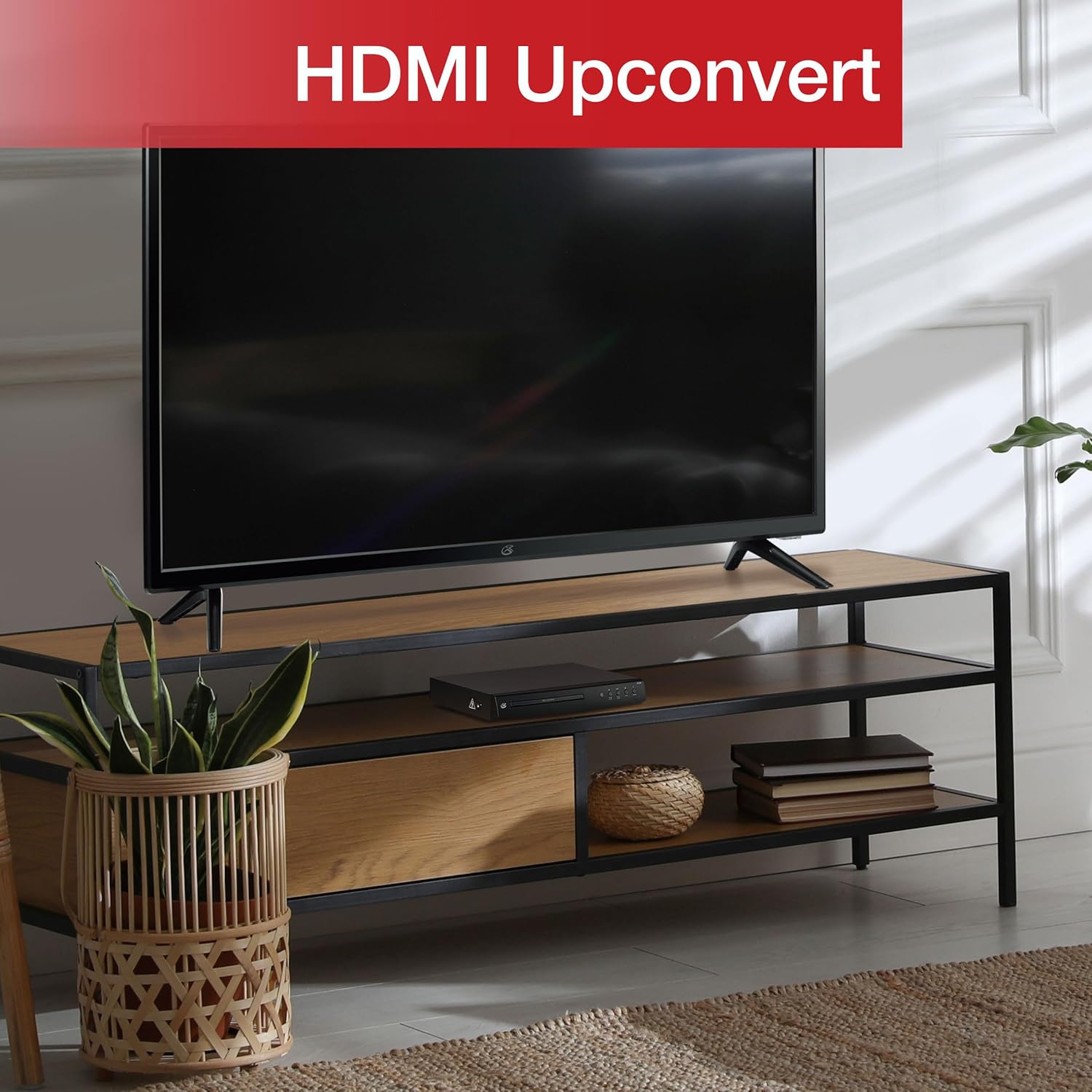
Figure 3: The GPX DH300B DVD Player connected to a television, demonstrating HDMI upconversion capabilities.
RCA Composite Video Connection
- Ensure both the DVD player and your TV are powered off.
- Connect the yellow plug of the RCA audio/video cable to the ВИДЕО ЧЫГАРЫЛДЫ (yellow) port on the DVD player.
- Connect the red and white plugs of the RCA audio/video cable to the AUDIO OUT Р (кызыл) жана AUDIO OUT Л (white) ports on the DVD player.
- Connect the other ends of the RCA cables to the corresponding VIDEO IN жана AUDIO IN (R/L) ports on your television.
- Power on your TV and select the corresponding AV input.
2. Power Connection
The DVD player has a built-in AC power cable. Plug this cable into a standard 120V AC wall outlet.
3. Алыстан башкаруунун батареясын орнотуу
The remote control requires two AAA batteries (not included). Open the battery compartment on the back of the remote and insert the batteries, ensuring correct polarity (+/-).
Иштөө нускамалары
1. Күйгүзүү / Өчүрүү
басыңыз Күч button on the front panel of the DVD player or on the remote control to turn the unit on or off.
2. Дискти ойнотуу
- Power on the DVD player and your television.
- басыңыз Ачуу/жабуу диск салгычты ачуу үчүн алдыңкы панелдеги же алыстан башкаруудагы баскычты басыңыз.
- Place a DVD or CD onto the disc tray with the label side facing up.
- басыңыз Ачуу/жабуу button again to close the disc tray. The player will begin loading the disc.
- Playback should start automatically. If a menu appears, use the arrow buttons on the remote to navigate and the OK тандоо үчүн баскыч.
- колдонуу Ойнотуу/Тыныгуу жана Токто ойнотууну башкаруу үчүн баскычтар.

Figure 4: The GPX DH300B DVD Player, indicating its DVD playback capability.

Figure 5: The GPX DH300B DVD Player, indicating its CD playback capability.
3. USB ойнотуу
The GPX DH300B supports media playback from a USB flash drive. Insert your USB drive into the USB port on the front panel. Use the remote control to navigate the on-screen menu and select your desired media files (e.g., JPEG images).
4. On-Screen Display (OSD) and Settings
The multi-language on-screen display allows you to adjust various video and audio settings. Press the ЖАЙГАШУУ button on the remote control to access the setup menu. Use the arrow buttons to navigate and OK тандоолорду ырастоо үчүн.
5. Алыстан башкаруу функциялары
The included full-function remote control provides comprehensive control over the DVD player. Key functions include:

Figure 6: A user operating the GPX DH300B DVD Player with its remote control.
- Күйгүзүү/өчүрүү
- Диск тактасын ачуу/жабуу
- Ойнотуу, Тындыруу, Токтотуу, Алдыга тездетүү, Артка түрүү
- Chapter Skip (Next/Previous)
- Үндү көзөмөлдөө
- Setup Menu Access
- Navigation (Arrow buttons, OK)
- Subtitle, Audio, Angle selection
Техникалык тейлөө
Агрегатты тазалоо
Wipe the exterior of the DVD player with a soft, dry cloth. Do not use liquid cleaners or abrasive materials, as they may damage the finish.
Дисктерди тазалоо
Wipe discs from the center outwards with a soft, lint-free cloth. Avoid touching the playback surface of the disc. Do not use solvents such as benzene, thinners, or commercially available cleaners, as they may damage the disc.
Проблемаларды чечүү
| Көйгөй | Мүмкүн себеп | Чечим |
|---|---|---|
| Күч жок | Электр кабели туташкан эмес; розетка активдүү эмес. | Ensure power cable is securely plugged into a working outlet. |
| Сүрөт жок | Video cable not connected; incorrect TV input selected. | Check video cable connections (HDMI or RCA). Select the correct input source on your TV. |
| Үн жок | Audio cable not connected; TV/receiver volume too low or muted. | Check audio cable connections (HDMI or RCA). Adjust volume on TV/receiver. Ensure not muted. |
| Диск ойнобой жатат | Диск кир, чийилген же форматы шайкеш келбейт. | Clean the disc. Try a different disc. Ensure the disc format is supported (DVD, CD, JPEG CD). |
| Пульт иштебей жатат | Batteries are dead or incorrectly inserted; obstruction between remote and player. | Replace batteries, ensuring correct polarity. Remove any obstructions. Ensure remote is pointed at the player. |
Техникалык шарттар
- Модел: DH300B
- Колдоого алынган медиа: DVD, DVD+/-R/RW, CD, CD-R/RW, JPEG CD
- Видео чыгаруу: HDMI (720p, 1080i, 1080p upconversion), S-Video, Composite Video
- Аудио чыгаруу: Coaxial Digital Audio, RCA Stereo Audio (2-channel)
- Аспект катыштары: 16:9, 4:3LB, 4:3PS
- Өзгөчөлүктөр: Progressive Scan, Multi-language On-Screen Display
- Энергияга талаптар: 120V AC
- Өлчөмдөрү: Болжол менен 10.24 x 8.07 x 1.85 дюйм
- Салмагы: Болжол менен 2.38 фунт
Кепилдик жана колдоо
For detailed warranty information and customer support, please refer to the warranty card included in your product packaging or visit the official GPX webсайт. Ар кандай кепилдик дооматтары үчүн сатып алганыңыздын далилин сактаңыз.


