Introduction
The Meliconi CME ETR200 is a slim tilt wall bracket designed for televisions ranging from 26 to 40 inches (66 to 102 cm). This bracket supports VESA mounting patterns up to 200x200 mm and 200x100 mm, offering both vertical tilt and horizontal rotation for optimal viewing angles. Manufactured in Italy, the ETR200 is TÜV certified, ensuring safety and quality with a tested maximum load capacity of 30 kg (66 lbs) and a safety factor of three times the weight.
This manual provides detailed instructions for the safe and correct installation, operation, and maintenance of your Meliconi CME ETR200 wall bracket.

Сүрөт: алдыңкы view of the Meliconi CME ETR200 Slim Tilt Wall Bracket.
Негизги өзгөчөлүктөрү
- Сыналгы өлчөмү шайкештиги: Suitable for 26 - 40 inch (66 - 102 cm) televisions.
- Максималдуу кубаттуулугу: 30 кг (66 фунт) чейинки салмакты көтөрө алат.
- Горизонталдык айлануу: Adjustable up to ±15 degrees.
- Вертикалдуу кыйшаюу: Adjustable from -5 to +15 degrees.
- VESA шайкештиги: Supports VESA 200 and 200x100 mm mounting patterns.
- Сапатты камсыздоо: TÜV certified for safety and durability.
- Келип чыгышы: Италияда жасалган.
Пакеттин мазмуну
Сураныч, орнотууну баштоодон мурун бардык компоненттер бар экенин текшериңиз.
- 1 x Meliconi CME ETR200 TV Wall Bracket
- Installation Hardware (screws, anchors, washers - specific types and quantities may vary, refer to included hardware bag)
- Көрсөтмө (бул документ)

Image: The Meliconi CME ETR200 product box, showing the bracket and key features.
Орнотуу жана орнотуу
Маанилүү коопсуздук маалыматы:
- Read all instructions carefully before installation. If you have any doubts, consult a qualified professional.
- Ensure the wall structure can safely support the combined weight of the bracket and your television.
- Орнотуу учурунда тиешелүү шаймандарды жана коопсуздук жабдууларын колдонуңуз.
- 30 кг (66 фунт) максималдуу салмактан ашпаңыз.
1. Check VESA Compatibility
Before installation, verify that your television's VESA mounting pattern is compatible with the ETR200 bracket. This bracket supports VESA 200x200 mm and 200x100 mm patterns.
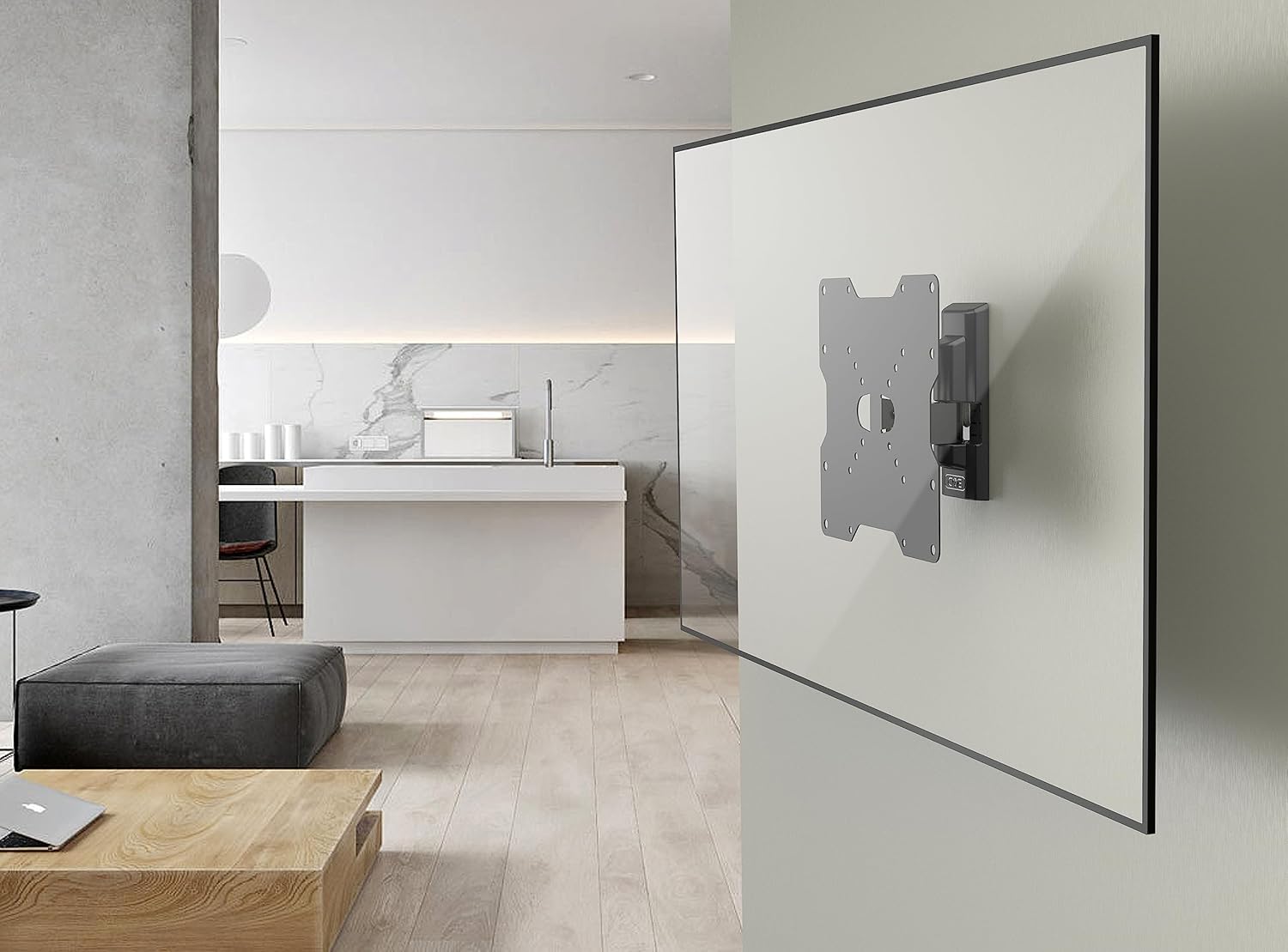
Image: Diagram illustrating VESA mounting hole patterns (50, 75, 100, 200 mm) supported by the bracket.
2. Prepare the Wall and Bracket
- Determine the desired mounting height for your television.
- Mark the drilling points on the wall using the bracket as a template. Ensure the bracket is level.
- Drill pilot holes at the marked locations. Use a drill bit appropriate for your wall type and the provided wall anchors.
- Бургуланган тешиктерге дубал анкерлерин (эгер сиздин дубал түрүңүз үчүн керек болсо) киргизиңиз.
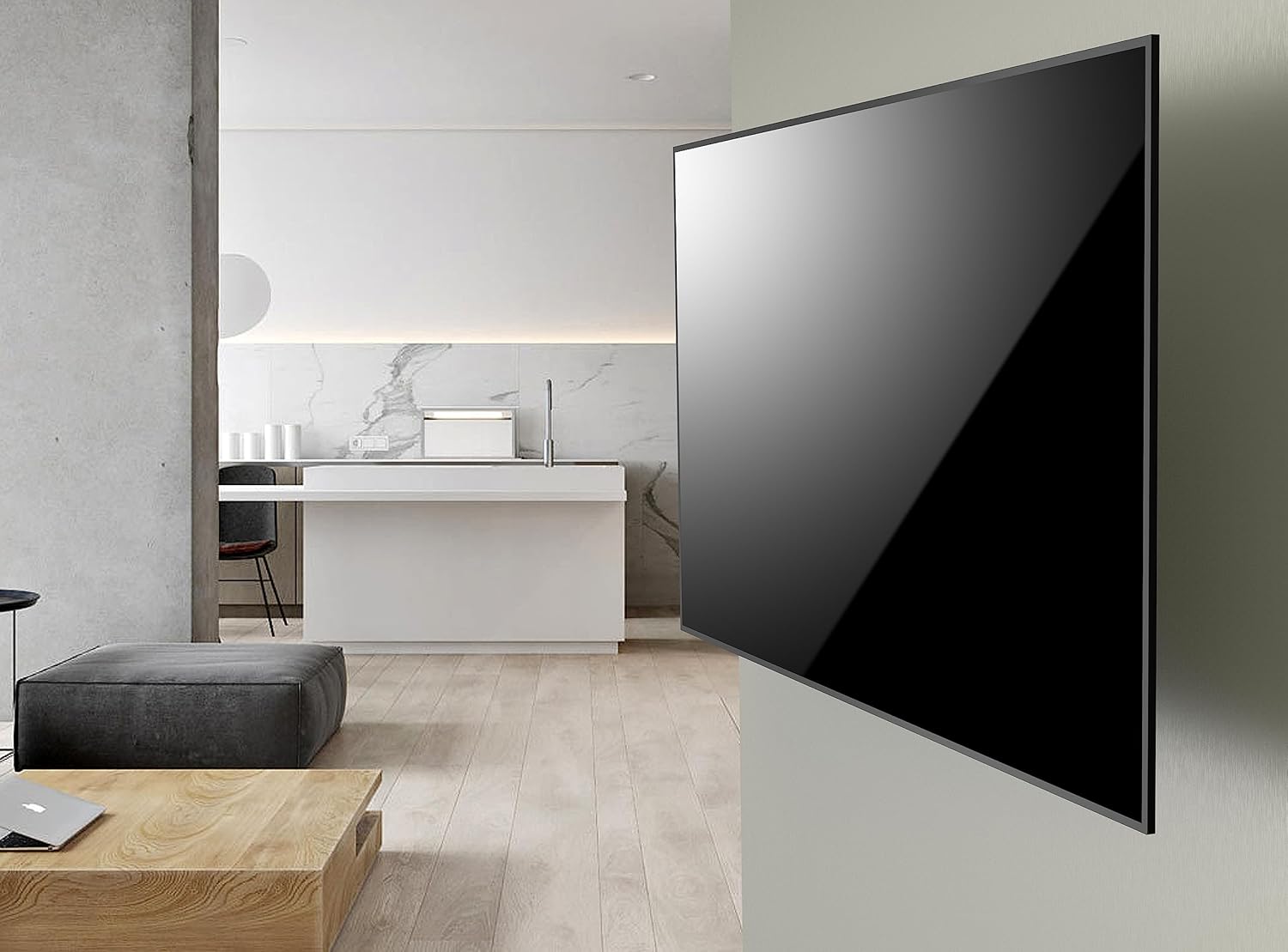
Image: The Meliconi CME ETR200 wall bracket securely mounted on a wall.
3. Attach Bracket to Wall
- Align the bracket with the drilled holes and secure it to the wall using the appropriate screws and washers. Tighten all screws firmly, but do not overtighten.
4. Attach TV to Bracket
- Carefully lift your television and align the VESA mounting holes on the back of the TV with the corresponding holes on the bracket.
- Secure the television to the bracket using the appropriate screws and washers. Ensure the TV is securely fastened to prevent accidental detachment.

Image: A television mounted on the Meliconi CME ETR200 wall bracket, demonstrating its tilt capability.
Иштөө нускамалары
The Meliconi CME ETR200 bracket allows for flexible adjustment of your television's viewбурч.
Тилтти тууралоо
The bracket allows for vertical tilt adjustments from -5 degrees (downward) to +15 degrees (upward). To adjust the tilt:
- Gently grasp the top and bottom edges of your television.
- Carefully push or pull the television to achieve the desired vertical angle. The bracket's mechanism will hold the TV in place once released.
Adjusting Rotation (Swivel)
The bracket allows for horizontal rotation (swivel) of up to ±15 degrees. To adjust the rotation:
- Телевизоруңуздун капталдарынан акырын кармаңыз.
- Carefully pivot the television left or right to achieve the desired horizontal viewing angle. The bracket will maintain its position.

Image: Diagram showing the tilt (-5 to +20 degrees) and rotation (±15 degrees) capabilities of the bracket.
Note: The diagram indicates a tilt range of -5 to +20 degrees, while the feature bullets state -5 to +15 degrees. Please adhere to the +15 degree upward tilt for optimal safety and product longevity.
Техникалык тейлөө
Regular maintenance helps ensure the longevity and safe operation of your wall bracket.
- Тазалоо: Wipe the bracket with a soft, dry cloth to remove dust. Avoid abrasive cleaners or solvents.
- Байланыштарды текшерүү: Periodically check all screws and bolts to ensure they remain tight. Loose connections can compromise safety.
- Зыянды текшерүү: Regularly inspect the bracket for any signs of wear, corrosion, or damage. If any damage is observed, discontinue use and contact customer support.
Проблемаларды чечүү
If you encounter issues with your Meliconi CME ETR200 wall bracket, please refer to the following common problems and solutions:
| Көйгөй | Мүмкүн себеп | Чечим |
|---|---|---|
| Орнотуудан кийин сыналгы түз эмес. | Bracket not level during wall mounting. | Remove TV, loosen wall mounting screws slightly, adjust bracket with a level, then re-tighten screws. Re-mount TV. |
| Телевизор туруксуз же чайпалып жаткандай сезилет. | Screws not fully tightened; incorrect wall anchors; wall structure not strong enough. | Ensure all screws are securely tightened. Verify wall anchors are appropriate for your wall type. If the wall is insufficient, consult a professional. |
| Difficulty adjusting tilt or rotation. | Mechanism is stiff; TV weight is at maximum capacity. | Apply gentle, even pressure. Ensure the TV weight does not exceed 30 kg. The mechanism should move smoothly. |
If these solutions do not resolve the issue, please contact Meliconi customer support.
Техникалык шарттар
| Өзгөчөлүк | Деталь |
|---|---|
| Модель номери | ETR200 (580412 BC1) |
| Бренд | Meliconi |
| TV өлчөмү шайкештиги | 26 - 40 дюйм (66 - 102 см) |
| Максималдуу жүктөө жөндөмдүүлүгү | 30 кг (66 фунт) |
| VESA шайкештиги | 200x200 мм, 200x100 мм |
| Horizontal Rotation | ±15 градус |
| Vertical Tilt | -5 үчүн + 15 градус |
| Монтаж түрү | Дубалга орнотуу |
| Материал | Металл |
| Түс | Кара |
| Продукциянын өлчөмдөрү | 8.66 x 8.66 x 3.43 дюйм (22 x 22 x 8.7 см) |
| Элемент Салмагы | 2.4 фунт (1.09 кг) |
| Өндүрүүчү | Meliconi |
| Дата биринчи жеткиликтүү | 29-август, 2012-жыл |
| Глобалдык соода идентификациялык номери (GTIN) | 08006023133543 |
Кепилдик маалымат
Meliconi products are designed for durability and safety. The CME ETR200 wall bracket is TÜV certified, confirming its adherence to high safety and quality standards, with a tested maximum load capacity and a significant safety factor.
This product is manufactured in Italy, reflecting a commitment to quality craftsmanship. EU spare part availability is guaranteed for 5 years.

Image: Logos indicating "Made in Italy" and "Fischer" (likely for included wall anchors).
For specific warranty terms and conditions, please refer to the documentation included with your purchase or contact Meliconi customer support.
Кардарларды колдоо
For technical assistance, product inquiries, or support, please contact Meliconi directly:
- Электрондук почта: info@meliconi.com
- Телефон: +39 051 68211

Image: Meliconi technical support contact details, including email and phone number.
Our support team is available to assist you with any questions regarding your Meliconi CME ETR200 wall bracket.


