Introduction
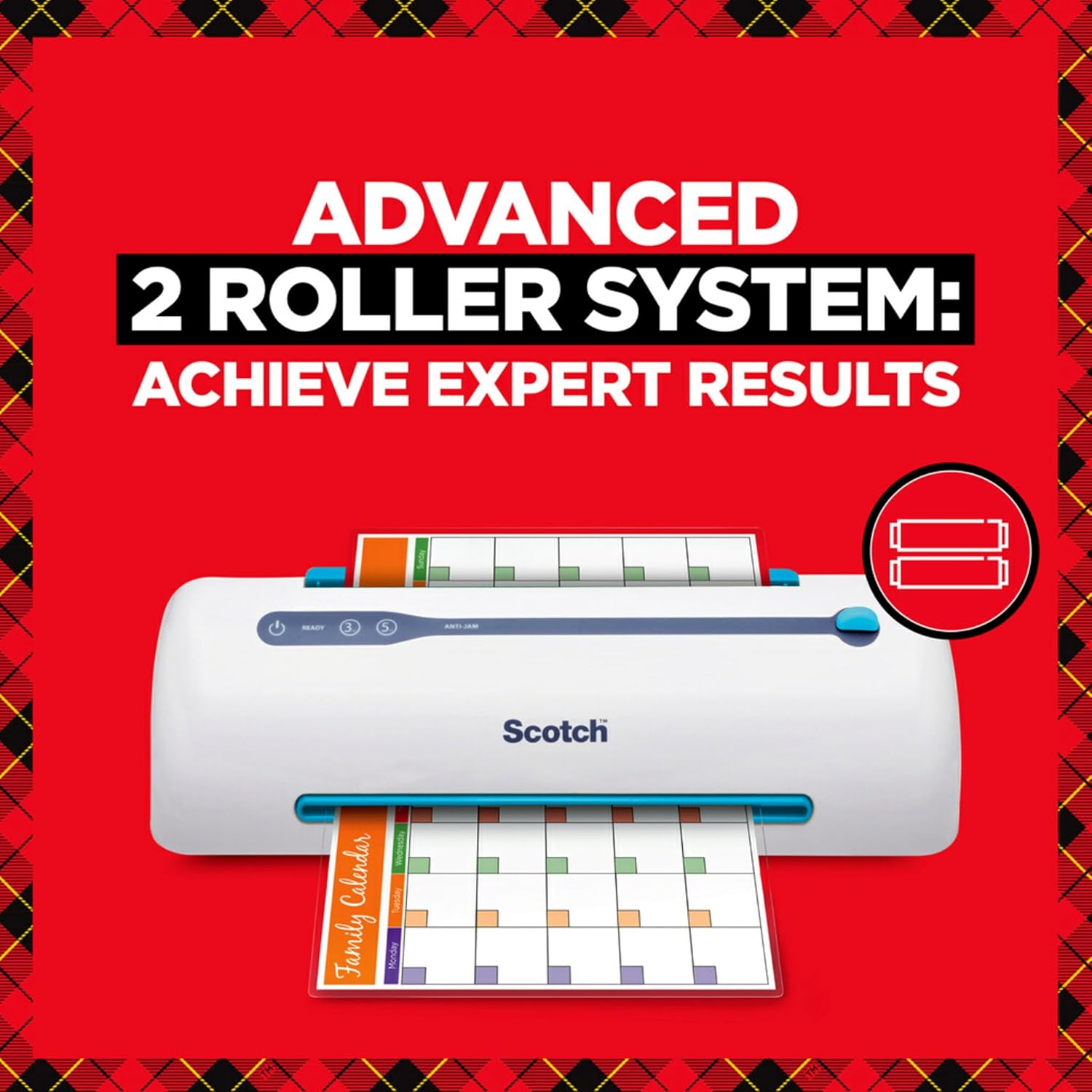
The Scotch PRO TL906 Thermal Laminator is designed to protect and preserve your important documents, photos, and other paper items. Featuring advanced Never Jam Technology and a two-roller system, it ensures smooth, bubble- and wrinkle-free results. This manual provides comprehensive instructions for setup, operation, maintenance, and troubleshooting to help you get the most out of your laminator.

Image: The Scotch PRO TL906 Thermal Laminator shown with its retail packaging, highlighting key features like 15" per minute lamination speed, 9" input width, and 5-minute warm-up time. Two laminating pouches are also included.
Жайгашуу
- Пакеттен чыгаруу: Ламинаторду жана бардык аксессуарларды таңгактан этияттык менен алып салыңыз. Келечекте сактоо же ташуу үчүн таңгакты сактап коюңуз.
- Жайгашкан жери: Place the laminator on a stable, flat surface with adequate ventilation around the unit. Ensure it is near a power outlet.
- Кубат туташуу: Электр шнурын стандарттуу электр розеткасына сайыңыз.
- Колдонууга даярдоо: Lift the input tray (blue lever) to its upright position.

Image: The Scotch PRO TL906 Thermal Laminator positioned on a desk, showing the power, ready, 3-mil, and 5-mil indicator lights, and the anti-jam lever. The input tray is in the open position.
Иштөө нускамалары
- Күйгүзүү: басыңыз Күч button. The power indicator light will illuminate.
- Баштыктын калыңдыгын тандаңыз: ортосунда тандоо 3 млн or 5 млн settings based on your laminating pouch thickness. The corresponding indicator light will illuminate.
- Кызытуу: Allow the laminator to warm up for approximately 5-6 minutes. The ДАЯР indicator light will turn green when the machine is ready for use.
- Документти даярдоо: Place your document or photo inside a laminating pouch. Ensure the document is centered and there is at least 1/8 inch of clear space around the edges for a proper seal.
- Капчык салыңыз: салыңыз sealed edge of the laminating pouch into the input slot. The machine will automatically feed the pouch through.
- Ламинациялоо процесси: The pouch will pass through the heated rollers and exit the machine. Do not pull the pouch during the lamination process.
- Cool Down & Trim: Once the laminated item exits, allow it to cool completely on a flat surface before handling or trimming. If trimming is needed, do so only after lamination is complete and the pouch has cooled.
- Авто өчүрүү: The laminator features an auto shutoff function after one hour of inactivity to conserve energy.
Visual Guide: 4 Steps to Laminate
1-кадам: Даярдоо

Turn on the laminator and select either 3-mil or 5-mil setting.
2-кадам: орун
Place your document or item carefully inside the laminating pouch.
3-кадам: киргизүү

Insert the sealed end of the pouch into the laminator's input slot.
4-кадам: Мөөр

Allow the machine to complete the lamination. Trim if necessary after cooling.
Техникалык тейлөө
- Тазалоо: Always unplug the laminator and allow it to cool completely before cleaning. Use a soft, dry cloth to wipe down the exterior. Do not use abrasive cleaners or solvents.
- Роликти тазалоо: Periodically clean the rollers to prevent residue buildup. Use a specialized laminator cleaning sheet or a lint-free cloth lightly dampспирт менен сүртүлөт.
- Сактагыч: When not in use, store the laminator in a cool, dry place. Ensure the input tray is folded down for compact storage.
Проблемаларды чечүү
| Көйгөй | Мүмкүн себеп | Чечим |
|---|---|---|
| Ламинатор күйбөйт. | розеткага кошулбаган; электр розеткасынын маселеси. | Электр шнурунун иштеген розеткага бекем сайылганын текшериңиз. |
| Pouch is jammed. | Pouch inserted incorrectly (open end first) or misaligned. | басыңыз ANTI-JAM lever/button to release the rollers and gently pull the pouch out. Re-insert the sealed end first. |
| Bubbles or wrinkles in laminated document. | Incorrect temperature setting; old/low-quality pouches; moisture. | Ensure correct mil setting is selected. Use fresh, high-quality Scotch brand pouches. Ensure documents are dry. |
| Laminated item is cloudy or dull. | Rollers are dirty; incorrect temperature. | Clean the rollers. Verify correct temperature setting. |
Техникалык шарттар
- Модел: TL906
- Бренд: Scotch
- Laminating Width: 9 дюймга чейин
- Капчыктын калыңдыгы: 3-mil and 5-mil
- Жылытуу убактысы: 5-6 мүнөт
- Ламинаттоо ылдамдыгы: мүнөтүнө 15 дюйм
- Roller System: 2 heated rollers
- Өзгөчөлүктөрү: Never Jam Technology, Auto Shutoff (after 1 hour)
- Өлчөмдөрү: 15.8 x 4 x 3.9 дюйм (L x W x H)
- Салмагы: 3.23 фунт
- Түсү: Ак, жашыл
Кепилдик маалымат
The Scotch PRO TL906 Thermal Laminator typically comes with a 1-year limited warranty. For specific warranty details, including coverage and claims procedures, please refer to the warranty card included with your product or visit the official Scotch brand webсайт.
For best results and to maintain warranty validity, use only genuine Scotch brand laminating pouches.
Колдоо & Байланыш
For further assistance, technical support, or to purchase accessories, please contact Scotch customer service or visit their official webсайт:
- Scotch Brand Webсайт: www.scotchbrand.com
- Колдонуучунун колдонмосу (PDF): PDF колдонмосун жүктөп алыңыз
When contacting support, please have your product model number (TL906) and purchase information ready.


