Introduction
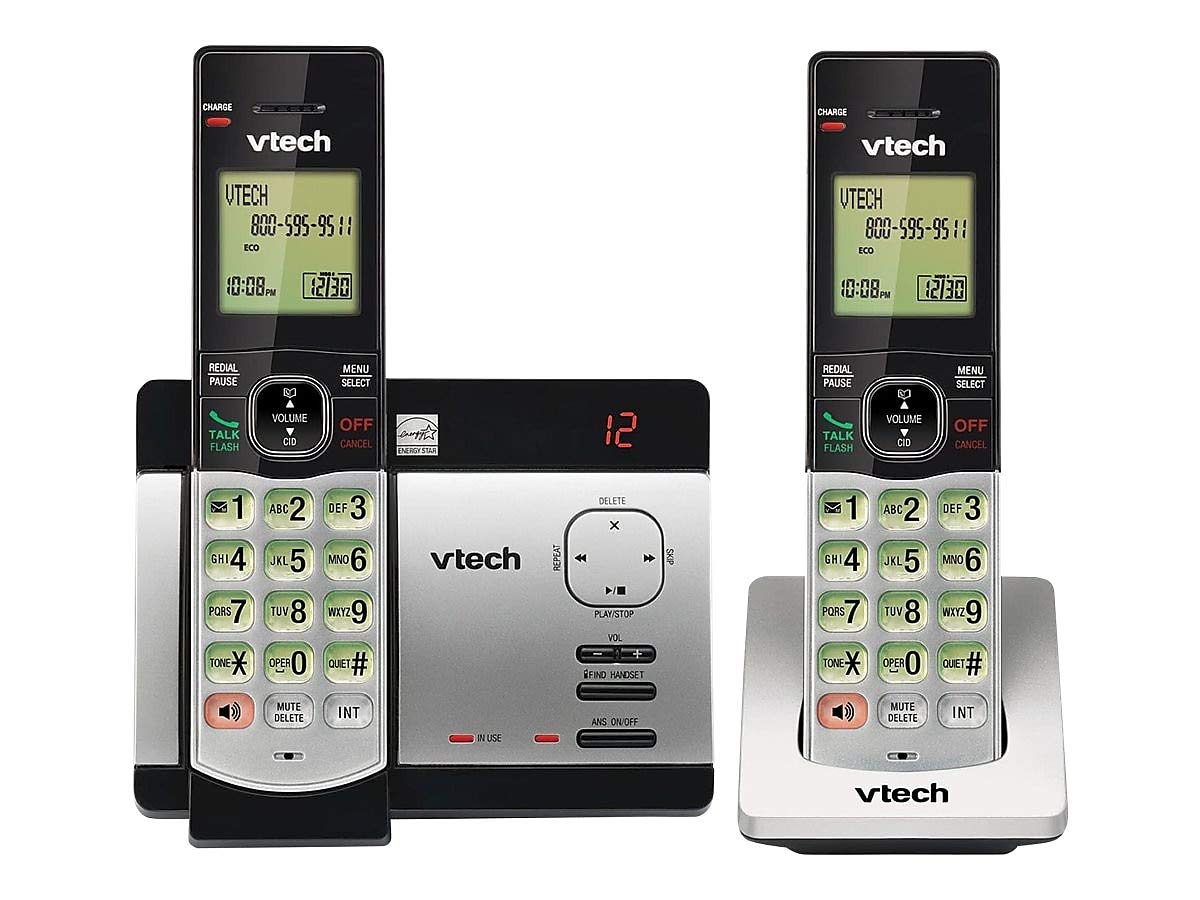
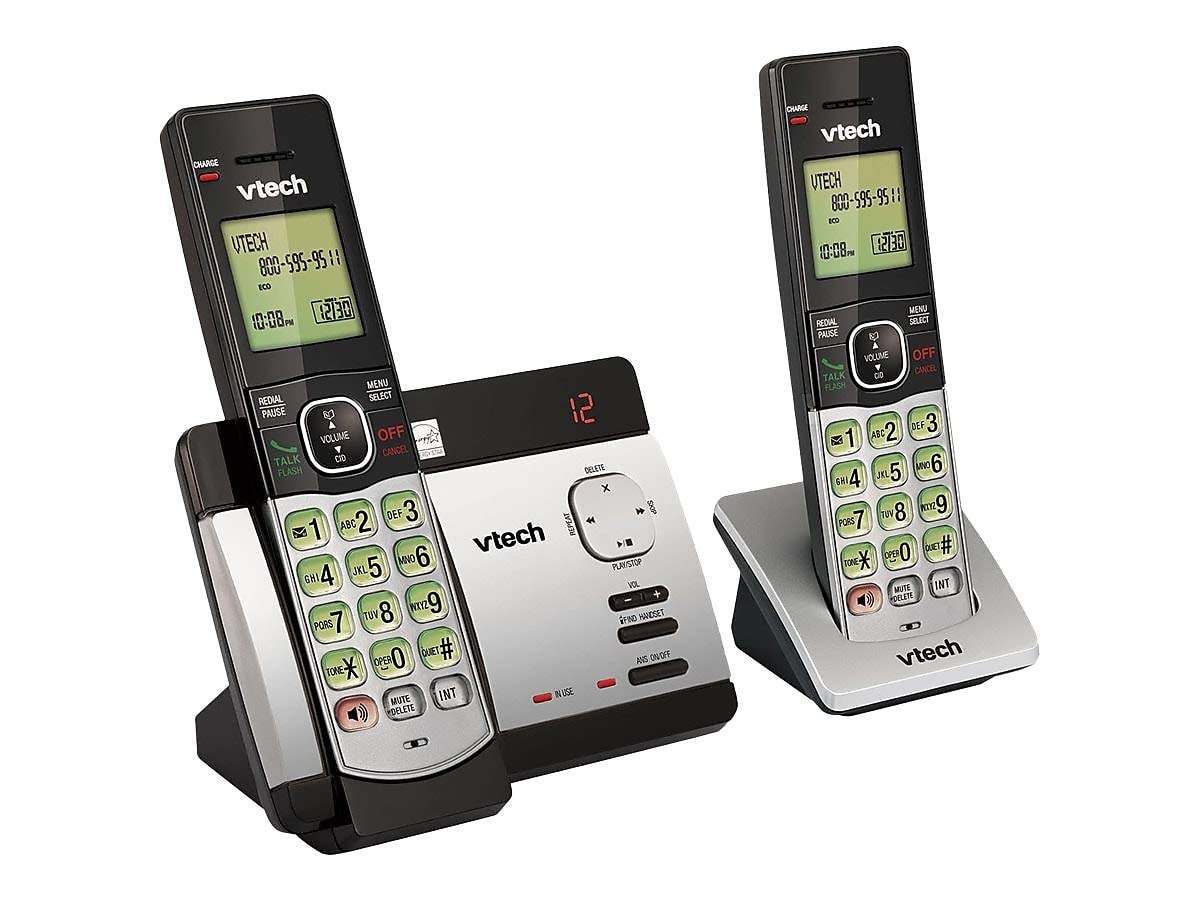
This user manual provides comprehensive instructions for the VTECH Communications CS6729-2 2 Handset Answering System. It covers setup, operation, maintenance, and troubleshooting to ensure optimal performance of your new telephone system. Please read this manual thoroughly before using your phone.
Орнотуу жана орнотуу
Пакеттин мазмуну
Пакетиңизде бардык буюмдар бар экенин текшериңиз:
- Зымсыз телефондор (2)
- Base Unit with Digital Answering System
- Негизги блок үчүн AC кубат адаптери
- Телефон линиясы
- Rechargeable Batteries (4 AAA batteries required, included)
- Дубалга орнотуу кронштейн
Батарея орнотуу
Before initial use, install the included AAA batteries into each cordless handset. Open the battery compartment cover on the back of the handset, insert the batteries according to the polarity markings, and close the cover. Place the handset on the base unit or charger to charge for at least 16 hours before first use.
Негизги блокту туташтыруу
Connect the small end of the AC power adapter to the power jack on the back of the telephone base. Plug the large end of the AC power adapter into a wall outlet not controlled by a wall switch. Connect one end of the telephone line cord to the telephone jack on the back of the telephone base. Plug the other end of the telephone line cord into a telephone wall jack.
Иштөө нускамалары
Чалууларды кабыл алуу жана кабыл алуу
Чакыруу үчүн басыңыз TALK / FLASH or any dial pad key, then dial the number. To receive a call, press TALK / FLASH when the phone rings. To end a call, press ӨЧҮРҮҮ/ЖОК КЫЛУУ же телефонду кайра базалык блоктун/заряддагычка коюңуз.
Answering System Features
The integrated digital answering system can record up to 14 minutes of messages. You can retrieve messages from any handset or remotely. The voicemail waiting indicator will notify you of new messages. Messages are time and date stampжеңил шилтеме үчүн ed.
Чалуучуну аныктоо/Чакырууну күтүү
The phone displays the caller's name and number (if available) before you answer. If you have Call Waiting service, the phone will alert you to an incoming call while you are on another call.
Телефон китепчесинин каталогу
Store up to 50 names and numbers in the phonebook directory for quick dialing. Refer to the handset menu for instructions on adding, editing, and deleting entries.
Домофон
Use the intercom feature to communicate between handsets. This system supports up to 5 handsets (additional handsets sold separately).
Кайра терүү
The phone stores the last 10 dialed numbers. Press КАЙРА ТЕРҮҮ/ТЫНЫГЫ to access and redial these numbers.
Үндү көзөмөлдөө
Чалуу учурунда кулакчындын жана динамиктин үнүн жөндөңүз VOLUME buttons on the side of the handset.
Үнсүз
басыңыз Үнсүз/ЖОК button during a call to mute your microphone. The other party will not hear you, but you can still hear them. Press again to unmute.
Конференция чалуулары
You can set up a 3-way conference call between an outside line and up to two cordless handsets.
Trilingual Prompts
The system offers trilingual prompts, allowing you to choose between English, Spanish, or French for voice announcements and menu options.
Техникалык тейлөө
Тазалоо
Телефонду жана анын негизги бөлүгүн жумшак, d менен тазалаңызamp cloth. Do not use cleaning sprays or harsh chemicals. Avoid getting moisture in any openings.
Батареяга кам көрүү
To maintain optimal battery life, fully charge the handsets regularly. If the phone will not be used for an extended period, remove the batteries to prevent leakage.
Проблемаларды чечүү
Телефонуңуздун тутумунда көйгөйлөр пайда болсо, төмөнкү чечимдерди колдонуп көрүңүз:
| Көйгөй | Чечим |
|---|---|
| Терүү үнү жок | Ensure the power adapter and telephone line cord are securely plugged into the base unit and wall outlets. Check if the phone line is active. |
| Чалууларды жасоо/кабыл алуу мүмкүн эмес | Check battery charge level. Ensure the handset is within range of the base unit. Verify the telephone line connection. |
| Автожооп берүүчү система билдирүүлөрдү жазбай жатат | Автожооп бергичтин күйүк экенин текшериңиз. Эстутум толуп калганын текшериңиз; зарыл болсо, эски билдирүүлөрдү өчүрүңүз. |
| Үн сапаты начар | Негизги бирдикке жакыныраак жылыңыз. Башка электрондук шаймандардын кийлигишүүсүн текшериңиз. |
| Телефон заряддалбай жатат | Ensure the handset is properly seated in the charging cradle. Clean the charging contacts on both the handset and cradle. |
Техникалык шарттар
- Модел: CS6729-2
- Технология: DECT 6.0 Digital
- Телефондор: 2 (5га чейин кеңейтилет)
- Жооп берүү системасы: Санариптик, жаздыруу убактысы 14 мүнөт
- Телефон китепчесинин сыйымдуулугу: 50 ысымдар жана сандар
- Redial Memory: Акыркы 10 сан
- Батареялар: 4 AAA кайра заряддоого болгон батарейкалар (кошулган)
- Продукциянын өлчөмдөрү: 1 x 3.2 x 6.9 inches (handset)
- Элемент Салмагы: 1.3 фунт
- Түсү: Боз
- Кубат булагы: Электр зымдары
Кепилдик жана колдоо
For warranty information and technical support, please refer to the warranty card included with your product or visit the official VTech webсайт. Сатып алуу квитанциясын кепилдик дооматтары үчүн сатып алуунун далили катары сактаңыз.


