Introduction and Overview
The Logitech Bluetooth Audio Adapter allows you to wirelessly stream audio from your Bluetooth-enabled smartphone or tablet to any speaker system with RCA or 3.5mm inputs. This adapter is designed to bring modern wireless capabilities to your existing audio equipment.
Негизги өзгөчөлүктөр төмөнкүлөрдү камтыйт:
- Multipoint Bluetooth Connectivity: Simultaneously pair your smartphone and tablet and stream music from either one.
- Easy Pairing and Automatic Re-pairing: Pair your device to the adapter once with a single button press, and it will automatically re-connect when in range.
- Long Range Wireless: Stream music from up to 15 meters (50 feet) away from your speakers.
- Кеңири шайкештик: Plugs into most powered PC speakers, home stereo systems, and A/V receivers using RCA or 3.5 mm jacks. Note: This product is a receiver ONLY, not a transmitter.

Image: The Logitech Bluetooth Audio Adapter, a compact black device with a blue illuminated Bluetooth symbol on top, designed for wireless audio streaming.
Кутуда эмне бар
Продукциянын топтомунда төмөнкү заттар бар:
- Logitech 980-000910 Bluetooth аудио адаптери
- RCA 3.5 мм аудио кабели
- Кубаттуу адаптер

Image: All components included with the Logitech Bluetooth Audio Adapter: the adapter unit, an RCA audio cable, and a power supply.
Жайгашуу
Follow these steps to set up your Logitech Bluetooth Audio Adapter:
- Динамиктерге туташуу: Use the provided RCA to 3.5mm audio cable or your own RCA cables to connect the Bluetooth Audio Adapter to your powered PC speakers, home stereo system, or A/V receiver.

Image: The Bluetooth Audio Adapter positioned next to a speaker, illustrating a typical connection setup.
- Туташуу кубаты: Plug the power adapter into the Bluetooth Audio Adapter's power input, then plug the power adapter into a wall outlet. The adapter will power on automatically.
- Түзмөгүңүздү жупташтыруу:
- Press the Bluetooth pairing button located on the top of the adapter. The LED indicator around the button will begin to blink rapidly, indicating that the adapter is in pairing mode.
- On your Bluetooth-enabled device (e.g., smartphone, tablet), navigate to the Bluetooth settings.
- Select "Logitech Bluetooth Audio" from the list of available devices.
- Once successfully connected, the LED indicator on the adapter will glow a solid blue.
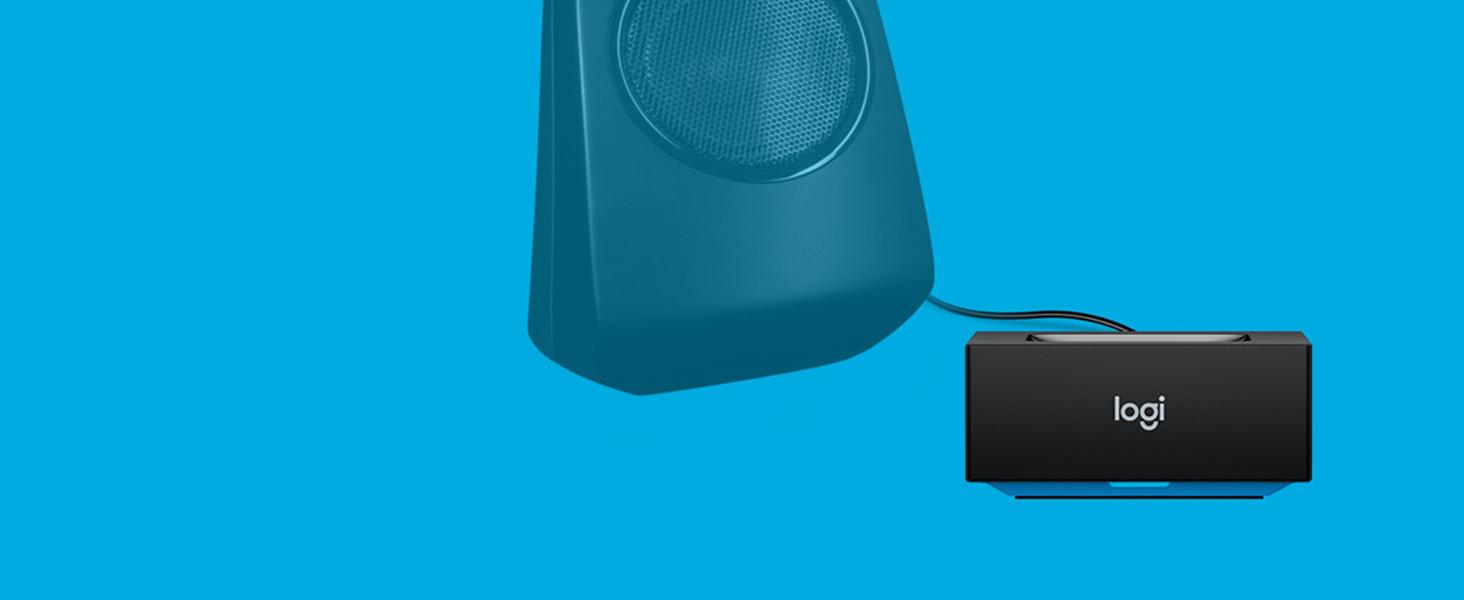
Image: A hand pressing the central Bluetooth pairing button on the adapter, initiating the pairing process.
Адаптерди иштетүү
Once set up, using your Logitech Bluetooth Audio Adapter is straightforward:
- Аудио агымы: After successful pairing, any audio played on your connected Bluetooth device will stream wirelessly to your speakers. Control playback and volume directly from your device.
- Көп чекиттүү байланыш: The adapter supports simultaneous connection of up to two Bluetooth devices. To switch between devices, simply pause audio playback on the currently active device and begin playing audio on the second connected device. The adapter will automatically switch the audio source.
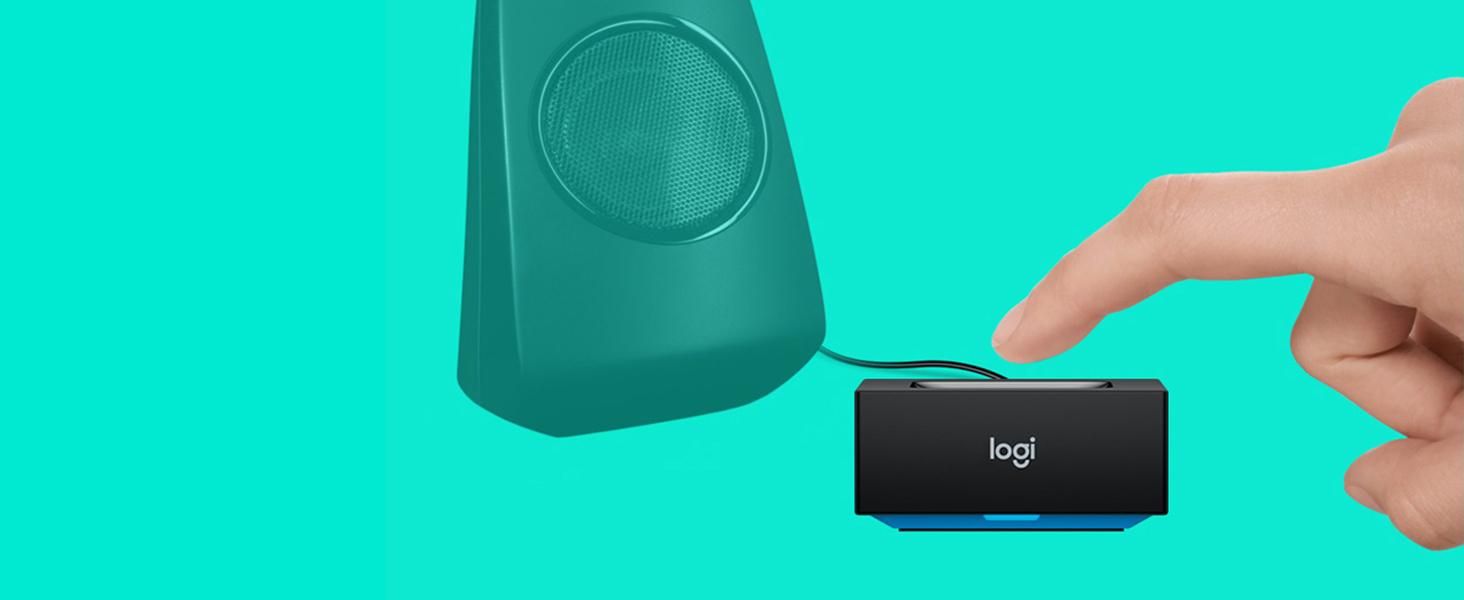
Image: The adapter facilitating audio streaming from both a laptop and a smartphone to a speaker, showcasing its multipoint connection capability.
- Automatic Re-pairing: Once a device has been paired with the adapter, it will automatically re-connect when it is within range and its Bluetooth function is enabled.
Техникалык тейлөө
Logitech Bluetooth аудио адаптериңиздин узак мөөнөттүү иштешин жана оптималдуу иштешин камсыз кылуу үчүн, төмөнкү жөнөкөй тейлөө көрсөтмөлөрүн аткарыңыз:
- Тазалоо: Gently wipe the adapter with a soft, dry cloth to remove dust or smudges. Do not use liquid cleaners or abrasive materials.
- Курчап турган чөйрө: Avoid exposing the device to excessive moisture, extreme temperatures, or direct sunlight.
- Колдонуу: Do not drop the adapter or subject it to strong impacts. Do not attempt to disassemble or repair the adapter yourself, as this will void any potential warranty and may cause damage.
Проблемаларды чечүү
If you encounter issues with your Logitech Bluetooth Audio Adapter, refer to the following common problems and solutions:
Аудио чыгышы жок:
- Ensure the adapter is powered on and the LED indicator is solid blue, indicating a successful connection.
- Verify that all audio cables are securely connected between the adapter and your speaker system.
- Confirm that your speaker system is turned on and the correct input source (e.g., AUX, RCA) is selected.
- Check the volume levels on both your Bluetooth device and your speaker system.
- Ensure your Bluetooth device is actively playing audio.
Түзмөктү жупташтыруу мүмкүн эмес:
- Make sure the adapter is in pairing mode (LED blinking rapidly). If not, press the Bluetooth pairing button.
- Ensure Bluetooth is enabled on your device and it is within the adapter's range (up to 15 meters/50 feet).
- Try turning off and then turning on Bluetooth on your device, or restart your device.
- If you have previously paired many devices, try "forgetting" the "Logitech Bluetooth Audio" from your device's Bluetooth list and then attempt to re-pair.
Interference or Poor Audio Quality:
- Move your Bluetooth device closer to the adapter.
- Avoid placing the adapter near other wireless devices such as Wi-Fi routers, cordless phones, or microwave ovens, which can cause interference.
- Ensure there are no large metal objects or thick walls between the adapter and your device that could obstruct the Bluetooth signal.
Техникалык шарттар
| Өзгөчөлүк | Деталь |
|---|---|
| Продукциянын өлчөмдөрү | 0.91 x 1.97 x 1.97 дюйм |
| Элемент Салмагы | 6.2 унция (0.39 фунт) |
| Модель номери | 980-000910 |
| Байланыш технологиясы | Bluetooth |
| Power Source | Электр зымдары |
| Материал | Акрилонитрил бутадиен стирол (ABS) |
| Зымсыз диапазон | 15 метрге чейин (50 фут) |
Коопсуздук маалыматы
Сураныч, төмөнкү коопсуздук эрежелерин окуп, аткарыңыз:
- Мүмкүн болгон тоскоолдуктарды азайтуу үчүн адаптерди башка зымсыз түзмөктөрдүн жанына коюудан качыңыз.
- Аппаратты экстремалдык температурага же нымдуулукка дуушар кылбаңыз.
- To prevent hearing damage, do not set the volume too high when using the adapter with speakers.
Кепилдик жана колдоо
Кепилдик: According to the provided legal disclaimer, there is no explicit warranty provided for this product when purchased new. Please refer to your retailer's return policy for details on returns or exchanges.
Колдоо: For further assistance, product updates, or general inquiries, please visit the official Logitech support webсайт же алардын Amazon дүкөн бети:Amazon'догу Logitech дүкөнү.
Note: No official product videos with "Seller" creator type were available in the provided data to embed in this manual.


