1. Киришүү
The Master & Dynamic MH40 Over-Ear Headphones are engineered for a superior audio experience, combining high-quality sound with premium design and comfort. These headphones feature noise isolation, making them suitable for various environments, from studio recording to casual listening. Constructed with durable materials such as aluminum, stainless steel, cowhide, and lambskin leathers, the MH40 headphones are designed for longevity and aesthetic appeal.
Equipped with custom 45mm neodymium high-performance drivers, interchangeable lambskin ear pads, and oxygen-free copper cables, the MH40 delivers a rich, warm sound profile. They support both wired and wireless Bluetooth connectivity, featuring an omni-directional microphone and an easy-to-use mute button for communication.
2. Пакеттин мазмуну
Пакетиңизде бардык буюмдар бар экенин текшериңиз:
- Master & Dynamic MH40 Over-Ear Headphones
- 1.25m Audio Cable with Remote and Microphone
- 2.00m Standard Audio Cable
- Leather Cable Box
- Canvas Carrying Case
3. Продукт бүтүп калдыview
Familiarize yourself with the components of your MH40 headphones.
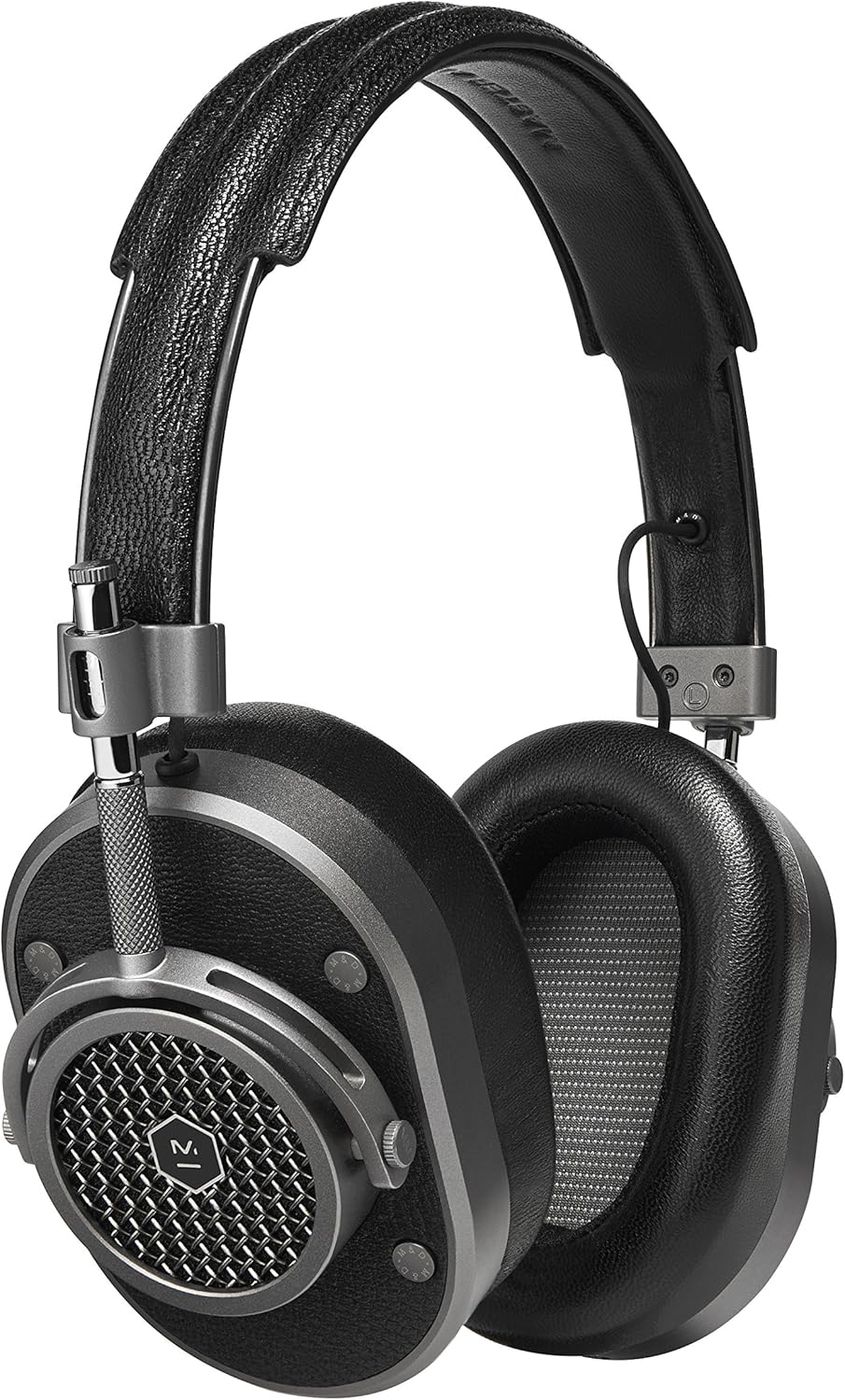
1-сүрөт: Жалпысынан view of the Master & Dynamic MH40 Over-Ear Headphones. This image displays the headphones in a gunmetal and black leather finish, highlighting the premium materials and design.

Сүрөт 2: Жакын пландан view of an MH40 earcup, showcasing the distinctive grille design and the durable metal construction. The earcups are designed for comfort and sound isolation.
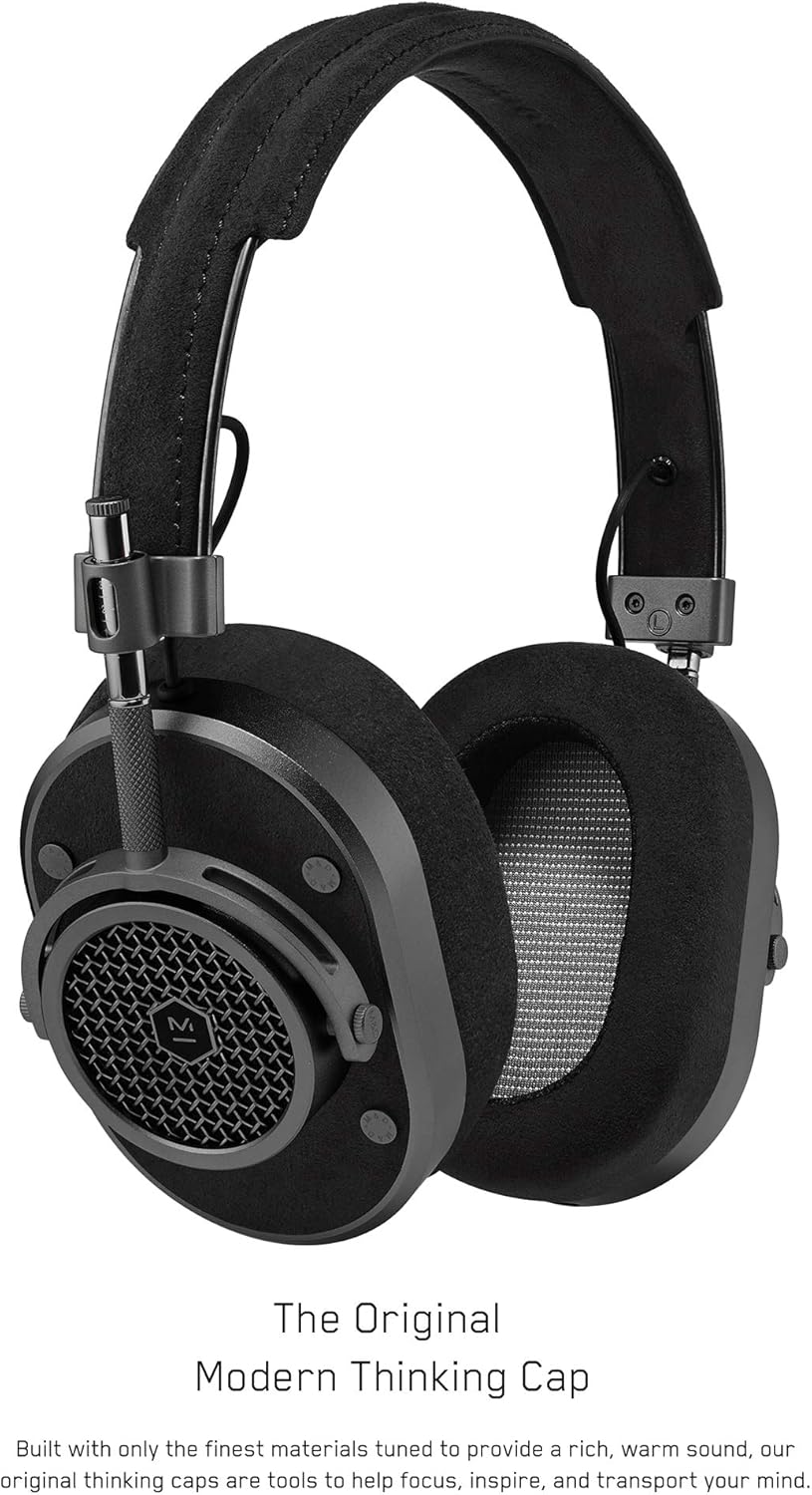
3-сүрөт: Side profile of the MH40 headphones, illustrating the adjustable headband mechanism and the connection points for the audio cables. The design emphasizes both functionality and robust construction.
4. Орнотуу
4.1 Зымдуу туташуу
- Identify the audio input jack on either earcup of your MH40 headphones.
- Select either the 1.25m cable with remote and mic or the 2.00m standard cable.
- Insert one end of the chosen audio cable firmly into the headphone jack.
- Connect the other end of the cable to your audio source (e.g., smartphone, computer, audio interface).
4.2 Bluetooth жупташтыруу
The MH40 headphones also support wireless Bluetooth connectivity (Bluetooth Version 5.2).
- Наушниктердин заряддалганын текшериңиз.
- Press and hold the power/pairing button (refer to Figure 3 for location) on the earcup until the indicator light begins to flash, indicating pairing mode.
- Түзмөгүңүздө (смартфон, планшет, компьютер) Bluetooth жөндөөлөрүнө өтүңүз.
- Select "MH40" from the list of available devices.
- Once connected, the indicator light on the headphones will turn solid.
4.3 тууралоо
For optimal comfort and sound performance, adjust the headphones to fit your head:
- Gently slide the earcups up or down along the headband until they rest comfortably over your ears.
- Ensure the ear pads fully enclose your ears to maximize noise isolation and sound quality.
- The headband should rest lightly on the top of your head without excessive pressure.
5. Иштөө нускамалары
5.1 Audio Playback (Wired & Bluetooth)
- Ойнотуу/тындыруу: Press the multi-function button (on the remote for wired cable, or designated button on earcup for Bluetooth) once.
- Кийинки трек: Көп функциялуу баскычты эки жолу басыңыз.
- Мурунку трек: Көп функциялуу баскычты үч жолу басыңыз.
- Үндү көзөмөлдөө: Use the volume up/down buttons on the remote (wired) or the dedicated volume control on the earcup (Bluetooth).
5.2 Phone Calls (Wired & Bluetooth)
- Чалууга жооп берүү/аяктоо: Көп функциялуу баскычты бир жолу басыңыз.
- Чакырууну четке кагуу: Көп функциялуу баскычты 2 секунд басып туруңуз.
- Микрофондун үнүн басуу: Use the dedicated mute button on the earcup or remote.
6. Техникалык тейлөө
Proper care will ensure the longevity and performance of your MH40 headphones.
- Тазалоо: Use a soft, dry cloth to clean the earcups and headband. For leather parts, use a specialized leather cleaner or conditioner as needed. Avoid harsh chemicals or abrasive materials.
- Сактагыч: When not in use, store your headphones in the provided canvas carrying case to protect them from dust and damage.
- Кулак төшөктөрү: The lambskin ear pads are interchangeable. If replacement is needed, contact Master & Dynamic support for genuine parts and instructions.
- Кабелдер: Handle audio cables with care. Avoid sharp bends or excessive pulling. Store them neatly in the leather cable box.
7. Кыйынчылыктарды
If you encounter issues with your MH40 headphones, refer to the following common solutions:
- Үн жок:
- Аудио кабель кулакчындарга да, аудио булагына да бекем туташтырылганын текшериңиз.
- Кулакчындардын жана аудио булагыңыздын үн деңгээлин текшериңиз.
- If using Bluetooth, ensure the headphones are paired and connected, and the device's volume is up.
- Try a different audio cable or audio source to rule out component failure.
- Bluetooth жупташтыруу маселелери:
- Make sure the headphones are in pairing mode (flashing indicator light).
- Түзмөгүңүздөгү Bluetooth'ду өчүрүп, кайра иштетиңиз.
- Move the headphones closer to your device (within 100 feet Bluetooth range).
- Forget the "MH40" device in your device's Bluetooth settings and attempt to re-pair.
- Начар аудио сапаты:
- Ensure ear pads are properly seated and creating a good seal around your ears.
- If wired, check the cable for damage or loose connections.
- If Bluetooth, ensure there are no obstructions between the headphones and your device, and that you are within range.
- Try playing audio from a different source or with a different file сапаты.
8. Техникалык шарттар
| Өзгөчөлүк | Деталь |
|---|---|
| Модель аты | MH40G1 |
| Байланыш технологиясы | Зымдуу, Bluetooth |
| Зымсыз байланыш технологиясы | Bluetooth 5.2 |
| Bluetooth диапазону | 100 Фут |
| Noise Control | Үн изоляциясы |
| Наушник уясы | 3.5 мм Джек |
| Аудио драйвер түрү | Динамикалык драйвер |
| Аудио драйверинин өлчөмү | 45 миллиметр |
| Импеданс | 32 Ом |
| Материал | Aluminum, Stainless Steel, Cowhide, Lambskin |
| Элемент Салмагы | 0.36 килограмм (12.7 унция) |
| Продукциянын өлчөмдөрү | 9.76 x 8.86 x 3.66 дюйм |
| Камтылган компоненттер | Headphone, Leather Cable Box, Canvas Carrying Case |
| Башкаруу түрү | Volume Control, Mute Button |
| Сууга туруктуулук деңгээли | Сууга чыдамдуу эмес |
9. Кепилдик жана колдоо
The Master & Dynamic MH40 Over-Ear Headphones come with a 2 жылдык чектелген кепилдик сатып алынган күндөн тартып. Бул кепилдик өндүрүштүн кемчиликтерин жана нормалдуу колдонуудагы чеберчиликти камтыйт.
For warranty claims, technical support, or inquiries regarding replacement parts (such as ear pads or cables), please visit the official Master & Dynamic webсайтка же кардарларды тейлөө бөлүмүнө кайрылыңыз. Кепилдикти текшерүү үчүн сатып алганыңыздын далилин сактаңыз.
Көбүрөөк маалымат алуу үчүн, сиз иш сапары менен болот Master & Dynamic Store on Amazon.


