1. Киришүү
This manual provides detailed instructions for the setup, operation, and maintenance of your Marathon Digital Desktop Clock, Model CL030050BK. This compact and versatile digital clock is designed for use on a desk or nightstand, offering time, date, day of the week, and temperature displays, along with a dual alarm function and a button-activated backlight.
2. Продукт бүтүп калдыview

Сүрөт 2.1: Алдыңкы view of the Marathon Digital Desktop Clock CL030050BK, showing its large digital display with time, date, day, and temperature.
2.1 Негизги өзгөчөлүктөрү
- Large, High-Quality Display: Enhanced contrast for clear legibility.
- Nightowl Super Glow Backlight: Button-activated, gentle blue backlight that illuminates for approximately 10 seconds.
- Кош ойготкуч функциясы: Separate alarm settings for weekdays (Monday-Friday) and weekends (Saturday-Sunday).
- Тындырма баскычы: Conveniently located for temporary alarm suspension.
- Бир нече дисплей режимдери: Time in 12 or 24-hour format, temperature in Fahrenheit or Celsius.
- Multilingual Day of Week: Displays the day of the week in seven languages: English, Dutch, French, Spanish, Italian, Danish, and German.
- Компакт жана жеңил дизайн: Ideal for desktop, nightstand, or travel.
2.2 Пакеттин мазмуну
- 1 x Marathon Digital Desktop Clock CL030050BK
- 3 x AAA Батареялар (кошулган)
- 1 x User Manual
3. Орнотуу
3.1 Батареяны орнотуу
- Сааттын артындагы батарея бөлүкчөсүнүн капкагын табыңыз.
- Бөлүмдү ачуу үчүн капкакты ылдый карай жылдырыңыз.
- Бөлүмдүн ичинде көрсөтүлгөндөй туура полярдуулукту (+ жана -) камсыз кылып, 3 жаңы AAA батарейкасын салыңыз.
- Батарея бөлүгүнүн капкагын ордунан чыккыча өйдө жылдырыңыз.
3.2 Баштапкы күйгүзүү
Upon successful battery installation, the clock display will activate, typically showing a default time and date. It is recommended to perform a reset after battery installation to ensure optimal performance.
3.3 Resetting the Clock
To reset the clock, use a thin, pointed object (like a paperclip) to press the recessed RESET button located on the back of the unit. This will clear all settings and return the clock to its factory defaults.
4. Иштөө нускамалары
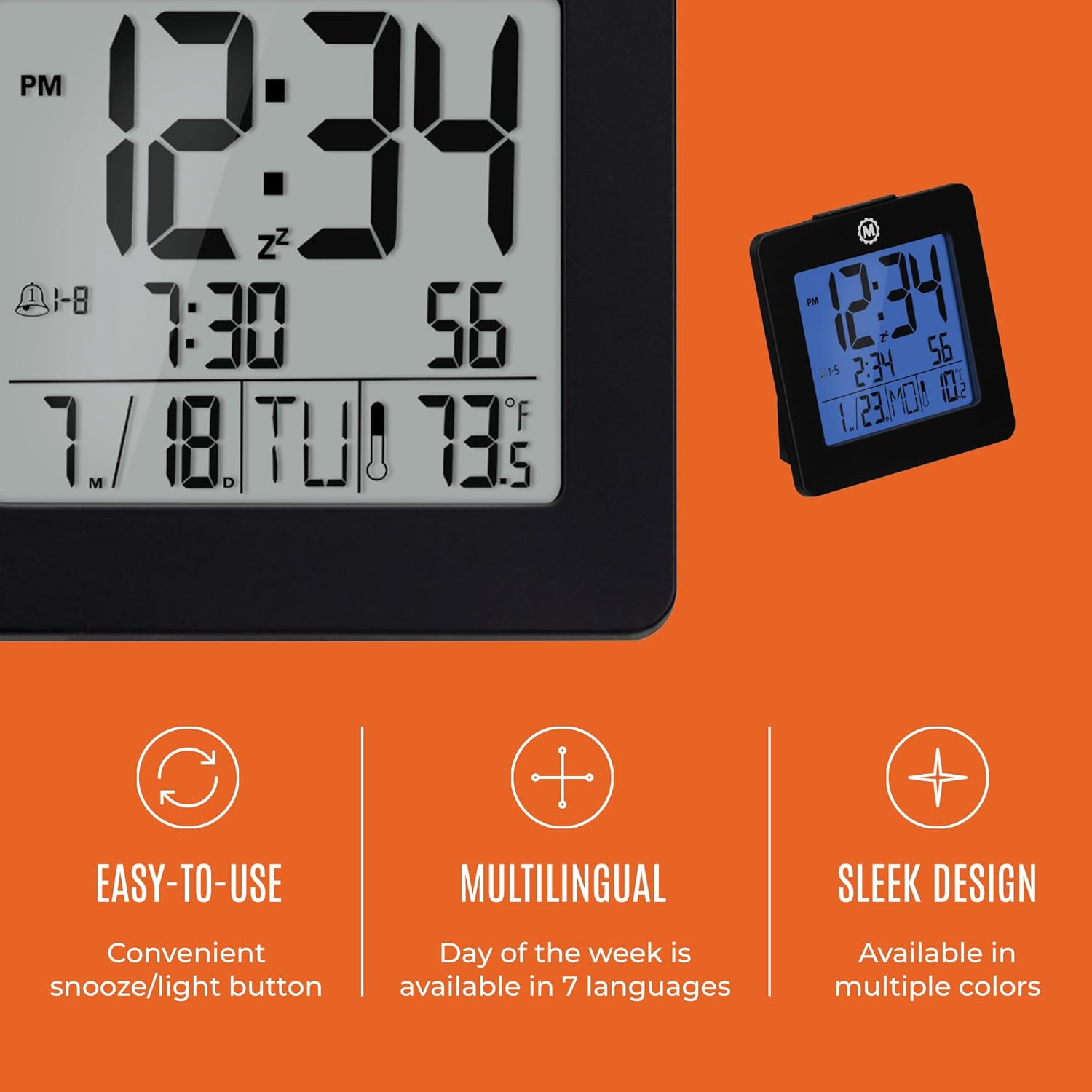
Figure 4.1: ашыкview of key features and design elements.
4.1 Баскыч функциялары
The clock features several buttons on the back for configuration:
- РЕЖИМ: Toggles between Time, Alarm, and Timer display modes.
- ЖӨНДӨӨ: Enters setting mode for the currently displayed mode (Time, Alarm, Timer).
- UP / 12/24: In setting mode, increases the value. In time display mode, toggles between 12-hour and 24-hour format.
- DOWN / °C/°F: In setting mode, decreases the value. In time display mode, toggles between Celsius and Fahrenheit temperature units.
- LIGHT / SNOOZE: Activates the backlight for 10 seconds. When the alarm sounds, press to activate snooze.
- КАЛТЫРУУ: Resets the clock to factory defaults (requires a pointed object).
4.2 Убакытты жана датаны орнотуу
- басыңыз РЕЖИМ button until the time is displayed.
- басып, кармап туруңуз SET жыл өчүп-өчкөнгө чейин баскычын болжол менен 3 секунд басып туруңуз.
- колдонуу UP or ылдый жылды тууралоо үчүн баскычтар.
- Басыңыз SET to confirm and move to the month setting.
- Repeat steps 3 and 4 to set the month, day, 12/24-hour format, hour, and minute.
- Мүнөттөрдү койгондон кийин, баскычын басыңыз SET to exit time/date setting mode.
4.3 Setting the Day of Week Language
While in time display mode, repeatedly press the UP or ылдый button to cycle through the 7 available languages for the day of the week display (English, Dutch, French, Spanish, Italian, Danish, German).
4.4 Setting the Temperature Unit
Убакытты көрсөтүү режиминде турганда, баскычын басыңыз DOWN / °C/°F button to toggle the temperature display between Celsius (°C) and Fahrenheit (°F).
4.5 Setting the Dual Alarm
- басыңыз РЕЖИМ button until the alarm time is displayed (indicated by an alarm icon).
- басып, кармап туруңуз SET ойготкуч сааты күйүп-өчкөнгө чейин баскычын болжол менен 3 секунд басып туруңуз.
- колдонуу UP or ылдый ойготкуч саатын тууралоо үчүн баскычтар.
- Басыңыз SET to confirm and move to the alarm minute setting.
- Repeat steps 3 and 4 to set the alarm minute.
- Мүнөттөрдү койгондон кийин, баскычын басыңыз SET to select the alarm type: Weekday (1-5) or Weekend (6-7). Use UP or ылдый тандоо.
- Басыңыз SET ойготкучту орнотуу режимин ырастоо жана чыгуу үчүн.
- Ойготкучту жандыруу/өчүрүү үчүн басыңыз UP Сигнализацияны көрсөтүү режиминде турганда баскычын басыңыз. Экранда сигнализация сүрөтчөсү пайда болот/жок болот.
4.6 Using the Snooze and Backlight
Чоңду басыңыз ЖАРЫК / СУНОЗ button on the top of the clock to activate the blue backlight. The backlight will remain illuminated for approximately 10 seconds. If the alarm is sounding, pressing this button will activate the snooze function, temporarily silencing the alarm for a short period before it sounds again.
5. Техникалык тейлөө
- Тазалоо: Wipe the clock with a soft, dry cloth. Avoid using abrasive cleaners or solvents.
- Батареяны алмаштыруу: Replace all 3 AAA batteries when the display becomes dim or the clock functions erratically. Always replace with new batteries of the same type.
- Сактагыч: Саатты узак убакытка сактасаңыз, агып кетпеш үчүн батарейкаларды алып салыңыз.
6. Кыйынчылыктарды
| Көйгөй | Мүмкүн себеп | Чечим |
|---|---|---|
| Дисплей бош же күңүрт. | Төмөн же өлүп калган батарейкалар. | Бардык 3 AAA батарейкасын алмаштырыңыз. |
| Туура эмес убакыт/дата көрсөтүлгөн. | Settings were not saved or incorrect. | Perform a reset and re-enter time/date settings as per Section 4.2. |
| Ойготкуч угулбайт. | Ойготкуч иштетилген эмес же туура эмес орнотулган. | Ensure the alarm is activated (alarm icon visible) and the alarm time is correctly set (Section 4.5). |
| Арткы жарык иштебейт. | Батареялар аз же баскыч иштебей калган. | Батареяларды алмаштырыңыз. Эгерде көйгөй чечилбесе, кардарларды тейлөө кызматына кайрылыңыз. |
7. Техникалык шарттар
- Модель номери: CL030050BK
- Бренд: Марафон
- Дисплей түрү: Санарип
- Түсү: Кара
- Продукциянын өлчөмдөрү: 3.7"W x 3.7"H
- Элемент Салмагы: 5.6 унция
- Кубат булагы: Батарея менен иштейт (3 x AAA батарейкалары кошулган)
- Материал: Пластик
- Монтаж түрү: Стол үстү
- Өзгөчө өзгөчөлүгү: Button-activated backlight, dual alarm, temperature display, multilingual day of week.
8. Кепилдик жана колдоо
8.1 Кепилдик маалыматы
This Marathon Digital Desktop Clock CL030050BK comes with a 1 жылдык кепилдик сатып алынган күндөн тартып. Бул кепилдик өндүрүштүн кемчиликтерин жана нормалдуу колдонуудагы чеберчиликти камтыйт. Бул туура эмес колдонуудан, кырсыктардан, уруксатсыз өзгөртүүлөрдөн же кадимки эскирүүдөн келип чыккан зыянды камтыбайт.
8.2 Кардарларды колдоо
For technical assistance, troubleshooting, or warranty claims, please visit the official Marathon website or contact their customer service department. Please have your model number and proof of purchase ready when contacting support.


