Introduction
The NOCO Boost GB40 is a compact, yet powerful, 1000-amp lithium jump starter designed to safely jump start a dead car battery in seconds. This portable device is suitable for a wide range of vehicles, including cars, trucks, motorcycles, ATVs, boats, SUVs, and vans. It incorporates advanced safety features and offers additional functionalities such as a portable power bank and an integrated LED flashlight.
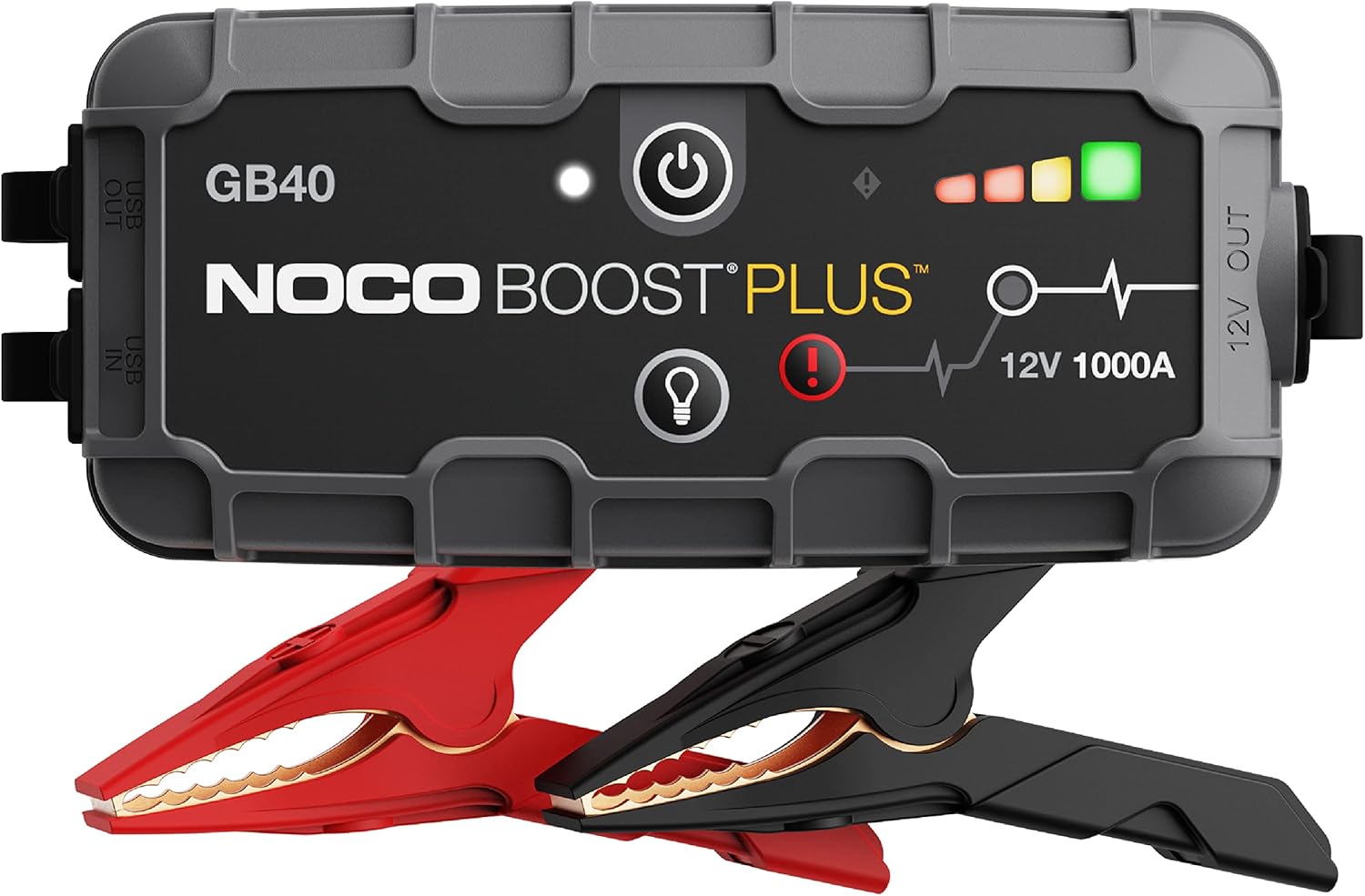
The NOCO Boost GB40 unit with its included heavy-duty clamps.
Коопсуздук маалыматы
WARNING: Read and understand all safety information before using this product. Failure to follow these safety instructions may result in electrical shock, explosion, fire, which may result in serious injury, death, or property damage.
- Батареянын коопсуздугу: Do not attempt to jump start a frozen battery. If the battery fluid is frozen, do not use the device.
- Вентиляция: Ensure adequate ventilation when operating in an enclosed area.
- Учкундан коргоочу туташуулар: The GB40 features spark-proof technology and reverse polarity protection. However, always ensure correct connection to battery terminals.
- Балдар: Балдардын колу жетпеген жерде сактаңыз. Бул оюнчук эмес.
- Заряддоо: Only charge the device using the provided USB-C cable. Do not use damaged cables or chargers.
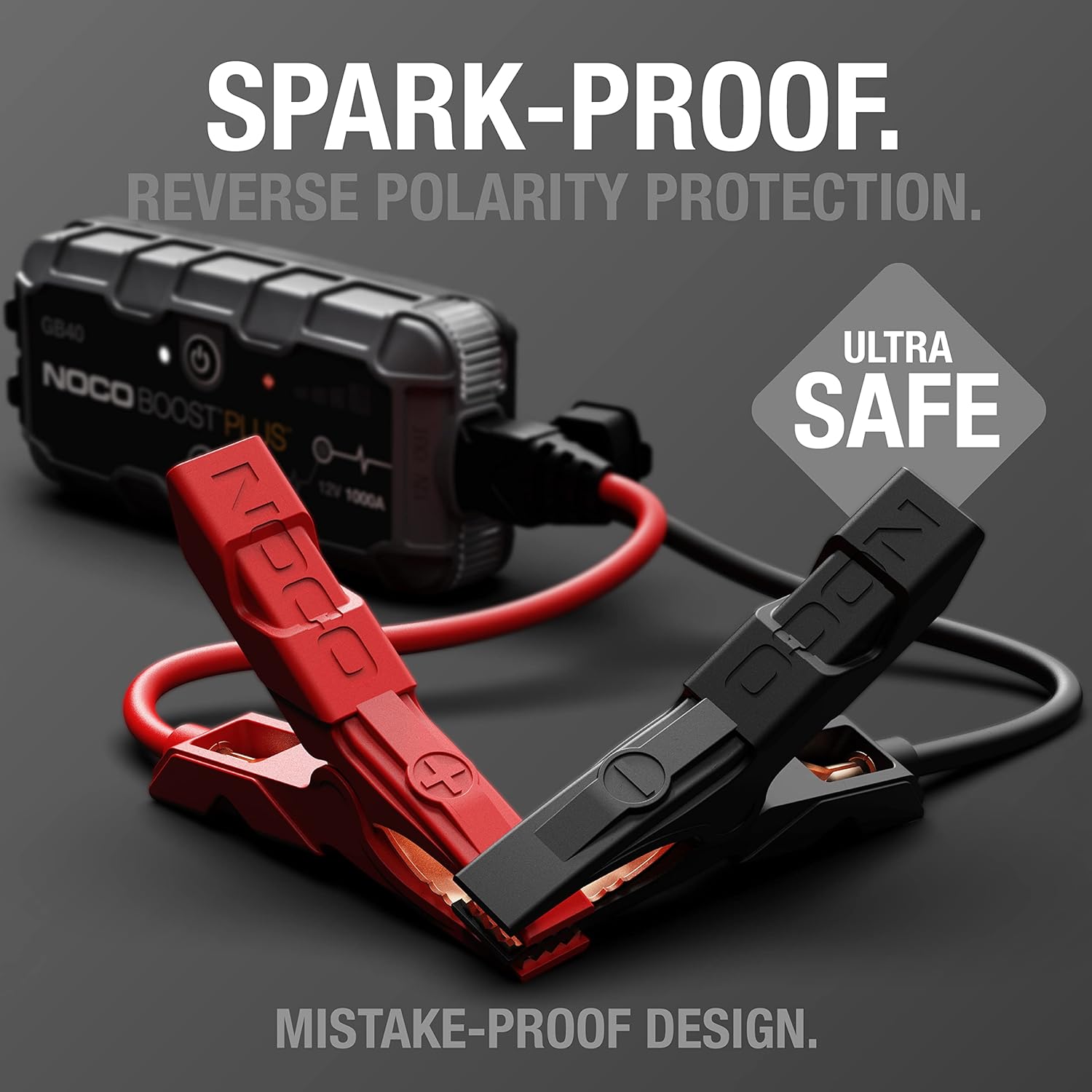
The UltraSafe technology ensures spark-proof connections and reverse polarity protection for safe operation.
Кутуда эмне бар
Бардык компоненттердин бар экендигин жана жакшы абалда экендигин текшериңиз:
- GB40 көчмө унаа аккумулятору үчүн стартер топтому
- Оор жүк көтөргүч Clamps
- USB-C заряддоо кабели
- Микрофибра сактоочу баштык
- Jump Starter үчүн колдонуучунун колдонмосу
- 1 жылдык Чектелген Кепилдик маалыматы

All items included in the NOCO Boost GB40 package.
Жайгашуу
Баштапкы заряд
Before first use, fully charge the GB40. The unit comes partially charged from the factory. It is recommended to fully charge the unit before use to ensure optimal performance.
- Connect the included USB-C charging cable to the USB-C IN port on the GB40.
- Connect the other end of the USB-C cable to a USB wall charger (not included) or a powered USB port.
- The Charge LEDs will illuminate, indicating the charging status. All four LEDs will be solid white when fully charged.
- Толук кубаттоо, адатта, болжол менен 3 саатты талап кылат.

Understanding the LED indicators on the GB40 for charge status and operation.
Иштөө нускамалары
Унааны секирип баштоо
- Connect Clamps: Attach the heavy-duty booster clamps to the GB40. Ensure a secure connection.
- Батареяга туташуу: кызыл (оң) cl туташтырууamp оң (+) батарея терминалына жана кара (терс) клапангаamp терс (-) батарея терминалына.
- Күйгүзүү: Press the Power Button on the GB40. The Power LED will illuminate white. The Charge LEDs will indicate the GB40's battery level.
- Унаа баштоо: Attempt to start your vehicle. If the vehicle does not start after 1-3 seconds, wait 15-30 seconds and try again.
- Ажыратуу: Унааны от алгандан кийин, батареяны ажыратыңызamps from the vehicle battery first, then disconnect the clamps from the GB40.
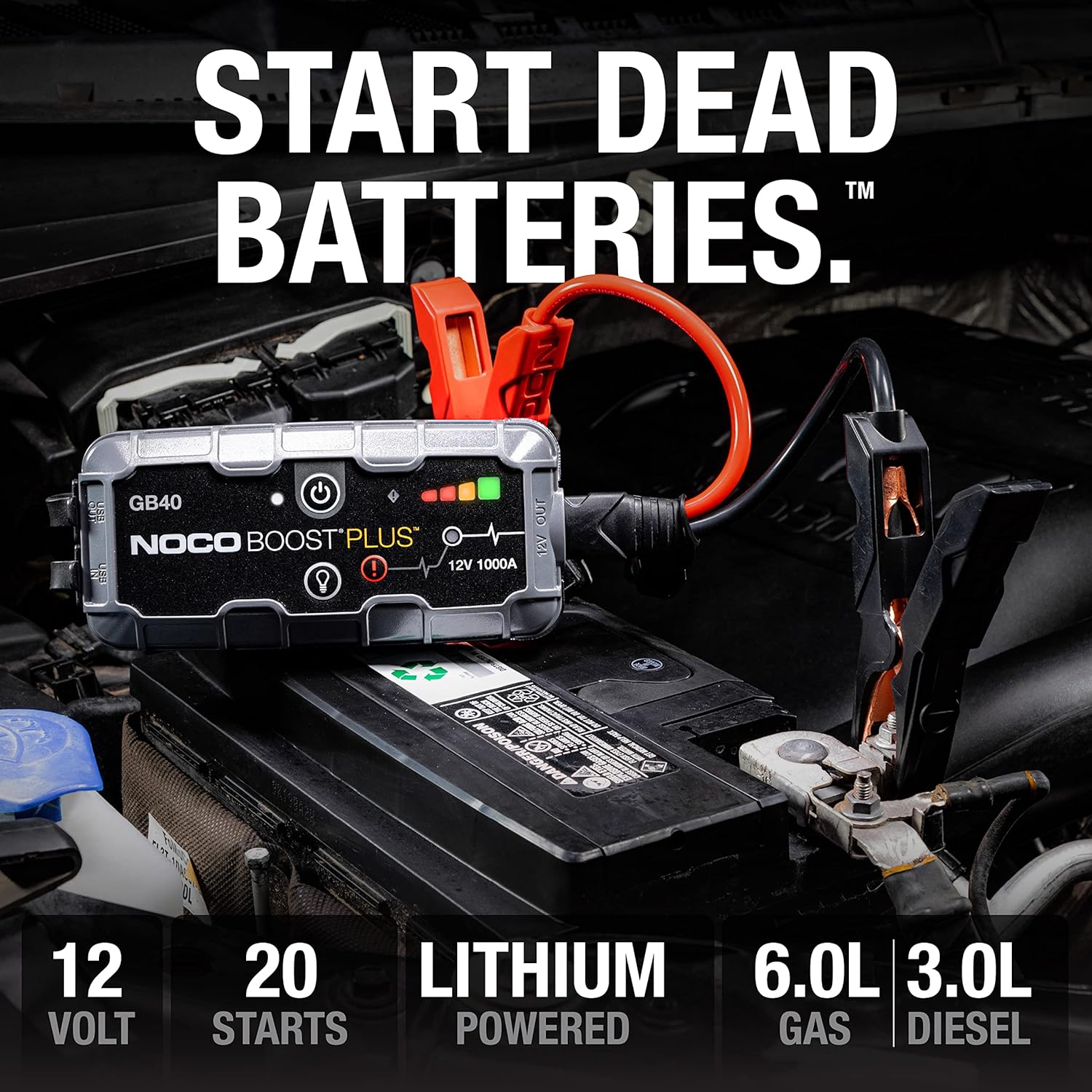
The GB40 is designed to instantly start dead batteries, providing up to 20 jump starts on a single charge for engines up to 6.0L gas and 3.0L diesel.

Simple four-step process for jump starting your vehicle with the GB40.
Portable Power Bank катары колдонуу
The GB40 can be used to charge USB devices such as smartphones, tablets, and other portable electronics.
- Connect your device's USB charging cable to the USB OUT port on the GB40.
- The GB40 will automatically begin charging your device.

The GB40 functions as a portable power bank with 2.1A USB-A output and 10W USB-C input for recharging.
Using the Integrated LED Flashlight
The GB40 features a powerful 100-lumen LED flashlight with multiple modes for various situations.
- Press the Light Mode Button to cycle through the seven light modes: 100% > 50% > 10% > SOS > Blink > Strobe > Off.
- Hold the Light Mode Button for 3 seconds to activate the SOS or Strobe modes directly.

The integrated 100-lumen LED flashlight offers multiple modes for illumination during repairs, emergencies, or in low-light environments.
Техникалык тейлөө
- Тазалоо: Clean the exterior of the GB40 with a soft, damp кездеме. Катуу химиялык заттарды же абразивдүү материалдарды колдонбоңуз.
- Сактагыч: Store the GB40 in a cool, dry place when not in use. Avoid extreme temperatures.
- Толуктоо: For optimal battery life, recharge the GB40 every 2-3 months, even if not used.
- Кабельге кам көрүү: cl текшерүүamps and cables for any damage before each use. Replace if damaged.
Проблемаларды чечүү
| Көйгөй | Мүмкүн себеп | Чечим |
|---|---|---|
| GB40 does not turn on. | Батарея толугу менен заряды бүттү. | Charge the GB40 using the USB-C cable. |
| Унаа секирип отпойт. | Батарея терминалдарына начар туташуу. | Камсыз кылуу clamps are securely connected to clean battery terminals. |
| Унаа секирип отпойт. | Battery is severely discharged or damaged. | Try using the Manual Override feature (refer to full user guide for details). If still unsuccessful, the battery may need replacement. |
| Ката LED күйүп-өчүп жатат. | Тескери полярдуулук байланышы. | Ажыратуу clamps and reconnect correctly (red to positive, black to negative). |
| Ката LED күйүп-өчүп жатат. | Short circuit detected. | Камсыз кылуу clamps are not touching each other or other metal surfaces. |
Техникалык шарттар
| Өзгөчөлүк | Деталь |
|---|---|
| Модел | GB40 |
| Чоку Ampөчүрүү | 1000 Amps |
| Батарея түрү | Литий-ион |
| Тtage | 12V |
| Мотор шайкештиги | 6.0 л чейин бензин, 3.0 л дизель |
| USB чыгышы | 2.1A (USB-A) |
| USB Input (Recharge) | 10 Вт (USB-C) |
| LED фонарик | 100 Lumens, 7 Modes |
| Өлчөмдөр (D x W x H) | 4.61" x 8.19" x 4.21" |
| Элемент Салмагы | 7.94 унция |
| Суу каршылык | IP65 (Rugged, water-resistant enclosure) |
| Коопсуздук өзгөчөлүктөрү | Spark-Proof, Reverse Polarity Protection |
Кепилдик жана колдоо
Кепилдик маалымат
The NOCO Boost GB40 comes with a 1-Year Limited Warranty. This warranty covers defects in material and workmanship under normal use. For specific terms and conditions, please refer to the warranty card included in your product packaging or visit the official NOCO webсайт.
Кардарларды колдоо
For technical assistance, troubleshooting, or warranty claims, please contact NOCO Customer Support. You can find contact information on the official NOCO webсайты же продуктуну сатып алган сатуучу аркылуу.
Онлайн ресурстар:
- Official NOCO Webсайт: no.co
- Продукцияны колдоо барагы (эгер бар болсо): Расмий сайтка кайрылыңыз website for dedicated product support pages, FAQs, and additional resources.


