Bluestone Automatic Wrist Blood Pressure Monitor User Manual
Модели: 80-5103
1. Киришүү
Thank you for choosing the Bluestone Automatic Wrist Blood Pressure Monitor. This device is designed to provide quick and accurate measurements of your systolic and diastolic blood pressure, as well as your pulse rate. Regular monitoring can help you track your heart health over time. Please read this manual thoroughly before using the device to ensure correct operation and accurate results.
2. Коопсуздук маалыматы
- This device is intended for adult home use only. Consult your physician for interpretation of blood pressure measurements.
- Бул аппаратты ымыркайларга, балдарга же макулдугун билдире албаган адамдарга колдонбоңуз.
- Кыймылдап бараткан унаада же физикалык активдүүлүк учурунда өлчөө жүргүзүүдөн алыс болуңуз.
- Do not self-diagnose or self-medicate based on the measurement results. Always consult a healthcare professional.
- Аппаратты күчтүү электромагниттик талаалардан алыс кармаңыз.
- Do not disassemble or attempt to repair the device. Contact customer support if issues arise.
3. Продукт бүтүп калдыview
The Bluestone Automatic Wrist Blood Pressure Monitor is a compact and portable device designed for ease of use. It features a large LCD screen for clear readings and a memory function to store past measurements.
3.1 Компоненттер
- Wrist Blood Pressure Monitor with integrated cuff
- Сактоочу куту
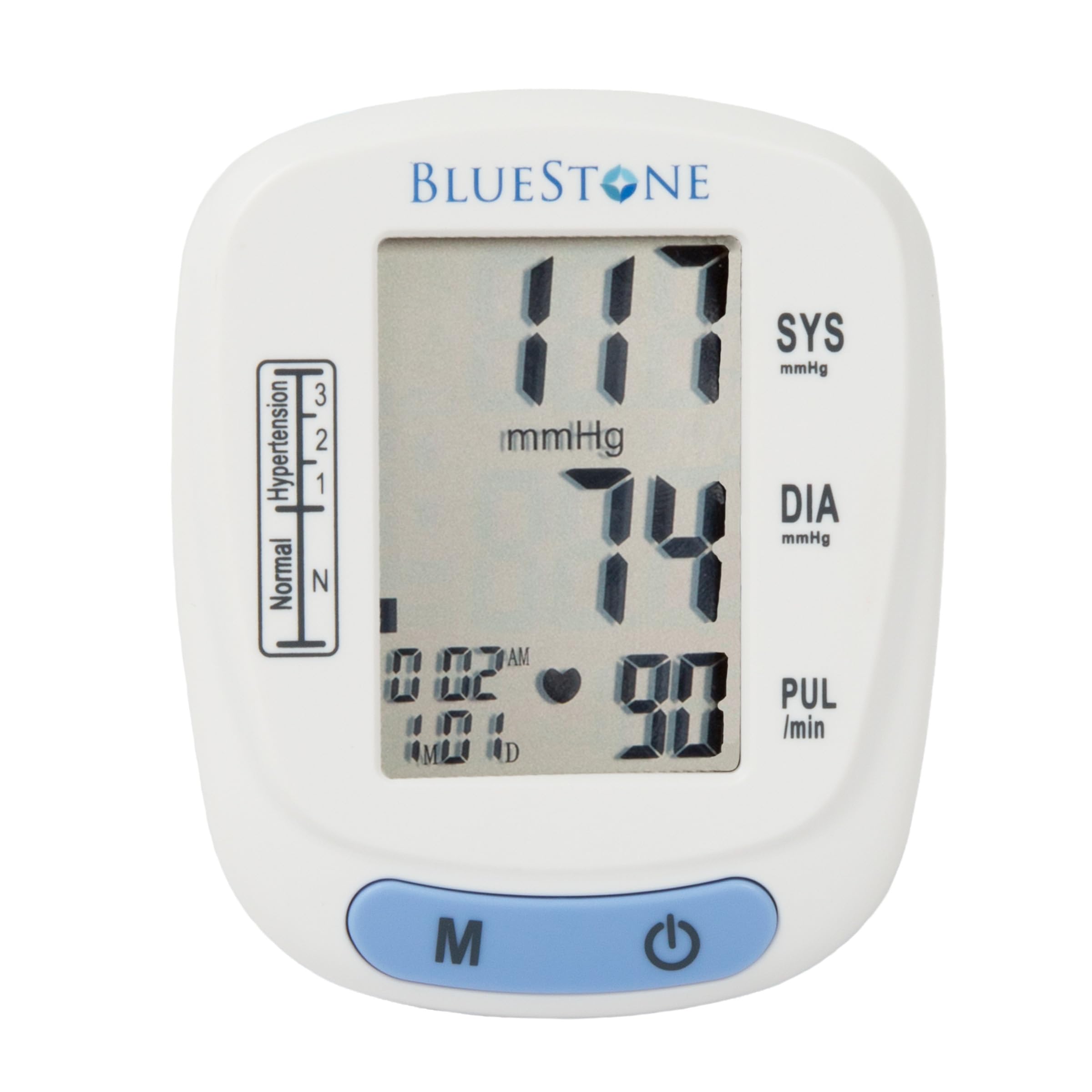
Image 3.1: Bluestone Automatic Wrist Blood Pressure Monitor on a user's wrist.
3.2 Түзмөктүн өзгөчөлүктөрү

Image 3.2: Labeled diagram highlighting the monitor's display elements and buttons.
- Чоң LCD экран: Displays systolic, diastolic, pulse, date, and time.
- Blood Pressure Level Bar: Indicates blood pressure classification (Normal, Hypertension levels 1, 2, 3).
- Эстутум баскычы (M): Accesses stored readings.
- Күйгүзүү/өчүрүү баскычы: Powers the device on and off, and initiates measurements.
- Adjustable Cuff: Designed to fit wrists up to 10 inches in circumference.
4. Орнотуу
4.1 Батареяны орнотуу
- Монитордун артындагы батарея бөлүкчөсүнүн капкагын ачыңыз.
- Туура полярдуулукту (+/-) камсыз кылып, эки AAA батарейкасын (кошулмага кирбейт) салыңыз.
- Батарея уясынын капкагын бекем жабыңыз.
4.2 Манжеттин жайгашуусу
- Remove any tight clothing from your wrist.
- Place the monitor on your left wrist with the display facing upwards. The cuff should be positioned approximately 1-2 cm above your wrist joint.
- Fasten the cuff snugly around your wrist. Ensure it is not too tight or too loose.
- Rest your arm on a table or flat surface so that the monitor is at the same level as your heart. Keep your palm open and relaxed.
5. Иштөө нускамалары
5.1 Ченөө
- Ensure the cuff is correctly placed on your wrist and your arm is positioned at heart level.
- Press the On/Off button to power on the device. The display will show all symbols briefly, then '00'.
- Манжет автоматтык түрдө үйлөнөт жана өлчөө башталат. Өлчөө учурунда кыймылсыз жана үнсүз туруңуз.
- Once the measurement is complete, the systolic pressure, diastolic pressure, and pulse rate will be displayed on the screen. The device will automatically store this reading.
- Press the On/Off button again to turn off the device, or it will automatically shut off after approximately one minute of inactivity.
5.2 Жыйынтыктарды интерпретациялоо
The monitor displays your systolic (SYS) and diastolic (DIA) blood pressure in mmHg, and your pulse (PUL) in beats per minute. The blood pressure level bar on the left side of the display indicates your reading's classification according to World Health Organization (WHO) guidelines:
- Кадимки: Optimal blood pressure.
- Hypertension (Levels 1, 2, 3): Indicates elevated blood pressure. Consult a healthcare professional for advice.

Image 5.1: Monitor displaying a sample reading and highlighting key features.
6. Эстутум функциясы
The monitor can store up to 120 measurements with date and time stamps, allowing you to track your blood pressure trends.
6.1 Storing Readings
Each successful measurement is automatically stored in the device's memory.
6.2 Recalling Readings
- With the device off, press the 'M' (Memory) button.
- Эң акыркы көрсөткүч биринчи көрсөтүлөт.
- Press the 'M' button repeatedly to scroll through previous measurements.
- To exit memory mode, press the On/Off button or wait for the device to automatically shut off.
7. Техникалык тейлөө
7.1 Тазалоо
- Мониторду жана манжетти жумшак, кургак чүпүрөк менен сүртүңүз.
- Абразивдүү тазалагычтарды колдонбоңуз же аппаратты сууга салбаңыз.
7.2 Сактоо
- Store the monitor in its included protective case when not in use.
- Аппаратты салкын, кургак жерде, тике күндүн нурунан жана экстремалдык температурадан алыс сактаңыз.
- Аппарат узак убакыт бою колдонулбаса, агып кетпеш үчүн батарейкаларды алып салыңыз.

Image 7.1: Monitor stored in its protective case.
8. Кыйынчылыктарды
| Көйгөй | Мүмкүн себеп | Чечим |
|---|---|---|
| Күйгүзүлгөндө дисплей жок | Батареялар өлүп калган же туура эмес салынган. | Туура полярдуулукту камсыз кылуу менен батарейкаларды жаңы AAA батарейкалары менен алмаштырыңыз. |
| Ката билдирүүсү (мисалы, 'Err') | Movement during measurement, improper cuff placement, or device malfunction. | Remain still and silent. Re-apply cuff correctly. If error persists, contact support. |
| Туура эмес окуулар | Туура эмес поза, өлчөө учурунда сүйлөшүү же акыркы физикалык көнүгүү. | Ensure proper technique (see Section 5.1). Take measurements at the same time each day. |
9. Техникалык шарттар

Image 9.1: Dimensions of the Bluestone Blood Pressure Monitor.
| Өзгөчөлүк | Деталь |
|---|---|
| Модель номери | 80-5103 |
| Продукциянын өлчөмдөрү | Узундугу 3" x Туурасы 2.5" x Пр. 2.5" |
| Элемент Салмагы | 8.3 унция |
| Манжеттин айланасы | Fits up to 10" wrists |
| Power Source | 2 x AAA Батареялар (киргизилген эмес) |
| Дисплей түрү | Санарип LCD |
| Memory Capacity | Up to 120 readings with date/time stamp |
10. Кепилдик жана колдоо
Bluestone products are manufactured with quality and care. For warranty information or technical support, please refer to the contact details provided with your purchase documentation or visit the official Bluestone webсайт. Сураныч, кепилдик дооматтар үчүн сатып алуу далилиңизди сактап коюңуз.


