1. Киришүү
This manual provides detailed instructions for the setup, operation, and maintenance of your TECKNET Wireless Mouse Jiggler. Please read this manual thoroughly before using the product to ensure optimal performance and longevity.
2. Пакеттин мазмуну
- TECKNET зымсыз чычканы
- User Manual
3. Продукт бүтүп калдыview
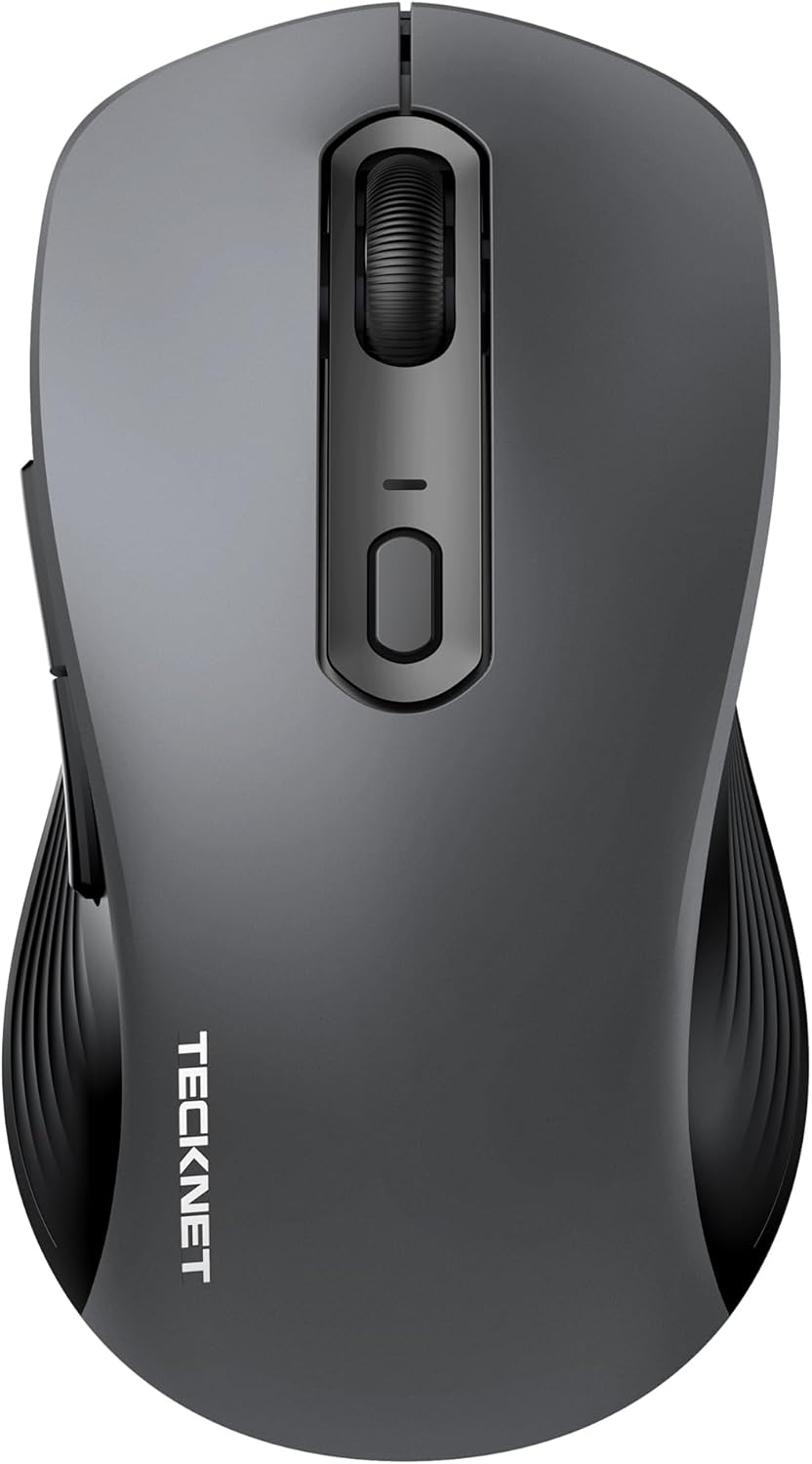
Figure 1: TECKNET Wireless Mouse Jiggler (Dark Grey)
The TECKNET Wireless Mouse Jiggler is designed for comfort and efficiency. It features a silent click mechanism, adjustable DPI settings, and a built-in mouse jiggler function to keep your screen active. The ergonomic design ensures a comfortable grip for extended use.
Негизги өзгөчөлүктөрү:
- Унчукпай чыкылдатуу: Reduces clicking noise for a quiet work environment.
- Жөнгө салынуучу DPI: Cycle through multiple DPI settings (up to 6400 DPI) for precise control.
- Built-in Mouse Jiggler: Keeps your computer active, preventing sleep mode.
- Эргономикалык дизайн: Contoured shape for comfortable right-hand use.
- Байланыш: 2.4G Wireless via USB-C adapter.
- Күч: 2 AAA батарейканы талап кылат.
4. Орнотуу
4.1 Батареяны орнотуу
- Чычкандын астыңкы бетинен батарея бөлүмүнүн капкагын табыңыз.
- Капкакты жылдырыңыз.
- Туура полярдуулукту (+/-) камсыз кылуу менен эки AAA батарейкасын салыңыз.
- Батарея уясынын капкагын бекем жабыңыз.
4.2 Байланыш
The TECKNET Wireless Mouse connects via a 2.4G USB-C adapter.
- Turn on the mouse using the ON/OFF switch located on the underside.
- Plug the USB-C adapter into an available USB-C port on your computer (Mac, Laptop, Desktop, PC).
- Компьютериңиз керектүү драйверлерди автоматтык түрдө таап, орнотуп алышы керек.
- The mouse is ready for use once the installation is complete.
5. Иштөө нускамалары
5.1 DPIди (сезгичтикти) жөндөө
The mouse features an adjustable DPI button, typically located near the scroll wheel. Press this button to cycle through different sensitivity levels (e.g., 800, 1200, 1600, 2400, 6400 DPI) to match your preference and task requirements.
5.2 Using the Built-in Mouse Jiggler
The mouse includes a built-in jiggler function to prevent your computer from entering sleep mode or showing an inactive status. To activate this feature, press and hold the designated button (refer to the mouse diagram in the user manual for exact button location, typically a side button or a specific combination). The mouse cursor will subtly move, simulating activity.
5.3 Silent Click
The left and right click buttons are designed for silent operation, providing a quiet user experience without the traditional clicking sound.
6. Техникалык тейлөө
6.1 Жалпы кам көрүү
- Чычканды жумшак, кургак чүпүрөк менен сүртүп, аны таза кармаңыз.
- Чычканды өтө жогорку температурага, нымдуулукка же түз күн нуруна дуушар кылбаңыз.
- Чычканды бөлүктөргө бөлбөңүз, анткени бул кепилдикти жокко чыгарышы мүмкүн.
6.2 Батареяны алмаштыруу
When the battery indicator light (if present) flashes, it's time to replace the AAA batteries. Follow the battery installation steps in Section 4.1.
7. Кыйынчылыктарды
| Маселе | Мүмкүн чечим |
|---|---|
| Чычкан жооп бербей жатат |
|
| Курсордун кыймылы туура эмес |
|
| Mouse Jiggler not working |
|
8. Техникалык шарттар
| Өзгөчөлүк | Деталь |
|---|---|
| Модель номери | 842079 |
| Байланыш технологиясы | 2.4G Wireless (USB-C Adapter) |
| Кыймылды аныктоо технологиясы | Оптикалык |
| DPI орнотуулары | 6400 XNUMX DPI чейин |
| Өзгөчө өзгөчөлүк | Silent Click, Built-in Mouse Mover |
| Power Source | 2 AAA батарейка талап кылынат |
| Продукциянын өлчөмдөрү | 2.68 x 1.52 x 4.21 дюйм |
| Элемент Салмагы | 2.08 унция |
9. Кепилдик жана колдоо
TECKNET products typically come with a manufacturer's warranty. For specific warranty details, registration, or technical support, please refer to the information provided in your product packaging or visit the official TECKNET website. You may also contact TECKNET customer service directly for assistance.


