1. Киришүү
Сатып алганыңыз үчүн рахматasing the SilverStone Technology SX700-LPT 700W SFX-L Platinum Modular Power Supply. This manual provides detailed instructions for the proper installation, operation, and maintenance of your new power supply unit (PSU). Please read this manual thoroughly before use to ensure optimal performance and safety.
The SX700-LPT is designed for small form factor enthusiasts, offering 700W continuous power output with 80 PLUS Platinum efficiency. It features a silent 120mm fan with advanced semi-fanless operation and 100% modular flat cables for flexible installation.
2. Коопсуздук маалыматы
- Always disconnect the power cord from the wall outlet before installing, servicing, or cleaning the power supply.
- Электр жабдыгын ачпаңыз casinг. Жогорку томtages ичинде бар жана блокту ачуу кепилдикти жокко чыгарат.
- Электр шоктун алдын алуу үчүн туура жерге туташтырууну камсыз кылыңыз.
- Бул кубат булагы менен кошо берилген модулдук кабелдерди гана колдонуңуз. Шайкеш келбеген кабелдерди колдонуу кубат булагына жана туташкан компоненттерге зыян келтириши мүмкүн.
- Электр менен жабдууну жакшы желдетилген жерге, жылуулук булактарынан, тике күн нурунан жана нымдан алыс орнотуңуз.
- Бул продукт жеке компьютерлер менен колдонуу үчүн иштелип чыккан. Аны башка эч кандай максатта колдонбоңуз.
- Балдар жетпеген жерде сактаңыз.
3. Пакеттин мазмуну
Пакетиңизде бардык буюмдар бар экенин текшериңиз:
- SX700-LPT PSU
- Модулдук кабель топтому
- User Manual
- ATX adapter plate (for installation in standard ATX cases)
- Монтаждоо бурамалар
4. Продукт бүтүп калдыview
The SilverStone SX700-LPT is a high-performance SFX-L form factor power supply, offering robust power delivery in a compact design. Key features include:
- 700 Вт үзгүлтүксүз кубаттуулук: Reliable power output for demanding systems.
- 80 PLUS Платина эффективдүүлүгү: Ensures high energy efficiency, reducing heat and operating costs.
- Silent 120mm Fan: Equipped with an advanced semi-fanless operation mode for quiet performance under low loads.
- 100% Modular Flat Cables: Flexible and easy to manage, allowing you to connect only the necessary cables.
- SFX-L Form Factor: A lengthened SFX design that accommodates a larger 120mm fan for improved cooling and acoustics compared to standard SFX PSUs.

Сүрөт 4.1: Алдыңкы view of the SilverStone SX700-LPT power supply, showing the fan grill and SilverStone logo.

4.2-сүрөт: Арткы view of the SilverStone SX700-LPT power supply, featuring the power switch and AC input.
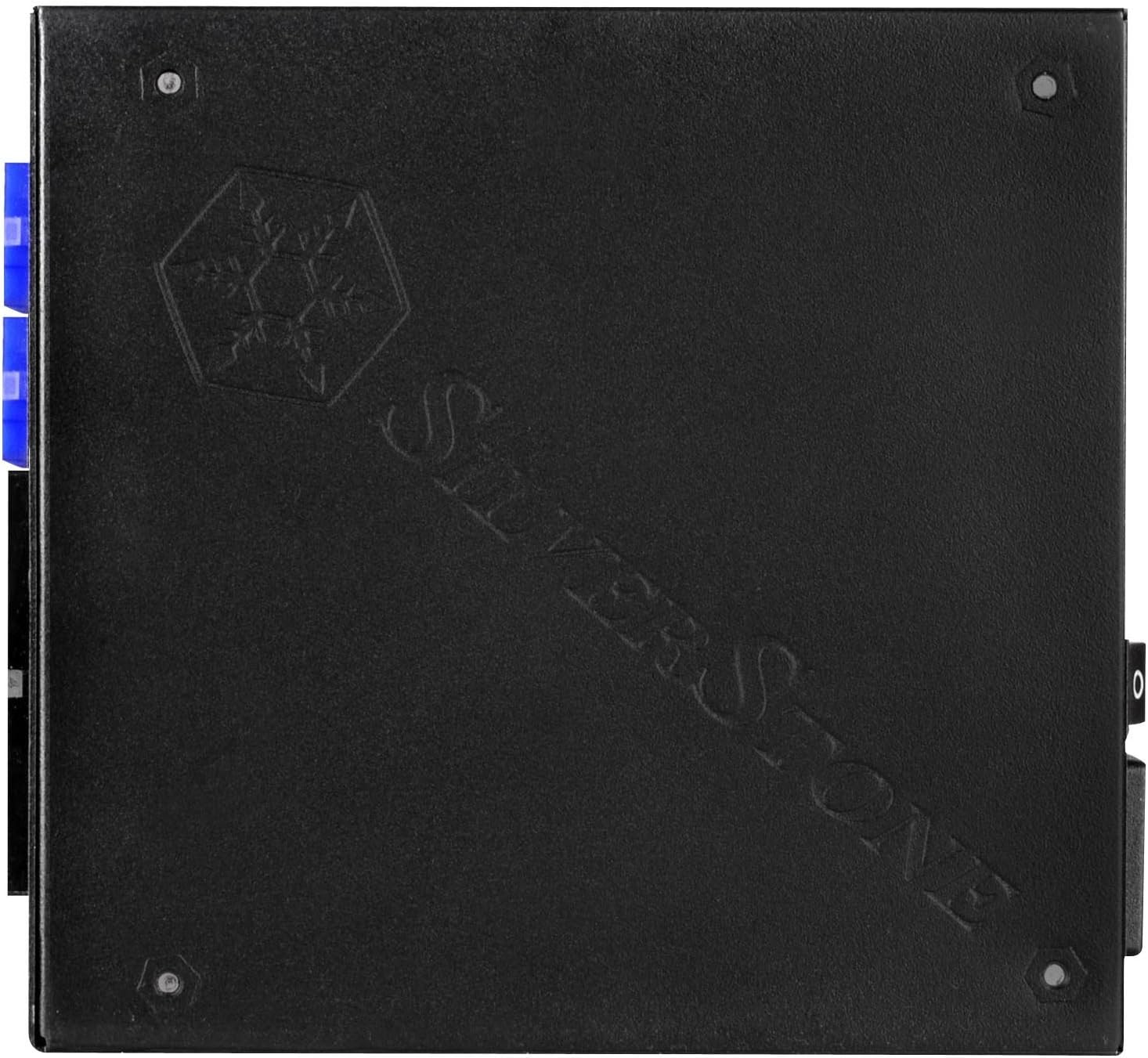
4.3-сүрөт: View of the modular cable connectors on the SilverStone SX700-LPT, clearly labeled for different cable types.
Video 4.1: SilverStone SX1000 Platinum Introduction. This video from SilverStone provides an overview of their SFX-L Platinum series, showcasing internal components, cooling mechanisms, and modular cable connections.
5. Орнотуу
5.1. Орнотууга даярдоо
- Компьютериңиздин өчүрүлгөнүн жана розеткадан суурулуп турганын текшериңиз.
- Компьютериңиздин корпусун өндүрүүчүнүн көрсөтмөлөрүнө ылайык ачыңыз.
- If replacing an existing PSU, carefully disconnect all cables and remove the old unit.
5.2. Электр жабдыгын орнотуу
The SX700-LPT is an SFX-L power supply. If your case supports SFX-L directly, mount it using the provided screws. If your case requires a standard ATX PSU, use the included ATX adapter plate to secure the SFX-L PSU into the larger ATX opening.
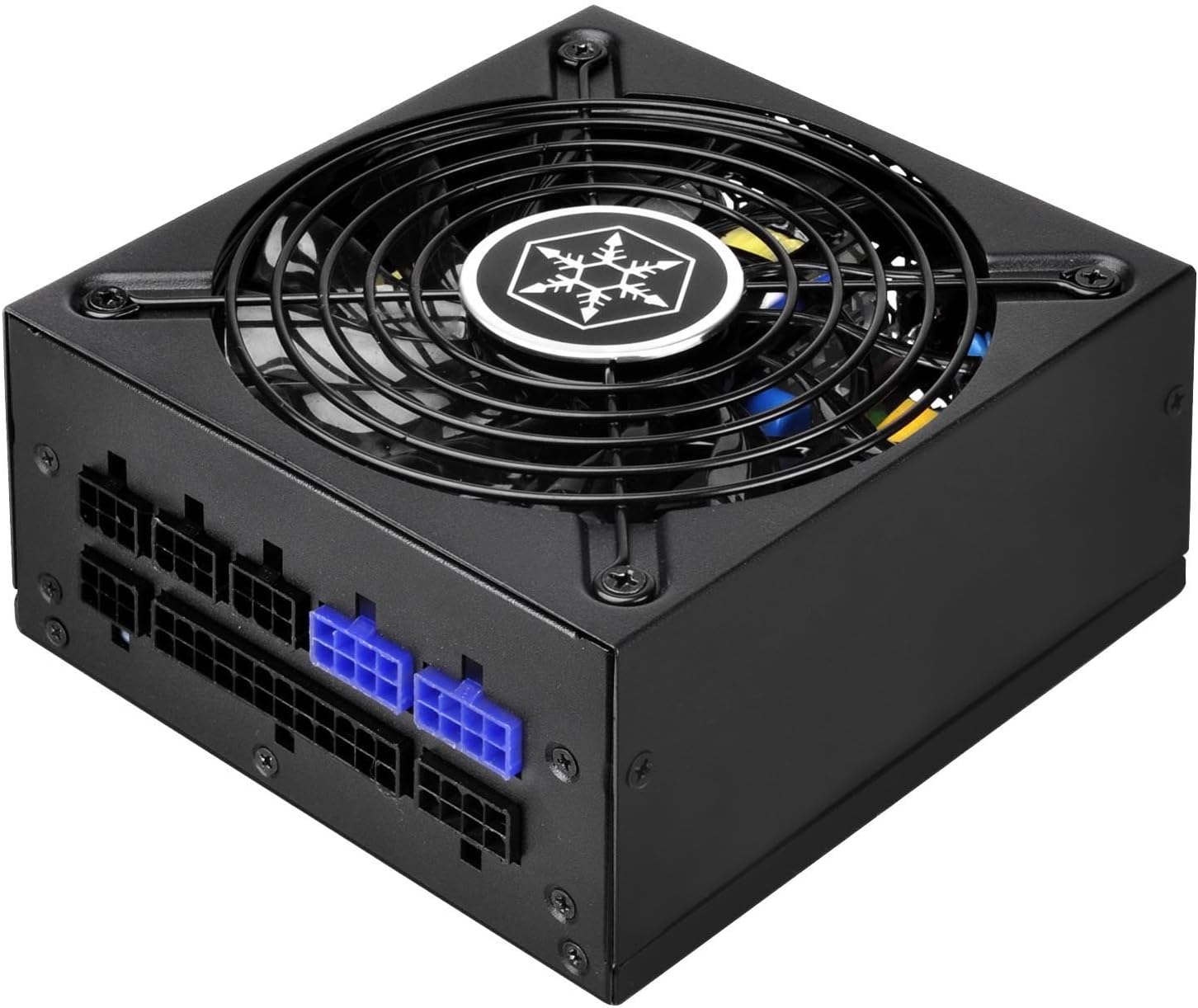
5.1-сүрөт: Каптал view of the SilverStone SX700-LPT, showing its compact SFX-L dimensions.
5.3. Модулдук кабелдерди туташтыруу
Connect only the necessary modular cables to your components. This helps improve airflow and cable management within your case. Refer to the labels on the PSU and the connectors to ensure correct connections.
- Энелик платанын кубаттуулугу: 24-пин ATX кабелин энеңизге туташтырыңыз.
- CPU кубаттуулугу: Connect the 8-pin (or 4+4-pin) EPS/CPU cable to your motherboard's CPU power connector.
- PCIe кубаттуулугу: For graphics cards, use the appropriate 6+2-pin PCIe cables. The SX700-LPT supports Quad PCI-E 8/6pin connectors.
- SATA/PATA Power: Connect SATA power cables to SSDs, HDDs, and optical drives. Use PATA connectors for older peripherals if needed.
Видео 5.2: Продукт бүттүview Video. This video demonstrates general power supply installation and cable management within a PC case, illustrating how to connect various modular cables to components.
6. Иштөө нускамалары
- After all connections are secure, close your computer case.
- Plug the power cord into the PSU and then into a wall outlet.
- Flip the power switch on the back of the PSU to the "ON" position.
- Компьютериңизди күйгүзүңүз.
- The 120mm fan operates in a semi-fanless mode. It will remain off under low loads for silent operation and will activate automatically when the system load increases to maintain optimal temperatures. This is normal behavior and indicates proper functioning.
7. Техникалык тейлөө
- Тазалоо: Periodically clean the exterior of the power supply and its fan grill with a soft, dry cloth. Ensure the power supply is unplugged before cleaning. Do not use liquid cleaners or aerosols.
- Аба агымы: Ensure that the fan intake and exhaust vents are not obstructed to maintain proper airflow and cooling.
- Кабелдик башкаруу: Regularly check cable connections to ensure they are secure and not interfering with airflow.
8. Кыйынчылыктарды
- Кубат жок:
- Check if the power cord is securely plugged into both the PSU and the wall outlet.
- Ensure the power switch on the back of the PSU is in the "ON" position.
- Verify all modular cables are correctly connected to the PSU and components.
- Дубалдагы розеткада кубат бар экенин ырастоо үчүн башка аспап менен сынап көрүңүз.
- желдеткич айланбай жатат:
- The SX700-LPT features a semi-fanless mode. The fan will not spin under low loads. This is normal. It will activate when the system load increases.
- If the fan does not spin under heavy load and the PSU is overheating, contact customer support.
- Системанын туруксуздугу/бузуулар:
- Системаңыздын кубаттуулук талаптары PSUнун 700 Вт кубаттуулугунан ашпасын текшериңиз.
- Бардык кабелдик байланыштардын боштугун текшериңиз.
- Эгер көйгөйлөр чечилбесе, квалификациялуу техникке кайрылыңыз.
9. Техникалык шарттар
| Өзгөчөлүк | Деталь |
|---|---|
| Бренд | SilverStone |
| Модель аты | PS-SX700-LPT |
| Сериялар | PS-SX700-LPT |
| Чыгуу Wattage | 700 Вт |
| Форма фактору | SFX-L |
| Натыйжалуулуктун сертификациясы | 80 PLUS Platinum |
| Муздатуу ыкмасы | Air (120mm fan with semi-fanless operation) |
| Модулдуулук | Толугу менен модулдук |
| Киргизүү көлөмүtage | 90V ~ 264V |
| Иштөө температурасы | 0 ~ 40 градус Цельсий |
| Өлчөмдөрү (LxWxH) | 5.12 x 4.92 x 2.5 дюйм (130 мм x 125 мм x 63.5 мм) |
| Элемент Салмагы | 5 фунт |
| Шайкеш түзмөктөр | Персоналдык компьютер |
| Туташтыргыч түрү | PCI Express (Quad PCI-E 8/6pin support) |
10. Кепилдик жана колдоо
SilverStone Technology бул продуктка чектелген кепилдик берет. Сураныч, SilverStone компаниясынын расмий сайтына кайрылыңыз. website or your product packaging for specific warranty terms and conditions. For technical support, troubleshooting assistance, or to inquire about replacement parts, please visit the SilverStone support page or contact their customer service directly.
For further details, please refer to the complete user manual included in your product package or available for download on the SilverStone webсайт.


