Продукт бүттүview
The AdirOffice 40-Key Digital Lock Key Cabinet provides a secure and organized solution for managing multiple keys. Constructed from durable 16-gauge steel with a scratch-resistant powder coating, this cabinet is designed for optimal protection and longevity. It features a programmable electronic lock for enhanced security, making it suitable for various professional and personal applications.

Сүрөт 1: Алдыңкы view of the AdirOffice 40-Key Digital Lock Key Cabinet.
Негизги өзгөчөлүктөрү:
- Жогорку сапаттагы курулуш: Manufactured using 16-gauge steel with a scratch-resistant powder coating inside and out, along with continuous hinges for optimal protection.
- Secure Digital Lock: Features a programmable electronic lock with a 3-8 digit PIN code and includes two override keys for emergency access.
- 40-Key Capacity: Equipped with 40 key holder hooks and comes with 40 key tags натыйжалуу уюштуруу үчүн.
- Оңой орнотуу: Outfitted with pre-drilled holes and includes mounting hardware for stable wall installation.
- Ар тараптуу колдонуу: Ideal for hotel owners, car dealerships, repair shops, valet parking services, and other professionals requiring secure key management.
Кутуда эмне бар
Upon opening your AdirOffice 40-Key Digital Lock Key Cabinet package, please verify that all the following components are included:

Figure 2: Included components: Key Cabinet, Two Override Keys, Four AA Batteries, Key Tags, and Mounting Hardware.
- AdirOffice 40-Key Digital Lock Key Cabinet
- 2 Override Keys
- 4 АА батарейкалар
- 40 ачкыч Tags
- Монтаждоочу жабдуулар (буроолор жана дубал анкерлери)
Жайгашуу
1. Батареяны орнотуу
- Locate the battery compartment on the back of the digital lock keypad.
- Insert the four (4) AA batteries, ensuring correct polarity.
- Батарея уясынын капкагын бекем жабыңыз.
2. Initial Code Setup
The cabinet comes with a default factory code. It is highly recommended to change this code immediately for security purposes.
- Open the cabinet using the default code or one of the override keys.
- Locate the red reset button inside the cabinet, usually near the hinge.
- Баштапкы абалга келтирүү баскычын басыңыз. Баскычтоп сигнал берет жана индикатор жарыгы күйүп-өчөт.
- Enter your new 3-8 digit PIN code on the keypad.
- Press the 'START' or '#' button to confirm. The keypad will beep again, indicating successful programming.
- Test your new code with the cabinet door open to ensure it works correctly before closing.
3. Дубалга орнотуу
The key cabinet is designed for wall mounting to ensure stability and security. Use the provided mounting hardware.
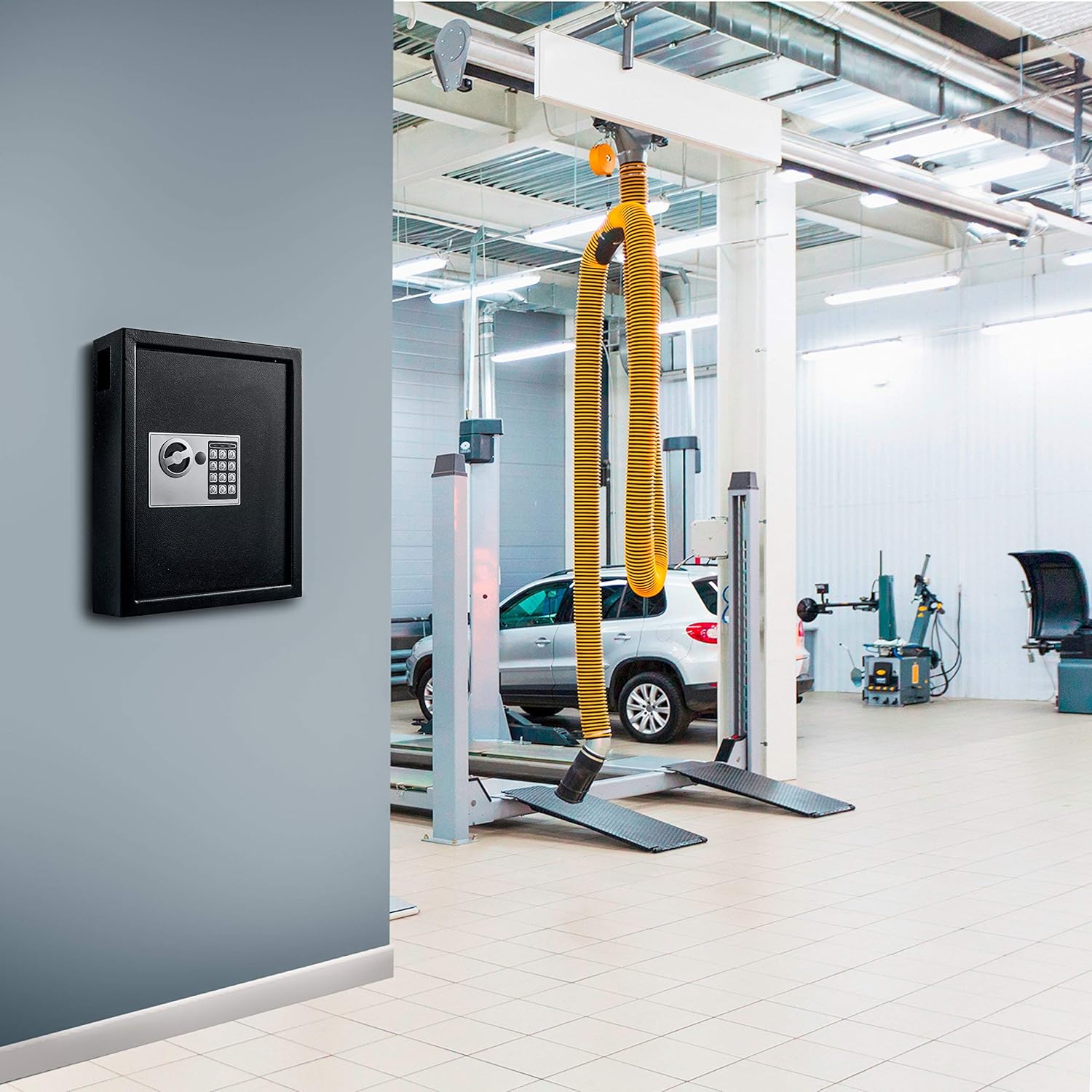
Figure 3: The key cabinet can be securely mounted to a wall.
- Choose a suitable location on a sturdy wall, away from excessive moisture or heat.
- Hold the cabinet against the wall at the desired height and mark the positions of the pre-drilled mounting holes.
- Drill pilot holes at the marked locations. For drywall, insert the provided wall anchors.
- Align the cabinet with the drilled holes and secure it to the wall using the provided screws. Ensure it is firmly attached and does not wobble.
Иштөө нускамалары
Opening the Cabinet with Digital Lock
- Enter your programmed 3-8 digit PIN code on the keypad.
- Press the 'START' or '#' button.
- Within 5 seconds of successful code entry, turn the knob clockwise to open the door.

Figure 4: Entering the PIN code to access the key cabinet.
Opening the Cabinet with Override Key
In case of forgotten PIN code or battery failure, the override keys can be used.
- Locate the cover for the emergency keyhole, usually next to the digital keypad.
- Жабыгын акырын алып салыңыз.
- Insert one of the override keys into the keyhole and turn it counter-clockwise.
- While holding the key turned, turn the knob clockwise to open the door.
Closing and Locking the Cabinet
- Close the cabinet door firmly.
- Turn the knob counter-clockwise to engage the locking bolts. The cabinet is now securely locked.
Техникалык тейлөө
Regular maintenance ensures the longevity and proper functioning of your key cabinet.
- Тазалоо: сыртын жумшак менен сүртүңүз, гamp кездеме. Финишке зыян келтирүүчү абразивдүү тазалагычтардан же эриткичтерден качыңыз.
- Батареяны алмаштыруу: Replace the AA batteries when the low battery indicator appears on the keypad display or if the keypad becomes unresponsive. Always replace all four batteries at once.
- Шарнирди майлоо: Periodically apply a small amount of lubricant to the door hinges to ensure smooth operation.
- Баскычтопко кам көрүү: Баскычтопту кургак жана таза кармаңыз. Баскычтарды ашыкча күч менен басуудан алыс болуңуз.
Проблемаларды чечүү
| Көйгөй | Мүмкүн себеп | Чечим |
|---|---|---|
| Keypad is unresponsive or display is blank. | Өлгөн же аз батареялар. | Replace all four AA batteries. Ensure correct polarity. |
| Cabinet does not open after entering correct code. | Incorrect code entered, or knob not turned within 5 seconds. | Re-enter the code carefully. Ensure you turn the knob immediately after successful code entry. If issues persist, use the override key. |
| Key stuck in override lock. | Mechanism misalignment or foreign object. | Do not force the key. Try gently wiggling it while turning. If it remains stuck, contact customer support. |
| Beeping sound is too loud. | Normal operation, but user preference. | The beeping volume is fixed and cannot be adjusted. |
Техникалык шарттар
| Өзгөчөлүк | Деталь |
|---|---|
| Бренд | AdirOffice |
| Модель номери | 680-40-BLK |
| Продукциянын өлчөмдөрү | 4"D x 12"W x 14.3"H |
| Кулпу түрү | Электрондук айкалыштырылган кулпу |
| Түс | Кара |
| Кубаттуулугу | 40 Ачкычтар |
| Материал | 16-gauge heavy duty steel |
| Монтаж түрү | Дубалга орнотуу |
| Камтылган компоненттер | 2 Override Keys, 4 AA Batteries, Key Tags, Mounting Hardware |
| Элемент Салмагы | 17 фунт |
| Сууга туруктуулук деңгээли | Сууга чыдамдуу эмес |
Кепилдик жана колдоо
For warranty information and customer support, please refer to the official AdirOffice webсайтка же түздөн-түз кардарларды тейлөөгө кайрылыңыз. Сиз да зыярат кылсаңыз болот AdirOffice Store on Amazon кошумча продукт чоо-жайы жана байланыш жолдору үчүн.


