Introduction
Thank you for choosing the Logitech M331 SILENT PLUS Wireless Mouse. This manual provides detailed instructions for setting up, operating, maintaining, and troubleshooting your new wireless mouse. Designed for comfort and quiet operation, the M331 SILENT PLUS offers a reliable and precise navigation experience.
Пакеттин мазмуну
- Logitech M331 SILENT PLUS зымсыз чычкан
- Нано кабылдагыч
- 1 AA батарейкасы (алдын ала орнотулган)
- Колдонуучунун документтери

Image: The Logitech M331 SILENT PLUS Wireless Mouse in red, showing its top view with the scroll wheel and Logitech logo.
Орнотуу колдонмосу
1. Батареяны орнотуу
The Logitech M331 SILENT PLUS mouse comes with one AA battery pre-installed. If you need to replace it:
- Чычкандын астыңкы бетинен батарея бөлүмүнүн капкагын табыңыз.
- Капкакты жылдырыңыз.
- Insert a new AA battery, ensuring the positive (+) and negative (-) terminals align correctly with the indicators inside the compartment.
- Батарея уясынын капкагын бекем жабыңыз.
2. Connecting the Nano Receiver
The Nano Receiver provides the wireless connection between your mouse and computer.
- Locate the Nano Receiver. It is typically stored inside the battery compartment of the mouse for safekeeping during transport.
- Plug the Nano Receiver into an available USB port on your computer.
- Компьютериңиз керектүү драйверлерди автоматтык түрдө таап, орнотуп алышы керек. Бул бир нече мүнөткө созулушу мүмкүн.
3. Turning the Mouse On/Off
To conserve battery life, the mouse features an on/off switch.
- Чычкандын астындагы кубат которгучту табыңыз.
- Slide the switch to the "ON" position to use the mouse.
- Slide the switch to the "OFF" position when not in use for extended periods, such as overnight or during travel.

Image: A diagram highlighting key features of the Logitech M331 mouse, including silent clicks, wide rubber scroll wheel, contoured grips, high precision tracking, the storage location for the unifying receiver, and its 10-meter wireless range.
Иштөө нускамалары
Чычкандын негизги функциялары
- Сол чыкылдатуу: Press the left mouse button to select items, open fileс, же функцияларды иштетиңиз.
- Оң чыкылдатуу: Press the right mouse button to open context menus or access additional options.
- Жылдыруу дөңгөлөгү: Документтерди карап чыгуу үчүн жылдыруу дөңгөлөгүн өйдө же ылдый жылдырыңыз web барактар. Жылдыруу дөңгөлөк орто баскычты чыкылдатуу функциясын да аткарат.
Тынч операция
The M331 SILENT PLUS mouse is engineered for quiet operation, offering over 90% noise reduction on click sounds compared to standard Logitech mice. This feature ensures a quiet environment for you and those around you.
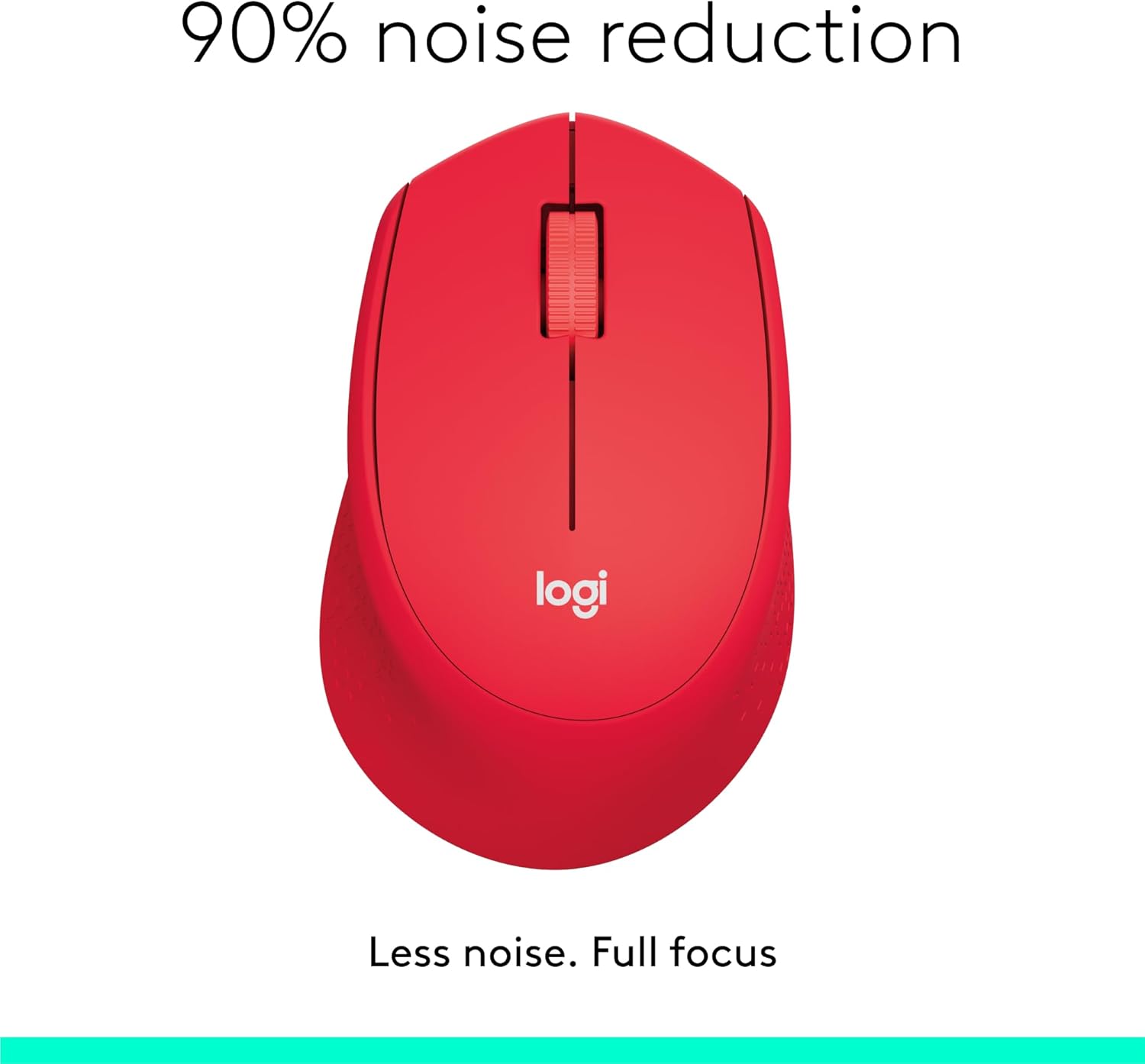
Image: The Logitech M331 mouse illustrating its 90% noise reduction capability, promoting a focused work environment.
Эргономикалык дизайн
The mouse is crafted with contoured grips and a curved shape to fit comfortably in your right hand, providing improved control and reducing strain during extended use.

Image: A hand demonstrating the comfortable grip on the Logitech M331 mouse, highlighting its contoured side grips designed for right-hand use.
Техникалык тейлөө
Чычканыңызды тазалоо
Оптималдуу аткарууну жана гигиенаны сактоо үчүн чычканыңызды дайыма тазалап туруңуз:
- Turn off the mouse and unplug the Nano Receiver from your computer.
- Жумшак, түксүз кездемени жеңил колдонуңуз dampened with water or an electronics-safe cleaning solution to wipe the surface of the mouse.
- Ар кандай тешиктерге ным кирүүдөн сактаңыз.
- For the optical sensor on the underside, use a dry cotton swab to gently remove any dust or debris.
Батареяны алмаштыруу
The M331 SILENT PLUS mouse boasts an impressive battery life of up to 24 months. When the battery is low, you may notice erratic behavior or the mouse becoming unresponsive. Refer to the "Installing the Battery" section under Setup Guide for replacement instructions.
Проблемаларды чечүү
| Көйгөй | Мүмкүн себеп | Чечим |
|---|---|---|
| Mouse is unresponsive or not moving. |
|
|
| Курсордун туруксуз же секирип кыймылы. |
|
|
| Clicks are not registering. |
|
|
Техникалык шарттар
| Өзгөчөлүк | Деталь |
|---|---|
| Модел | 910-004916 |
| Өлчөмдөрү (чычкан) | 105.4 мм (бийиктик) x 67.9 мм (туурасы) x 38.4 мм (тереңдик) |
| Weight (Mouse) | 91.0 g (with battery: 78 g / 2.75 oz) |
| Nano Receiver Dimensions | 14.4 мм x 18.7 мм x 6.1 мм |
| Nano Receiver Weight | 1.8 г |
| Туташуу түрү | 2.4GHz Wireless connection |
| Зымсыз диапазон | 10 метр (33 фут) |
| Sensor Technology | Logitech Advanced Optical Tracking |
| сенсор токтому | 1000 dpi |
| баскычтардын саны | 3 (Left/Right-click, Middle click/Scroll wheel) |
| Scroll Wheel | Yes, 2D, optical, wide rubber wheel |
| Батарея түрү | 1 x AA батарейка |
| Батареянын иштөө мөөнөтү | 24 айга чейин (колдонуучунун жана эсептөө шарттарына жараша өзгөрүшү мүмкүн) |
| Күйгүзүү/өчүрүү | Ооба |
| Системалык талаптар | Windows 10 or later, Windows 8, Windows RT, Windows 7, Mac OS X 10.5 or later, Chrome OS, Linux Kernel 2.6+2, USB connection (available USB port required) |
| Колдун багыты | Туура |
| Материалдын түрү | Plastic (58% Recycled Plastic) |

Image: Detailed dimensions of the Logitech M331 mouse, showing its length, width, height, and weight with batteries.
Кепилдик жана колдоо
For warranty information and technical support, please refer to the user documentation included in your package or visit the official Logitech support website. Logitech products typically come with a limited hardware warranty. Please retain your proof of purchase for warranty claims.
For further assistance, you may visit the Logitech support page: support.logi.com


