1. Киришүү
This manual provides essential information for the safe and efficient operation of your LG 49UJ6300 49-Inch 4K Ultra HD Smart LED TV. Please read this manual thoroughly before using the product and retain it for future reference.
The LG 49UJ6300 is a 49-inch 4K Ultra HD Smart LED TV, offering a high-resolution viewing experience and integrated smart TV functionalities. It features a 60 Hz refresh rate, Wi-Fi connectivity, and multiple input options for various devices.

Image: LG 49UJ6300 49-Inch 4K Ultra HD Smart LED TV.
2. Коопсуздук маалыматы
Өрт, электр шок же адамдардын жаракат алуу коркунучун азайтуу үчүн бул продуктуну колдонууда ар дайым негизги коопсуздук чараларын сактаңыз.
- Телевизорду жамгырга же нымга тийгизбеңиз.
- Эч кандай желдетүүчү тешиктерди жаап албаңыз.
- Электр туташуулары үчүн туура жерге туташтырууну камсыз кылыңыз.
- Телевизорду жылуулук булактарынан жана түз күн нурунан алыс кармаңыз.
- Өндүрүүчү белгилеген тиркемелерди/аксессуарларды гана колдонуңуз.
- Чагылган бороондо же көпкө чейин пайдаланылбай турганда сыналгыны розеткадан ажыратыңыз.
3. Кутуда эмне бар
Бардык компоненттер бар экендигин текшериңиз:
- LG 49UJ6300 49-Inch 4K Ultra HD Smart LED TV
- Алыстан башкаруу
- AAA батарейкалары (алыстан башкаруу үчүн 2 батарейка кошулган)
- Электр кабели
- Stand Legs (2)
- Screws for Stand Legs (6)
- Owner's Manual / Safety and Reference Guide
4. Орнотуу
4.1 Физикалык орнотуу
Before proceeding, ensure the TV is placed on a stable, flat surface or securely mounted to a wall.
Стендди бекитүү:
- Сыналгынын экранын кылдаттык менен ылдый каратып жумшак, таза бетке коюңуз.
- Align the stand legs with the corresponding slots on the bottom of the TV. The legs and TV slots are often letter-coded (e.g., A and B) to indicate correct placement.
- Insert the pull-piece of the stand leg into the designated hole and the tab into the square slot.
- Secure each stand leg with three screws using a screwdriver.
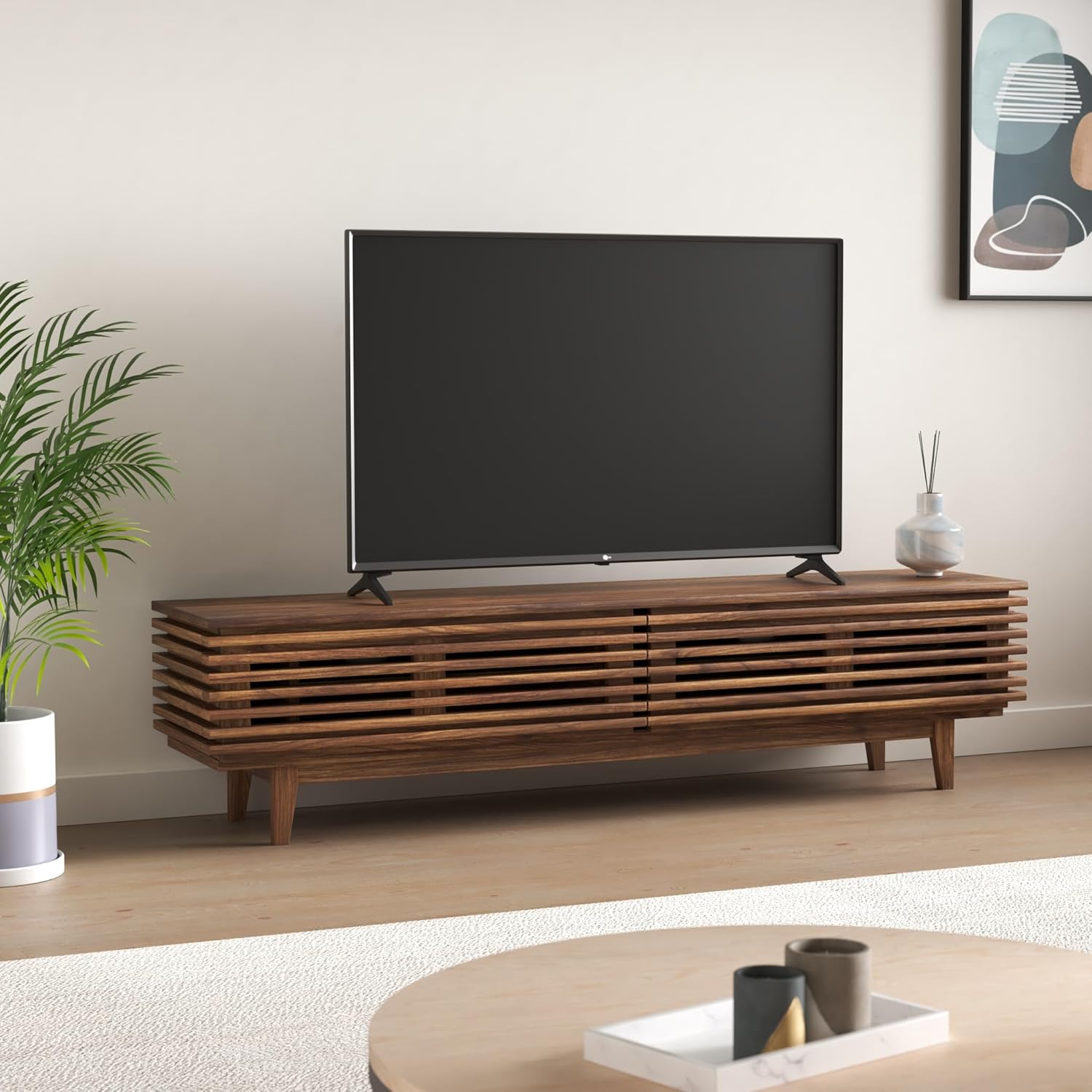
Image: LG 49UJ6300 TV securely placed on its stand.
Эскертүү: The stand legs require a wide entertainment stand. For the 49-inch model, the distance between the outer edges of the legs is approximately 43.7 inches. Ensure your furniture can accommodate this width.

Image: Product dimensions for planning placement.
Дубалга орнотуу:
If wall-mounting, ensure you use a compatible VESA wall mount (not included) and follow the mount manufacturer's instructions. Leave adequate space for cable connections.
4.2 Перифериялык түзүлүштөрдү туташтыруу
Тышкы түзмөктөрүңүздү телевизордун арткы же каптал жагындагы тиешелүү портторго туташтырыңыз.
- HDMI порттору: The TV features multiple HDMI inputs for connecting devices like Blu-ray players, gaming consoles, and set-top boxes.
- USB порттору: Медиа ойнотуу үчүн USB сактагыч түзмөктөрдү туташтырыңыз.
- Ethernet порту: Туруктуу зымдуу интернет байланышы үчүн.
- Оптикалык аудио чыгаруу: Тышкы аудио системаларына туташуу үчүн.
- RCA Jacks: For older devices requiring composite video and stereo audio connections.
Кубат туташуу: Plug the power cable into the TV's power port (typically on the lower left rear) and then into a wall outlet.
4.3 Баштапкы күйгүзүү жана тармакты орнотуу
- Пульттун же сыналгыдагы кубат баскычын басыңыз.
- LG WebOS Smart TV system will guide you through a setup wizard.
- Select your preferred language and country.
- Wi-Fi тармагы: Scan for available Wi-Fi networks and enter your password to connect to the internet. A stable internet connection is crucial for smart TV features.
- Каналды жөндөө: If using an antenna or cable box, the wizard will prompt you to scan for available channels.
4.4 Input Labeling
To easily identify your connected devices, you can label the HDMI inputs:
- Телевизордун жөндөөлөр менюсуна кириңиз.
- Navigate to the "Inputs" section.
- Select the HDMI input you wish to label (e.g., HDMI2).
- Choose "Edit Icon" and select an appropriate icon or custom name (e.g., "Blu-ray Player", "Gaming Console").
5. Сыналгыңызды иштетүү
5.1 Алыстан башкаруу
The included remote control provides full functionality for navigating your TV. It features dedicated buttons for popular streaming services and standard controls for channel, volume, and menu navigation.
- Кубат баскычы: Телевизорду күйгүзөт/өчөт.
- Сан баскычтары: Түз канал тандоо үчүн.
- Үнүн жогорулатуу/төмөндөтүү: Аудио деңгээлин тууралайт.
- Канал өйдө/төмөн: Телеканалдарды өзгөртөт.
- Навигация тактасы (өйдө/төмөн/сол/оң/ОК): Менюда навигация жана тандоо үчүн.
- Ыкчам кирүү баскычтары: Dedicated buttons for services like Netflix, Amazon Prime Video, etc.
Туура полярдуулукту камсыз кылуу менен эки AAA батарейканы алыстан башкарууга кыстарыңыз.
5.2 Сүрөт орнотуулары
Оптималдуу үчүн viewing experience, adjust the picture settings:
- Сүрөт режими: Access the Picture menu in settings. We recommend "Expert (Dark Room)" or "Expert (Bright Room)" for the most accurate picture quality out of the box, depending on your viewчөйрө.
- Энергияны үнөмдөө: It is recommended to turn off or minimize the "Energy Saving" mode (Eco mode) as it significantly restricts the TV's brightness and can affect picture quality.
- TruMotion: This feature is designed to smooth out motion but can sometimes create an unnatural "soap opera effect." For most content, it is recommended to turn "TruMotion" off. If you prefer some motion smoothing, select "User" and adjust the "De-Judder" and "De-Blur" settings to your preference.
5.3 Smart TV функциялары (WebOS)
Your LG 49UJ6300 runs on the intuitive WebOS platform, providing access to a wide range of apps and content.
- Колдонмону ишке киргизгич: The bottom ribbon provides quick access to installed apps, inputs, and settings.
- LG мазмун дүкөнү: Download and install additional streaming services and applications.
- Экранды бөлүшүү: Wirelessly mirror content from compatible devices to your TV.
6. Техникалык тейлөө
To ensure the longevity and performance of your TV:
- Экранды тазалоо: Экранды жумшак, түксүз чүпүрөк менен акырын сүртүңүз. өжөр белгилери үчүн, жеңил гampчүпүрөккө суу же атайын экран тазалоочу каражат. Тазалоочу каражатты түз экранга чачпаңыз.
- Кабинетти тазалоо: Телевизордун шкафын сүртүү үчүн жумшак, кургак чүпүрөктү колдонуңуз.
- Вентиляция: Ашыкча ысып кетүүнүн алдын алуу үчүн желдетүү тешиктери жабылбагандыгын текшериңиз.
- Электр кабели: Электр шнурунун бузулушу бар-жоктугун дайыма текшерип туруңуз.
7. Кыйынчылыктарды
Эгерде сизде көйгөйлөр пайда болсо, төмөнкү кеңири таралган чечимдерди колдонуп көрүңүз:
- Кубат жок: Электр шнурунун сыналгыга да, розеткага да бекем сайылганын текшериңиз. Розетканы башка аспап менен текшериңиз.
- Сүрөт/үн жок: Бардык кабелдик туташууларды текшериңиз (HDMI, антенна ж.б.). Телевизордо туура киргизүү булагынын тандалганын текшериңиз.
- Сүрөттүн сапаты начар: Adjust picture settings (brightness, contrast, sharpness). Ensure the input source is providing a high-quality signal. Turn off "TruMotion" if motion artifacts are present.
- Wi-Fi туташуусу жок: Check your router and modem. Restart both the TV and your network equipment. Re-enter your Wi-Fi password in the TV settings.
- Алыстан башкаруу иштебейт: Батареяларды алмаштырыңыз. Пульт менен сыналгынын IR сенсорунун ортосунда эч кандай тоскоолдуктар жок экенин текшериңиз.
For persistent issues, consult the full owner's manual or contact LG customer support.
8. Техникалык шарттар
| Өзгөчөлүк | Деталь |
|---|---|
| Бренд | LG |
| Модель номери | 49UJ6300 |
| Screen Size | 49 дюйм |
| Дисплей технологиясы | LED |
| Резолюция | 4K Ultra HD |
| Жаңыртуу ылдамдыгы | 60 Гц |
| Продукциянын өлчөмдөрү | 9.3"D x 43.7"W x 27.8"H |
| Элемент Салмагы | 25.1 фунт |
| Аспект катышы | 16:9 |
| Байланыш технологиясы | Wi-Fi |
| Камтылган компоненттер | Стенд, телевизор |
| Батареялар талап кылынат | 2 AA батарейка (кошулган) |
| Өзгөчө өзгөчөлүк | Жалпак экран |
| Ватtage | 20 ватт |
9. Кепилдик жана колдоо
For warranty information and customer support, please refer to the documentation included with your product or visit the official LG Electronics webсайт. Сатып алуу квитанциясын кепилдик дооматтары үчүн сатып алуунун далили катары сактаңыз.
Онлайн ресурстар: For additional support, FAQs, and software updates, visit the LG support webсайт.