1. Киришүү
This manual provides essential information for the setup, operation, and maintenance of your ViewSonic VG2449_H2 24-inch dual pack head-only 1080p LED monitors. These monitors are designed for high performance and easy deployment, particularly in multi-monitor setups for corporate, government, and education environments. The dual pack is supplied without monitor stands, making it ideal for VESA-compatible mounting solutions.
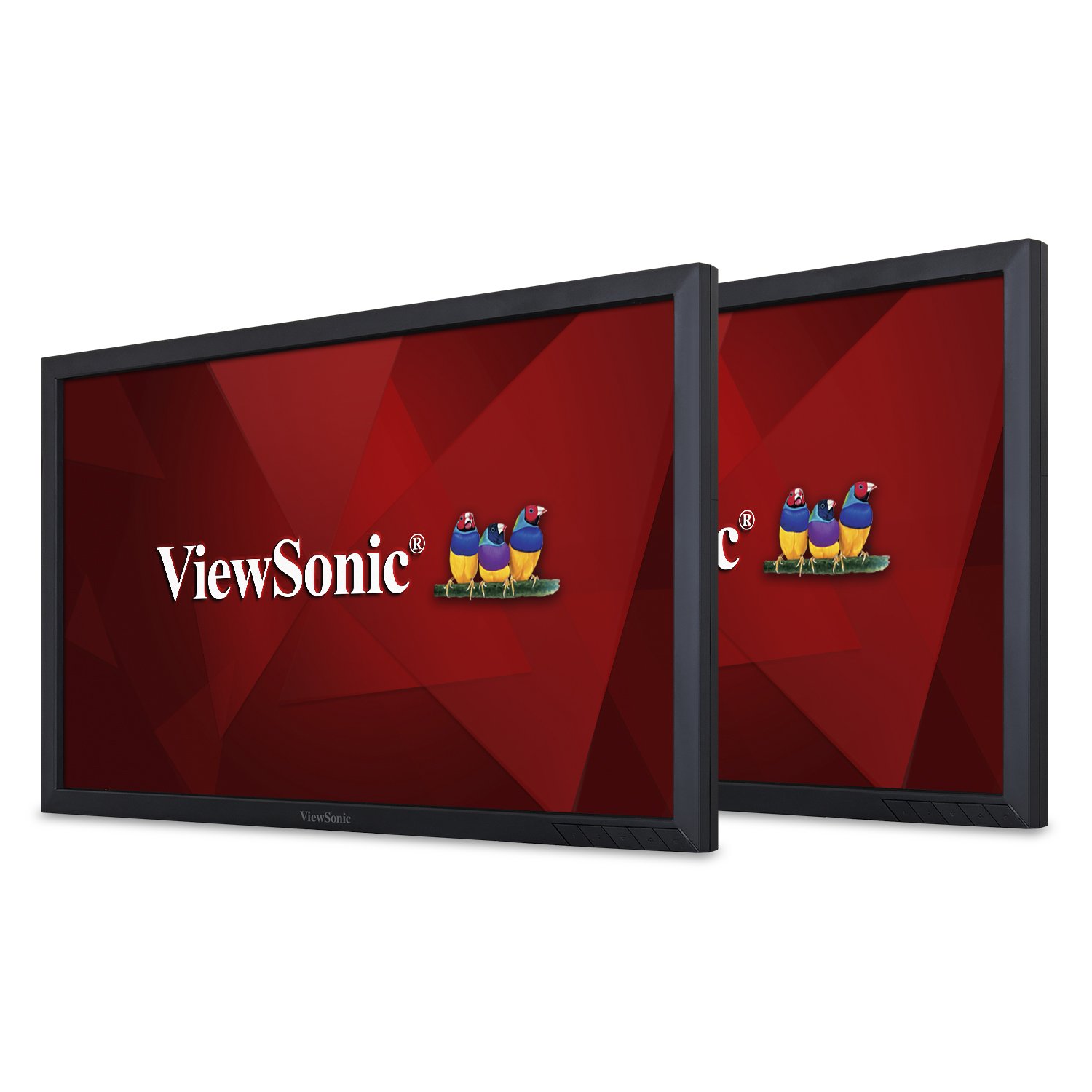
Сүрөт 1: Алдыңкы view -ныкы ViewSonic VG2449_H2 monitor.
2. Кутуда эмне бар
Таңгактан чыгаргандан кийин, төмөндө көрсөтүлгөн нерселердин бардыгы бар экенин текшериңиз:
- Эки (2) ViewSonic VG2449 Monitors
- Two (2) Power Cables (1.8m)
- Two (2) Mini DP to DP Cables (1.8m)
- Two (2) USB 3.0 Upstream Cables (1.8m)
- Бир (1) Ыкчам баштоо колдонмосу
3. Орнотуу
The VG2449_H2 monitors are designed for VESA-compatible mounting. They do not include monitor stands, making them suitable for custom mounting solutions such as desk mounts or wall mounts. Ensure your mounting solution is compatible with VESA 100x100mm standards.
3.1 Mounting the Monitors
Attach the monitors to your VESA-compatible mount using the provided screws. Refer to your mount's instruction manual for specific installation steps. Ensure the monitors are securely fastened before proceeding with cable connections.

2-сүрөт: Арткы view of the monitor highlighting VESA mount points.
3.2 Баштапкы туташуу
After mounting, connect the power cables to each monitor and then to a power outlet. Connect the video cables (HDMI, DisplayPort, Mini DP, or VGA) from your computer or other video source to the respective input ports on the monitors. For USB functionality, connect the USB 3.0 upstream cable from one monitor to your computer.
For a visual guide on setting up dual monitors and understanding the benefits of ViewSonic Dual Monitor Packs, please watch the video below:
Видео 1: Бүттүview of ViewSonic Dual Monitor Packs, demonstrating setup and productivity benefits.
4. Operating the Monitors
4.1 Күйгүзүү/өчүрүү
Press the power button located on the bottom right bezel of each monitor to turn it on or off. The power indicator light will illuminate when the monitor is active.
4.2 Киргизүүнү тандоо
Use the OSD (On-Screen Display) menu buttons to navigate and select the desired input source (HDMI, DisplayPort, Mini DP, VGA). The monitors will automatically detect an active input, but manual selection may be necessary if multiple sources are connected.
4.3 Дисплей сапаты
The VG2449_H2 monitors feature SuperClear MVA panel technology, ensuring consistent and stunning views from wide viewing angles. With a 20M:1 dynamic contrast ratio, images are sharp and colors are vivid across all screens, enhancing productivity and visual experience.
4.4 OS шайкештиги
These monitors are compatible with various operating systems, including macOS, Windows, Linux, Ubuntu, Android, and Chrome OS.
5. Байланыш
The ViewSonic VG2449_H2 offers a comprehensive range of connectivity options to support various devices and configurations:
- HDMI: Жогорку сапаттагы санариптик видео жана аудио үчүн.
- DisplayPort (DP): For high-resolution digital video and audio, supporting daisy-chaining.
- Mini DisplayPort (Mini DP): A compact version of DisplayPort.
- VGA: Аналогдук видео байланыштар үчүн.
- USB 3.0: Multiple USB ports for connecting peripherals and charging devices.
5.1 Daisy-Chaining
The DisplayPort input and output allow for easy, single-cable daisy-chaining of multiple monitors. This feature simplifies cable management and expands your desktop workspace efficiently.

3-сүрөт: Детальдуу view монитордун туташуу портторунун.
6. Техникалык тейлөө
Proper maintenance ensures the longevity and optimal performance of your monitors.
- Тазалоо: Экранды жумшак, мамыксыз чүпүрөк менен акырын сүртүңүз. Эгерде өжөр тактар болсо, экранга түз эмес, кездемеге сүйкөлгөн экранга арналган тазалоочу эритмени колдонуңуз. Күчтүү химиялык заттардан алыс болуңуз.
- Колдонуу: Always handle the monitors by their edges. Avoid applying pressure to the screen.
- Вентиляция: Ensure adequate airflow around the monitors to prevent overheating. Do not block ventilation openings.
- Сактагыч: When not in use for extended periods, store the monitors in a cool, dry place, ideally in their original packaging.
7. Кыйынчылыктарды
If you encounter issues with your monitors, refer to the following common troubleshooting steps:
- Кубат жок: Кубат кабелинин мониторго да, розеткага да бекем туташтырылганын текшериңиз. Розетка иштеп турганын текшериңиз.
- Сигнал жок: Verify that the video cable is correctly connected to both the monitor and the computer/video source. Ensure the correct input source is selected via the OSD menu.
- Жаркылдаган/Бурмаланган сүрөт: Check the video cable for damage or loose connections. Try a different video cable or port. Ensure your graphics card drivers are up to date.
- Туура эмес чечилиш: Adjust the display resolution settings in your operating system to the monitor's native resolution (1920x1080).
- USB порттору иштебейт: Ensure the USB 3.0 upstream cable is connected from the monitor to your computer. Check your computer's device manager for any USB driver issues.
For more complex issues, consult the full user manual available on the ViewSonic webсайт же байланыш ViewSonic кардарларды колдоо.
8. Техникалык шарттар
Төмөндө негизги техникалык мүнөздөмөлөр келтирилген ViewSonic VG2449_H2 monitors:
| Өзгөчөлүк | Спецификация |
|---|---|
| Туруктуу экран дисплей өлчөмү | 24 дюйм |
| Screen Resolution | 1920x1080 (Full HD) |
| Max Screen Resolution | 1920 x 1080 пиксел |
| Бренд | ViewSonic |
| Сериялар | VG2449_H2 |
| Элемент моделинин номери | VG2449_H2 |
| Элемент Салмагы | 15.84 pounds (per monitor) |
| Продукциянын өлчөмдөрү | 2.33 x 22.06 x 13.1 дюйм |
| Түс | Кара |
| Тtage | 240 вольт (AC) |
| Аспект катышы | 16:9 |
| Screen Surface Description | Жылтырак |
9. Кепилдик жана колдоо
ViewSonic products are manufactured to the highest standards and deliver high-quality performance. For detailed warranty information, please refer to the warranty card included with your product or visit the official ViewSonic webсайты. Техникалык колдоо, продуктуну каттоо же толук колдонуучу колдонмосун жүктөп алуу үчүн, сураныч, бул жерге кириңиз www.viewsonic.com.


