1. Киришүү
The Allen-Bradley 1734-AENTR is a Point I/O 2-Port Ethernet Adapter designed to connect Point I/O modules to an EtherNet/IP network. This adapter provides a robust and flexible solution for distributed I/O applications, allowing seamless communication between your industrial control system and various input/output devices.
This manual provides essential information for the proper installation, operation, maintenance, and troubleshooting of the 1734-AENTR adapter.

Сүрөт 1: Алдыңкы view of the 1734-AENTR adapter, showing LED indicators and Ethernet ports.
2. Коопсуздук маалыматы
Always adhere to local and national electrical codes and standards. Ensure power is disconnected before installing, wiring, or servicing the device. Only qualified personnel should perform installation and maintenance procedures. This device is intended for industrial control applications. Improper use can result in injury or equipment damage.
- Жабдууларды иштетүүдөн мурун бардык электр кубатын өчүрүңүз.
- Use proper electrostatic discharge (ESD) precautions when handling the module.
- Ensure proper grounding to prevent electrical shock and ensure correct operation.
- Түзмөктү көрсөтүлгөн айлана-чөйрөнүн чегинен тышкары иштетпеңиз.
3. Орнотуу
3.1. Монтаждоо
The 1734-AENTR adapter is designed for DIN rail mounting. Ensure the DIN rail is securely fastened and provides adequate support for the adapter and connected I/O modules. Snap the adapter onto the DIN rail until it clicks into place.

2-сүрөт: Каптал view illustrating the adapter's profile and mounting mechanism.
3.2. Электр зымдары
Connect the power supply to the adapter's power terminals. Ensure the correct voltage (10-28.8 Vdc) and polarity are observed. Connect Ethernet cables to the two RJ45 ports for network communication. Use shielded Ethernet cables for optimal performance in industrial environments.

3-сүрөт: Төмөнкү view showing the two Ethernet ports and the MAC address label (00:00:BC:63:74:CR).
3.3. Модулду чогултуу
Point I/O modules connect directly to the adapter. Align the module with the adapter's connection points and push firmly until it locks into place. Ensure all modules are securely connected to form a complete I/O system.

4-сүрөт: Жогорку view illustrating the interface for connecting Point I/O modules.

5-сүрөт: Мисample of a Point I/O terminal base (1734-RTB) label, demonstrating the modularity of the system.
3.4. Баштапкы конфигурация
After physical installation, configure the adapter's IP address and other network parameters using Rockwell Automation's software tools (e.g., RSLinx Classic, Studio 5000 Logix Designer). Refer to the software documentation for detailed configuration steps.
4. Иштөө
4.1. LED көрсөткүчтөрү
The 1734-AENTR adapter features several LED indicators to provide status information:
- Модулдун абалы: Indicates the operational status of the adapter.
- Тармак абалы: Indicates the status of the EtherNet/IP network connection.
- Link 1/2 Activity/Status: Indicates network link activity and status for each Ethernet port.
Refer to the troubleshooting section for detailed interpretations of LED states.
4.2. Data Exchange
Once configured and connected, the 1734-AENTR facilitates the exchange of I/O data between the connected Point I/O modules and the EtherNet/IP controller. Data is transmitted and received according to the configured network and I/O connections.
5. Техникалык тейлөө
The 1734-AENTR adapter is designed for minimal maintenance. However, periodic checks are recommended to ensure optimal performance and longevity.
- Экологиялык текшерүү: Иштөө чөйрөсү белгиленген температуранын жана нымдуулуктун чегинде болушун камсыз кылыңыз.
- Тазалоо: Keep the module free from dust and debris. Use a soft, dry cloth for cleaning. Do not use solvents or abrasive cleaners.
- Программалык камсыздоонун жаңыртуулары: Мезгил-мезгили менен өндүрүүчүнүн текшерүү website for available firmware updates. Follow the provided instructions carefully when performing updates.
- Туташуу бүтүндүгү: Verify that all power and Ethernet connections are secure and free from corrosion.
6. Кыйынчылыктарды
This section provides guidance for common issues encountered with the 1734-AENTR adapter.
6.1. LED Status Interpretation
| LED көрсөткүч | Статус | Сүрөттөмө / Аракет |
|---|---|---|
| Модулдун абалы | Катуу жашыл | Модуль нормалдуу иштеп жатат. |
| Жаркылдаган жашыл | Module needs configuration or is in a test mode. | |
| Катуу кызыл | Module fault. Check connections and configuration. | |
| Тармак абалы | Катуу жашыл | Connected to network, communicating. |
| Жаркылдаган жашыл | Not connected, or no IP address. | |
| Катуу кызыл | Network fault. Check network cables and switch. | |
| Link 1/2 Activity/Status | Катуу жашыл | Шилтеме орнотулду. |
| Жаркылдаган жашыл | Activity on link. | |
| Өчүк | No link. Check cable and network device. |
6.2. Жалпы маселелер
- Кубат жок: Электр кубаты менен камсыздоо байланыштарын жана тtage. Эгерде бар болсо, сактагычтарды текшериңиз.
- Тармак туташуусу жок: Ensure Ethernet cables are properly connected to both the adapter and the network switch. Verify switch port status. Check IP address configuration.
- Модуль жооп бербейт: Check the physical connection of the I/O module to the adapter. Verify module configuration in the control program.
7. Техникалык шарттар
Detailed specifications for the Allen-Bradley 1734-AENTR Point I/O 2 Port Ethernet Adapter:
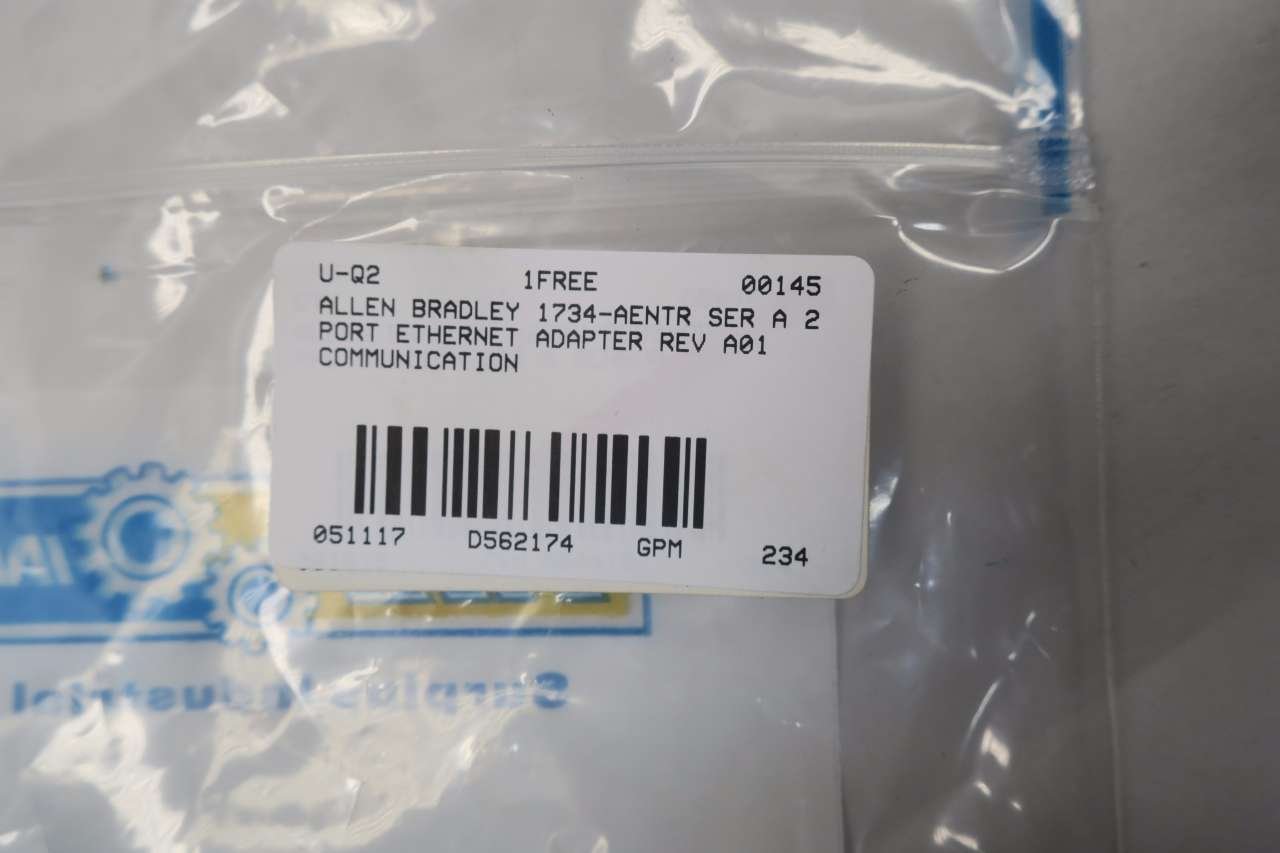
Figure 6: Product label showing detailed electrical and certification specifications.
| Параметр | Нарк |
|---|---|
| Модель номери | 1734-AENTR |
| Сериялар | А сериясы |
| Бөлүмдүн номери | 93422871 A01 |
| Орнотулган программаны кайра карап чыгуу | 3.005 |
| Киргизүү күчү | 10-28.8 Vdc, 1000 mA |
| Pointbus Output | 5 Vdc, 0.8 А |
| Талаа күчү | 10-28.8 Vdc, 10A |
| Продукциянын өлчөмдөрү | 5.25 x 3.5 x 3 дюйм |
| Салмагы | 1.75 фунт |
| Өндүрүүчү | Аллен Брэдли |
| Дата биринчи жеткиликтүү | 12-май, 2017-жыл |
| Ethernet дареги | 00:00:BC:63:74:CR |
| продукты | Сингапур |
| Сертификаттар | UL Listed, CE, Ex (II 3G Ex nA nL IIC T4 X) |
Additional identifiers found on labels: SS0WX1VZ, D562174.
8. Кепилдик жана колдоо
For information regarding product warranty, technical support, and service, please refer to the official Allen-Bradley or Rockwell Automation website. Support resources typically include documentation, software downloads, and contact information for technical assistance.


