1. Киришүү
The Avantree Torpedo Plus is a versatile portable Bluetooth speaker designed to deliver high-quality audio with minimal latency. Featuring aptX Low Latency technology, it ensures audio-visual synchronization when paired with compatible transmitters. This manual provides detailed instructions for setting up, operating, and maintaining your speaker.

Figure 1: Avantree Torpedo Plus Portable Bluetooth Speaker
2. Кутуда эмне бар
- Avantree Torpedo Plus Speaker
- Type C USB Charging Cable (100CM / 3FT)
- Audio Cable (120CM / 4FT)
- Ыкчам колдонуучу колдонмо
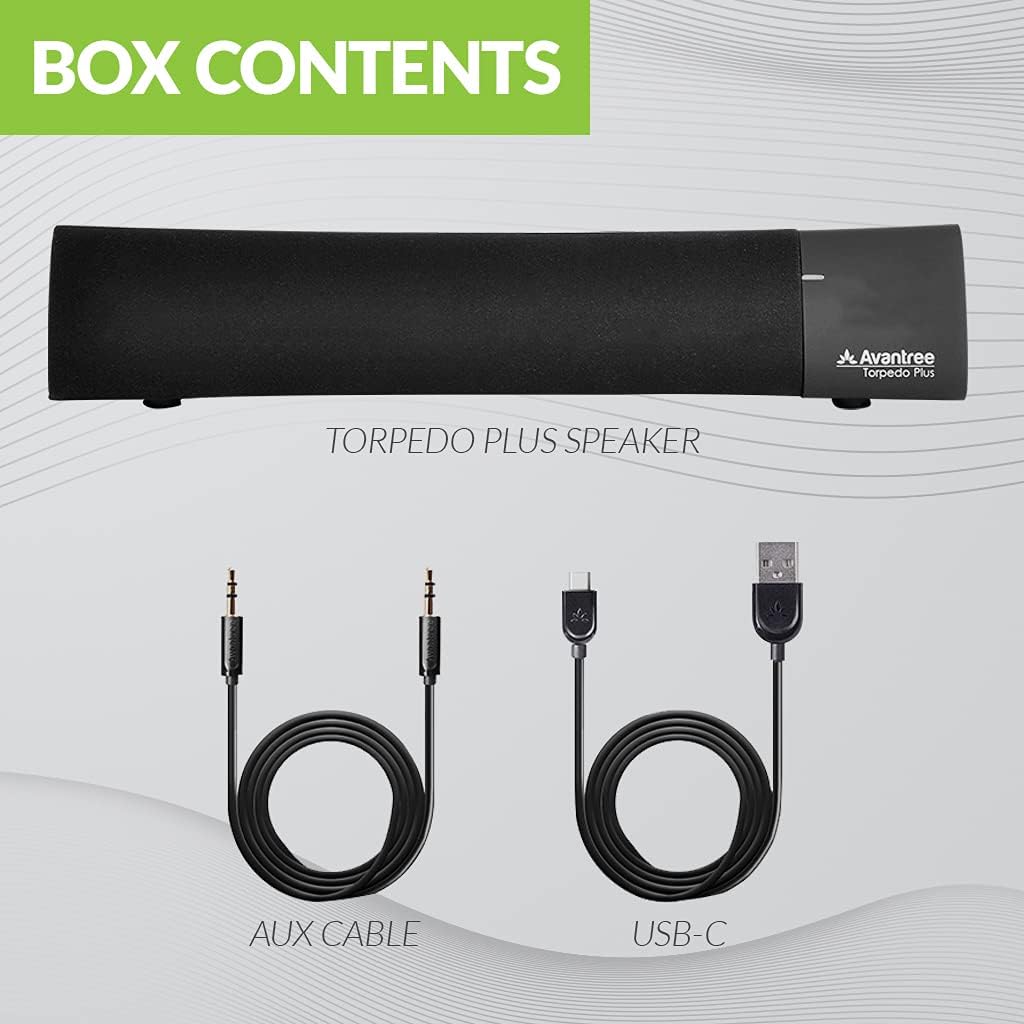
Figure 2: Included accessories with the Torpedo Plus speaker.
3. Продукт бүтүп калдыview
The Torpedo Plus features a compact design with intuitive controls. It includes dual 5W speakers for clear sound output and supports multiple sound modes for a customized listening experience.

3-сүрөт: Ички view highlighting the dual 5W power drivers.
The speaker is lightweight and portable, making it suitable for various environments, from a desktop setup to on-the-go use.
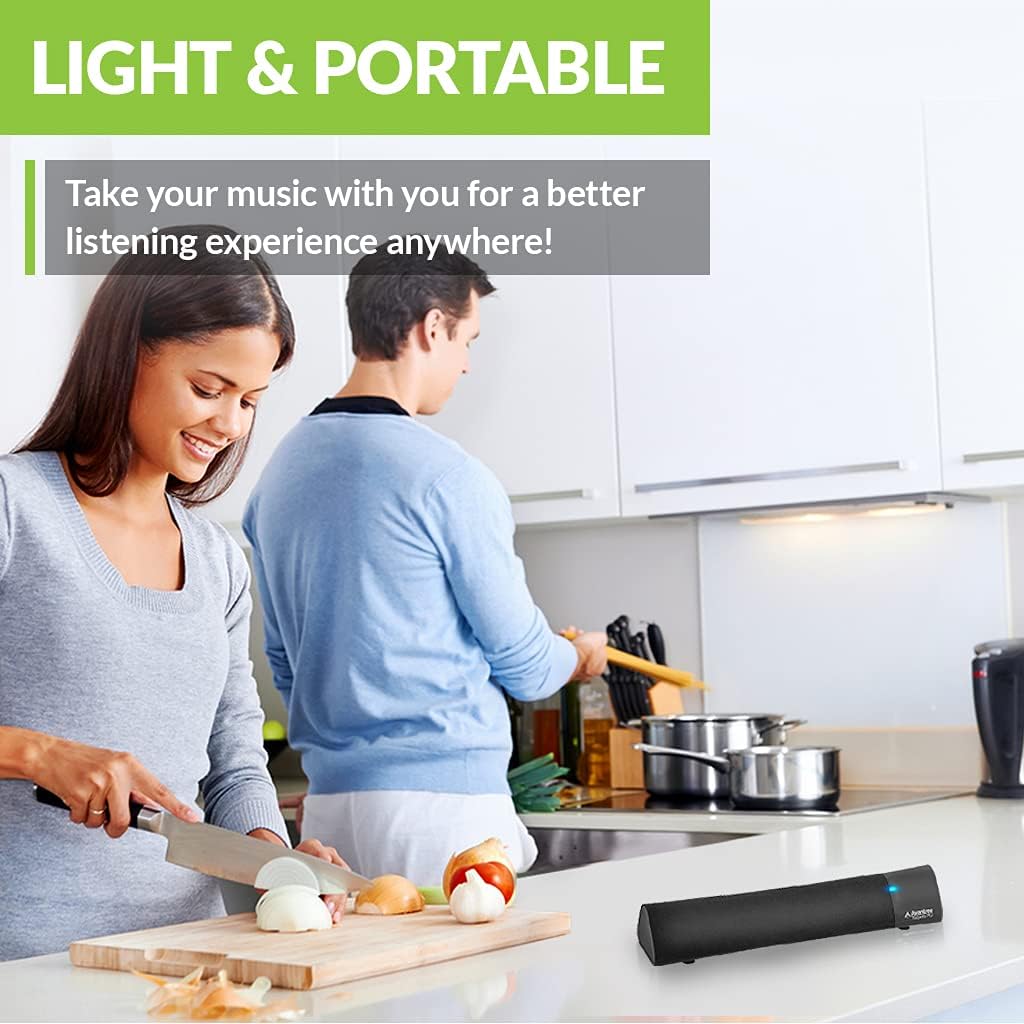
Figure 4: Portability of the Torpedo Plus speaker in a kitchen setting.
4. Орнотуу
4.1 Күйгүзүү
- Connect the provided Type C USB charging cable to the speaker's charging port.
- Plug the other end of the USB cable into a DC 5V/1A power source (e.g., computer USB port, USB wall adapter).
- The speaker will indicate its power status via an LED indicator.
4.2 Алгачкы жупташтыруу (Bluetooth)
- Ensure the speaker is powered on and in Bluetooth pairing mode (usually indicated by a flashing LED).
- On your device (laptop, phone, tablet), enable Bluetooth and search for "Avantree Torpedo Plus".
- Select the speaker to pair. Once connected, the LED indicator will show a solid light.

Figure 5: Easy setup and Bluetooth pairing with a laptop.
5. Иштөө нускамалары
5.1 Bluetooth байланышы
After initial pairing, the speaker should automatically reconnect to your last paired device when powered on and within range.
5.2 Зымдуу туташуу (AUX)
- Connect one end of the provided 3.5mm audio cable to the AUX input port on the speaker.
- Connect the other end to the audio output jack of your device (e.g., TV, computer).
- The speaker will automatically switch to AUX mode or you may need to select it using the mode button/control.
5.3 Үн режимдери
The Torpedo Plus features Digital Signal Processing (DSP) with three distinct sound modes:
- 3D көлөмдүү үн: Enhances spatial audio for an immersive experience.
- Басс режими: Boosts low frequencies for richer bass.
- Balanced Audio Mode: Нейтралдуу үн про камсыз кылатfile suitable for various content.
Refer to the quick user guide for specific instructions on how to switch between these modes.

Figure 6: Available sound modes for personalized audio.
5.4 Low Latency Audio
When used with an aptX Low Latency enabled Bluetooth transmitter, the Torpedo Plus delivers audio in perfect synchronization with video, eliminating noticeable delays.

Figure 7: Enjoying low latency audio with the speaker while watching TV.
5.5 Расмий продукт Video
Watch this official video from AvantreeDirect USA for a visual overview of the Avantree aptX Low Latency Portable Bluetooth 5.0 Speaker.
Video 1: Avantree aptX Low Latency Portable Bluetooth 5.0 Speaker overview.
6. Техникалык тейлөө
- Keep the speaker away from water and excessive moisture.
- Бетти жумшак, кургак чүпүрөк менен тазалаңыз. Абразивдүү тазалагычтарды колдонбоңуз.
- Динамикти экстремалдуу температурага дуушар кылуудан алыс болуңуз.
- Узак мөөнөткө колдонулбаганда салкын, кургак жерде сактаңыз.
7. Кыйынчылыктарды
7.1 Күч жок
- Ensure the USB charging cable is securely connected to both the speaker and a working power source.
- Кубат булагы активдүү экенин текшериңиз.
7.2 Үн жок
- Bluetooth: Check if the speaker is successfully paired and connected to your device. Ensure the volume on both the speaker and your device is turned up.
- AUX: Confirm the 3.5mm audio cable is fully inserted into both the speaker and your device. Ensure your device's audio output is set to the correct port.
- Check if the speaker is in the correct input mode (Bluetooth or AUX).
7.3 Audio Delay (Latency)
- For optimal low latency performance, ensure your Bluetooth audio source (e.g., TV, PC) is connected via an aptX Low Latency compatible Bluetooth transmitter.
- Ensure the speaker is operating in aptX Low Latency mode if applicable (refer to quick user guide for LED indicators).
8. Техникалык шарттар
| Өзгөчөлүк | Деталь |
|---|---|
| Bluetooth версиясы | V5.0 |
| Аудио кодек | aptX LL, aptX, SBC |
| Колдоо Profiles | A2DP V1.3, AVRCP V1.5 |
| Заряддоо порту | C түрү |
| Заряддоо убактысы | 3 саат |
| Заряддоо Voltage | DC 5V/1A |
| Камтылган батарея | 2200 мА / 3.7 В |
| Ойнотуу убактысы | 7 саат |
| Чыгуу күчү | 5W × 2 |
| Frequency Response | 50 Гц~20 КГц |
| Өлчөмү | 275 mm x 60mm x 50 mm (10.83" x 2.36" x 1.97") |
| Продукт Салмагы | 480г (0.026 унция) |
| Зымсыз байланыш технологиясы | Bluetooth |
| Байланыш технологиясы | Көмөкчү, Bluetooth |
| Bluetooth диапазону | 30 метр (100 бут) |
| Аудио кечигүү | 40 Миллисекунд |
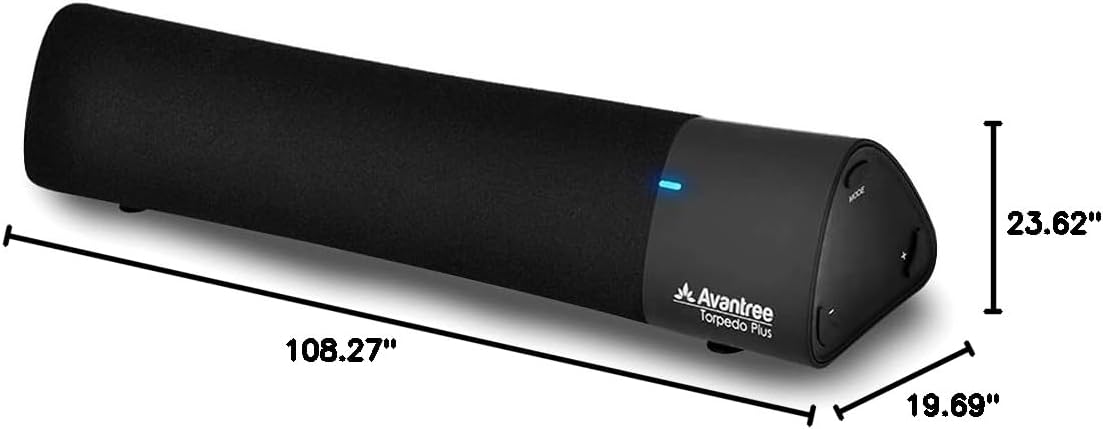
Сүрөт 8: Продукциянын өлчөмдөрү.
9. Кепилдик жана колдоо
The Avantree Torpedo Plus comes with a full 24-month warranty. For support, please visit the official Avantree webсайтка же кардарларды тейлөөгө кайрылыңыз.
зыярат кылыңыз Avantree Store көбүрөөк маалымат жана продуктулар үчүн.


