1. Киришүү
The Cambridge Audio DacMagic 100 is a high-performance Digital-to-Analogue Converter (DAC) designed to significantly enhance the audio quality from your digital devices. It processes digital audio signals from sources such as computers, TVs, and game consoles, delivering a clearer, more detailed, and deeper sound experience to your amplifier or active speakers. This manual provides essential information for setup, operation, and maintenance of your DacMagic 100.
2. Негизги өзгөчөлүктөрү
- Ар тараптуу шайкештик: Works with Mac, PC, and virtually any device equipped with a digital audio output.
- Бир нече санариптик киргизүүлөр: Features 1 x USB, 2 x Coaxial Digital (S/P DIF), and 1 x Optical (Toslink) input for broad connectivity.
- Жогорку чечилиштеги аудио: Supports audio playback up to 24-bit/192kHz via Coaxial and Optical inputs, and 24-bit/96kHz via USB.
- Premium DAC Chip: Utilizes a Wolfson WM8742 24-bit DAC for precise digital-to-analogue conversion.
- Кең жыштыктагы жооп: Delivers a frequency response of 20Hz to 20kHz (+/-0.1dB) for accurate sound reproduction.

This image displays the front panel of the DacMagic 100, illustrating its core features including 2x S/PDIF connections, Toslink connection, 24-bit/96kHz USB Audio capability, and the integrated Wolfson 24-bit DAC.

Ички view of the DacMagic 100's circuit board, showcasing the electronic components and the quality of internal design.
3. Байланыштар
Familiarize yourself with the input and output connections on the rear panel of your DacMagic 100.
- Audio Output (RCA L/R): Connect these to the analogue input of your ampRCA кабелдерин колдонгон көтөргүч же активдүү динамиктер.
- Toslink Optical Input: For connecting digital audio sources via an optical cable.
- S/P DIF 1 & 2 Inputs (Coaxial): For connecting digital audio sources via coaxial cables.
- USB аудио киргизүү: For connecting to a computer (PC or Mac) to use the DacMagic 100 as an external sound card.
- Жер көтөргүчтү которгуч: Helps eliminate hum or ground loop noise. Set to 'Lift' if you experience hum, otherwise leave at 'Ground'.
- +12V DC 2A Power Input: Берилген кубат адаптерин бул жерге туташтырыңыз.

The rear panel of the DacMagic 100 is shown, detailing the Audio Output (RCA L/R), Toslink Optical Input, S/P DIF 1 and 2 Inputs (Coaxial), USB Audio Input, Ground Lift Switch, and the +12V DC 2A power input.
4. Орнотуу нускамалары
- Позициялоо: Place the DacMagic 100 on a stable, flat surface away from heat sources and direct sunlight. Ensure adequate ventilation.
- туташуу Ampөмүр берүүчү: Connect the RCA Audio Output (L/R) of the DacMagic 100 to an available analogue input on your amplifier or active speakers using high-quality RCA cables.
- Connect Digital Source(s):
- USB: Connect a USB cable from your computer to the USB Audio Input on the DacMagic 100.
- Оптикалык: Connect an optical cable from your digital source (e.g., TV, CD player) to the Toslink Optical Input.
- Коаксиалдуу: Connect coaxial cables from your digital source(s) to the S/P DIF 1 or S/P DIF 2 Inputs.
- Жер көтөргүчтү которгуч: Set the Ground Lift switch to 'Ground' for normal operation. If you experience a persistent hum, switch it to 'Lift'.
- Кубат туташуу: Connect the supplied +12V DC 2A power adapter to the power input on the DacMagic 100, then plug the adapter into a wall outlet.
- Күйгүзүү: Press the Standby/On button on the front panel to power on the unit. The selected source indicator will illuminate.
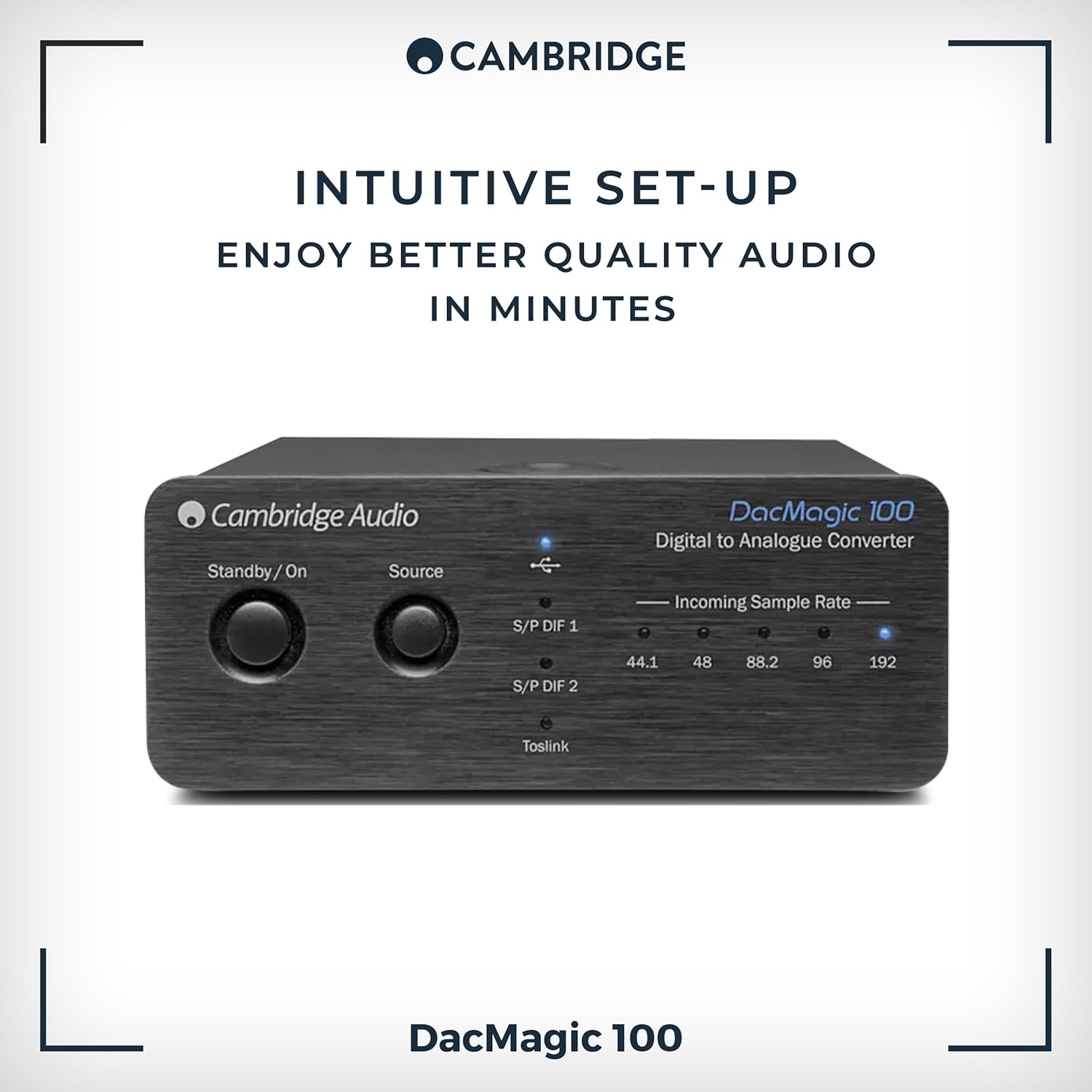
The front panel of the DacMagic 100, indicating its straightforward setup process.
5. Иштөө нускамалары
- Күйгүзүү/өчүрүү: Press the Standby/On button on the front panel to toggle the unit between standby and operational modes.
- Булак тандоо: Press the 'Source' button on the front panel to cycle through the available digital inputs: S/P DIF 1, S/P DIF 2, Toslink, and USB. The active input will be indicated by an illuminated LED.
- Келген СampБаа көрсөткүчтөрү: The LEDs labeled 44.1, 48, 88.2, 96, and 192 indicate the sample rate of the incoming digital audio signal. This helps confirm that your source device is sending the expected audio resolution.
- Үндү көзөмөлдөө: The DacMagic 100 does not have its own volume control. Adjust the volume using your connected ampкөтөргүч же активдүү спикерлер.
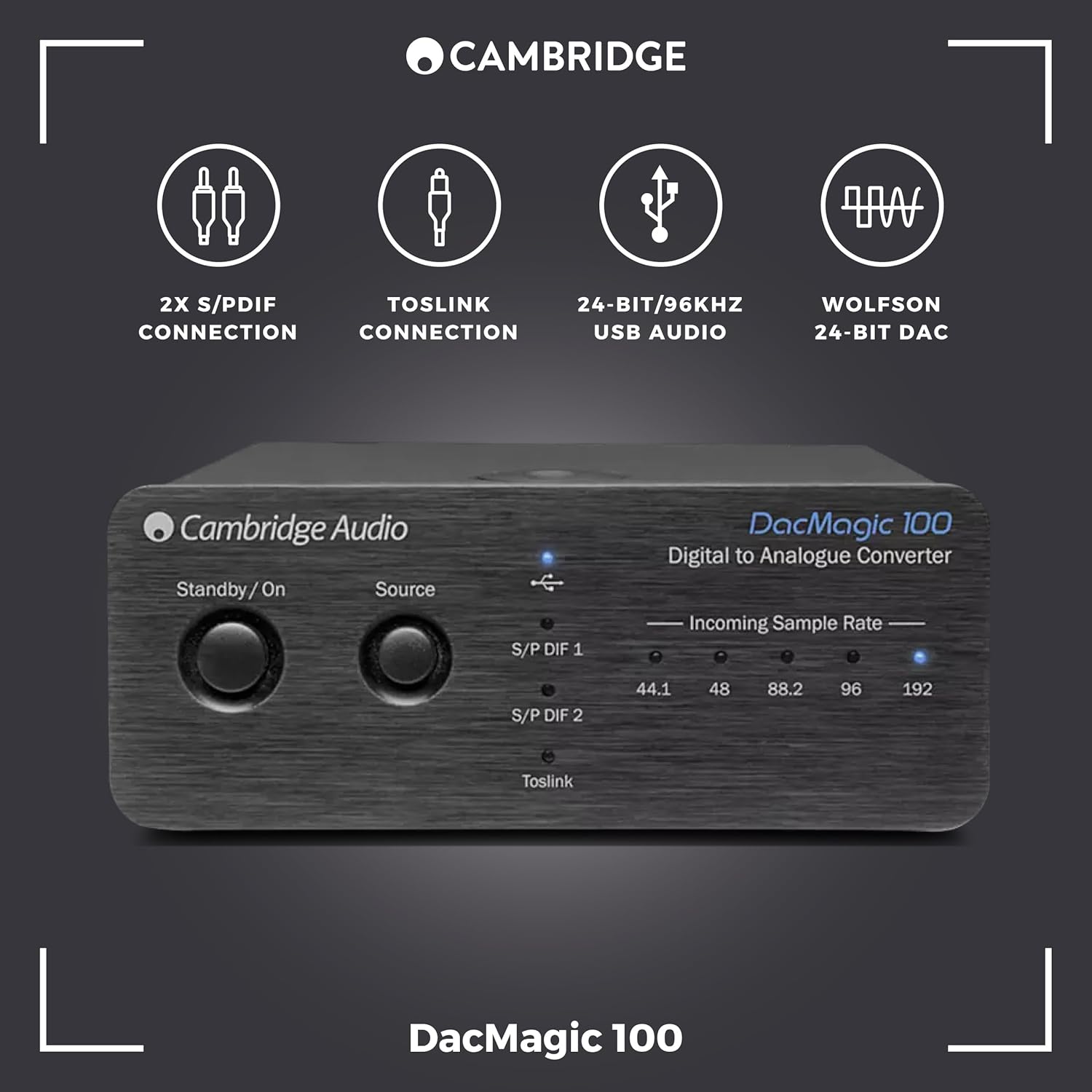
This image highlights the front controls of the DacMagic 100, including the Standby/On button, Source selection button, and LED indicators for incoming sample rates (44.1, 48, 88.2, 96, 192 kHz).
6. USB Audio Driver Installation (for High-Resolution Playback)
For optimal performance and high-resolution audio playback (above 96kHz) via the USB input on Windows PCs, a dedicated driver may be required. Mac OS X typically supports USB Audio Class 1.0 and 2.0 natively without additional drivers.
- Check Cambridge Audio Webсайт: Visit the official Cambridge Audio support website for the latest USB audio drivers specific to the DacMagic 100.
- Жүктөп алуу жана орнотуу: Download the appropriate driver for your operating system and follow the on-screen installation instructions.
- Компьютерди кайра иштетүү: Орнотуудан кийин компьютериңизди өчүрүп күйгүзүңүз.
- Select DacMagic 100: In your computer's sound settings or audio playback software, select the Cambridge Audio DacMagic 100 as the default audio output device.
Эскертүү: If you experience issues with ASIO high-resolution playback, ensure your drivers and firmware are up to date. Consult Cambridge Audio technical support for assistance with firmware updates.
7. Кыйынчылыктарды
| Көйгөй | Мүмкүн себеп | Чечим |
|---|---|---|
| Үн чыгышы жок | Incorrect source selected Кабелдик байланыштар Ampкөтөргүч киргизүү тандалган жок DacMagic 100 not powered on | Press 'Source' to select correct input Check all audio and power cables Туура киргизүүнү тандаңыз ampөмүрлүү Press Standby/On button |
| Бурмаланган же үзгүлтүктүү үн | Poor quality cables Ground loop hum Туура эмес сampбаа орнотуулары USB driver issues | Use high-quality shielded cables Toggle Ground Lift switch Verify source device output settings Install/update USB drivers (see Section 6) |
| USB input not recognized by computer | Missing or outdated USB drivers Incorrect computer sound settings | Install/update USB drivers (see Section 6) Select DacMagic 100 as default audio device in computer settings |
| Укмуш ызы-чуу | Негизги контур интерференциясы | Toggle the Ground Lift switch on the rear panel to 'Lift'. Ensure all components are properly grounded. |
8. Техникалык шарттар
- D-A Converters: Wolfson WM8742 24-бит DAC
- Жыштык жообу: 20Гц - 20кГц (+/-0.1дБ)
- Санарип киргизүү: 1 x USB, 2 x Coaxial Digital (S/P DIF), 1 x Optical (Toslink)
- Аналогдук чыгуулар: RCA L/R
- USB аудио колдоо: 24-бит/96 кГц чейин
- Coaxial/Optical Audio Support: 24-бит/192 кГц чейин
- Каналдардын саны: 1 (Stereo output)
- Интерфейс: USB
- Элемент Салмагы: 0.5 килограмм
- Өндүрүүчү: Cambridge Audio
- Модел: DacMagic 100
- UPC: 813371024205
9. Кароо жана тейлөө
- Тазалоо: Use a soft, dry, lint-free cloth to clean the unit. Do not use abrasive cleaning agents, waxes, or solvents.
- Курчап турган чөйрө: Avoid placing the unit in direct sunlight, near heat sources, or in areas with high humidity or excessive dust.
- Вентиляция: Ашыкча ысып кетүүнүн алдын алуу үчүн аппараттын айланасында туура желдетүүнү камсыз кылыңыз. Вентиляция тешиктерин жаап албаңыз.
- Күч: Disconnect the unit from the power outlet if it will be unused for extended periods.
10. Кепилдик жана колдоо
Your Cambridge Audio DacMagic 100 is covered by a manufacturer's warranty. Please refer to the warranty card included with your product or visit the official Cambridge Audio webСиздин аймакка тиешелүү деталдуу кепилдик шарттары жана шарттары үчүн сайт.
For technical support, troubleshooting assistance, or service inquiries, please contact Cambridge Audio customer support through their official webсайт же ыйгарым укуктуу тейлөө борборлору. Кепилдик дооматтар үчүн сатып алганыңыздын далилин сактаңыз.


