Introduction
Сатып алганыңыз үчүн рахматasing the Juice Jumbo Marshmallow Portable Bluetooth Speaker. This compact and powerful speaker is designed to provide high-quality audio on the go, featuring wireless connectivity and a long-lasting rechargeable battery. Please read this manual carefully to ensure proper use and maintenance of your device.

Image: The Juice Jumbo Marshmallow Portable Bluetooth Speaker, showcasing its compact, spherical design in black with a perforated speaker grille on top.
Кутуда эмне бар
- Juice Jumbo Marshmallow Portable Bluetooth Speaker
- USB заряддоо кабели
- Колдонуучунун Колдонмосу (бул документ)
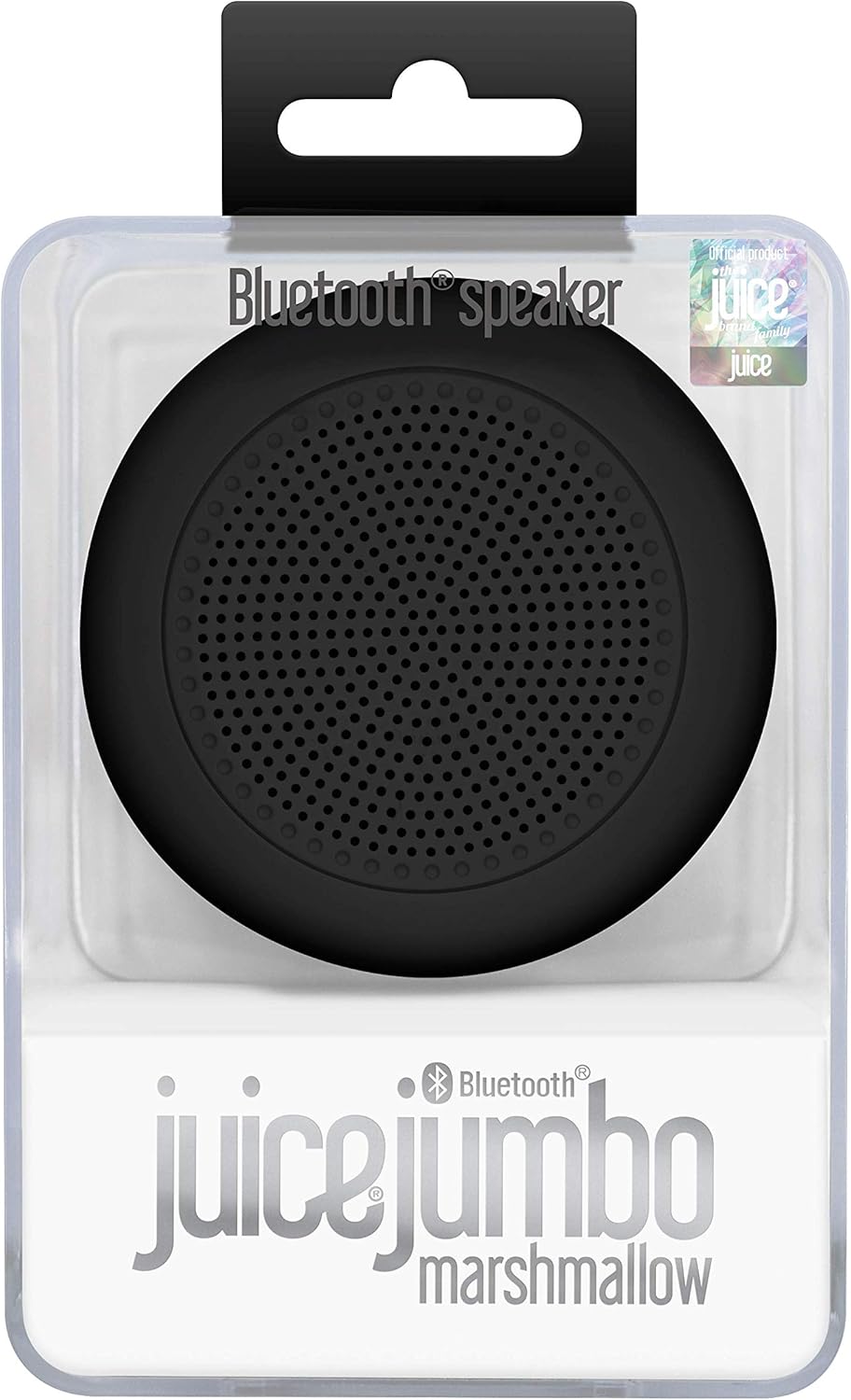
Image: The Juice Jumbo Marshmallow speaker presented in its clear retail packaging, highlighting the product's branding and design.
Жайгашуу
1. Динамикти кубаттоо
Before first use, fully charge your Juice Jumbo Marshmallow speaker. Locate the charging port, typically a micro-USB port, on the side or back of the speaker. Connect the provided USB charging cable to the speaker and the other end to a USB power source (e.g., computer USB port, USB wall adapter).
- An indicator light will typically illuminate during charging and turn off or change color when fully charged.
- Толук заряддоо болжол менен 2-3 саатты талап кылат.
2. Bluetooth Жупташтыруу
Динамикиңизди Bluetooth иштетилген түзмөккө туташтыруу үчүн:
- Ensure the speaker is charged and powered on. A power button is usually located near the charging port.
- The speaker will automatically enter pairing mode, indicated by a flashing LED light (e.g., blue or white).
- Түзмөгүңүздө (смартфон, планшет, ноутбук) Bluetooth жөндөөлөрүнө өтүңүз.
- Издөө available devices. You should see "Juice Jumbo Marshmallow" or a similar name appear in the list.
- Select the speaker name to initiate pairing.
- Once successfully paired, the LED indicator light will typically stop flashing and remain solid, and you may hear an audible confirmation tone.

Image: An illustration emphasizing the speaker's Bluetooth compatibility, showing the Bluetooth logo and text indicating it works with devices that have Bluetooth capability.
Спикерди иштетүү
Күйгүзүү/өчүрүү
Press and hold the power button for a few seconds to turn the speaker on or off. An audible prompt or LED indicator will confirm the status change.
Аудио ойнотуу
Once paired, all audio from your connected device will play through the Juice Jumbo Marshmallow speaker. Control playback (play, pause, skip tracks) and volume directly from your connected smartphone, tablet, or computer.
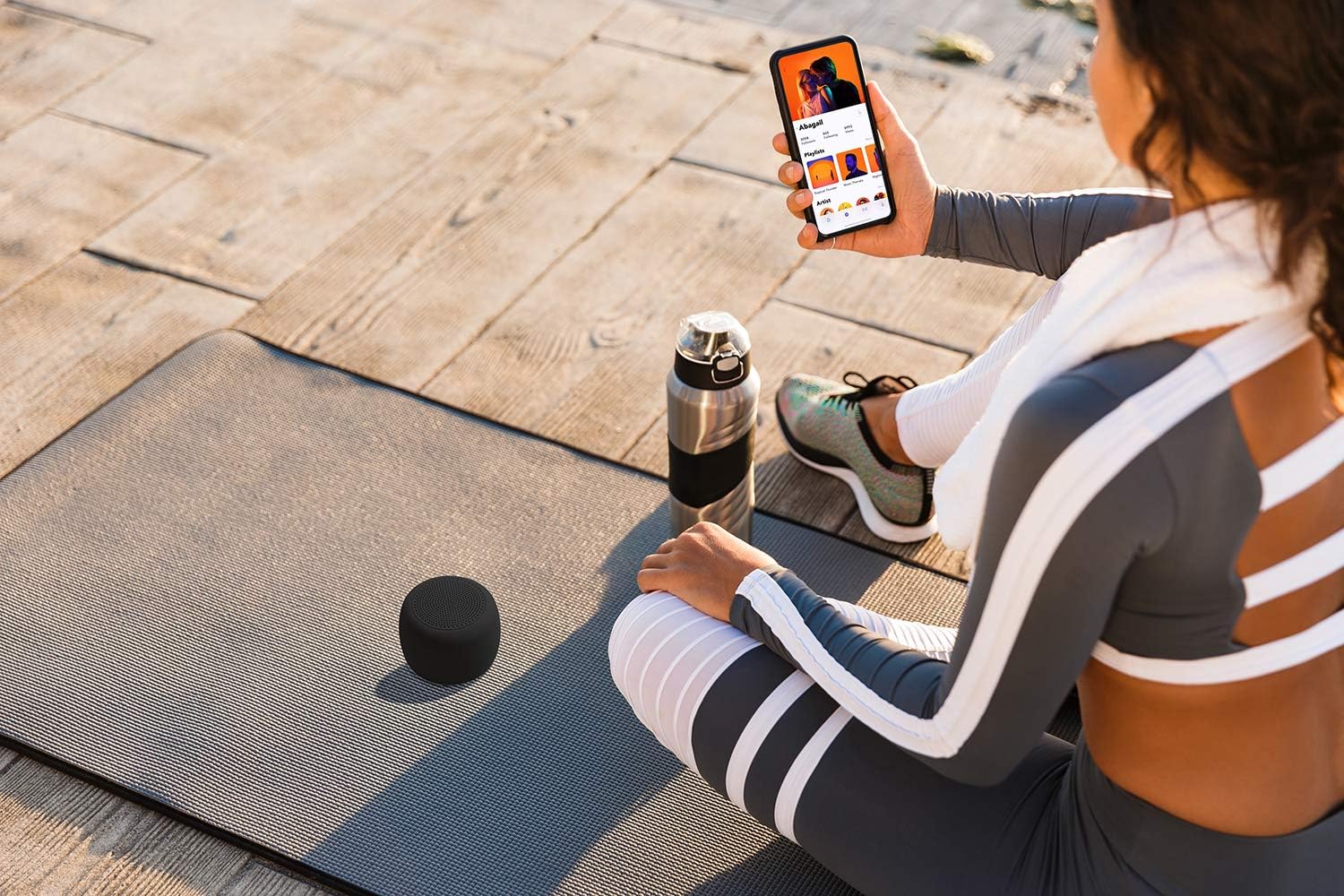
Image: A person sitting on a yoga mat outdoors, holding a smartphone, with the Juice Jumbo Marshmallow speaker placed beside them, demonstrating its portable use.
Операциялык аралык
The speaker maintains a stable Bluetooth connection up to approximately 10 meters (33 feet) from the paired device. Obstacles like walls or other electronic devices may reduce this range.

Image: An illustration depicting the Juice Jumbo Marshmallow speaker and a smartphone, with a circular graphic and text indicating a 10-meter Bluetooth operating range.
Техникалык тейлөө
Тазалоо
Wipe the speaker with a soft, dry, lint-free cloth. Do not use abrasive cleaners, waxes, or solvents. Avoid getting moisture into any openings.
Сактагыч
Store the speaker in a cool, dry place away from direct sunlight and extreme temperatures. If storing for an extended period, charge the battery periodically (e.g., every 3-6 months) to maintain battery health.
Проблемаларды чечүү
| Көйгөй | Мүмкүн себеп | Чечим |
|---|---|---|
| Динамик күйбөйт. | Батарея түгөнүп калды. | Динамикти толук заряддаңыз. |
| Түзмөк менен жупташтыруу мүмкүн эмес. | Bluetooth is off on device; speaker not in pairing mode; too far apart. | Ensure Bluetooth is enabled on your device. Turn the speaker off and on again to re-enter pairing mode. Move speaker closer to your device (within 10m). |
| Үн жок же үнү төмөн. | Динамикте же түзмөктө үн өтө төмөн; динамик туташкан эмес. | Increase volume on both your device and the speaker (if speaker has controls, otherwise only device). Re-establish Bluetooth connection. |
| Үн сапаты начар же үзгүлтүктүү байланыш. | кийлигишүү; аппарат өтө алыс; аз батарея. | Move speaker closer to the device. Avoid obstacles between speaker and device. Charge the speaker. |
Техникалык шарттар
| Модель аты | Jumbo Marshmallow |
| Элемент моделинин номери | JUI-SPKER-JMBMALOW-ECO-BLK |
| Бренд | Сок |
| Байланыш технологиясы | Bluetooth |
| Динамик түрү | Bluetooth |
| Аудио чыгаруу режими | Стерео |
| Динамиктин максималдуу чыгаруу күчү | 3 Ватт |
| Батарея сыйымдуулугу | 800 мАч (кайра заряддалуучу) |
| Ойнотуу убактысы | 4 саатка чейин |
| Операциялык аралык | Around 10 meters (33 feet) |
| Продукциянын өлчөмдөрү | 7.7 x 7.7 x 6 см |
| Продукт Салмагы | 199 г |
| Материал | Пластик |
| Монтаж түрү | Стол үстү |
| Өндүрүүчү | Gusto Telecom Solutions Ltd |
| Келип чыккан өлкө | Кытай |

Сүрөт: жарылган view diagram of the Juice Jumbo Marshmallow speaker, illustrating its internal components such as the soft touch casing, diaphragm membrane, metal basket, magnet, and Bluetooth micro board.
Кепилдик жана колдоо
Juice products are manufactured to high standards and undergo rigorous quality checks. For information regarding warranty coverage and customer support, please refer to the warranty card included with your product or visit the official Juice webсайт.
Сураныч, кепилдик дооматтар үчүн сатып алуу далилиңизди сактап коюңуз.