Introduction
Сатып алганыңыз үчүн рахматasing the MAJORITY Histon Portable DAB/DAB+ Digital Radio. This manual provides essential information for setting up, operating, and maintaining your radio. Please read it thoroughly before use to ensure optimal performance and longevity of your device.
Кутуда эмне бар
- MAJORITY Histon Radio
- Электр кубаты кабели
- Колдонуучунун колдонмосу (бул документ)

Image: The contents of the product packaging, including the Histon radio, its mains power cable, and the user manual.
Продукт бүттүview
The MAJORITY Histon radio is designed for portable and mains-powered listening, offering both DAB/DAB+ and FM radio reception. It features a clear LED display, dual alarm functionality, and a sleep timer.
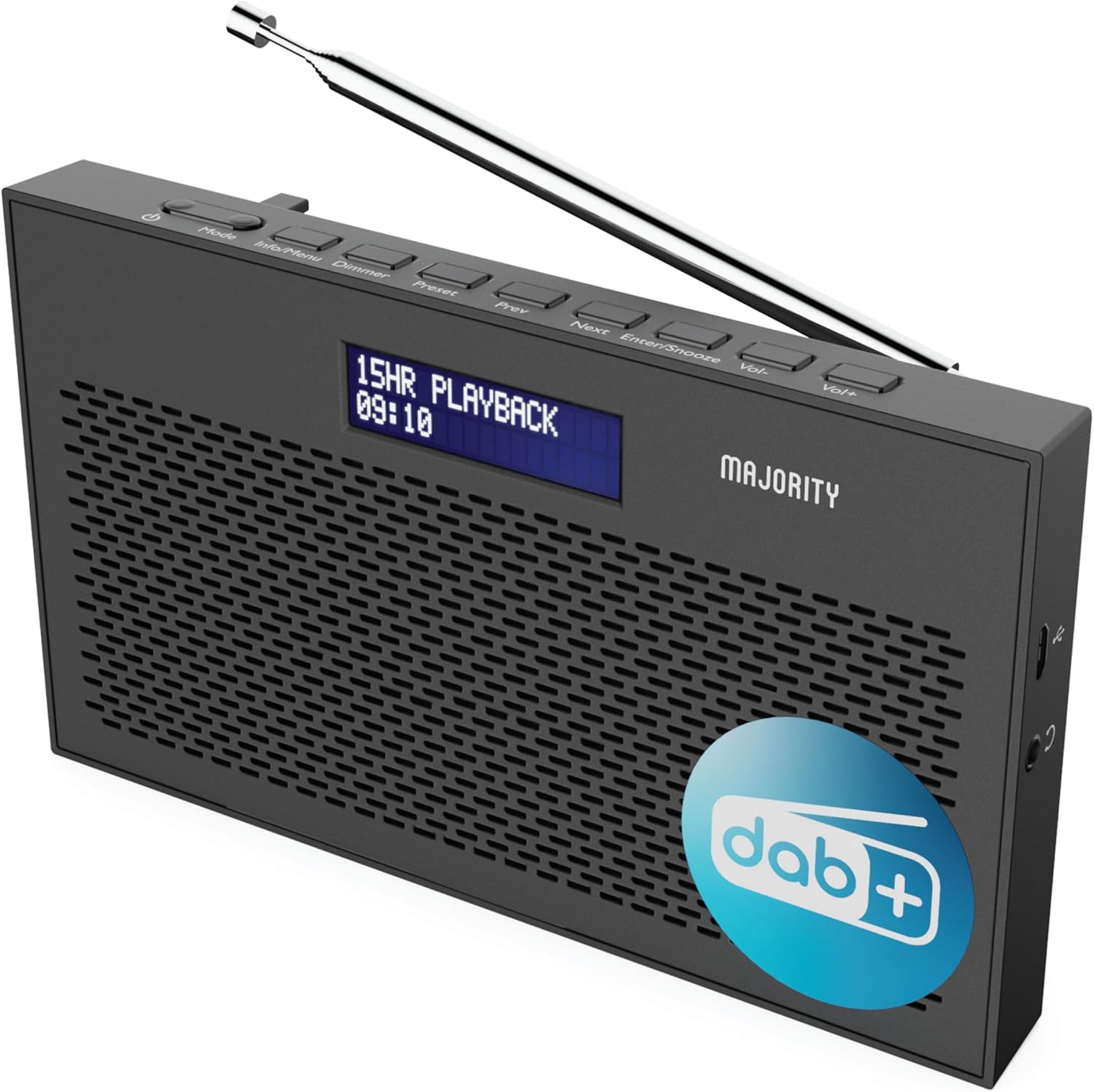
Сүрөт: деталдуу view of the Majority Histon radio, highlighting its compact design and front speaker.
Control жана дисплей
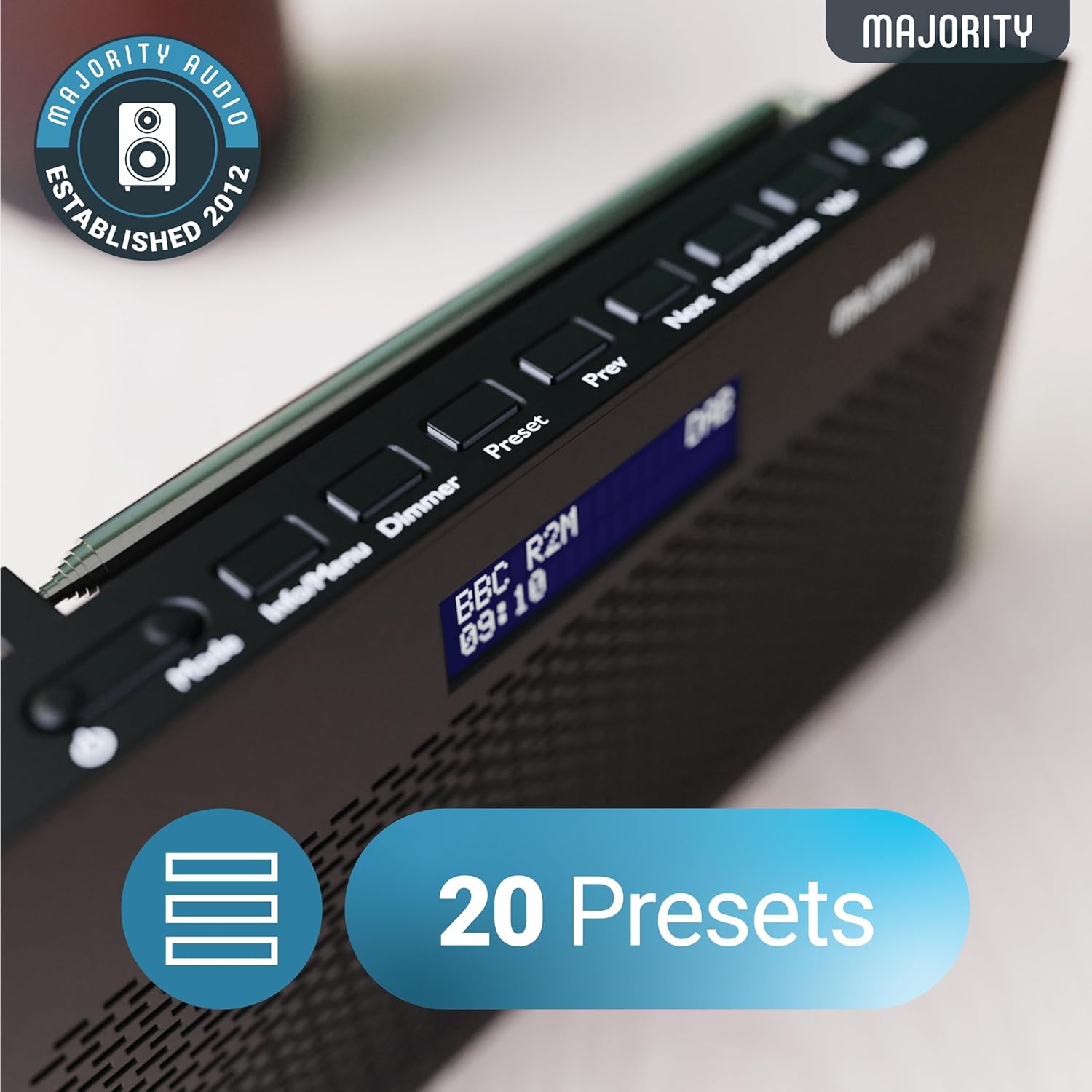
Image: A close-up of the radio's top panel, illustrating the various control buttons and the LED display showing station information.
- Режим: Switches between DAB, FM, and other modes.
- Маалымат/Меню: Displays station information or accesses menu settings.
- тунарды: Дисплей жарыктыгын тууралайт.
- Алдын ала коюлган: Accesses or saves preset stations.
- Мурунку/Кийинки: Navigates through stations or menu options.
- Enter/Snooze: Confirms selections or activates snooze during an alarm.
- Vol-/Vol+: Үн көлөмүн тууралайт.
Порттор жана байланыштар
- DC IN порту: For connecting the mains power cable.
- 3.5 мм гарнитура уячасы: Жеке угуу үчүн.
- Батарея бөлүмү: Located on the rear for 4 AA batteries (not included).
- Телескопиялык антенна: Extendable for optimal signal reception.
Жайгашуу
Күйгүзүлүүдө
The Histon radio can be powered by either the included mains power cable or 4 x AA batteries (not supplied).
- Электр энергиясы: Connect the mains power cable to the DC IN port on the radio and plug the adapter into a wall socket.
- Батарея кубаттуулугу: Open the battery compartment on the rear of the radio and insert 4 x AA batteries, ensuring correct polarity.

Image: The radio in a portable setting, emphasizing its 15-hour battery life capability.
Антеннаны тууралоо
Extend the telescopic antenna fully for the best possible signal reception, especially for DAB/DAB+ and FM broadcasts.
Initial Scan (DAB/DAB+)
Upon first power-on, the radio will automatically perform a full scan for DAB/DAB+ stations. This process may take a few minutes. Once complete, the radio will tune to the first available station.
- If no stations are found, ensure the antenna is fully extended and reposition the radio, then perform a manual scan (see Operating Instructions).
Иштөө нускамалары
DAB/DAB+ радио операциясы
- DAB режимин тандоо: басыңыз Mode "DAB" көрсөтүлгөнгө чейин баскычты басыңыз.
- Станцияны тандоо: колдонуу Мурунку or Кийинки buttons to scroll through available DAB stations. Press Кириңиз бекет тандоо.
- Толук сканерлөө: To perform a full scan for new stations, press and hold the Маалымат/Меню button to enter the menu, then navigate to "Full Scan" and press Кириңиз.
- Алдын ала коюлган станциялар:
- Алдын ала орнотууну сактоо: Станцияны угуп жатканда, баскычын басып, кармап туруңуз Алдын ала коюлган баскычы. Колдонуу Мурунку/Кийинки алдын ала коюлган санды тандоо үчүн (1-20), андан кийин басыңыз Кириңиз сактоо үчүн.
- Алдын ала орнотууну кайра чакырып алуу: баскычын кыскача басыңыз Алдын ала коюлган баскычы. Колдонуу Мурунку/Кийинки to scroll through saved presets, then press Кириңиз to tune.
Image: The radio's control panel, highlighting the capability to store up to 20 preset radio stations.
FM радиосунун иштеши
- FM режимин тандоо: басыңыз Mode баскычын "FM" көрсөтүлгөнчө басыңыз.
- Авто сканерлөө: Басып кармап туруңуз Кириңиз кийинки жеткиликтүү FM станциясын автоматтык түрдө издөө үчүн.
- Кол менен жөндөө: Кыскача басыңыз Мурунку or Кийинки to fine-tune the frequency in 0.05 MHz steps.
- Алдын ала коюлган станциялар: Saving and recalling FM presets follows the same procedure as DAB presets.
Ойготкучтарды орнотуу
The Histon radio features a dual alarm function.

Image: The radio displaying "DUAL ALARM" on its screen, illustrating its dual alarm capability.
- Басып кармап туруңуз Маалымат/Меню менюга кирүү үчүн.
- Колдонуу Мурунку/Кийинки to navigate to "System Settings" and press Кириңиз.
- Navigate to "Alarm" and press Кириңиз.
- Select "Alarm 1" or "Alarm 2" and press Кириңиз.
- Configure the alarm time, duration, source (Buzzer, DAB, FM), frequency (Daily, Once, Weekends, Weekdays), and volume using Мурунку/Кийинки жана Кириңиз.
- To activate/deactivate an alarm, select "On" or "Off" for the chosen alarm.
- Сигнал чыкканда, баскычын басыңыз Киргизүү/Түндүр to snooze for 9 minutes, or press the Күч сигналды өчүрүү үчүн баскыч.
Уйку таймери
Уйку таймери радиону белгиленген убакыттан кийин автоматтык түрдө өчүрүүгө мүмкүндүк берет.
- Басып кармап туруңуз Маалымат/Меню менюга кирүү үчүн.
- "Система жөндөөлөрүнө" өтүп, баскычын басыңыз Кириңиз.
- "Уйку режимине" өтүп, баскычын басыңыз Кириңиз.
- Колдонуу Мурунку/Кийинки to select the desired sleep duration (e.g., 15, 30, 45, 60, 90, 120 minutes) or "Off". Press Кириңиз ырастоо үчүн.
Дисплей жарыктыгы
Adjust the brightness of the LED display.
- баскычын кыскача басыңыз Диммер жарыктык деңгээлдерин өзгөртүү үчүн баскычты басыңыз.
Наушник колдонуу
For private listening, connect standard 3.5mm headphones to the headphone jack on the side of the radio. The internal speaker will automatically mute when headphones are connected.
Проблемаларды чечүү
| Көйгөй | Мүмкүн болгон себеп / Чечим |
|---|---|
| Кубат жок / Радио күйбөйт. |
|
| Poor DAB/FM reception or no stations found. |
|
| Үн бурмаланган же үзгүлтүктүү угулат. |
|
| Ойготкуч угулбайт. |
|
| Дисплей бош же окулбайт. |
|
Техникалык шарттар
- Модел: Histon 2
- Продукциянын өлчөмдөрү: 18 x 4.5 x 11 см (L x W x Y)
- Салмагы: 249 грамм
- Кубат булагы: Mains (via included adapter) or 4 x AA Batteries (not included)
- Колдоого алынган радио топтору: DAB/DAB+, FM
- Алдын ала орнотуулар: 20 (DAB) / 20 (FM)
- Байланыш: 3.5mm Headphone Jack, DC IN Port
- Өзгөчөлүктөр: Portable, Lightweight, Automatic and Manual Tuning, Dual Alarm Clock, Sleep Timer, LED Display, Mono/Auto Switching in FM Mode

Image: A visual representation of the radio's dimensions for reference.
Техникалык тейлөө
- Тазалоо: Радионун бетин тазалоо үчүн жумшак, кургак чүпүрөктү колдонуңуз. Абразивдүү тазалоочу каражаттарды же эриткичтерди колдонбоңуз.
- Сактагыч: Эгерде радиону узак убакытка сактап жатсаңыз, агып кетпеши үчүн батарейкаларды алып салыңыз. Салкын, кургак жерде сактаңыз.
- Суу таасири: Бул радио суу өткөрбөйт. Сууга же жогорку нымдуулукка дуушар кылбаңыз.
- Антеннага кам көрүү: Ийилип же сынбаш үчүн телескоптук антеннаны акырын кармаңыз.
Кепилдик жана колдоо
The MAJORITY Histon radio comes with a 3 жылдык кепилдик. To activate your warranty and for further support, please refer to the registration instructions provided with your purchase or visit the official MAJORITY webсайт.
For technical assistance or warranty claims, please contact MAJORITY customer support through their official channels. Keep your proof of purchase for warranty validation.

Image: A graphic highlighting the 3-year warranty provided with Majority audio products.


