Introduction
Thank you for choosing the Rapoo H100 Wired Stereo Headset. This manual provides detailed instructions for setting up, operating, and maintaining your headset to ensure optimal performance and longevity. The Rapoo H100 is designed for clear audio communication and comfortable wear, featuring smooth HD voice calls, microphone noise reduction, adjustable rotation, volume control, microphone mute, and a standard 3.5mm audio port.
Пакеттин мазмуну
Сураныч, пакеттин мазмунун текшерип, бардык буюмдар бар экенин текшериңиз:
- Rapoo H100 Wired Stereo Headset
Продукт бүттүview
Familiarize yourself with the components of your Rapoo H100 headset for proper use and understanding.

1-сүрөт: Алдыңкы бурчтуу view of the Rapoo H100 Wired Stereo Headset, showcasing the earcups, adjustable headband, and microphone arm.
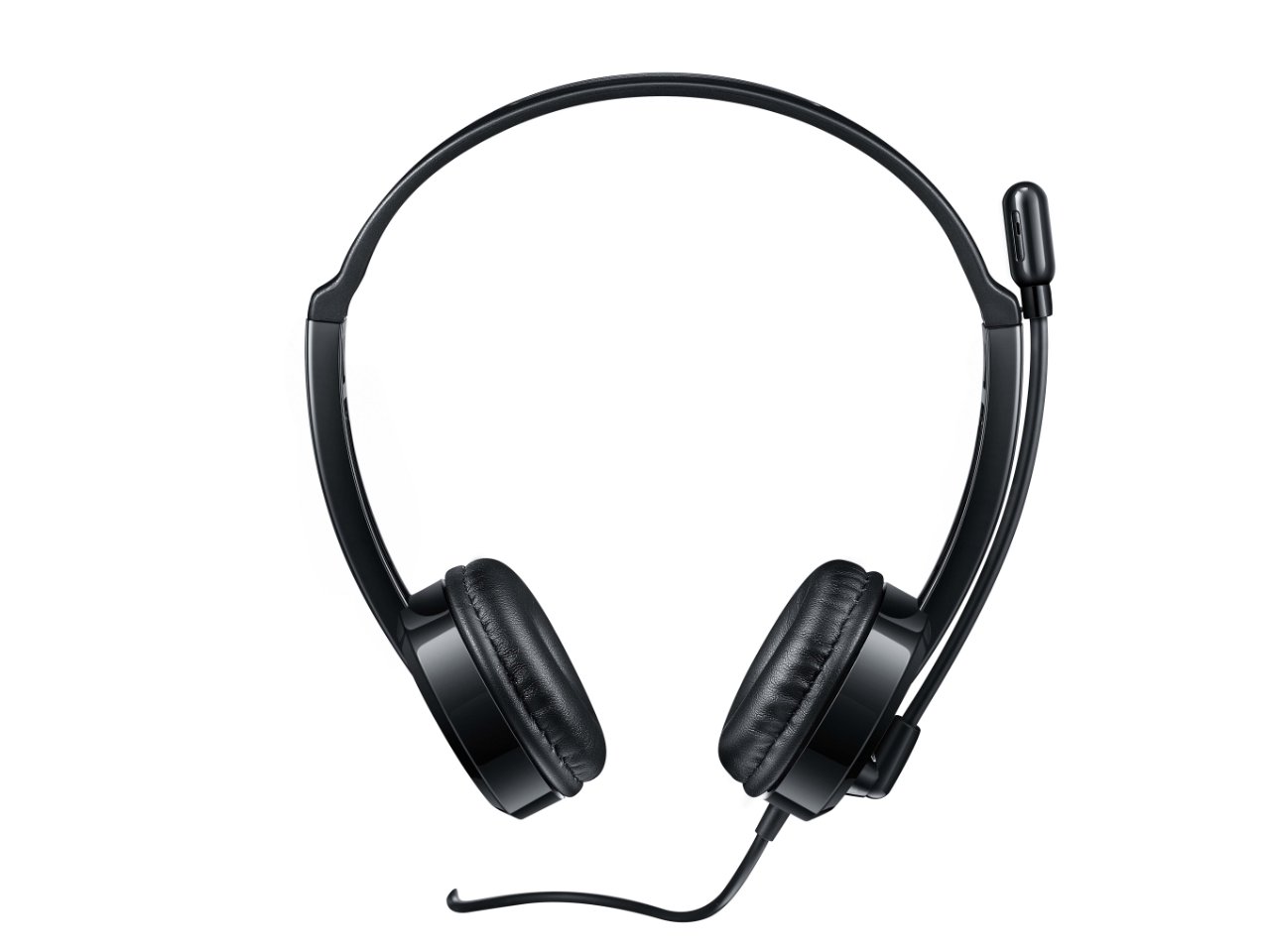
2-сүрөт: Жогорку алдыңкы view of the headset, providing a clear perspective of the headband's curvature and the design of both earcups.
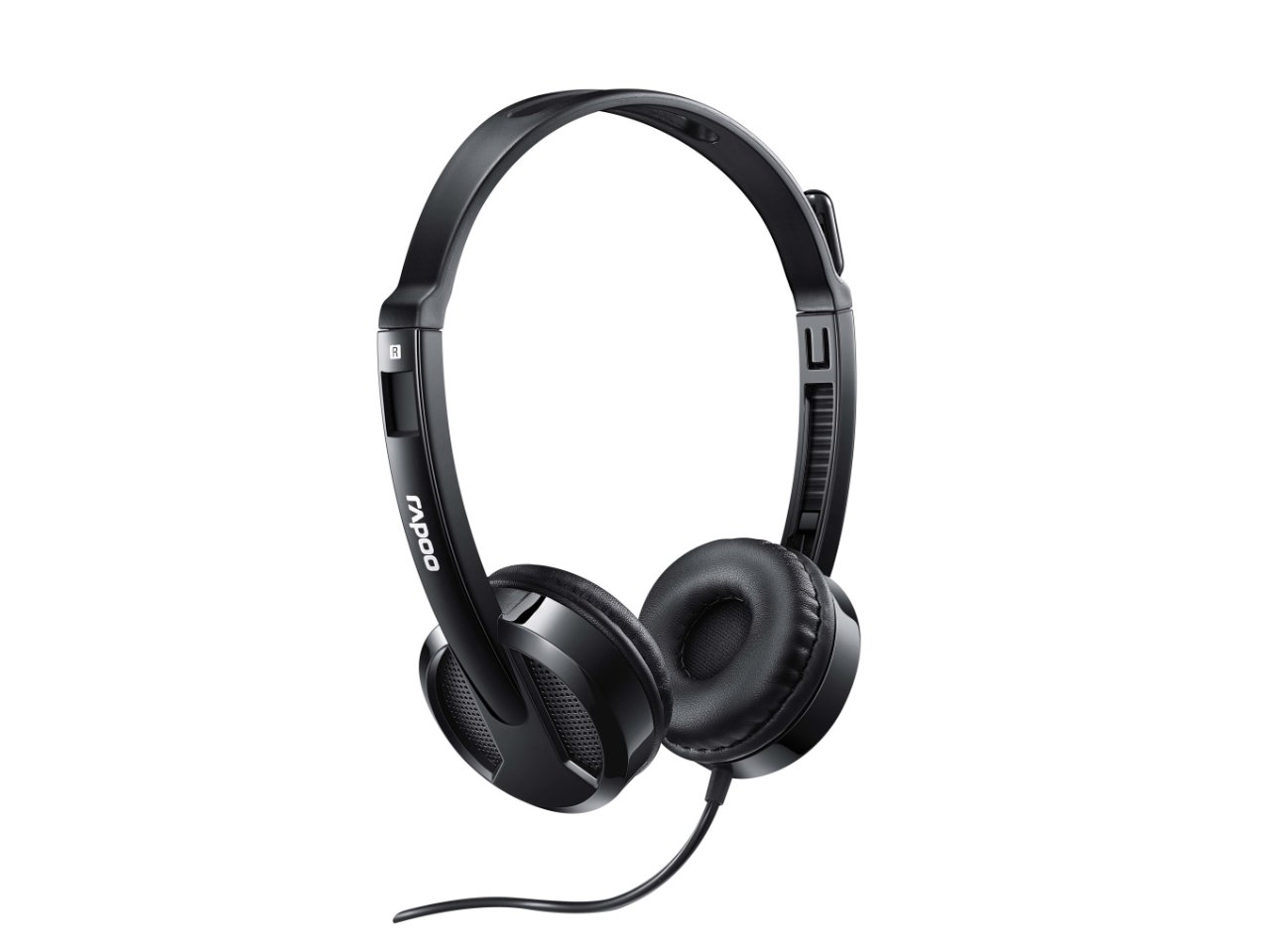
3-сүрөт: Бурчтуу view from behind the headset, showing the connection point of the audio cable to the earcup.

4-сүрөт: Жакын план view of the rotatable microphone arm, illustrating its design for optimal voice capture.

5-сүрөт: Side profile view of the Rapoo H100 headset, showing the slim design and the headband adjustment mechanism.
Негизги компоненттер:
- Жөнгө салынуучу баш боосу: Allows for a comfortable fit for various head sizes.
- Жумшак кулактыктар: Designed for comfort during extended use.
- Rotatable Microphone: Can be adjusted for optimal voice pickup and rotated out of the way when not in use.
- Сап ичиндеги башкаруу блогу: Contains the volume control wheel and microphone mute switch for easy access.
- 3.5 мм аудио уячасы: Standard connector for universal compatibility with devices.
Жайгашуу
- Гарнитураны туташтыруу: Insert the 3.5mm audio jack into the corresponding audio port on your computer, laptop, tablet, or smartphone. Ensure the connection is secure.
- Баш боосун тууралаңыз: Gently extend or retract the headband on both sides until the earcups rest comfortably over your ears.
- Микрофонду жайгаштырыңыз: Rotate the microphone arm downwards and position the microphone approximately 2-3 cm (1 inch) from your mouth for clear voice pickup. The microphone is adjustable for optimal placement.
- Аудио жөндөөлөрүн конфигурациялаңыз (зарыл болсо): On your device, navigate to the sound settings and ensure the Rapoo H100 is selected as the default input (microphone) and output (speaker) device.
Иштөө нускамалары
- Үндү көзөмөлдөө: Use the in-line volume control wheel on the headset cable to adjust the listening volume. Rotate the wheel upwards to increase volume and downwards to decrease it.
- Микрофондун үнүн өчүрүү: Locate the mute switch on the in-line control. Slide the switch to mute or unmute the microphone. This is useful for privacy during calls or when you do not wish your voice to be transmitted.
- Чалууларды жасоо: Once connected and configured, you can use the headset for voice calls through various communication applications (e.g., Skype, Zoom, Microsoft Teams) or for standard phone calls on compatible devices.
- Аудио угуу: The headset will output audio from your connected device, allowing you to listen to music, videos, or game audio.
Техникалык тейлөө
Proper maintenance will extend the life of your headset.
- Тазалоо: Наушниктерди жана баш боолорду сүртүү үчүн жумшак, кургак чүпүрөктү колдонуңуз. өжөр кир үчүн, бир аз гamp кездемени колдонсо болот, бирок нымдуулуктун динамик торчолоруна же микрофонго кирбегенин текшериңиз. Катуу химиялык заттарды же абразивдүү тазалоочу каражаттарды колдонбоңуз.
- Сактагыч: Колдонулбай турган учурда, гарнитураны таза, кургак жерде, күндүн түз нурунан жана өтө жогорку температурадан алыс сактаңыз. Кабелди чаташтырып албаңыз.
- Кабельге кам көрүү: Do not pull the cable forcefully or wrap it too tightly around the headset. This can damage the internal wires.
Проблемаларды чечүү
If you encounter issues with your Rapoo H100 headset, refer to the following common problems and solutions:
| Көйгөй | Мүмкүн себеп | Чечим |
|---|---|---|
| Гарнитурадан үн жок |
|
|
| Микрофон иштебей жатат |
|
|
| Үн сапаты начар |
|
|
Техникалык шарттар
| Өзгөчөлүк | Деталь |
|---|---|
| Модель аты | H100 |
| Байланыш технологиясы | Зымдуу |
| Камтылган компоненттер | Гарнитура |
| Шайкеш түзмөктөр | Tablets, Telephones, Laptops, Desktops |
| Башкаруу түрү | Үндү көзөмөлдөө |
| Элемент Салмагы | 400 грамм |
| Наушник формасы | Кулак үстүндө |
| Өндүрүүчү | Rapoo |
| Форма фактору | Over Ear, On ear |
| Продукциянын өлчөмдөрү (LxWxH) | 1.8 x 18.6 x 11.6 см |
| Наушник уясы | 3.5 мм Джек |
| Түс | Кара |
Кепилдик жана колдоо
Кепилдик жөнүндө маалымат жана техникалык колдоо алуу үчүн, расмий Rapoo компаниясына кайрылыңыз webсайтка же кардарларды тейлөөгө кайрылыңыз. Сатып алуу квитанциясын кепилдик дооматтары үчүн сатып алуунун далили катары сактаңыз.
Өндүрүүчү: Rapoo
Webсайт: www.rapoo.com (Please note: This is a general placeholder. Refer to your product packaging or Rapoo's official documentation for the most accurate support contact information.)


