1. Киришүү
This manual provides comprehensive instructions for the Bud Light Beer Bluetooth Bottle Speaker, Model BL-BBS-002. Designed for portable audio playback, this wireless speaker connects to Bluetooth-enabled devices, offering a unique design and clear sound for various indoor and outdoor activities.
Продукциянын туура иштешин камсыз кылуу жана анын иштөө мөөнөтүн узартуу үчүн колдонуудан мурун ушул колдонмону кылдат окуп чыгыңыз.

Сүрөт 1.1: Алдыңкы view of the Bud Light Beer Bluetooth Bottle Speaker.
2. Пакеттин мазмуну
Төмөндө көрсөтүлгөн бардык буюмдар продуктуңуздун таңгагында бар экенин текшериңиз:
- Bud Light Bluetooth Speaker Bottle
- Кубаттоочу кабель (Micro USB)
- Колдонуучунун Колдонмосу (бул документ)
3. Продукт бүтүп калдыview
Familiarize yourself with the various components and controls of your Bud Light Bluetooth Bottle Speaker.

Сүрөт 3.1: Каптал view of the speaker highlighting the control buttons and ports.
- Күйгүзүү/өчүрүү баскычы: Динамикти күйгүзөт же өчүрөт.
- Aux 3.5mm Port: Зымдуу аудио туташуусу үчүн 3.5 мм аудио кабели колдонулат (кошулмага кирбейт).
- Микро USB кубаттоочу порт: Динамикти заряддоо үчүн кубат булагына туташтырат.
4. Орнотуу
4.1. Динамикти кубаттоо
Before initial use, fully charge the speaker. Use the provided Micro USB charging cable.
- Connect the Micro USB end of the charging cable to the Micro USB Charging Port on the speaker.
- Connect the USB-A end of the charging cable to a USB power adapter (e.g., smartphone charger, computer USB port) or a power bank.
- Кубаттоо индикаторунун жарыгы (эгер бар болсо, так жайгашкан жери үчүн продуктуну караңыз) заряддоо учурунда күйөт жана толук заряддалганда өчөт же түсү өзгөрөт.
- Толук кубаттоо адатта болжол менен 2-3 саатты талап кылат.
Note: Do not use damaged charging cables or adapters. Ensure the charging port is dry before connecting the cable.
4.2. Күйгүзүү / Өчүрүү
- Күйгүзүү үчүн: Press and hold the On/Off Button for approximately 3 seconds. You will hear an audible tone, and an indicator light will flash, indicating it is ready for pairing.
- Өчүрүү үчүн: Press and hold the On/Off Button for approximately 3 seconds. You will hear an audible tone, and the indicator light will turn off.
5. Иштөө нускамалары
5.1. Bluetooth Жупташтыруу
To connect the speaker to your Bluetooth-enabled device (smartphone, tablet, laptop):
- Динамиктин күйүп турганын жана жупташтыруу режиминде экенин текшериңиз (индикатор жарыгы күйүп-өчүп турат).
- Түзмөгүңүздө Bluetooth жөндөөлөрүнө өтүңүз.
- Bluetooth'ду иштетиңиз жана жеткиликтүү түзмөктөрдү издеңиз.
- Select "Bud Light Speaker" (or similar name) from the list of found devices.
- Once paired, you will hear a confirmation tone, and the indicator light on the speaker will stop flashing and remain solid.
- Динамик күйгүзүлгөндө автоматтык түрдө акыркы жупташтырылган түзмөккө кайра туташуу аракетин көрөт.
Note: The effective Bluetooth range is approximately 30 feet (9 meters). Obstacles may reduce this range.
5.2. Аудио ойнотуу
- After successful Bluetooth pairing, play audio from your connected device.
- Adjust the volume directly from your connected device. The speaker does not have independent volume controls.
- For wired connection, insert a 3.5mm audio cable into the Aux 3.5mm Port on the speaker and the other end into your audio source. Bluetooth will be disabled when the Aux cable is connected.
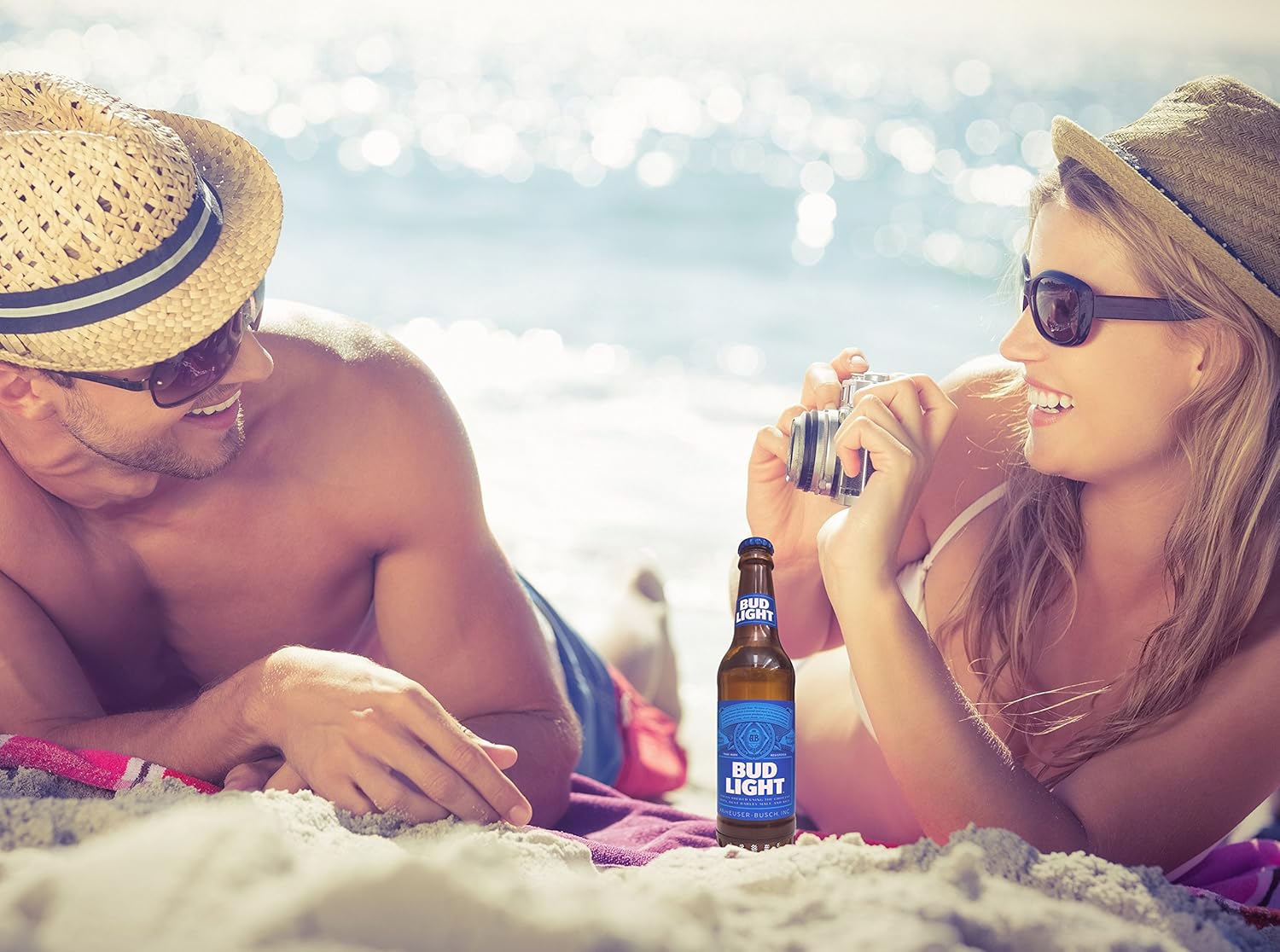
Image 5.1: The portable speaker in an outdoor setting, demonstrating its use for entertainment.
6. Техникалык тейлөө
- Тазалоо: Динамикти жумшак, кургак чүпүрөк менен сүртүңүз. Абразивдүү тазалоочу каражаттарды, спиртти же эриткичтерди колдонбоңуз.
- Сактагыч: Динамикти түз күн нурунан жана өтө температурадан алыс салкын, кургак жерде сактаңыз.
- Суу таасири: This speaker is NOT waterproof. Avoid exposing it to water, rain, or excessive moisture.
- Батареяга кам көрүү: To preserve battery life, charge the speaker at least once every three months if not in regular use.
7. Кыйынчылыктарды
| Көйгөй | Мүмкүн себеп | Чечим |
|---|---|---|
| Динамик күйбөйт. | Батарея түгөнүп калды. | Берилген USB кабелин колдонуп динамикти заряддаңыз. |
| Bluetooth түзмөгү менен жупташтыруу мүмкүн эмес. | Bluetooth is off on your device; speaker is not in pairing mode; speaker is already paired to another device; device is out of range. | Ensure Bluetooth is enabled on your device. Power cycle the speaker to enter pairing mode. Disconnect from other devices. Move device closer to speaker (within 30 ft). |
| Ойнотуу учурунда үн чыкпайт. | Volume on device is too low; speaker is not connected; audio source issue. | Increase volume on your connected device. Re-pair the Bluetooth connection. Check if the audio source is playing correctly. |
| Үн сапаты начар же бурмаланган. | Device is out of Bluetooth range; interference; low battery. | Move device closer to the speaker. Avoid sources of strong electromagnetic interference. Charge the speaker. |
8. Техникалык шарттар
| Модель аты | BL-BBS-002 |
| Бренд | Bud Light |
| Байланыш технологиясы | Bluetooth 5.0 |
| Зымсыз диапазон | 30 фут (9 метр) чейин |
| Power Source | Батарея менен иштейт (1 литий-полимердик батарея, кошулган) |
| Динамик чыгаруу күчү | 3 Ватт |
| Аудио чыгаруу режими | Стерео |
| Продукциянын өлчөмдөрү (L x W x Y) | 2.5"D x 2.5"W x 9"H (6.35 см x 6.35 см x 22.86 см) |
| Элемент Салмагы | 1 фунт (0.45 кг) |
| Суу өткөрбөйт | Жок |
| Шайкеш түзмөктөр | Смартфондор, планшеттер, ноутбуктар, жеке компьютерлер |
9. Кепилдик жана колдоо
This Bud Light Bluetooth Speaker comes with a 1 жылдык чектелген кепилдик сатып алынган күндөн тартып. Кепилдик дооматтары үчүн сатып алганыңыздын далилин сактап коюңуз.
The manufacturer is M&S Accessory Network. For support or warranty inquiries, please contact the retailer or manufacturer directly with your proof of purchase and product model number (BL-BBS-002).
Note: Warranty does not cover damage caused by misuse, accidents, unauthorized modifications, or exposure to water.


