Introduction
The VTech Kidizoom Duo Camera 5.0 is a durable and feature-rich digital camera designed specifically for children aged 3 and up. It allows young users to capture photos and videos, apply fun effects, and even record their voices. With its dual-lens design, it makes taking selfies and group photos effortless. This manual provides detailed instructions for setting up, operating, maintaining, and troubleshooting your Kidizoom Duo Camera.
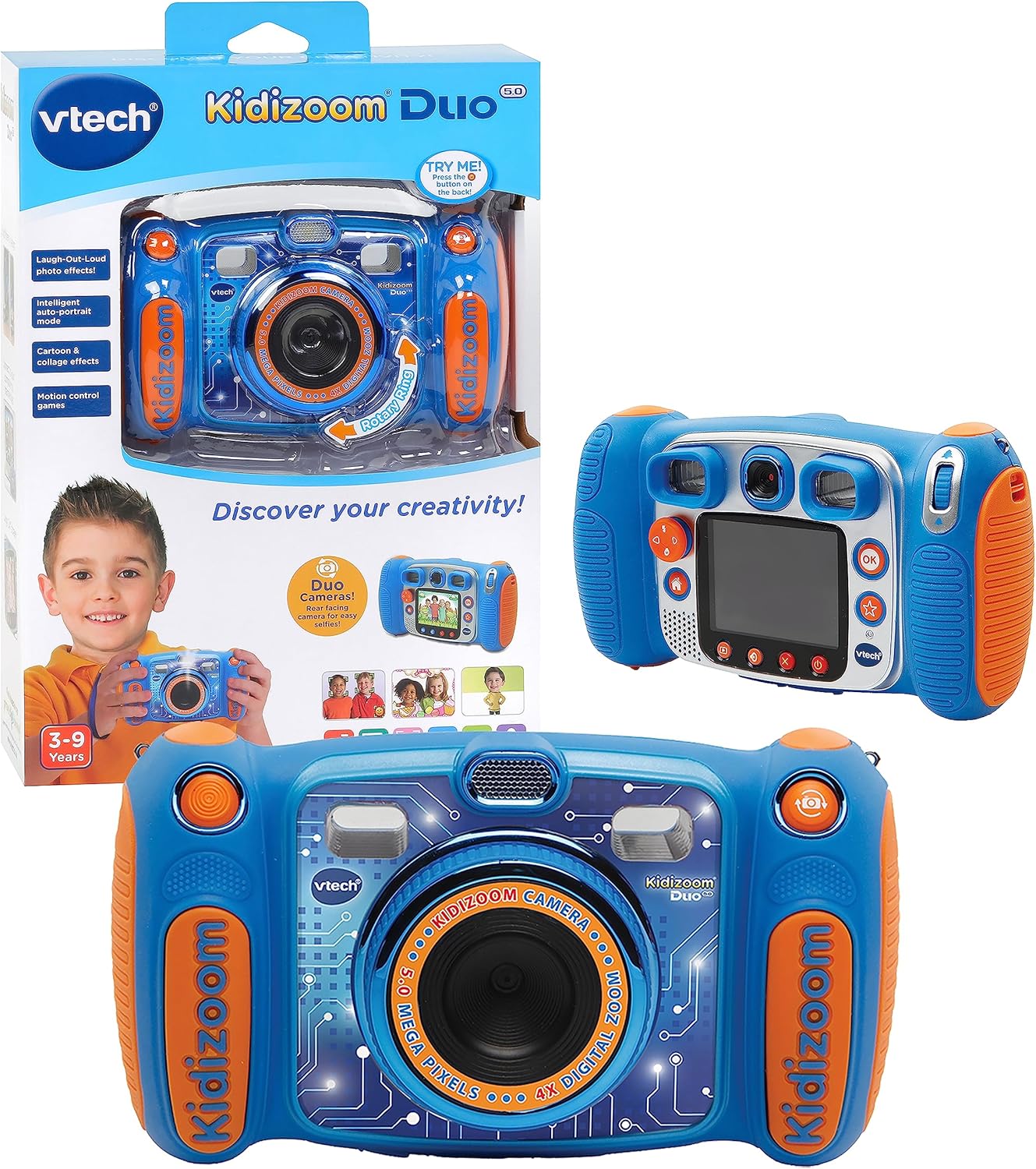
Image: The VTech Kidizoom Duo Camera 5.0, shown both in its retail packaging and as the standalone blue and orange camera unit, highlighting its design and presentation.
Негизги өзгөчөлүктөрү:
- Кош линзалар: Easily switch between front and rear lenses for photos and videos.
- 5-Megapixel Camera: Жогорку сапаттагы сүрөттөрдү жана видеолорду тартыңыз.
- Чыгармачыл эффекттер: Add fun effects, stamps, and frames to photos and videos.
- Үн жазгыч: Record voices and apply funny effects.
- Туруктуу дизайн: Built to withstand drops and rough handling.
- 2.4-Inch Color LCD Screen: Large screen for easy viewинг жана навигация.
- Learning Games: Includes fun, educational games.
- 4X Digital Zoom: Zoom in on subjects for closer shots.
Жайгашуу
1. Кутудан чыгаруу жана мазмуну
Carefully remove all contents from the packaging. Ensure all components are present. The package should contain the VTech Kidizoom Duo Camera 5.0 and 4 AA batteries (included).
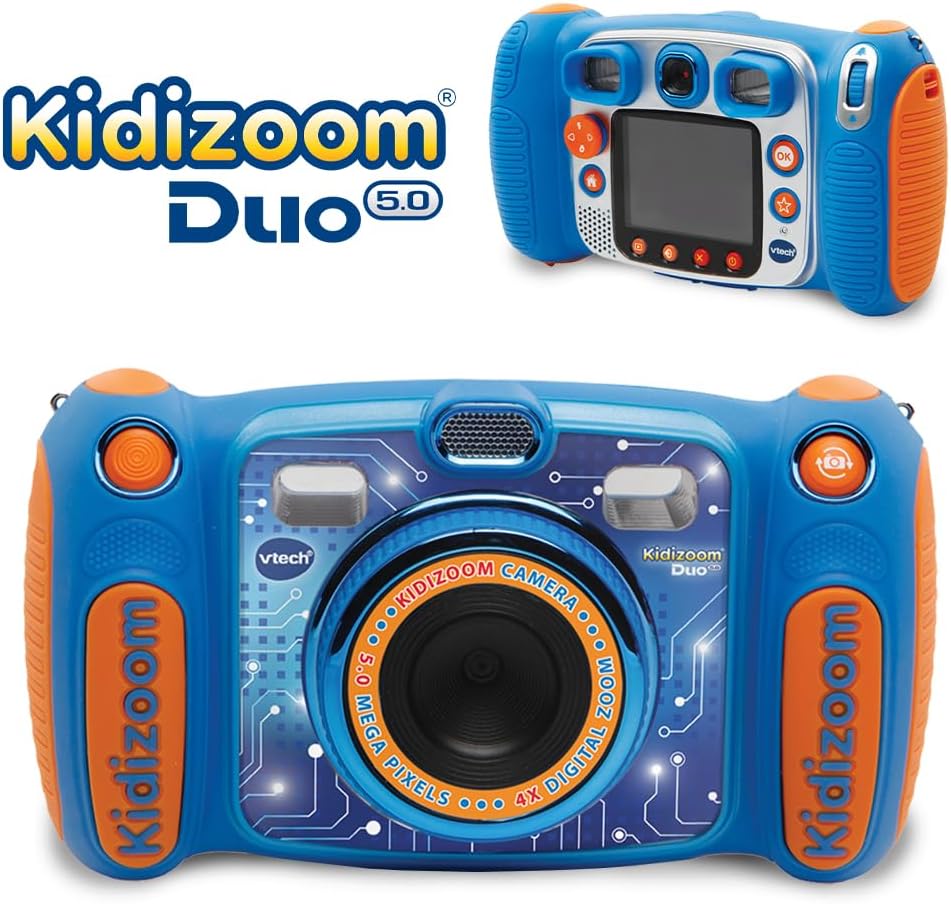
Image: The VTech Kidizoom Duo Camera 5.0 displayed within its retail packaging, ready for unboxing.
2. Батареяны орнотуу
- Камерадагы батарея бөлүкчөсүн табыңыз.
- Кичинекей Филлипс баштуу бурагычты колдонуп, батарея бөлүмүнүн капкагындагы бураманы бошотуңуз.
- Капкакты алып салыңыз.
- Бөлүмдүн ичинде көрсөтүлгөндөй туура полярдуулукту (+/-) камсыз кылып, 4 жаңы AA батарейкасын салыңыз.
- Капкакты ордуна коюп, бураманы бекемдеңиз.
Эскертүү: For optimal performance and to save on replacement costs, rechargeable AA batteries are recommended.
3. Inserting a Memory Card (Optional)
The Kidizoom Duo Camera has internal memory, but for extended storage of photos and videos, a microSD card (not included) can be inserted. Locate the microSD card slot, typically near the battery compartment, and gently insert the card until it clicks into place.
Камераны иштетүү
1. Күйгүзүү/өчүрүү
Press and hold the Power button (usually marked with a circle and a line) to turn the camera on or off. The 2.4-inch color LCD screen will illuminate.

Сүрөт: деталдуу арткы view of the VTech Kidizoom Duo Camera 5.0, highlighting its LCD screen and the various control buttons for navigation and operation.
2. Navigating the Menus
Use the directional pad (D-pad) and the OK button to navigate through the camera's menus and select options displayed on the LCD screen.
3. Сүрөт тартуу
- Линзаларды алмаштыруу: The Kidizoom Duo features two lenses. Use the dedicated lens switch button (often a rotating ring or a button near the lens) to toggle between the front-facing lens and the rear-facing lens. This is ideal for selfies or taking photos of others.
- Кадрыңызды түзүү: аркылуу карап viewfinder or use the LCD screen to compose your picture.
- Capturing the Photo: Press the Shutter button (usually a large, prominent button) to take a picture.

Сүрөт: жакын план view of the VTech Kidizoom Duo Camera 5.0, illustrating the large 2.4-inch color LCD screen, the 5-megapixel lens with 4X digital zoom, and the mechanism for switching between the two lenses.
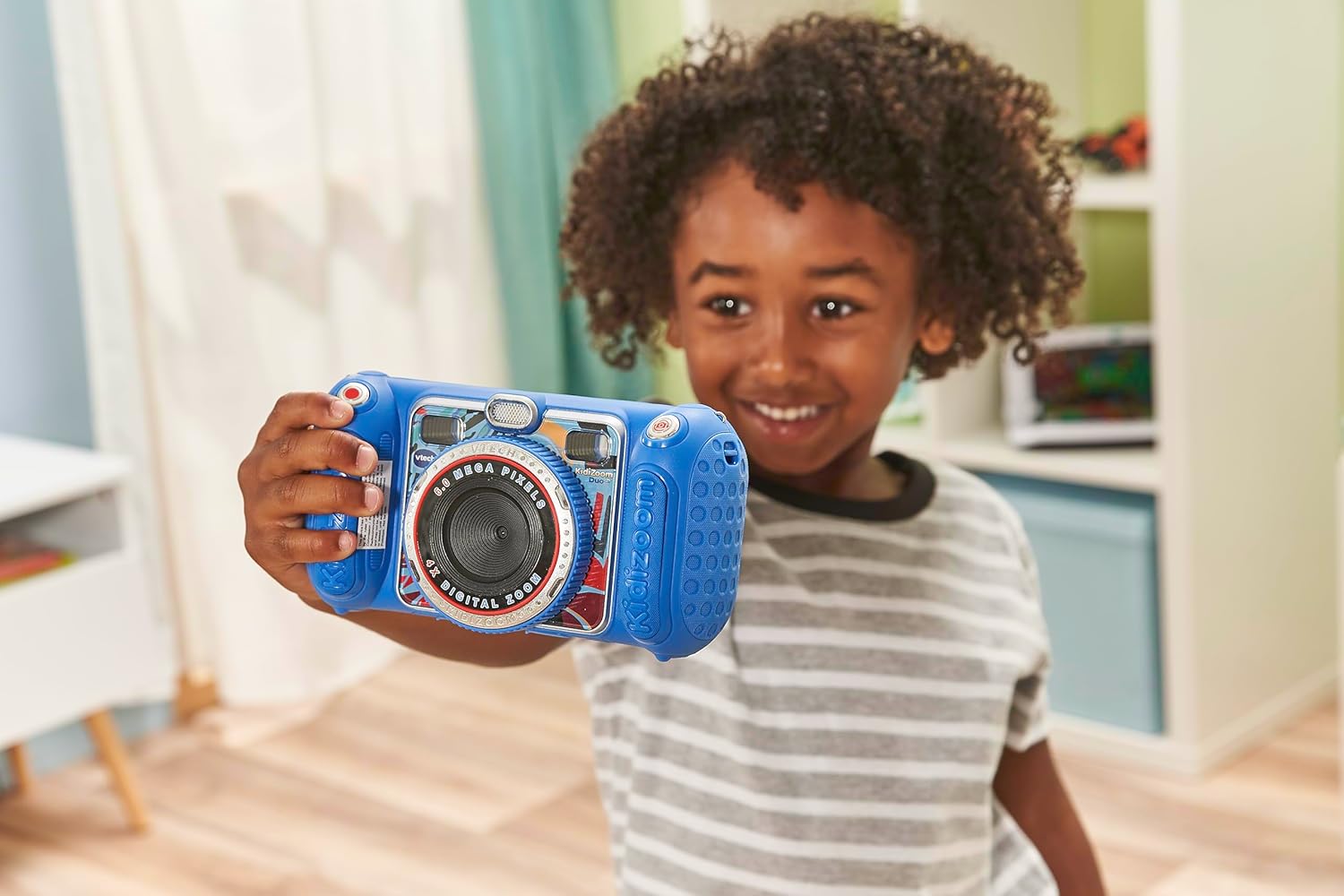
Image: A child holding the VTech Kidizoom Duo Camera 5.0, demonstrating its use for taking a selfie with the front-facing lens.
4. Видеолорду жаздыруу
Select the video recording mode from the main menu. Press the Record button to start and stop recording. The camera will capture both video and audio.
5. Applying Effects and Editing
The camera offers various built-in effects, stamps, and frames to personalize your photos and videos. Access these features through the editing menu. You can also use the auto-portrait feature for automatic photo capture.

Сүрөт: Коллаж көрсөтүүasing various fun effects, stamps, and frames that can be added to photos using the VTech Kidizoom Duo Camera 5.0, demonstrating creative possibilities.
6. Үн жаздыруу
Navigate to the voice recorder function to record your voice. You can then apply funny effects to the recorded audio.
7. Оюндарды ойноо
The Kidizoom Duo Camera includes several pre-loaded learning games. Select the Games icon from the main menu to access and play them.
Техникалык тейлөө
1. Камераны тазалоо
- Камеранын корпусун тазалоо үчүн жумшак, кургак чүпүрөктү колдонуңуз.
- For the screen and lenses, use a microfiber cloth specifically designed for electronics. Do not use abrasive cleaners or solvents.
- Ар кандай тешиктерге ным кирүүдөн сактаңыз.
2. Батареяга кам көрүү
- Камера агып кетпеши үчүн узак убакыт бою колдонулбай турган болсо, батареяларды алып салыңыз.
- Ар дайым жаңы, сапаттуу батарейкаларды колдонуңуз.
- Эгерде кайра заряддалуучу батареяларды колдонсоңуз, колдонуудан мурун алардын толук заряддалганын текшериңиз.
3. Сактоо
Store the camera in a cool, dry place away from direct sunlight and extreme temperatures. Consider using a protective case to prevent scratches and damage.
Проблемаларды чечүү
| Көйгөй | Мүмкүн себеп | Чечим |
|---|---|---|
| Камера күйбөйт. | Батареялар аз же туура эмес орнотулган. | Replace with fresh batteries or ensure correct polarity. |
| Pictures/Videos are blurry. | Lens is dirty; insufficient lighting; subject too close/far. | Clean the lens; ensure adequate lighting; adjust distance to subject. |
| Cannot save more photos/videos. | Internal memory is full; no microSD card inserted or card is full. | Эскисин жок кылуу files; insert a microSD card; transfer fileс компьютерге. |
| Камера катып калат же жооп бербей калат. | Программанын катасы. | Remove and reinsert batteries to perform a hard reset. |
Техникалык шарттар
| Өзгөчөлүк | Деталь |
|---|---|
| Продукциянын өлчөмдөрү | 1.57 x 4.49 x 3.35 дюйм |
| Элемент Салмагы | 7.1 унция |
| Элемент моделинин номери | 80-507103 |
| Өндүрүүчүнүн сунуш кылган курагы | 3 жаш жана андан жогору |
| Батареялар | 4 AA батарейка талап кылынат (кошулган) |
| Чыгарылган күнү | 31-октябрь, 2019-жыл |
| Өндүрүүчү | Vtech Electronics |
| Фото сенсор технологиясы | MOS |
| Колдоого алынган File Формат | JPEG, RAW |
| Image Stabilization | Санарип |
| Оптикалык масштаб | 4X |
Кепилдик жана колдоо
VTech products are manufactured to high standards and are designed to provide a fun and enriching experience. For information regarding warranty coverage, please refer to the warranty card included with your product or visit the official VTech webсайт.
For technical support, frequently asked questions, or to purchase accessories, please visit the VTech support section on their official website or contact their customer service department. Keep your model number (80-507103) handy when contacting support.
Онлайн ресурстар:
- VTech расмий өкүлү Webсайт: www.vtechkids.com
- Product Support Page: (Check VTech website for specific product support page)


