1. Киришүү
This manual provides comprehensive instructions for the safe and efficient operation of your ieGeek 9.5-inch Portable DVD Player, Model IK-902. Please read this manual thoroughly before using the device and retain it for future reference.
2. Продукт бүтүп калдыview жана Пакеттин мазмуну
The ieGeek Portable DVD Player is designed for versatile media playback, featuring a 9.5-inch eye-protective swivel screen and a long-lasting rechargeable battery. It supports various disc and digital media formats, making it suitable for use at home, in a car, or during travel.
2.1 Пакеттин мазмуну
- 1 x ieGeek 9.5-inch Portable DVD Player (Black)
- 1 x Унаа заряддагыч
- 1 х AC кубат адаптери
- 1 х AV Cable
- 1 x Алыстан башкаруу
2.2 Түзмөктүн өзгөчөлүктөрү
- Экран: 9.5-inch HD Eye-protective Swivel Screen (270° rotation, 180° flip)
- Батарея: 2500mAh rechargeable Lithium Polymer battery, providing approximately 5 hours of playback.
- Аудио: Dual high-power speakers for clear sound. 3.5mm earphone jack for private listening.
- Диск шайкештиги: Region-free support for CD, DVD, VCD, SVCD, CD±R/±RW, DVD±R/±RW. (Note: Blu-ray and pirated discs are not supported).
- Санариптик медиа: Supports USB and SD Card (16-32GB) playback of VOB, AVI, MPEG, MP3, WMA, JPEG formats.
- Байланыш: AV output for connecting to an external display (e.g., TV).
- Ыңгайлуулугу: Break-point memory function to resume playback from where you left off.

Figure 1: ieGeek Portable DVD Player with its screen open.
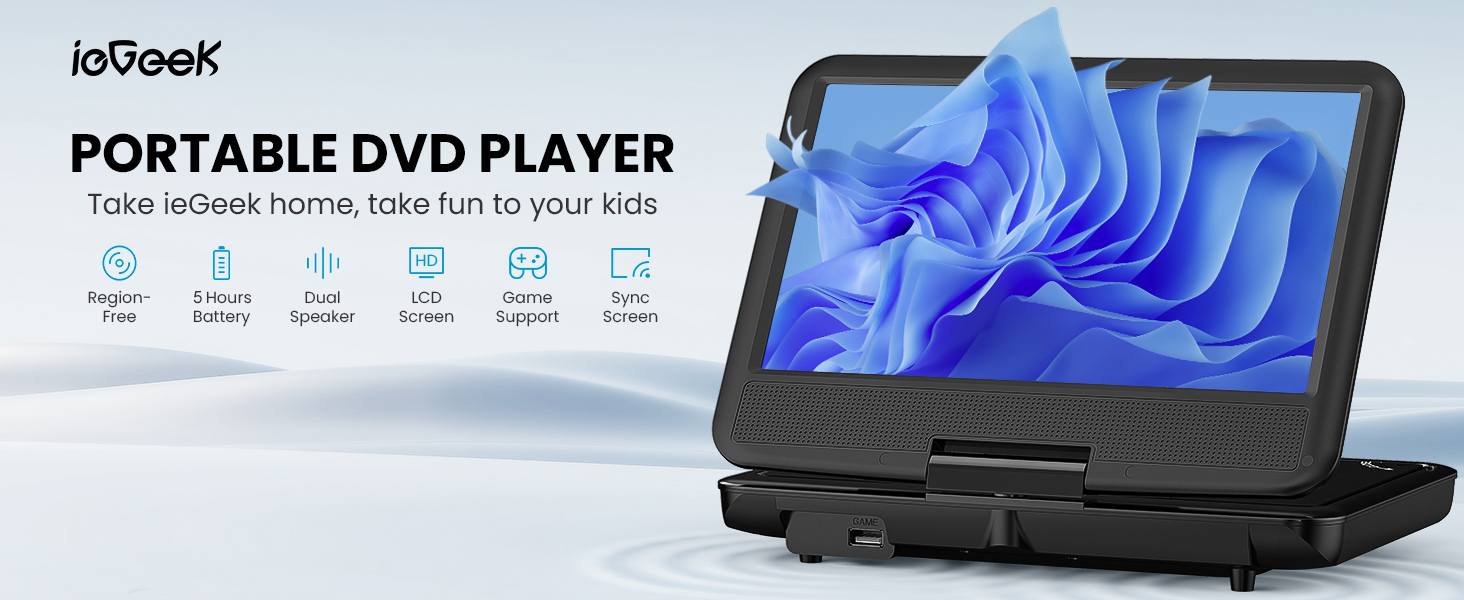
Figure 2: ашыкview of the ieGeek Portable DVD Player's main features.
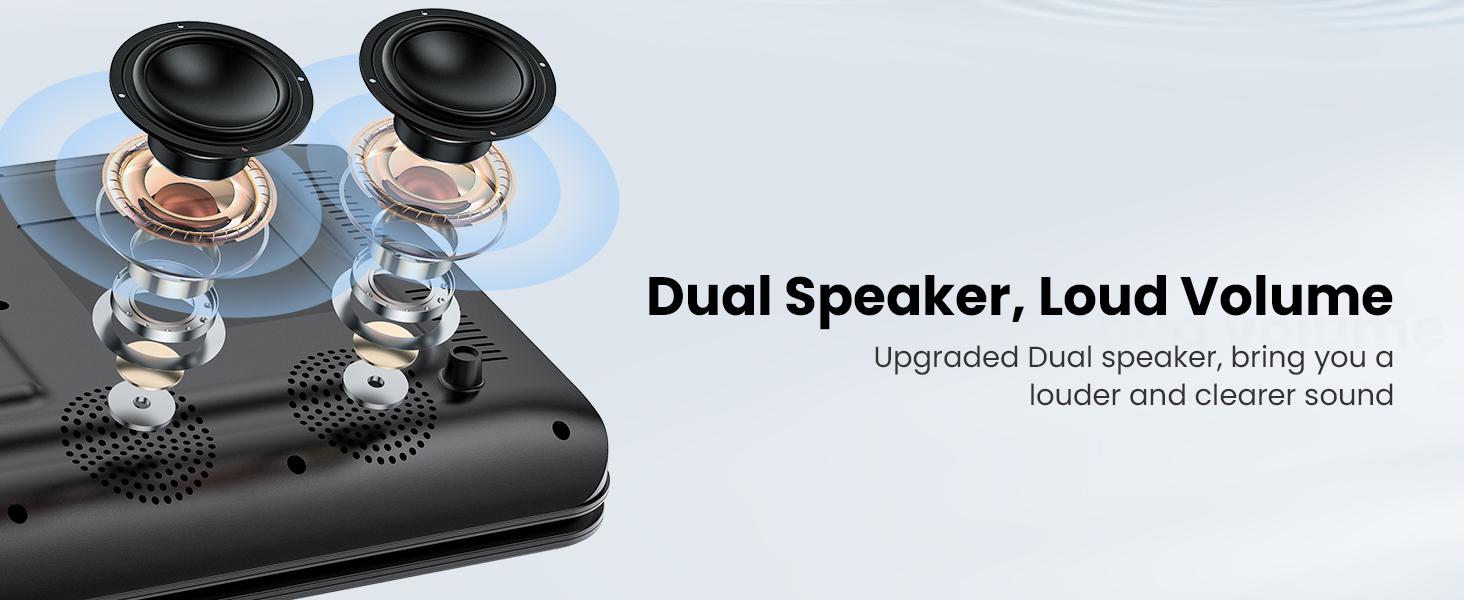
Figure 3: The player features dual speakers for enhanced audio output.
3. Орнотуу жана алгачкы колдонуу
3.1 Батареяны заряддоо
Before first use, fully charge the player's internal battery. Connect the provided AC Power Adapter to the player's DC IN port and then to a wall outlet. Alternatively, use the Car Charger to power the device or charge it in a vehicle.
- Толук кубаттоо болжол менен 5 саат ойнотууну камсыз кылат.
- The charging indicator light will typically change color or turn off when charging is complete.
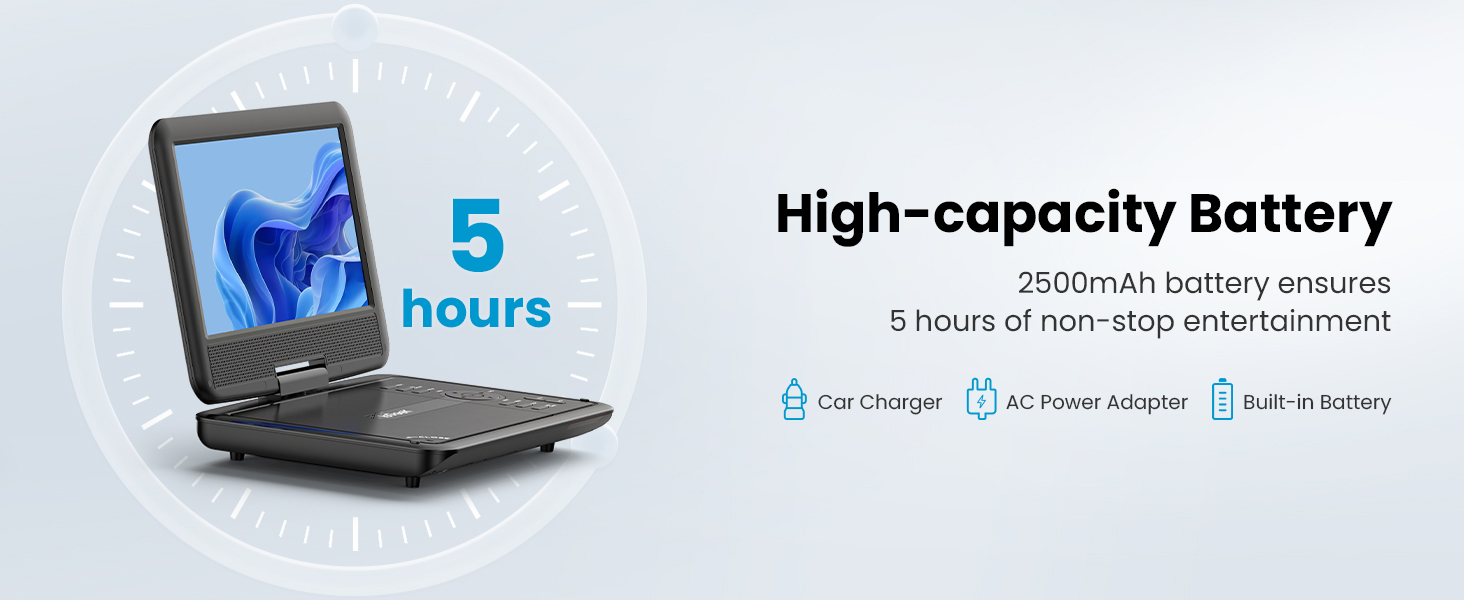
Figure 4: The player features a high-capacity 2500mAh battery for up to 5 hours of entertainment.
3.2 Күйгүзүү/өчүрүү
Locate the Power button on the device. Press and hold it for a few seconds to turn the player on or off. The screen will illuminate upon successful power-on.
4. Иштөө нускамалары
4.1 Дискти ойнотуу
- Дисктин капкагын акырын ачыңыз.
- Place a compatible disc (CD, DVD, VCD, SVCD, CD±R/±RW, DVD±R/±RW) onto the spindle, ensuring it is seated correctly.
- Дисктин капкагын жабыңыз. Ойноткуч дискти автоматтык түрдө аныктап, ойнотууну баштайт.
- Use the control buttons on the player or the remote control to manage playback (Play, Pause, Stop, Skip, Volume).
Эскертүү: This player is region-free, supporting discs from all regions. Blu-ray discs and pirated discs are not supported.
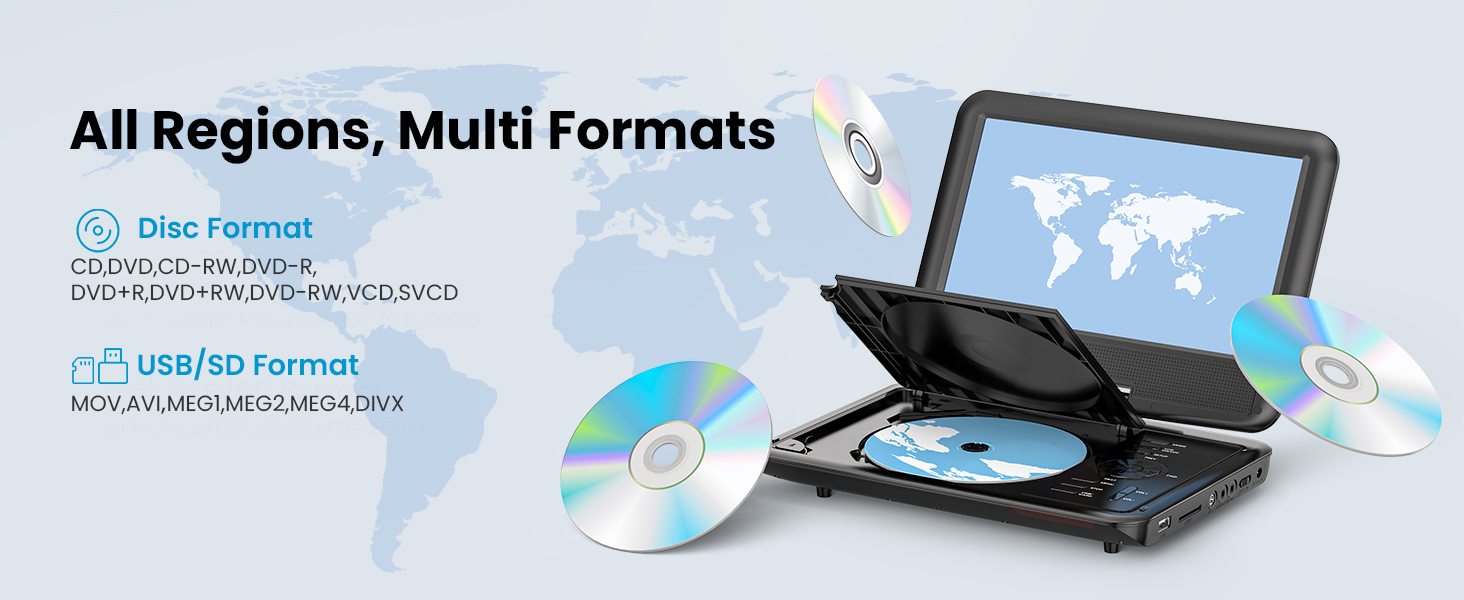
Figure 5: The player supports all regions and multiple disc and digital media formats.
4.2 USB жана SD картаны ойнотуу
- Insert a USB flash drive or an SD card (16-32GB) into the respective port on the player.
- The player should automatically detect the media. Navigate through the files using the control buttons or remote.
- Керектүү медианы тандаңыз file (VOB, AVI, MPEG, MP3, WMA, JPEG) to begin playback.
4.3 Connecting to an External Display (TV)
Use the provided AV cable to connect the portable DVD player to a television or other external display. Connect one end of the AV cable to the AV OUT port on the player and the other end to the AV IN ports on your TV (typically yellow for video, white/red for audio). Select the correct input source on your TV to view the player's output.
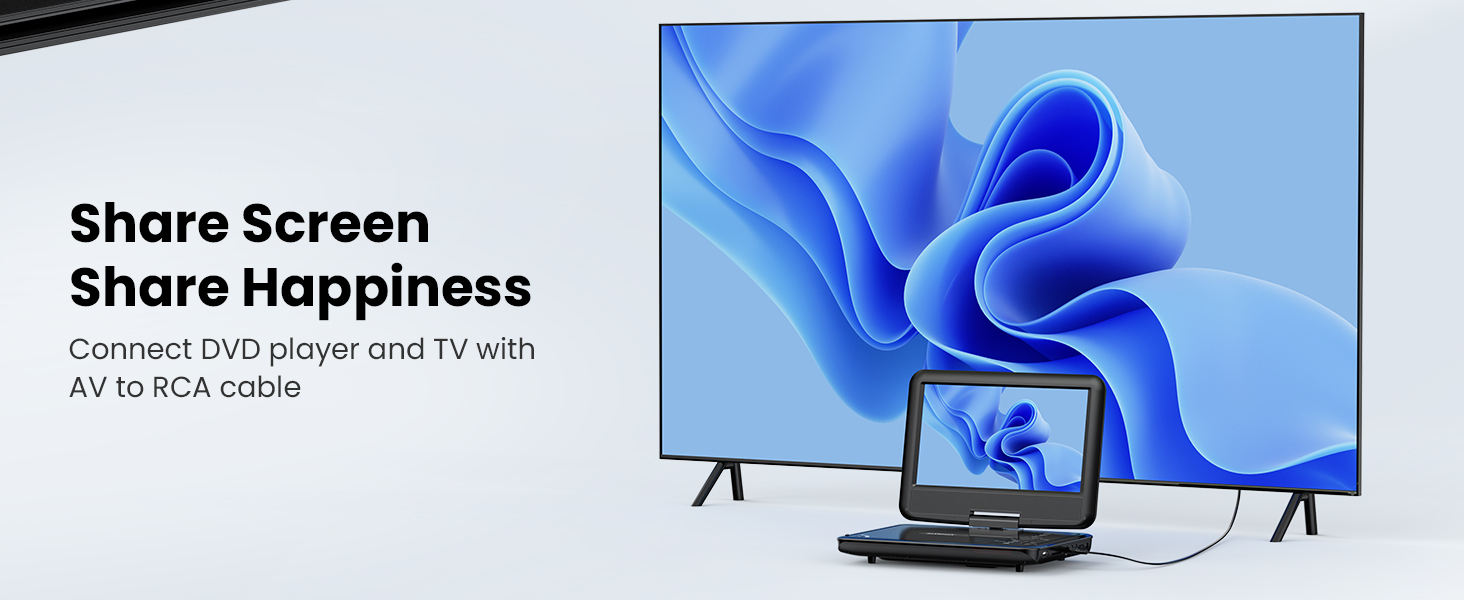
Figure 6: Connect the DVD player to a TV to share the screen.
4.4 Swivel Screen Functionality
The screen can be rotated up to 270 degrees and flipped 180 degrees, allowing for various viewing angles or folding it flat like a tablet. This feature is useful for mounting in a car or for comfortable personal viewing.
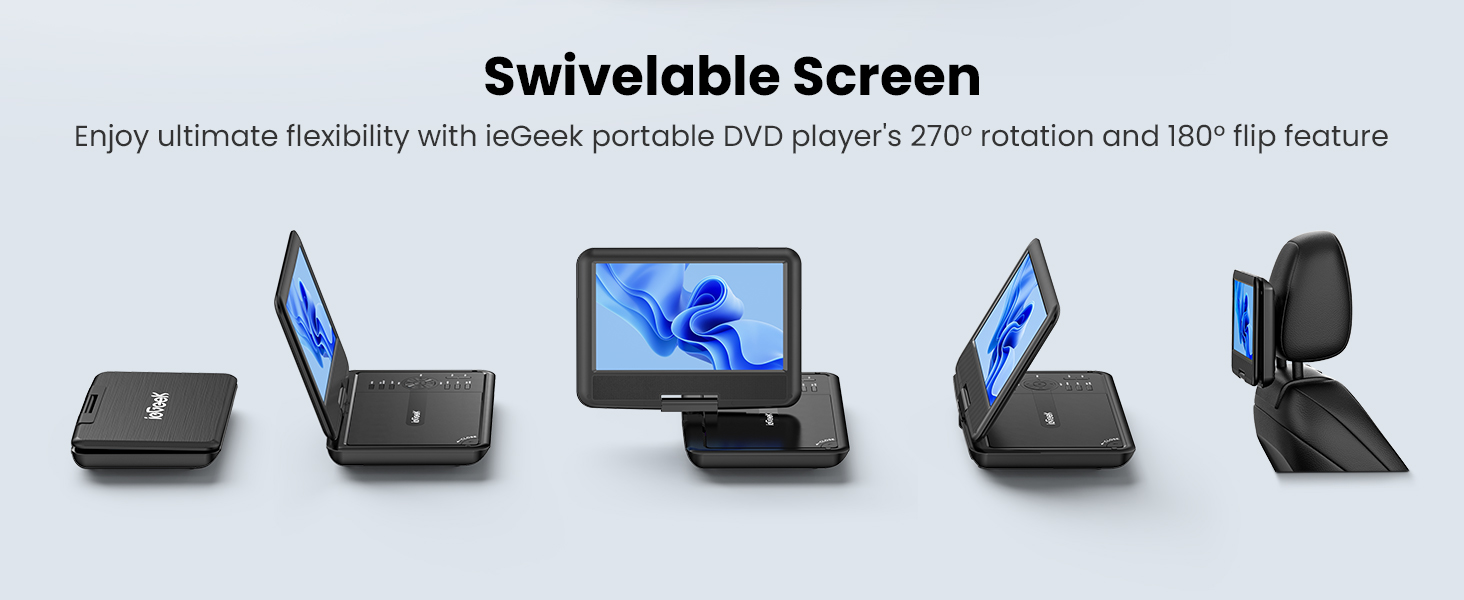
Figure 7: The swivelable screen offers ultimate flexibility for viewing.
4.5 Last Memory Function
The player features a break-point memory function. If the device is turned off or playback is interrupted, it will resume from the last played position when powered on again.
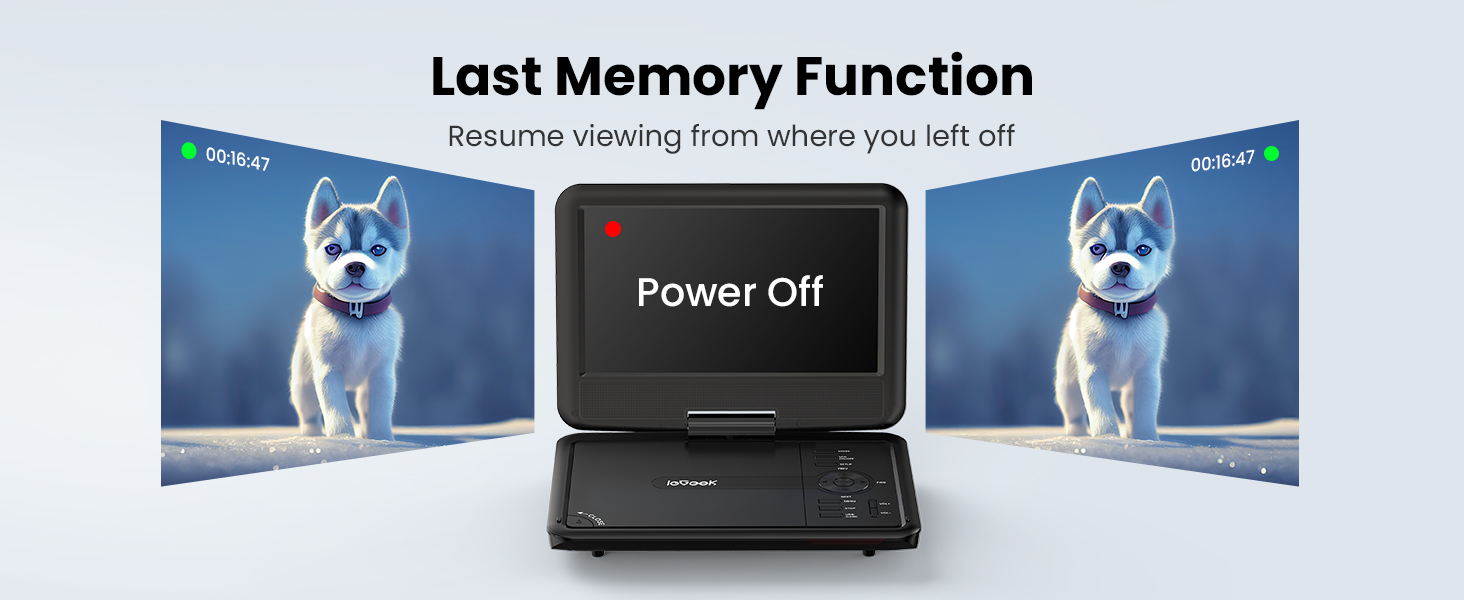
Figure 8: The last memory function allows resuming viewing from the previous stopping point.
4.6 Алыстан башкаруу
The included remote control provides convenient access to all playback functions, menu navigation, and settings adjustments from a distance.
5. Техникалык тейлөө
- Тазалоо: Ойноткучтун экранын жана сыртын тазалоо үчүн жумшак, кургак чүпүрөктү колдонуңуз. Суюк тазалоочу каражаттарды же абразивдүү материалдарды колдонбоңуз.
- Дискке кам көрүү: Дисктерди четтеринен кармаңыз. Оптималдуу ойнотууну камсыз кылуу үчүн аларды таза жана чийиксиз кармаңыз.
- Сактагыч: Ойноткучту салкын, кургак жерде, күн нуру түз тийбеген жана өтө жогорку температурадан алыс сактаңыз.
- Батарея: Батареянын иштөө мөөнөтүн узартуу үчүн, батареяны тез-тез толук зарядсыздандырбаңыз. Аны көпкө чейин колдонбосоңуз да, үзгүлтүксүз заряддап туруңуз.
6. Кыйынчылыктарды
| Көйгөй | Мүмкүн себеп | Чечим |
|---|---|---|
| Оюнчу күйбөйт. | Батарея түгөндү же кубат адаптери туура эмес туташтырылган. | Connect the AC adapter or car charger and allow the battery to charge. Ensure power connections are secure. |
| Диск ойнобойт же өткөрүп жибербейт. | Disc is dirty, scratched, or incompatible format. Disc cover not fully closed. | Clean the disc with a soft cloth. Try a different, known-good disc. Ensure the disc cover is securely closed. Verify disc format compatibility (no Blu-ray). |
| Үн жок же үнү төмөн. | Volume is too low, mute is active, or external speakers/headphones are not connected correctly. | Increase volume using the player's controls or remote. Check if mute is active. Ensure headphones or external speakers are properly plugged into the 3.5mm jack. |
| No picture when connected to TV. | AV cable is incorrectly connected or TV input source is wrong. | Ensure the AV cable is securely connected to both the player's AV OUT and the TV's AV IN ports. Select the correct AV input source on your television. |
| USB/SD card not recognized. | Incompatible format, card/drive size exceeds limit, or improper insertion. | Ensure the USB drive or SD card is formatted to a compatible file system (e.g., FAT32) and is within the 16-32GB size limit. Reinsert the media correctly. |
7. Техникалык шарттар
| Өзгөчөлүк | Деталь |
|---|---|
| Бренд | ieGeek |
| Модель номери | ИК-902 |
| Screen Size | 9.5 Inches (visible diagonal 10" / 25 cm) |
| Дисплей түрү | LCD |
| Продукциянын өлчөмдөрү | 9.5 x 6.75 x 1.25 дюйм |
| Элемент Салмагы | 2.85 фунт |
| Батареялар | 1 Литий Полимердик батарейка (кошулган) |
| Медиа түрү | DVD |
| Түс | Кара |
8. Кепилдик жана колдоо
ieGeek is committed to providing excellent customer service and support for your product.
- Кепилдик: The product includes a 24-month return and exchange policy.
- Техникалык колдоо: Lifetime technical support is available for your device.
- Жооп убактысы: Суроолорго 24 сааттын ичинде тез жооп күтүңүз.
For any questions, concerns, or issues with your ieGeek Portable DVD Player, please contact ieGeek customer service.


