Introduction
Сатып алганыңыз үчүн рахматasing the LinQ Wireless Car Charger. This device is designed to provide convenient and fast wireless charging for your Qi-enabled smartphone while driving. Please read this manual carefully before use to ensure proper installation and operation.
Пакеттин мазмуну
Пакетте бардык буюмдар бар экенин текшериңиз:
- LinQ Wireless Car Charger Unit
- Сорох кубогын таһыгар
- USB Charging Cable (Type-A to Micro-USB or Type-C, depending on model revision)
- Колдонуучунун Колдонмосу (бул документ)
Жайгашуу
1. Attaching the Mount
Insert the ball joint of the suction cup mount into the socket on the back of the wireless charger unit. Tighten the collar nut to secure the charger in place. Ensure it is firmly attached.

Сүрөт: Арткы жана каптал views of the LinQ Wireless Car Charger, showing the attachment point for the suction cup mount.
2. Mounting in Vehicle
Choose a clean, flat surface on your dashboard or windshield. Press the suction cup firmly against the surface and push down the lever to create a vacuum seal. Adjust the angle of the charger for optimal viewокуу жана жеткиликтүүлүк.
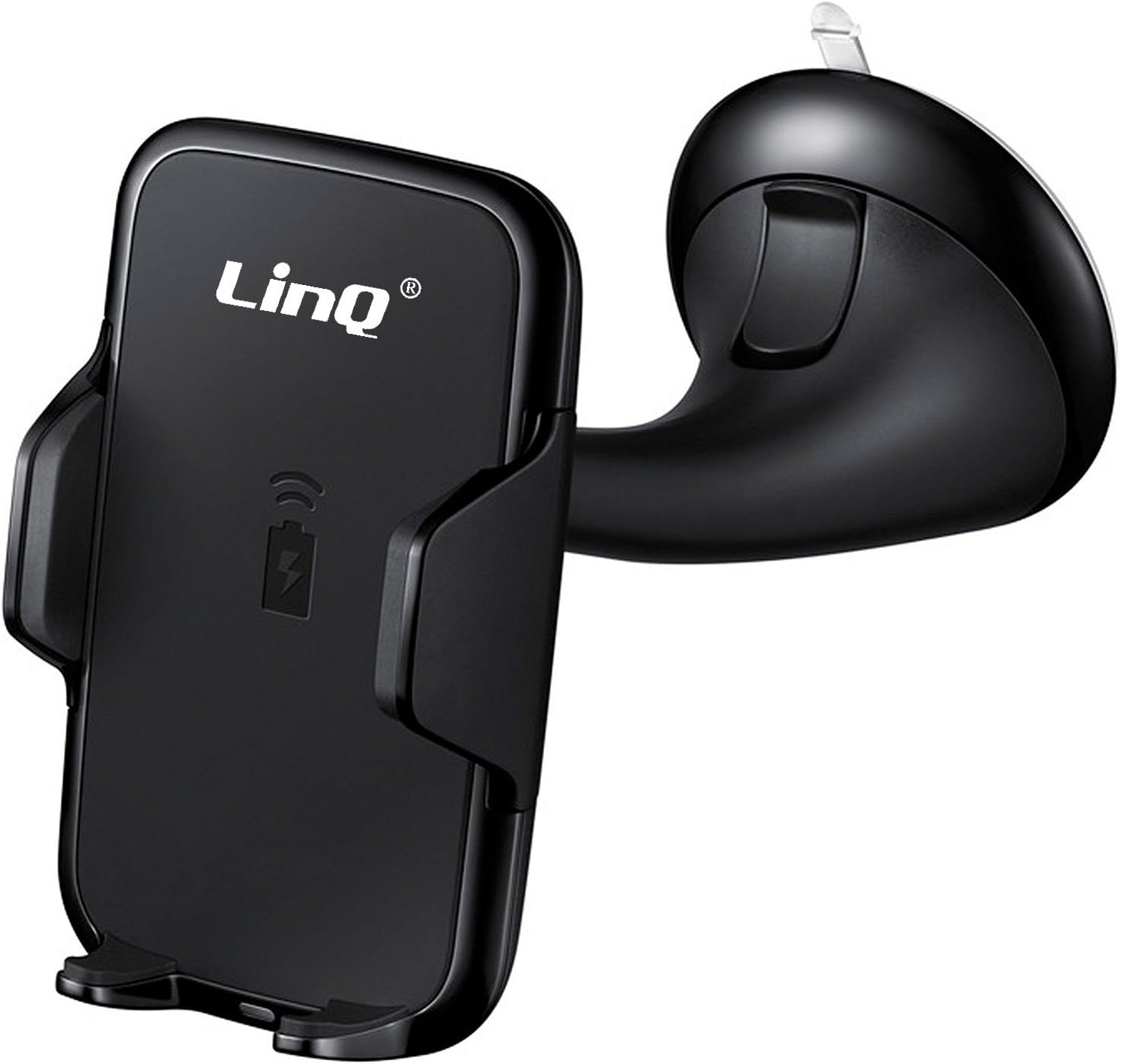
Image: The LinQ Wireless Car Charger with its integrated suction cup mount, ready for installation in a vehicle.
3. Кубатты туташтыруу
Connect the provided USB charging cable to the input port on the wireless charger. Plug the other end of the cable into a USB car charger adapter (not included) that is plugged into your vehicle's 12V power outlet. For fast charging, ensure your car charger adapter supports Quick Charge (QC 2.0/3.0) or Power Delivery (PD) and provides at least 10W output.
Иштөө нускамалары
1. Placing Your Phone
Gently open the adjustable arms of the charger. Place your Qi-enabled smartphone into the cradle, ensuring it rests securely on the bottom support. The arms will automatically or manually adjust to grip your phone. Ensure the phone's charging coil aligns with the charger's coil, typically in the center of the device.
2. Зымсыз заряддоо
Once your phone is correctly placed and the charger is powered, wireless charging will begin automatically. An indicator light on the charger (if present) may illuminate to confirm charging status. Your phone's screen will also indicate that it is charging.

Image: An illustration demonstrating the fast wireless charging capability of the LinQ charger, showing a smartphone being charged.
3. Removing Your Phone
To remove your phone, gently press the release button (if applicable) or manually open the arms and lift your phone from the cradle.
Техникалык тейлөө
- Тазалоо: Disconnect the charger from power before cleaning. Use a soft, dry cloth to wipe the surface of the charger. Do not use harsh chemicals or abrasive cleaners.
- Сактагыч: Узак мөөнөткө колдонулбаганда, заряддагычты түз күндүн нурунан жана өтө температурадан алыс салкын, кургак жерде сактаңыз.
- Кам көрүү: Avoid dropping the device or subjecting it to strong impacts. Do not disassemble the charger, as this will void the warranty and may cause damage.
Проблемаларды чечүү
| Көйгөй | Мүмкүн себеп | Чечим |
|---|---|---|
| Телефон заряддалбай жатат | Charger not powered; Phone not Qi-enabled; Phone misaligned; Phone case too thick; Foreign object between phone and charger. | Ensure charger is connected to power; Verify phone supports Qi wireless charging; Realign phone on charger; Remove phone case (if thicker than 4mm); Remove any metal objects or cards. |
| Жай кубаттоо | Car charger adapter insufficient; Phone not supporting fast wireless charging; Background apps consuming power. | Use a QC 2.0/3.0 or PD compatible car charger adapter (10W or higher); Ensure your phone supports fast wireless charging; Close unnecessary background applications. |
| Заряддоочу индикатор жарыгы өчүк | No power; Faulty cable/adapter. | Check power connection; Try a different USB cable or car charger adapter. |
Техникалык шарттар
- Бренд: Linq
- Модел: C-Q67
- Шайкеш түзмөктөр: Мобилдик телефондор
- Шайкеш телефон моделдери: iPhone, Samsung (and other Qi-enabled devices)
- Зымсыз кубаттоо стандарты: Qi
- Чыгуу Wattage: 10 Ватт (макс)
- Кошумча өзгөчөлүктөр: Тез заряддоо
- Туташтыргыч түрү: Wireless (Input via USB cable)
- Элемент Салмагы: 260 грамм
- Пакеттин өлчөмдөрү: 17.2 x 10 x 8 см
- Батареялар камтылган: Жок
- Батареялар талап кылынат: Жок
Кепилдик маалымат
LinQ products are manufactured to high quality standards. This product is covered by a limited warranty against defects in materials and workmanship from the date of original purchase. Please retain your proof of purchase for warranty claims. The warranty does not cover damage caused by misuse, accident, unauthorized modification, or normal wear and tear. For specific warranty terms and conditions, please refer to the documentation provided with your purchase or contact customer support.
Кардарларды колдоо
If you encounter any issues or have questions regarding your LinQ Wireless Car Charger that are not addressed in this manual, please contact LinQ customer support. For the most up-to-date contact information, please visit the official LinQ webсайтына кириңиз же продуктуңуздун таңгагын караңыз.
Онлайн колдоо: Please visit the LinQ official webКөп берилүүчү суроолор жана колдоо булактары үчүн сайт.
Электрондук почта колдоо: Продуктуңуздун таңгагына же расмий өкүлгө кайрылыңыз webкардарларды тейлөө электрондук почта дареги үчүн сайт.


